Recipev5
Virtual Try-On
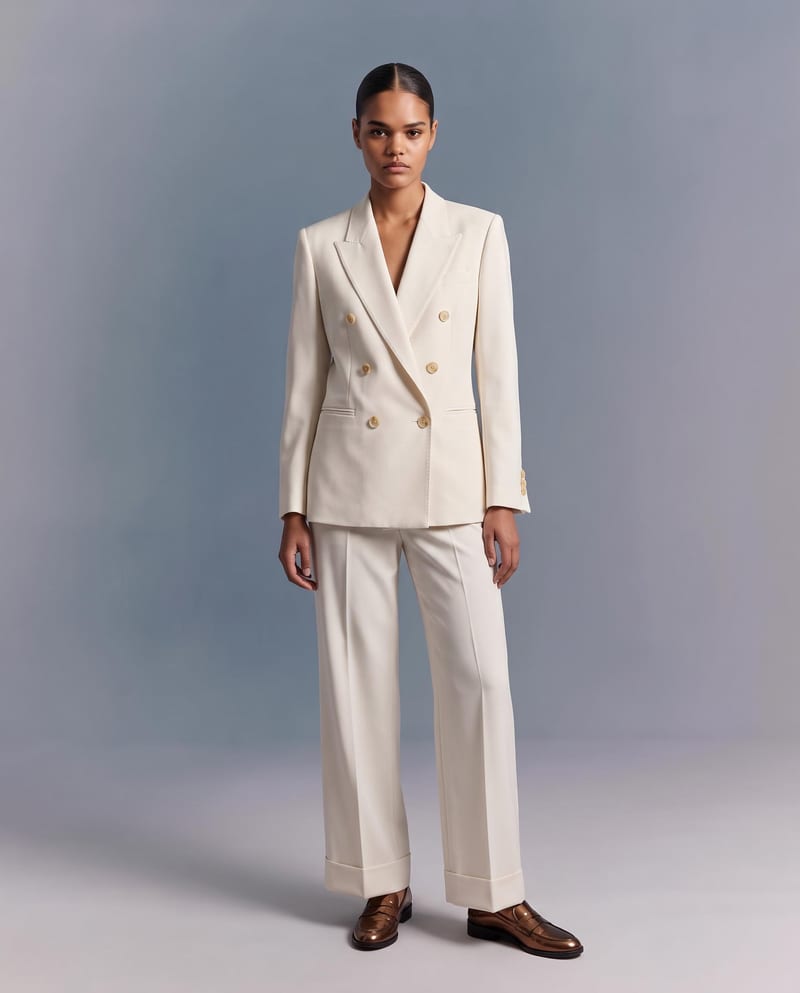
Studio Outfit Photo
One click, whole workflow
Recipes are here. Package a whole workflow and run it in one click
Explore recipesFashion Virtual Try-On
Upload a garment image to create a virtual try-on image of it on a model while preserving its design, color, fit, proportions, and details.
Studio Outfit Photo
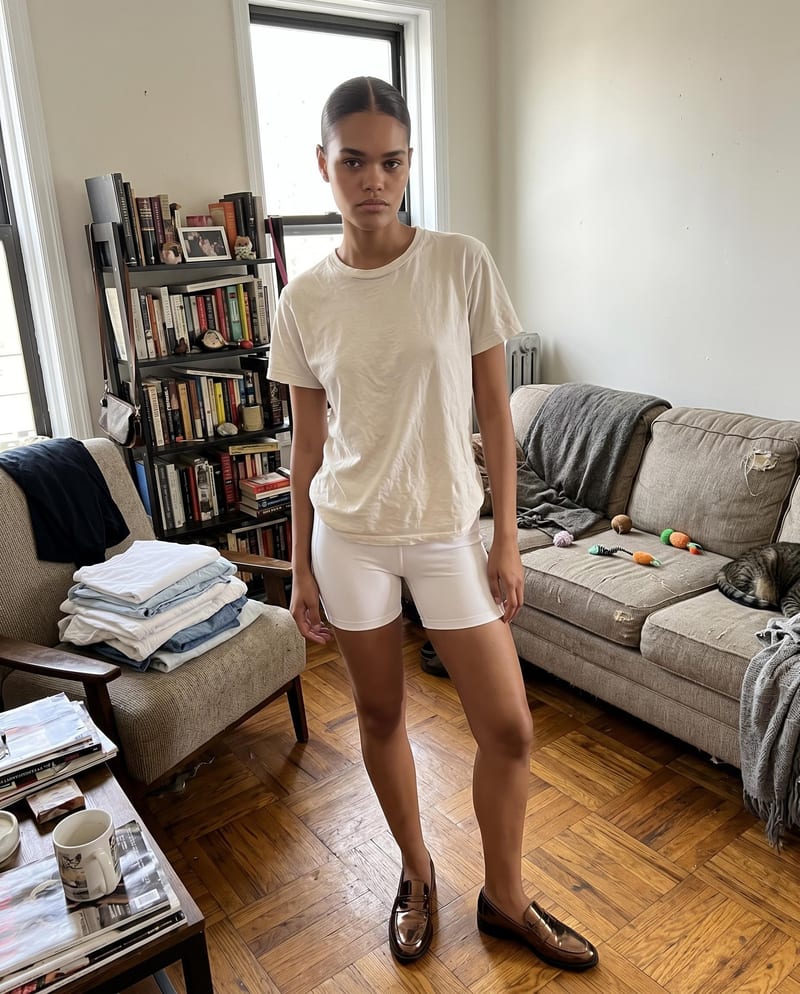
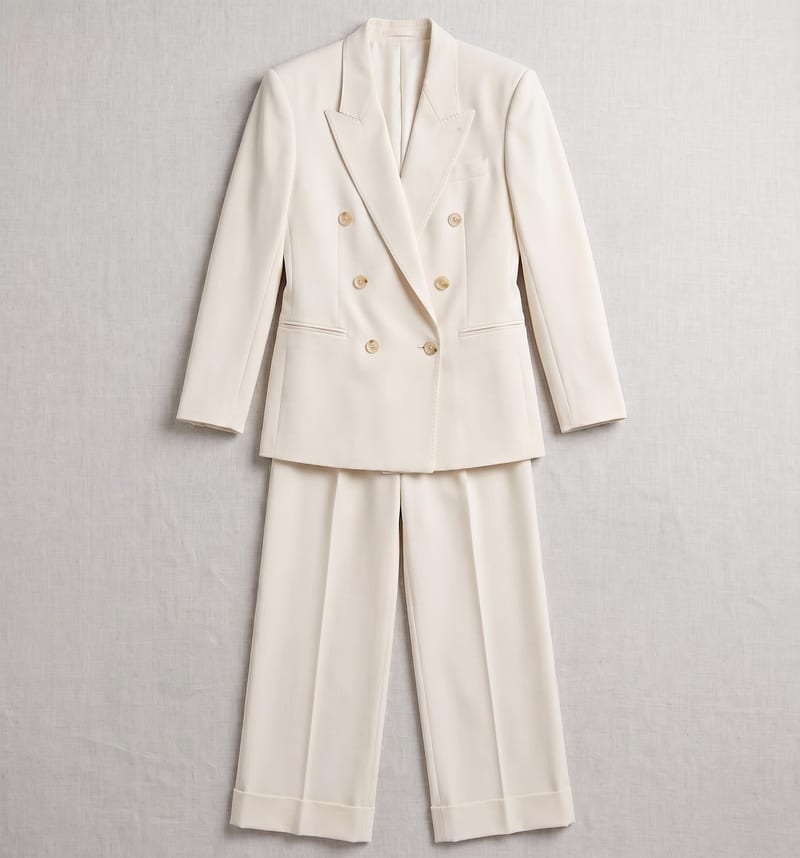
A recipe turns a reusable workflow into a simple set of inputs and outputs. Start with a community recipe and make it your own in Fuser.

1. Choose a recipe
Find a workflow for the result you want. Review what it does and how to use it before opening it in Fuser.
2. Make it your own
Check the recipe’s available inputs. Add your own text or media where supported, or start with the saved defaults.
3. Run and refine
Run it in Fuser and review the result on your canvas. Tweak the inputs to try another direction.
Use the virtual try-on image to develop and present fashion concepts across brand, product, and merchandising workflows.
It takes a Garment Image and creates a Virtual Try-On Image showing the garment on a model. The recipe is intended for visualizing how a garment can be presented while preserving its exact design, color, fit, proportions, and details.
Fashion brands, streetwear teams, product groups, designers, and merchandising teams can use it to present a garment on a model. It is useful when a flat-lay garment image needs a model-based visual for review or presentation.
Prepare one image of the garment and provide it as the Garment Image input. The recipe has one exposed input, so the garment image is the element you supply when creating a new result.
The output is one Virtual Try-On Image. It demonstrates the garment visualized on a model, with the recipe focused on retaining the garment’s design, color, fit, proportions, and details.
Yes. Garment Image is an exposed editable input, so you can replace the saved example’s image with another garment image in Fuser. The saved page example uses its connected default input; a new run uses the image you provide.
This recipe is suited to fashion and streetwear presentation, collection development, brand campaign planning, social content concepts, retail merchandising, and design review. The result is a visual garment presentation rather than a broader product or campaign workflow.
The recipe is designed to preserve the garment’s exact design, color, fit, proportions, and details while visualizing it on a model. The saved output is an example of that input-to-output transformation, while a new result depends on the garment image you submit.
Bring a garment image into Fuser to create a virtual try-on image for fashion presentation and review.
Develop pitches, campaign assets and interactive client work in Fuser. Combine AI generation, editable design and reusable processes across your agency.
Create product images, lifestyle scenes and campaign assets for your next ecommerce launch. Keep branding editable and reuse creative setups in Fuser.
Develop on-person garment imagery, editorial concepts and lookbook layouts. Bring collection references, virtual try-on and editable design together in Fuser.
Build working product demos, launch pages and brand visuals in Fuser. Help a small startup team turn the next idea into something people can try.
Explore a brand’s visual identity, refine typography and build real applications. Combine AI imagery with editable design and reusable workflows in Fuser.
Create studio-style product images, lifestyle scenes and motion studies. Combine reference-led generation with precise, editable composition in Fuser.
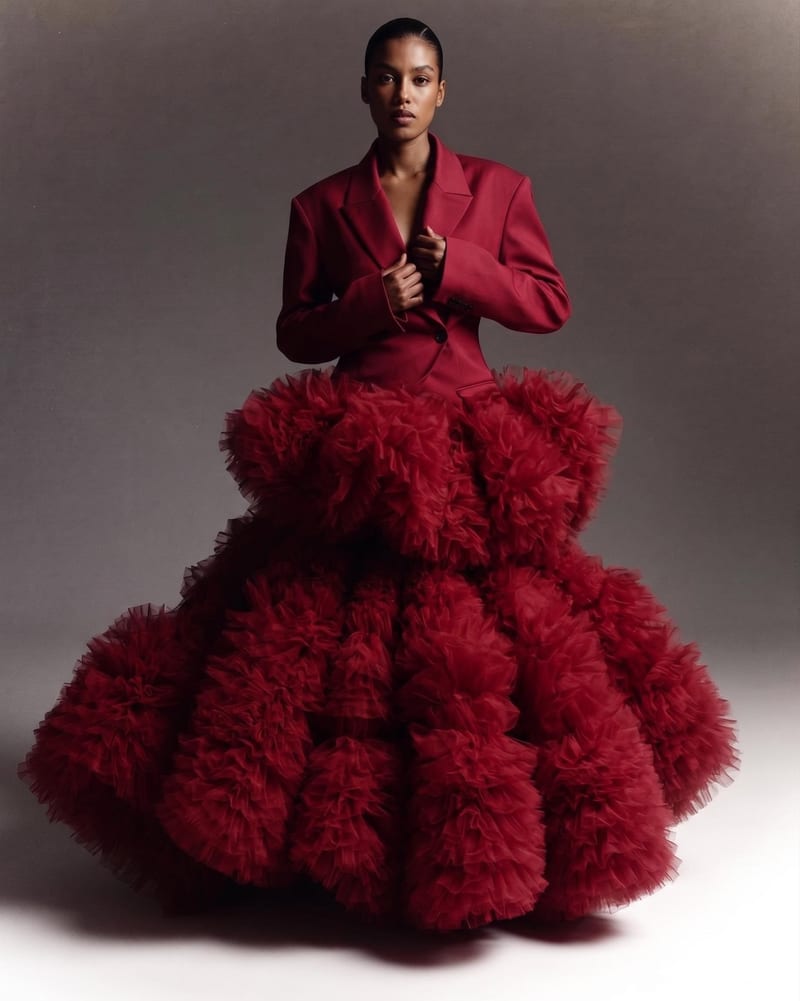
Combine two garment reference images into one blended style image with a cohesive fashion direction.
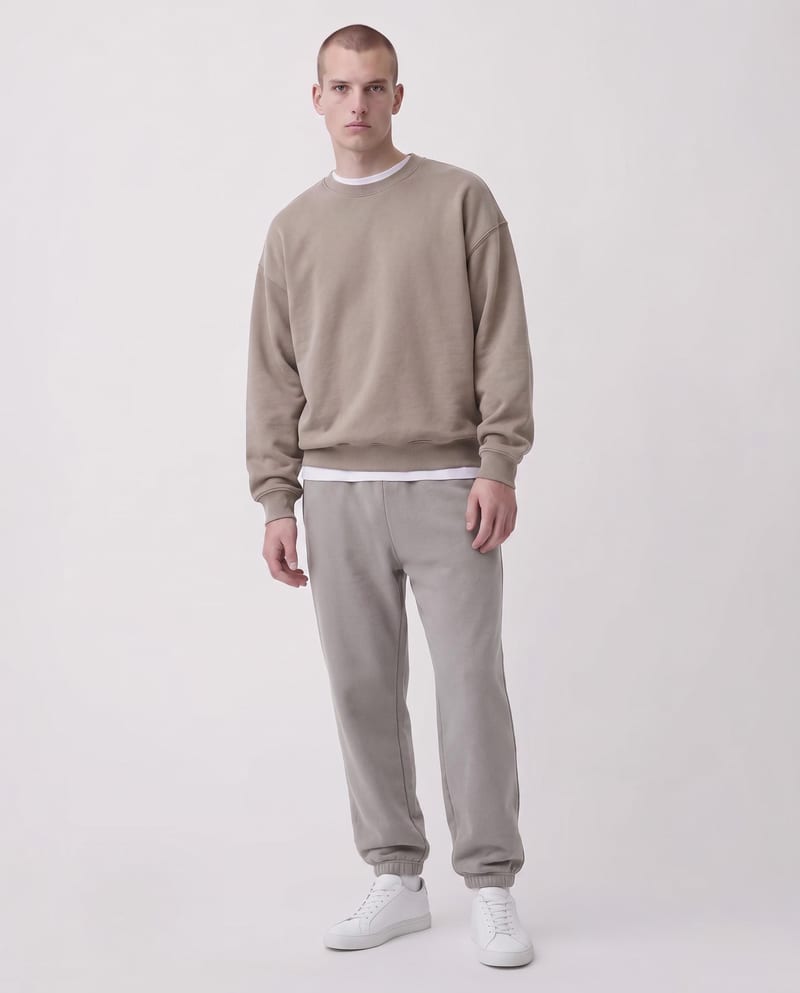
Upload a garment image and specify sections with color codes to create a recolored garment image.
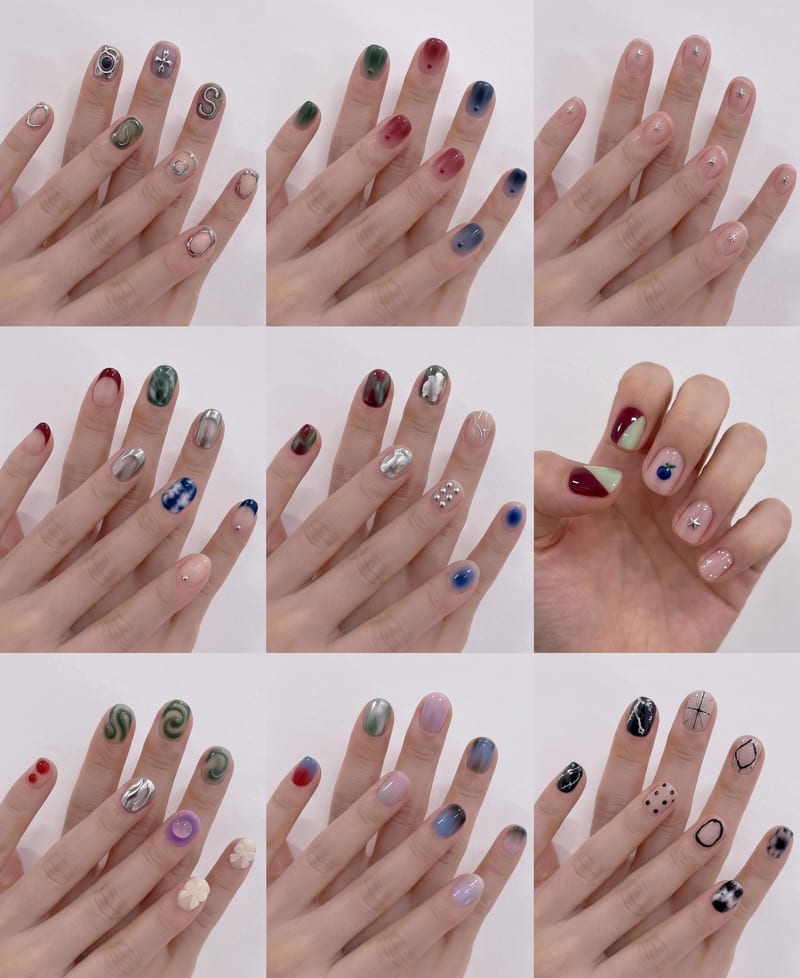
Upload a hand image and reference nail style to create a 3×3 grid of new nail design options.