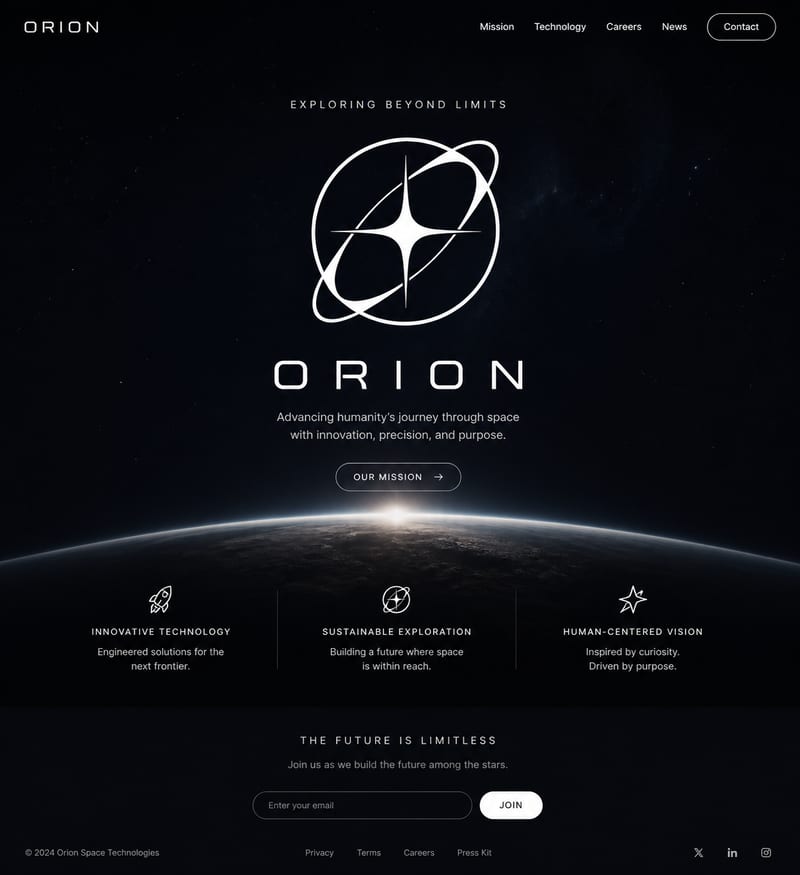
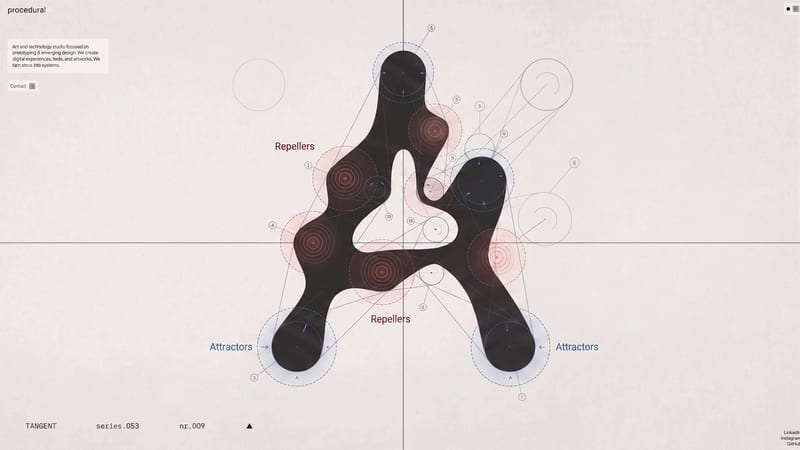
Recipev2
LinkedIn Banner Maker

LinkedIn Banner
One click, whole workflow
Recipes are here. Package a whole workflow and run it in one click
Explore recipesLinkedIn personal branding
Turn a source image into a professional LinkedIn banner aligned with your career, industry, and personal brand.
LinkedIn Banner

A recipe turns a reusable workflow into a simple set of inputs and outputs. Start with a community recipe and make it your own in Fuser.

1. Choose a recipe
Find a workflow for the result you want. Review what it does and how to use it before opening it in Fuser.
2. Make it your own
Check the recipe’s available inputs. Add your own text or media where supported, or start with the saved defaults.
3. Run and refine
Run it in Fuser and review the result on your canvas. Tweak the inputs to try another direction.
Create a professional visual asset for different stages of your LinkedIn presence and career presentation.
It turns one source image into a LinkedIn Banner image. The recipe is intended for a professional banner that reflects your career, industry, and personal brand.
It can help professionals, job seekers, and people developing a personal brand for LinkedIn. It is especially relevant when your current banner no longer matches your career direction or professional identity.
Prepare one source image that relates to the professional identity, career, or industry you want your LinkedIn profile to communicate. The recipe exposes that image as its editable input, so you can change it in Fuser.
The saved example shows a source image connected to a LinkedIn Banner output. It demonstrates the recipe’s intended workflow, while a new run uses the source image you choose in Fuser.
Yes. Source Image is the exposed input, so you can replace it in Fuser before creating a new LinkedIn banner.
The output is an image labeled LinkedIn Banner, designed for a professional LinkedIn profile. The recipe description supports alignment with your career, industry, and personal brand, but it does not expose separate inputs for additional assets or written content.
Use it when refreshing a LinkedIn profile, preparing for a job search, changing career direction, or presenting a clearer personal brand. It is focused on creating a LinkedIn banner from a single source image rather than producing a broader set of profile materials.
Bring a source image to Fuser and turn it into a professional banner for your LinkedIn profile.
Develop pitches, campaign assets and interactive client work in Fuser. Combine AI generation, editable design and reusable processes across your agency.
Build working product demos, launch pages and brand visuals in Fuser. Help a small startup team turn the next idea into something people can try.
Turn a UI or UX idea into a working web prototype. Create its visual assets, refine the interaction and share a live Fuser App for feedback.
Create social graphics, carousel artwork and short videos with a recognizable brand style. Keep copy editable and recurring content easier to produce in Fuser.
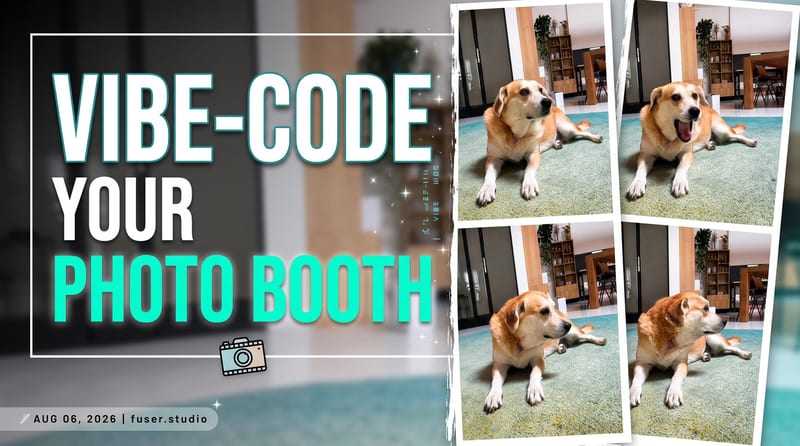
Turn a source image and custom thumbnail text into a bold YouTube thumbnail image for video promotion.
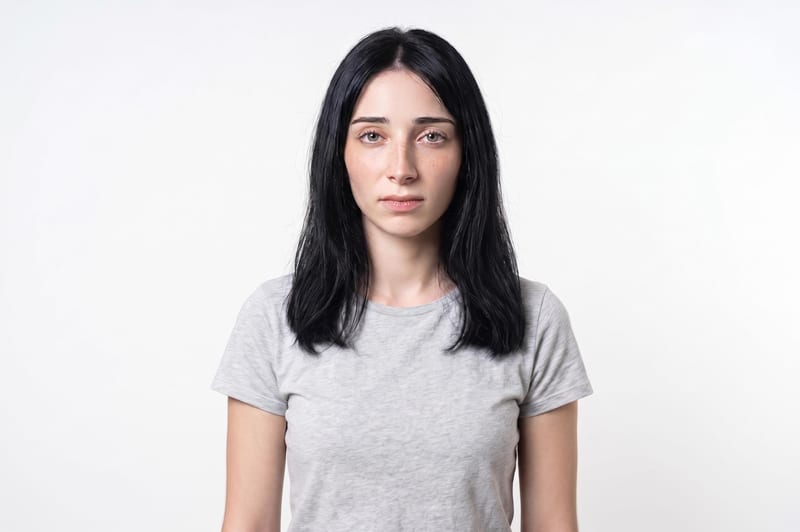
Upload one unretouched face photo to reduce blemishes, smooth uneven texture, and refine skin tone in two retouched outputs.
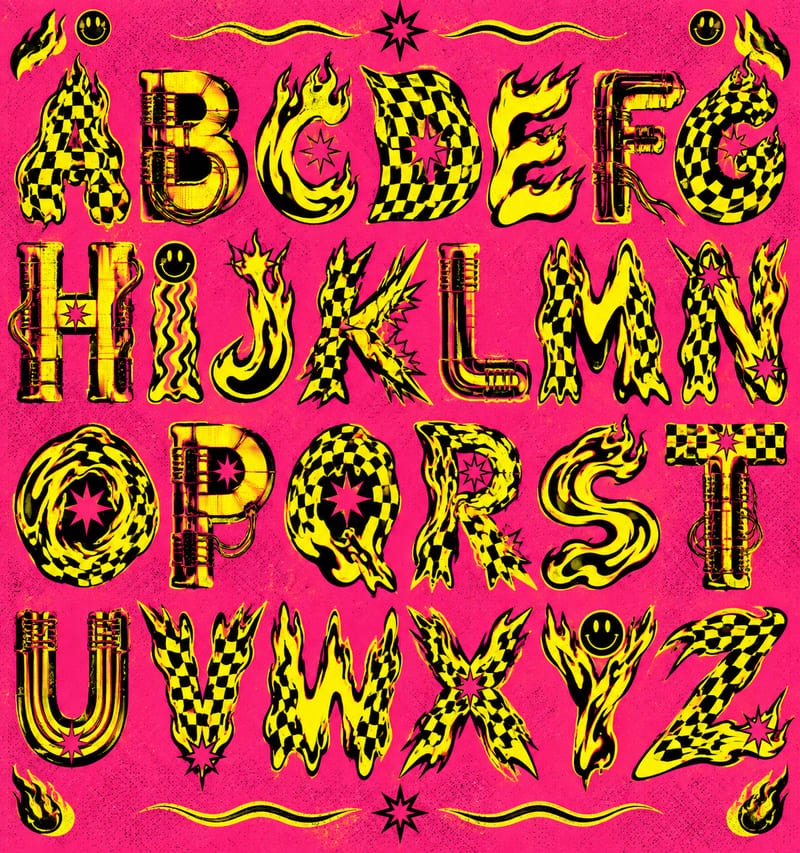
Use a style reference and custom text to create a generated alphabet and styled lettering in the reference’s visual style.