Recipev3
Eventbrite Banner Generator
Eventbrite Banner
One click, whole workflow
Recipes are here. Package a whole workflow and run it in one click
Explore recipesEvent Branding
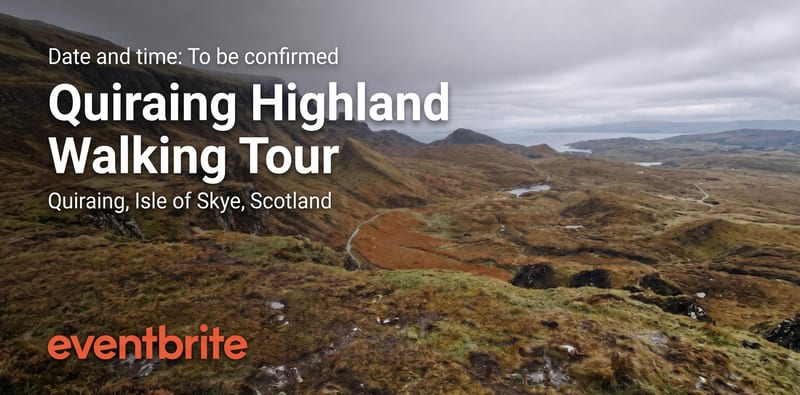
Turn a source image into an Eventbrite event banner that reflects your event’s theme, atmosphere, and visual identity.
Eventbrite Banner
A recipe turns a reusable workflow into a simple set of inputs and outputs. Start with a community recipe and make it your own in Fuser.

1. Choose a recipe
Find a workflow for the result you want. Review what it does and how to use it before opening it in Fuser.
2. Make it your own
Check the recipe’s available inputs. Add your own text or media where supported, or start with the saved defaults.
3. Run and refine
Run it in Fuser and review the result on your canvas. Tweak the inputs to try another direction.
Create event visuals for planning, promotion, and presentation while keeping the source image at the center of the creative direction.
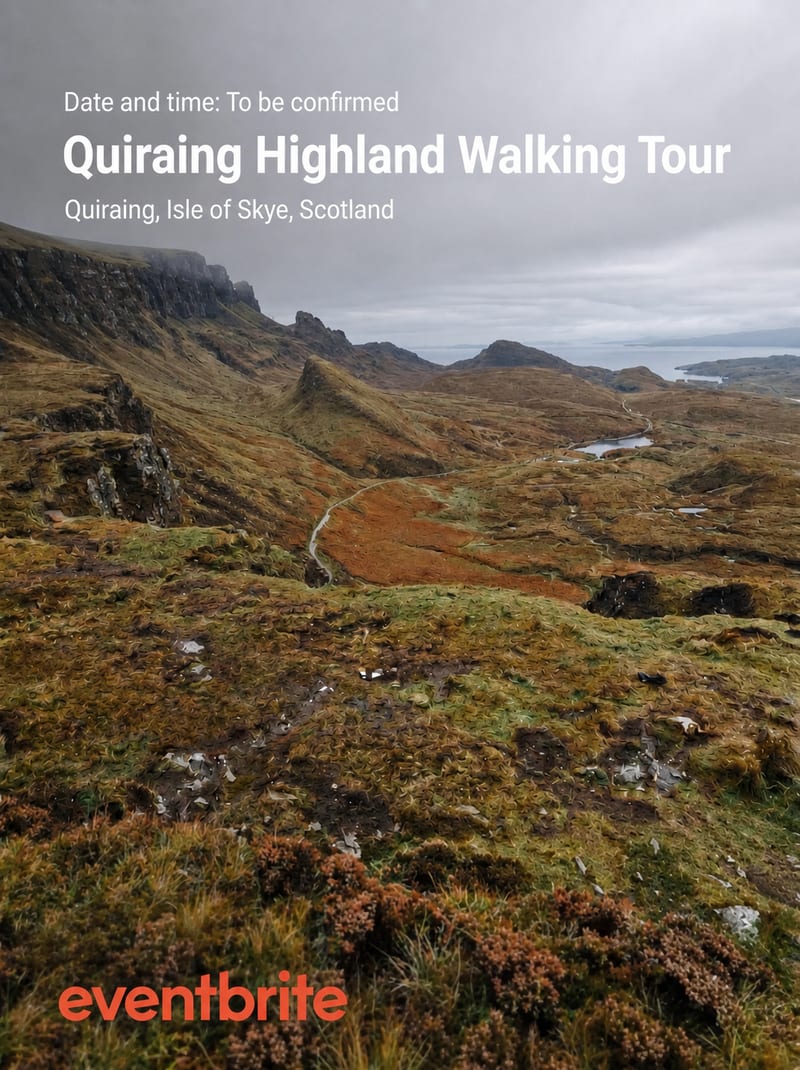
It creates one image output labeled Eventbrite Banner from one image input labeled Source Image. The result is intended to express an event’s theme, atmosphere, and visual identity in a banner format.
It is useful for event organizers, marketers, and brand teams preparing visual creative for an Eventbrite event. It can also help collaborators review a proposed event direction through a concrete banner asset.
Choose an image that communicates the event’s intended theme, atmosphere, or visual identity. A source image with a clear connection to the event gives the recipe a more relevant creative starting point.
Yes. Source Image is the exposed input, so you can replace it in Fuser with another image when you want to explore a different event direction. The saved example uses its own source image and does not represent every possible result.
The saved example demonstrates the connection between a source image and the resulting Eventbrite Banner output. It shows the recipe’s default saved input and output rather than a live generation or a guarantee about a new run.
The recipe can support Eventbrite banners for events with a defined visual theme, atmosphere, or identity, including branded events, workshops, meetups, and community gatherings. The source image should provide the visual direction for the particular event.
No separate text, layout, or branding fields are listed for this recipe. Its exposed customization is the Source Image, and the output is a single Eventbrite Banner image.
Bring an event-focused source image to Fuser and explore how it can become a polished Eventbrite banner.
Develop pitches, campaign assets and interactive client work in Fuser. Combine AI generation, editable design and reusable processes across your agency.
Create product images, lifestyle scenes and campaign assets for your next ecommerce launch. Keep branding editable and reuse creative setups in Fuser.
Build working product demos, launch pages and brand visuals in Fuser. Help a small startup team turn the next idea into something people can try.
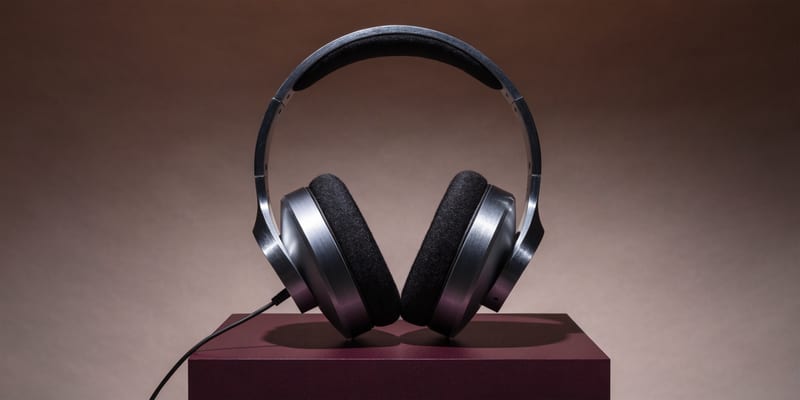
Develop campaign concepts, image and video ads, and editable channel layouts. Create meaningful creative variations in Fuser without rebuilding every asset.
Explore a brand’s visual identity, refine typography and build real applications. Combine AI imagery with editable design and reusable workflows in Fuser.
Create social graphics, carousel artwork and short videos with a recognizable brand style. Keep copy editable and recurring content easier to produce in Fuser.
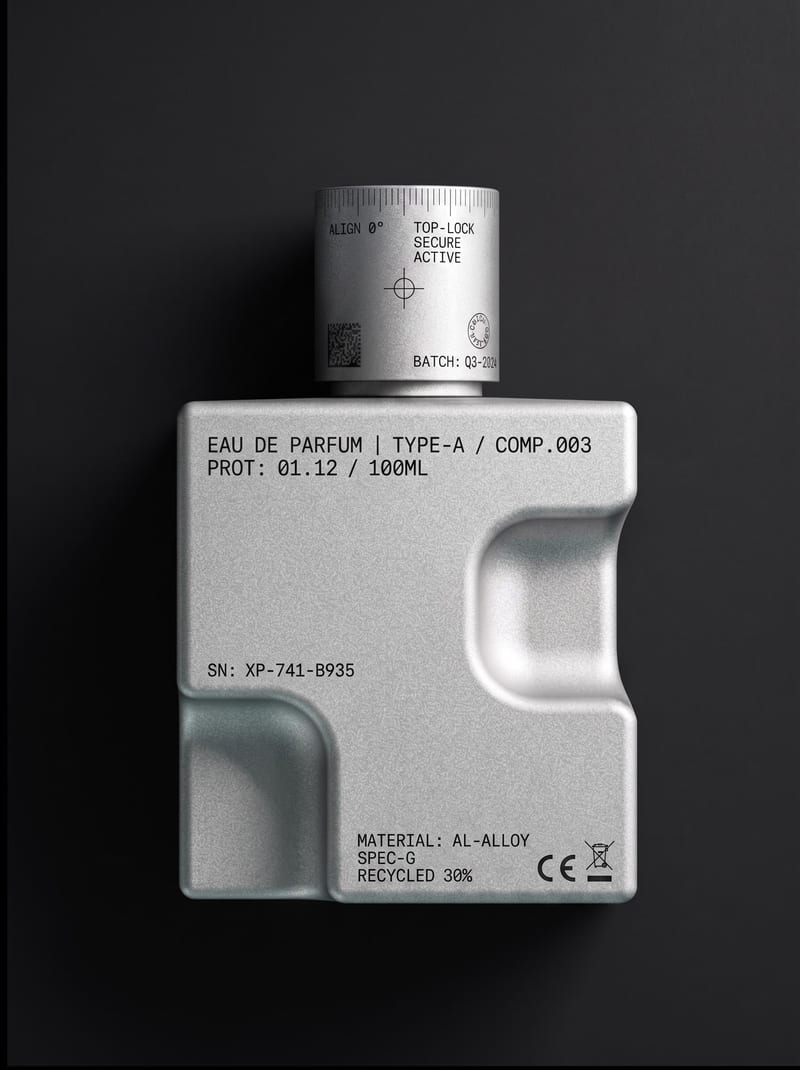
Upload an object or image and receive an image showing that object with micrographics added.

Turn one source image into a personalized Facebook cover banner for your style, interests, or brand identity.
Use a source image to create a YouTube channel banner with a cohesive look for your content, personality, and creative style.