Recipev4
Facebook Banner Generator

Facebook Banner
One click, whole workflow
Recipes are here. Package a whole workflow and run it in one click
Explore recipesFacebook cover banners
Turn one source image into a personalized Facebook cover banner for your style, interests, or brand identity.
Facebook Banner
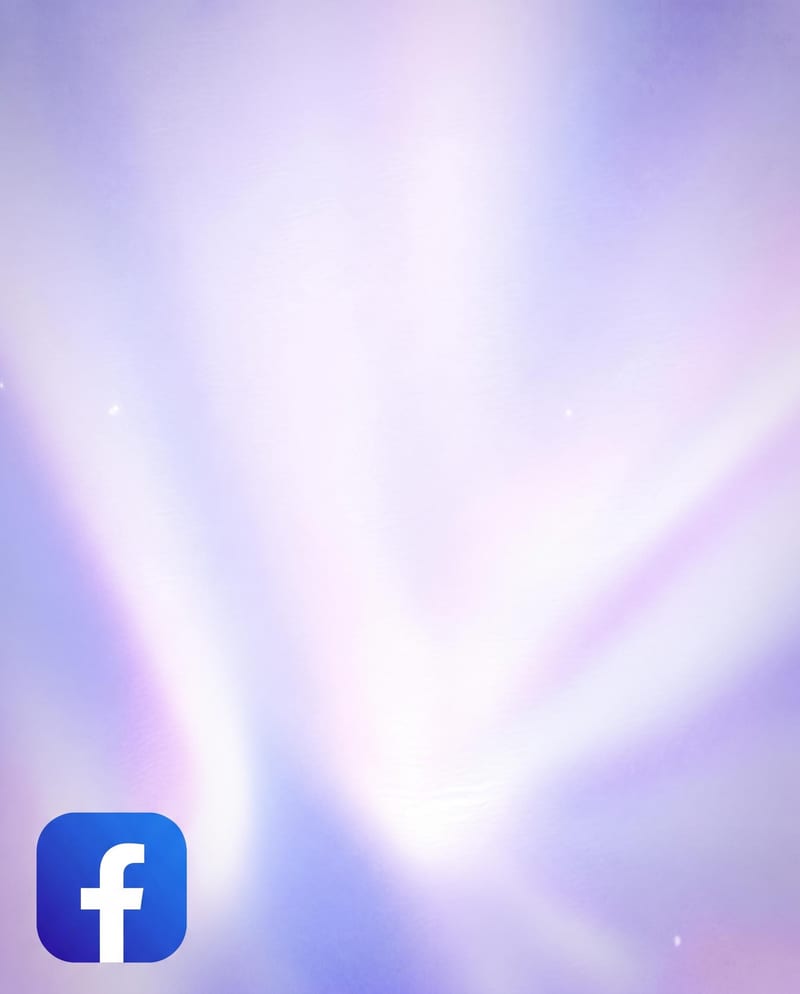
A recipe turns a reusable workflow into a simple set of inputs and outputs. Start with a community recipe and make it your own in Fuser.

1. Choose a recipe
Find a workflow for the result you want. Review what it does and how to use it before opening it in Fuser.
2. Make it your own
Check the recipe’s available inputs. Add your own text or media where supported, or start with the saved defaults.
3. Run and refine
Run it in Fuser and review the result on your canvas. Tweak the inputs to try another direction.
Use a source image to shape a Facebook cover banner for branding, promotion, and social profile presentation.
It uses one Source Image to create a Facebook Banner. The intended result is a personalized cover banner that can reflect your style, interests, or brand identity.
It is suitable for brands, creators, communities, and anyone updating a Facebook presence with a more personalized cover banner. The recipe connects a single image input to a Facebook Banner output.
Prepare one image that represents the style, interests, campaign, product, or identity you want the banner to support. The recipe exposes that image as the editable Source Image input in Fuser.
Yes. Source Image is the exposed input, so you can replace it in Fuser with another image before using the recipe. No additional editable controls are listed for this recipe.
The saved example shows the recipe’s default Source Image connected to its Facebook Banner output. It demonstrates the saved workflow rather than a new result generated from an image you provide.
The output is intended for a Facebook cover banner and is described as optimized for desktop and mobile viewing. It can support brand pages, creator profiles, communities, and promotional social content.
This recipe lists only one input, Source Image, and one output, Facebook Banner. Because no text, layout, color, or sizing controls are exposed, customization is centered on the image you provide rather than separately specified design settings.
Bring a source image into Fuser and use this recipe to create a personalized Facebook Banner for your style, interests, or brand identity.
Develop pitches, campaign assets and interactive client work in Fuser. Combine AI generation, editable design and reusable processes across your agency.
Create product images, lifestyle scenes and campaign assets for your next ecommerce launch. Keep branding editable and reuse creative setups in Fuser.
Build working product demos, launch pages and brand visuals in Fuser. Help a small startup team turn the next idea into something people can try.
Develop campaign concepts, image and video ads, and editable channel layouts. Create meaningful creative variations in Fuser without rebuilding every asset.
Explore a brand’s visual identity, refine typography and build real applications. Combine AI imagery with editable design and reusable workflows in Fuser.
Create social graphics, carousel artwork and short videos with a recognizable brand style. Keep copy editable and recurring content easier to produce in Fuser.
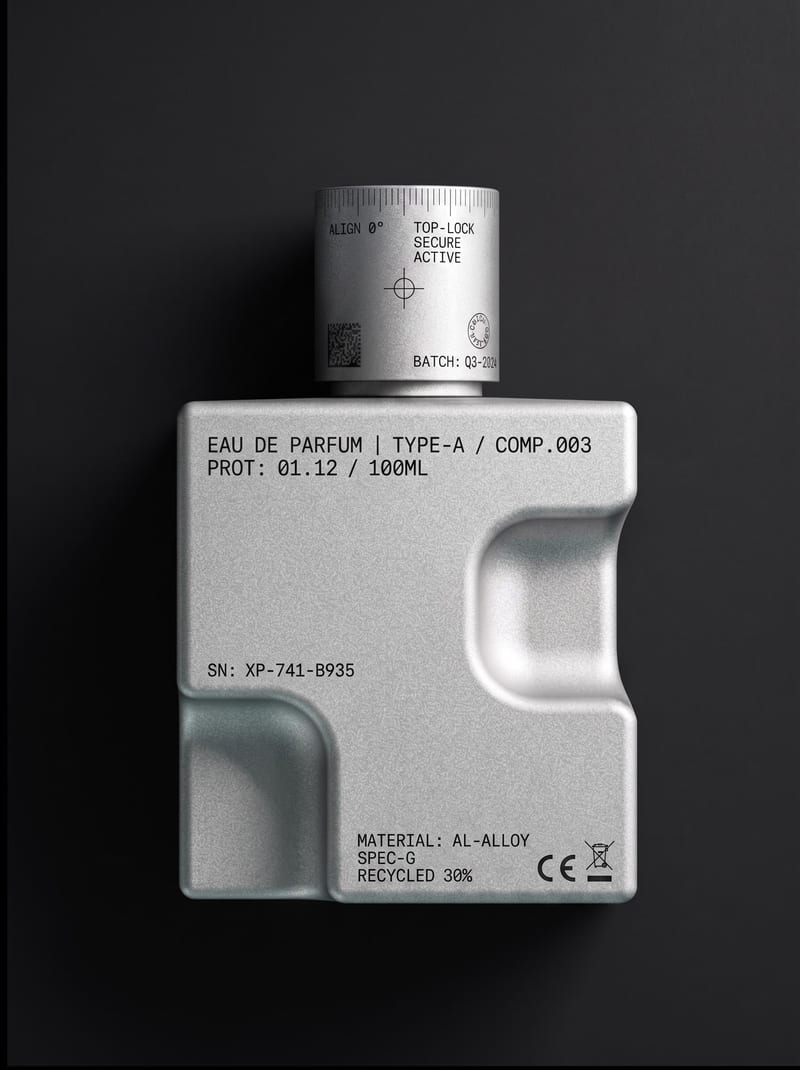
Upload an object or image and receive an image showing that object with micrographics added.
Use a source image to create a YouTube channel banner with a cohesive look for your content, personality, and creative style.
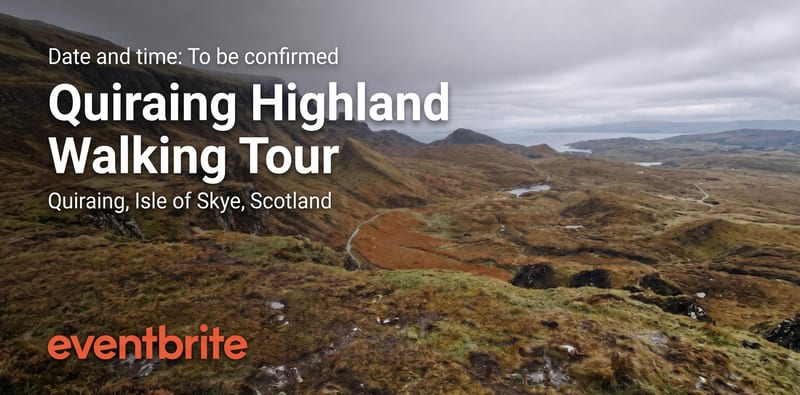
Turn a source image into an Eventbrite event banner that reflects your event’s theme, atmosphere, and visual identity.