Recipev3
Face Tuner
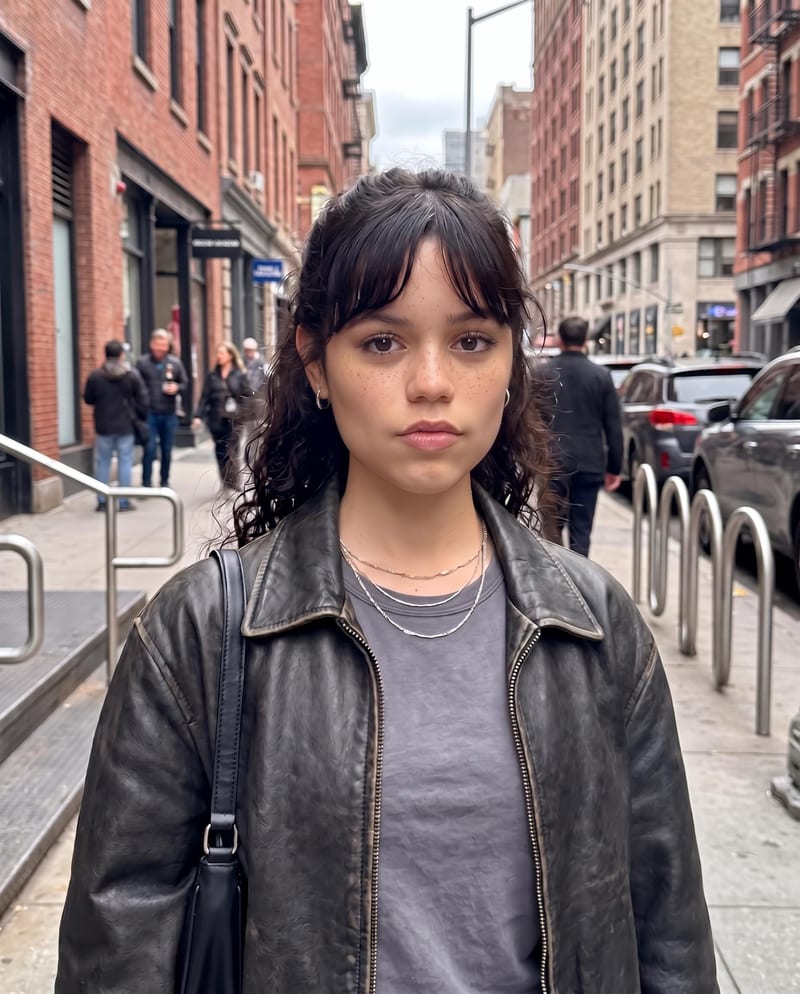
Edited Photo
One click, whole workflow
Recipes are here. Package a whole workflow and run it in one click
Explore recipesFacial Photography Editing
Edit an original portrait with a written instruction to refine facial features and produce a natural-looking edited photo.
Edited Photo
A recipe turns a reusable workflow into a simple set of inputs and outputs. Start with a community recipe and make it your own in Fuser.
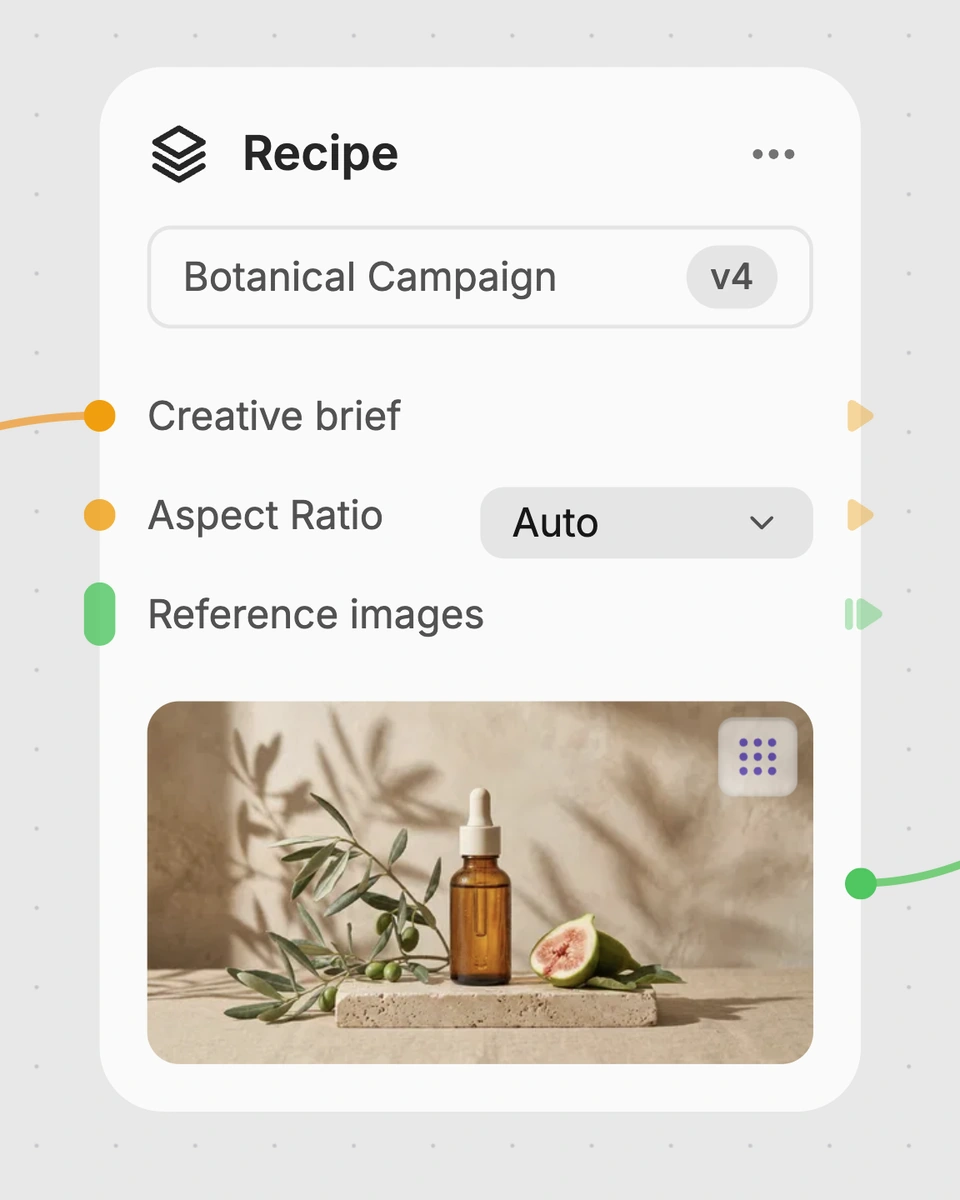
1. Choose a recipe
Find a workflow for the result you want. Review what it does and how to use it before opening it in Fuser.
2. Make it your own
Check the recipe’s available inputs. Add your own text or media where supported, or start with the saved defaults.
3. Run and refine
Run it in Fuser and review the result on your canvas. Tweak the inputs to try another direction.
Use the recipe for focused portrait edits across photography, social content, and creative image work.
Face Tuner applies a written instruction to an original image to adjust specific facial features. The recipe is intended for natural-looking edits that preserve identity, skin texture, and overall facial harmony.
It is useful for photographers, social content creators, and people preparing portraits for personal or creative use. It is best suited to focused facial adjustments rather than broad image changes.
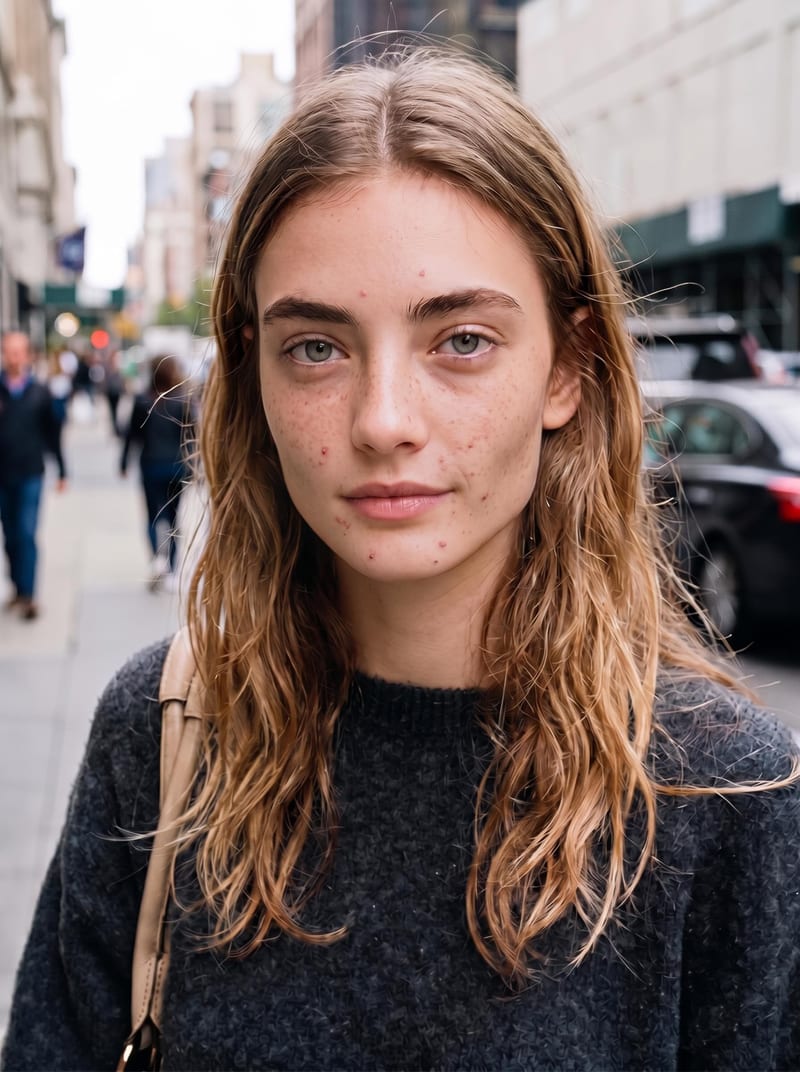
Add the portrait or other face-centered image you want to edit as the Original Image input. The saved example uses an image with an instruction focused on facial blemishes, redness, and jaw angles, but you can provide a different suitable image when using the recipe.
Yes. Original Image and Edit Instruction are exposed inputs, so you can replace the image and rewrite the instruction in Fuser. Describe the facial features you want adjusted and the intended degree of change as clearly as possible.
The saved example demonstrates an instruction to remove visible red pimples and inflamed blemishes from the forehead, cheeks, and chin, reduce patchy redness, and lessen the prominence of the jaw angles. Its saved output is an Edited Photo; a new run depends on the image and instruction you provide.
The recipe produces one Edited Photo from the Original Image and Edit Instruction. The intended result is a focused facial edit with natural-looking changes, rather than a separate report or set of adjustment controls.
No. Its stated purpose is adjusting specific facial features while preserving the broader look of the face. Use a more appropriate recipe when the main task involves changing the surrounding scene, adding objects, or making edits unrelated to facial appearance.
Bring an original image and describe the facial changes you want to explore in Fuser.
Develop pitches, campaign assets and interactive client work in Fuser. Combine AI generation, editable design and reusable processes across your agency.
Create social graphics, carousel artwork and short videos with a recognizable brand style. Keep copy editable and recurring content easier to produce in Fuser.
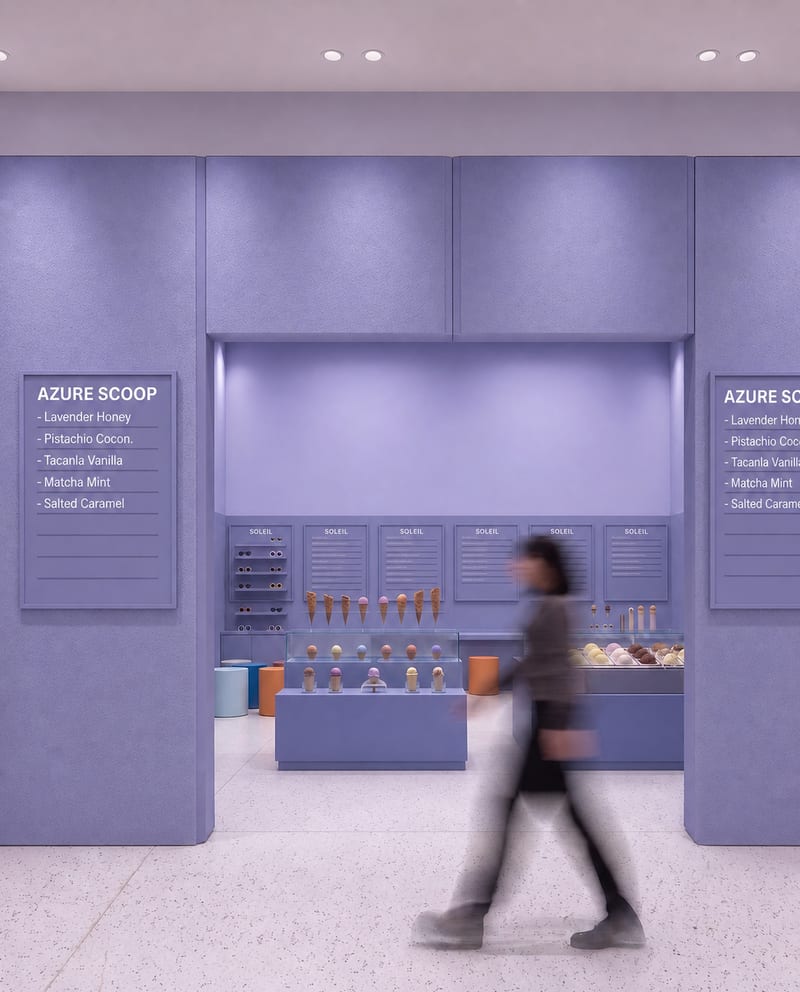
Upload a source image to remove AI-generated artifacts, distortions, and unnatural details while preserving its composition, style, and visual elements.
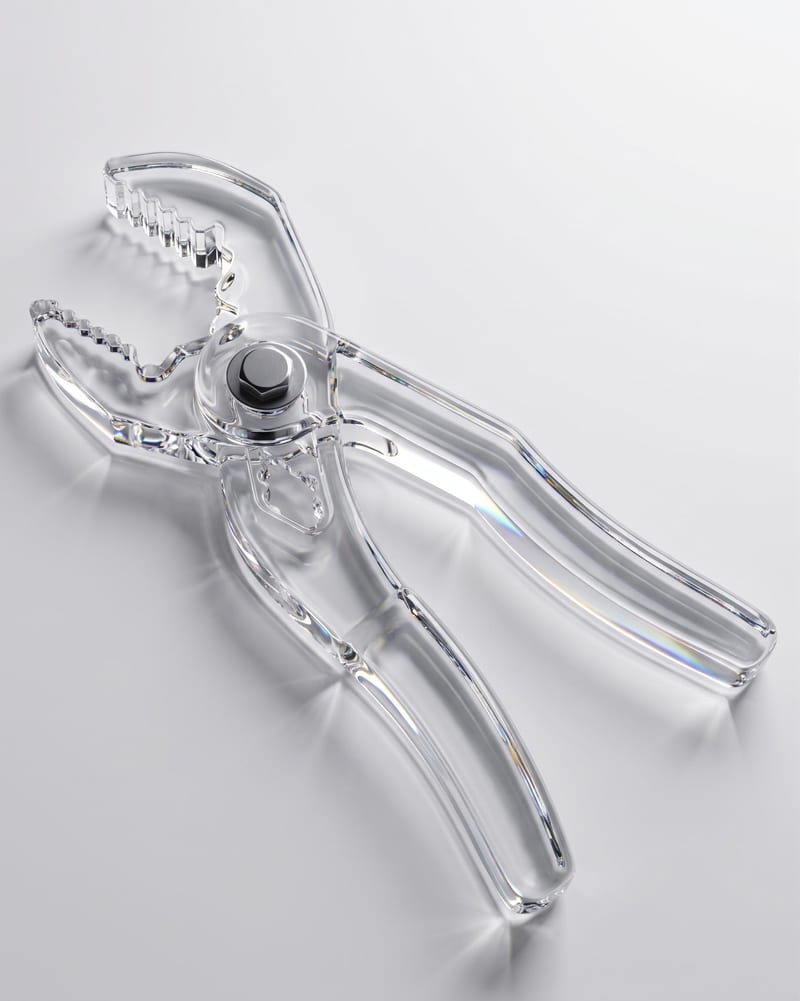
Upload an object image and enter a material such as glass to create an image of the object with that material.
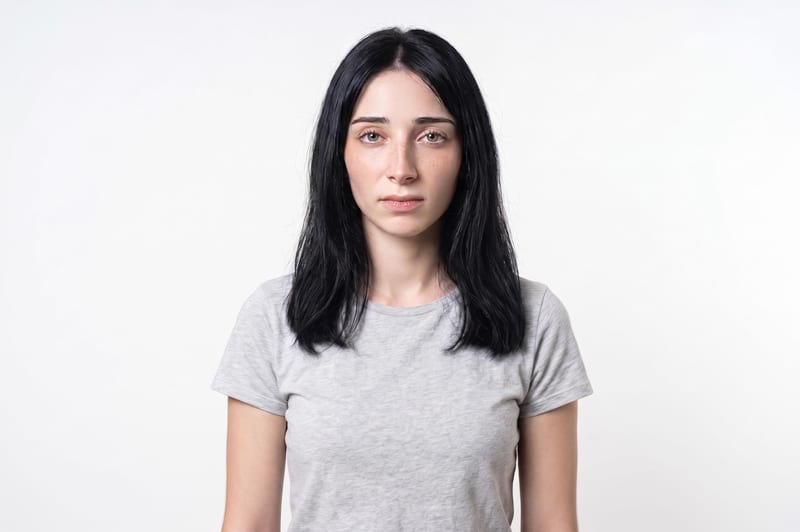
Upload one unretouched face photo to reduce blemishes, smooth uneven texture, and refine skin tone in two retouched outputs.