Recipev2
Material Swap
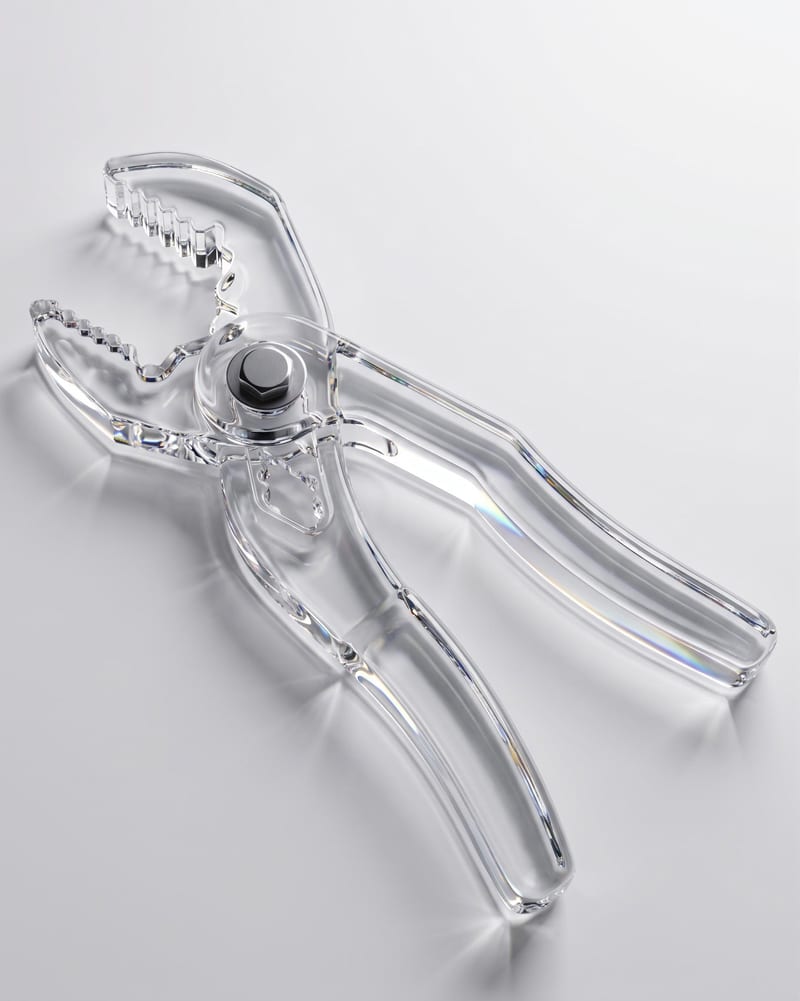
Material-Updated Object
One click, whole workflow
Recipes are here. Package a whole workflow and run it in one click
Explore recipesObject Material Studies
Upload an object image and enter a material such as glass to create an image of the object with that material.
Material-Updated Object
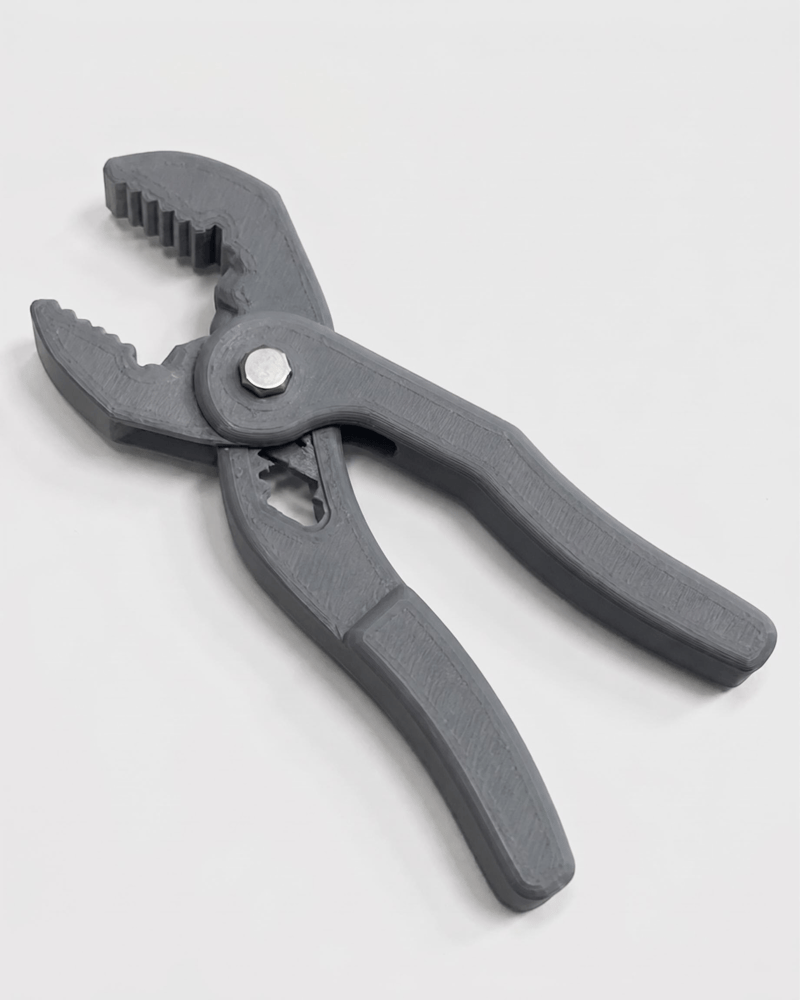
A recipe turns a reusable workflow into a simple set of inputs and outputs. Start with a community recipe and make it your own in Fuser.

1. Choose a recipe
Find a workflow for the result you want. Review what it does and how to use it before opening it in Fuser.
2. Make it your own
Check the recipe’s available inputs. Add your own text or media where supported, or start with the saved defaults.
3. Run and refine
Run it in Fuser and review the result on your canvas. Tweak the inputs to try another direction.
Use text-based material changes to explore object concepts across photography, illustration, and social content workflows.
It replaces the main object’s material with the material entered as text. The recipe is designed to preserve the object’s exact geometry, details, position, lighting, and composition while creating a material-updated object image.
It is useful for photographers, illustrators, designers, and content teams exploring different material treatments for an existing object image. It can support early concept development, visual comparisons, and social content planning within those areas.
Provide an Object Image showing the object whose material you want to change. Then enter the desired material in the Material Image text input; the saved example uses “glass” as its material specification.
The recipe creates one image labeled Material-Updated Object. The saved example demonstrates an object image transformed using the text material “glass”; a new run uses the object image and material text you provide.
Yes. The Object Image and Material Image text inputs are exposed editable inputs in Fuser, so you can replace the source object image and enter a different material description. The recipe’s intended result remains a material change while retaining the object’s geometry, details, position, lighting, and composition.
You can enter a material description as text, with “glass” shown in the saved example. The recipe does not define a fixed list of supported materials, so use a clear material term that describes the treatment you want to explore.
Choose an image where the main object is clear enough to identify and where its position and surrounding composition matter to the intended result. The recipe focuses on changing the main object’s material rather than changing its geometry, placement, lighting, or overall composition.
Log in to Fuser to replace the saved object image or material text and create your own material-updated object.
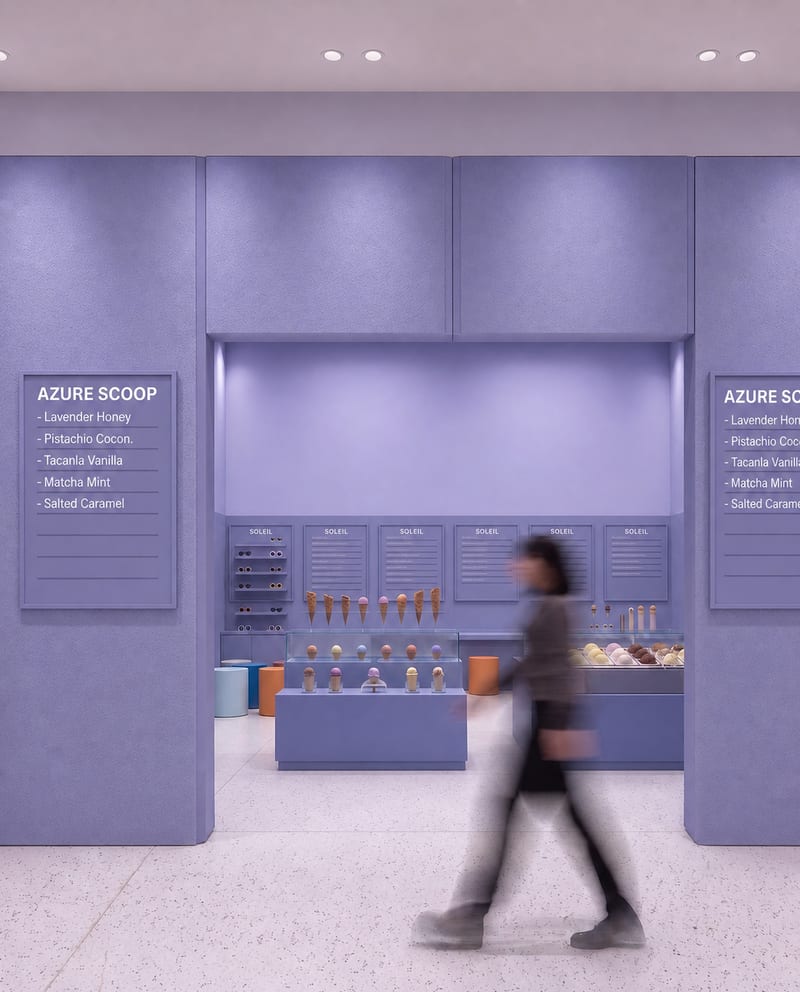
Upload a source image to remove AI-generated artifacts, distortions, and unnatural details while preserving its composition, style, and visual elements.
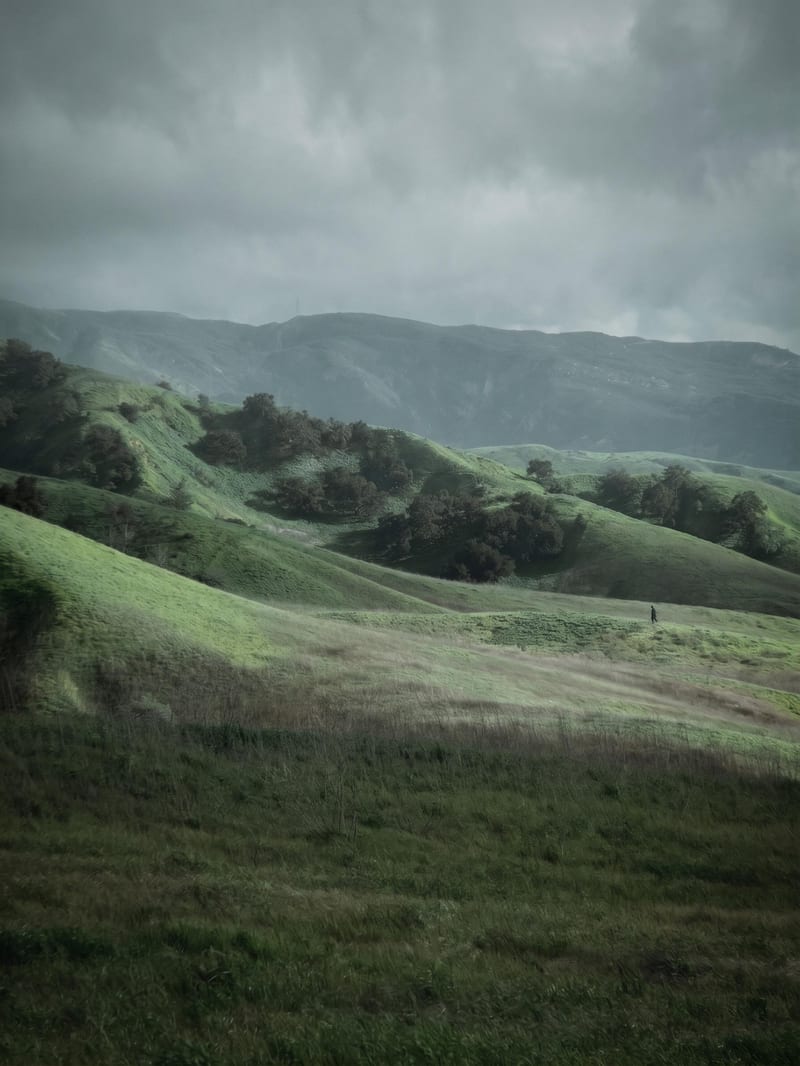
Transform a source image into a poetic, contemplative cinematic image with muted earthy tones and analog film aesthetics.
Upload one unretouched face photo to reduce blemishes, smooth uneven texture, and refine skin tone in two retouched outputs.
