Recipev14
Hyperpop Graphic Effect
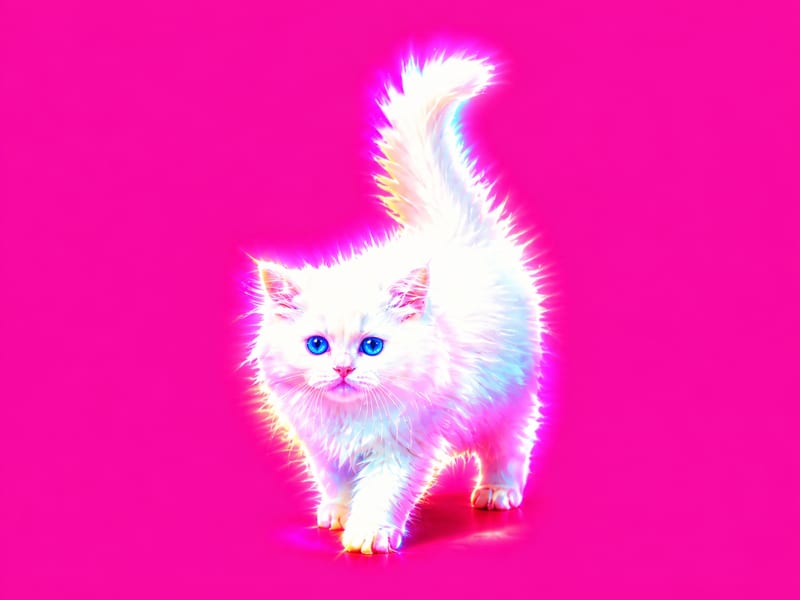
Hyperpop Version 01
One click, whole workflow
Recipes are here. Package a whole workflow and run it in one click
Explore recipesHyperpop image effects
Apply a hyperpop-style graphic effect to one image and receive two visual versions.
Hyperpop Version 01
A recipe turns a reusable workflow into a simple set of inputs and outputs. Start with a community recipe and make it your own in Fuser.

1. Choose a recipe
Find a workflow for the result you want. Review what it does and how to use it before opening it in Fuser.
2. Make it your own
Check the recipe’s available inputs. Add your own text or media where supported, or start with the saved defaults.
3. Run and refine
Run it in Fuser and review the result on your canvas. Tweak the inputs to try another direction.
Use the two generated image versions to explore hyperpop-inspired creative directions across visual content projects.
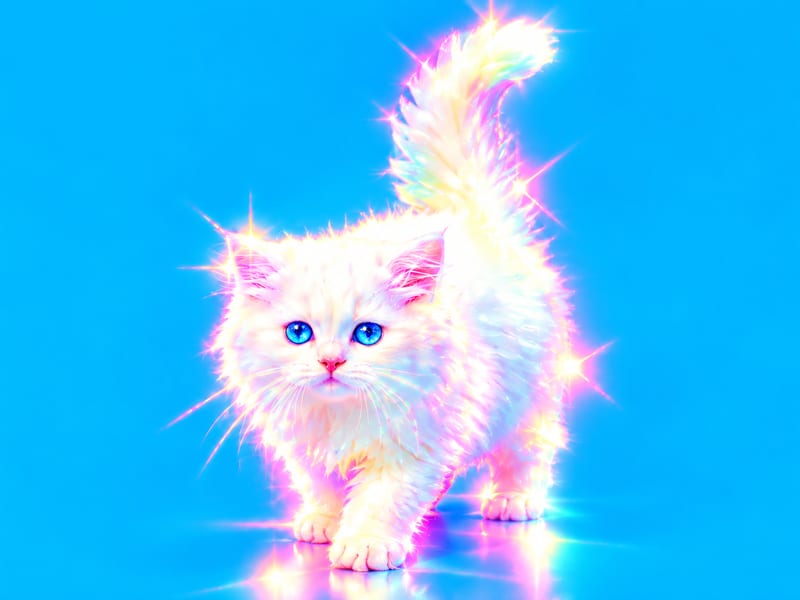
It adds a graphic effect with a hyperpop vibe to an image. The recipe produces two image outputs labeled Hyperpop Version 01 and Hyperpop Version 02.
It is suited to people developing marketing and advertising concepts, film and entertainment visuals, or memes. Anyone with an image to reinterpret can use it to explore two hyperpop-style outcomes.
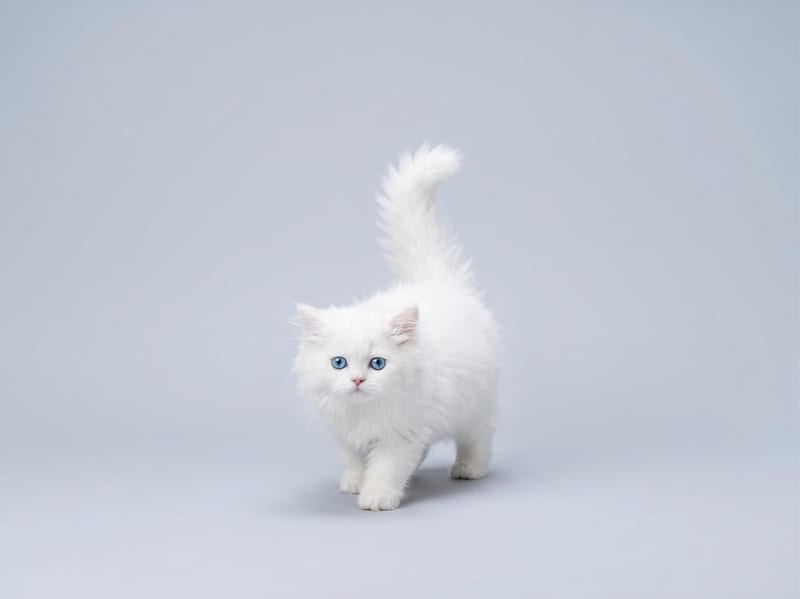
The recipe accepts one image through the Input Image field. Choose the image you want to reinterpret; no additional input types are exposed for this recipe.
A new run provides two image outputs: Hyperpop Version 01 and Hyperpop Version 02. The saved page example shows those outputs connected to its saved input image, while a new run uses the image you provide.
You can change the exposed Input Image in Fuser to apply the recipe to a different image. There are no other editable inputs listed for changing the hyperpop effect itself.
The recipe is relevant to marketing and advertising, film and entertainment, and meme projects. It can support early visual exploration, promotional concepts, and alternative image treatments within those areas.
No. The listed result is two image outputs with a hyperpop graphic effect; the recipe does not specify campaign creation, additional formats, or production-ready deliverables.
Log in to Fuser to use your own image with this recipe and generate two hyperpop-style graphic versions.
Develop pitches, campaign assets and interactive client work in Fuser. Combine AI generation, editable design and reusable processes across your agency.
Create product images, lifestyle scenes and campaign assets for your next ecommerce launch. Keep branding editable and reuse creative setups in Fuser.
Develop film treatments, character and environment concepts, storyboards and motion studies. Connect image, video and 3D exploration in Fuser.
Develop campaign concepts, image and video ads, and editable channel layouts. Create meaningful creative variations in Fuser without rebuilding every asset.
Develop storyboard frames, shot variations and video studies from your references. Compose clear boards and explore movement in one Fuser project.

Add front and back label designs plus a wine description to create bottle mockups in four presentation views.
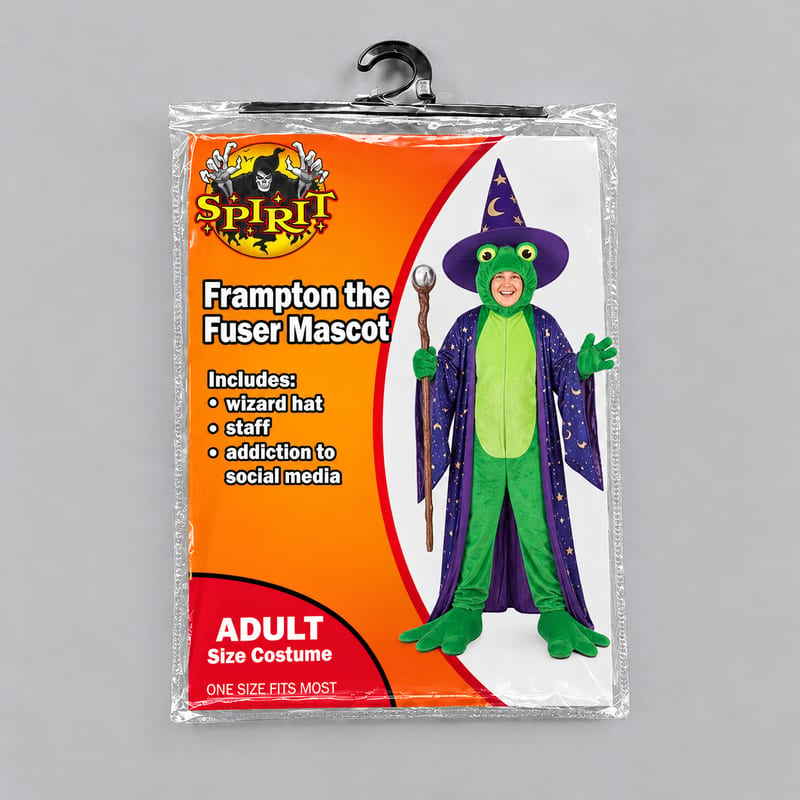
Enter a costume title, list what it includes, and add a costume image to create a personalized Spirit Halloween costume meme.
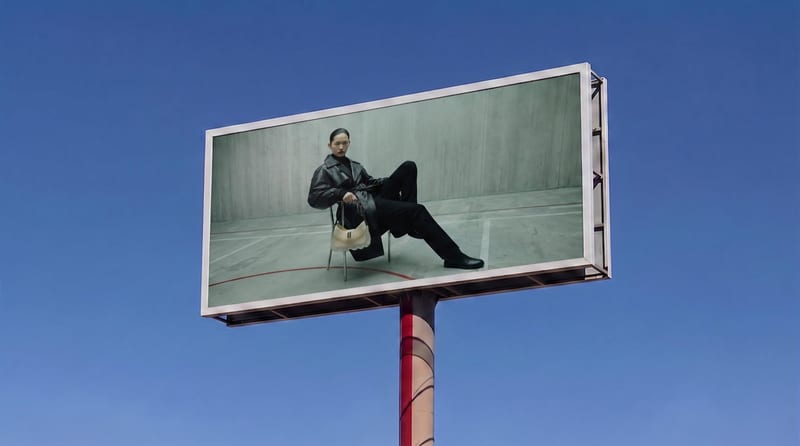
Place a source image onto a billboard screen for a realistic visualization with perspective, lighting, reflections, and scene integration.



