Recipev4
YouTube Thumbnail Generator
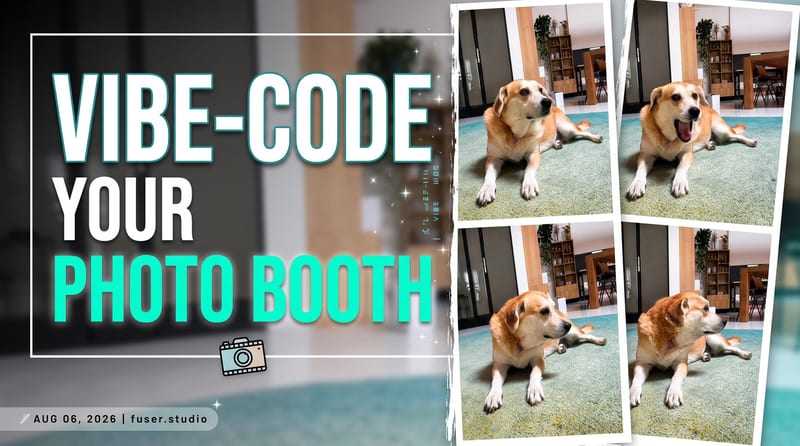
YouTube Thumbnail
One click, whole workflow
Recipes are here. Package a whole workflow and run it in one click
Explore recipesYouTube thumbnail design
Turn a source image and custom thumbnail text into a bold YouTube thumbnail image for video promotion.
YouTube Thumbnail
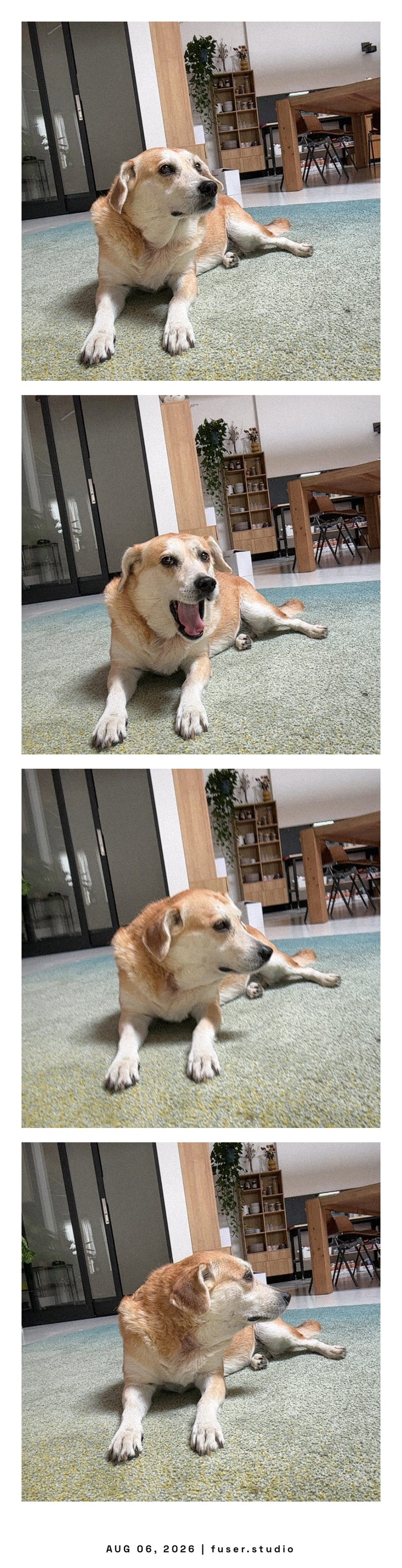
A recipe turns a reusable workflow into a simple set of inputs and outputs. Start with a community recipe and make it your own in Fuser.

1. Choose a recipe
Find a workflow for the result you want. Review what it does and how to use it before opening it in Fuser.
2. Make it your own
Check the recipe’s available inputs. Add your own text or media where supported, or start with the saved defaults.
3. Run and refine
Run it in Fuser and review the result on your canvas. Tweak the inputs to try another direction.
Create thumbnail concepts for different video formats, topics, and publishing needs using an image and a clear text prompt.
It is designed for creators, marketers, and video teams who need a thumbnail image built from an existing image and custom text. It can support planning, publishing, or exploring visual directions for YouTube content.
Prepare one source image and the wording you want displayed on the thumbnail. The saved example uses the text “Vibe code your own photo booth,” but you can replace it with your own phrase in Fuser.
The recipe outputs one image labeled “YouTube Thumbnail.” The saved example demonstrates the connection between its source image, thumbnail text, and resulting thumbnail image; a new run uses the inputs you provide.
Yes. Thumbnail Text is an exposed editable input in Fuser, so you can change the phrase for each video or concept. The Source Image input is also editable, allowing you to use a different image.
Short, direct phrases suited to a video thumbnail are the most practical choice because the output is a single thumbnail image. You can use a video title, hook, episode label, or announcement message as the thumbnail text.
Yes, the recipe accepts any source image and custom thumbnail text, so it can support different video subjects and formats. The output remains a YouTube thumbnail image rather than a video, caption, or broader campaign.
You can edit the Source Image and Thumbnail Text inputs in Fuser. Those are the recipe’s exposed inputs, so customization is centered on the image you provide and the wording you want included.
Bring an image and a clear video hook to Fuser, then use this recipe to develop a YouTube thumbnail concept.
Develop pitches, campaign assets and interactive client work in Fuser. Combine AI generation, editable design and reusable processes across your agency.
Build working product demos, launch pages and brand visuals in Fuser. Help a small startup team turn the next idea into something people can try.
Turn a UI or UX idea into a working web prototype. Create its visual assets, refine the interaction and share a live Fuser App for feedback.
Create social graphics, carousel artwork and short videos with a recognizable brand style. Keep copy editable and recurring content easier to produce in Fuser.

Turn a source image into a professional LinkedIn banner aligned with your career, industry, and personal brand.
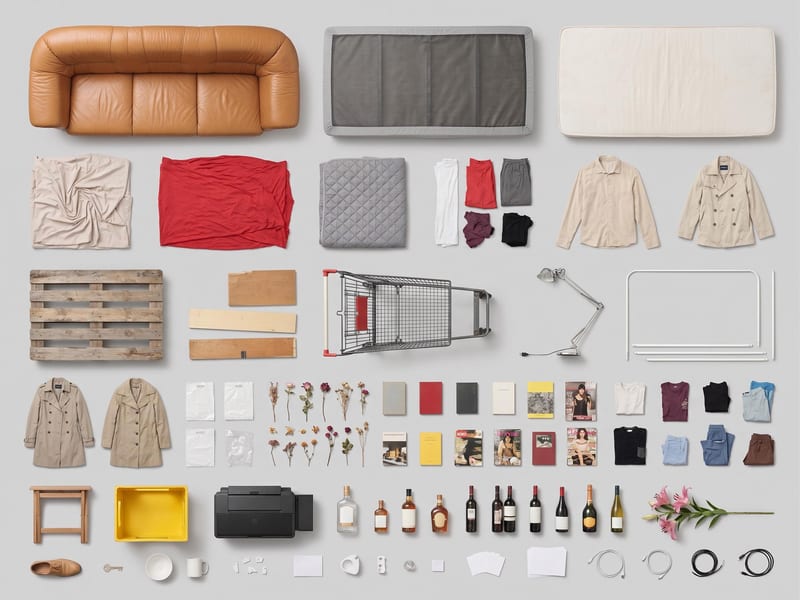
Use one source image to create a clean, top-down grid layout of its objects.
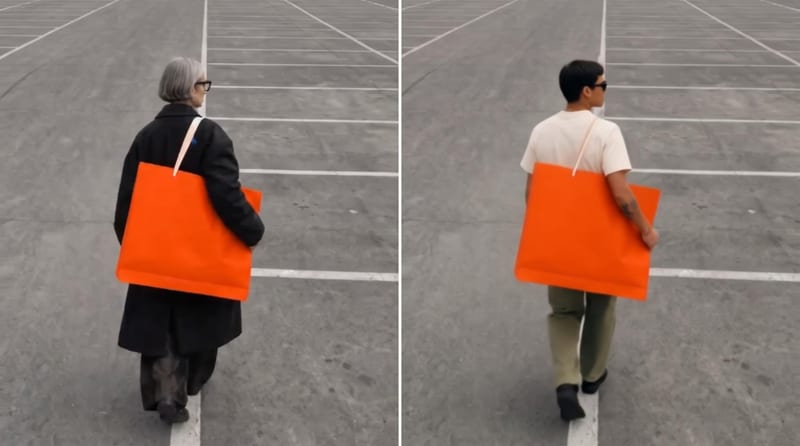
Use an original video, reference image, and edit instructions to create an edited video focused on the requested subject.