Recipev7
Meme Generator
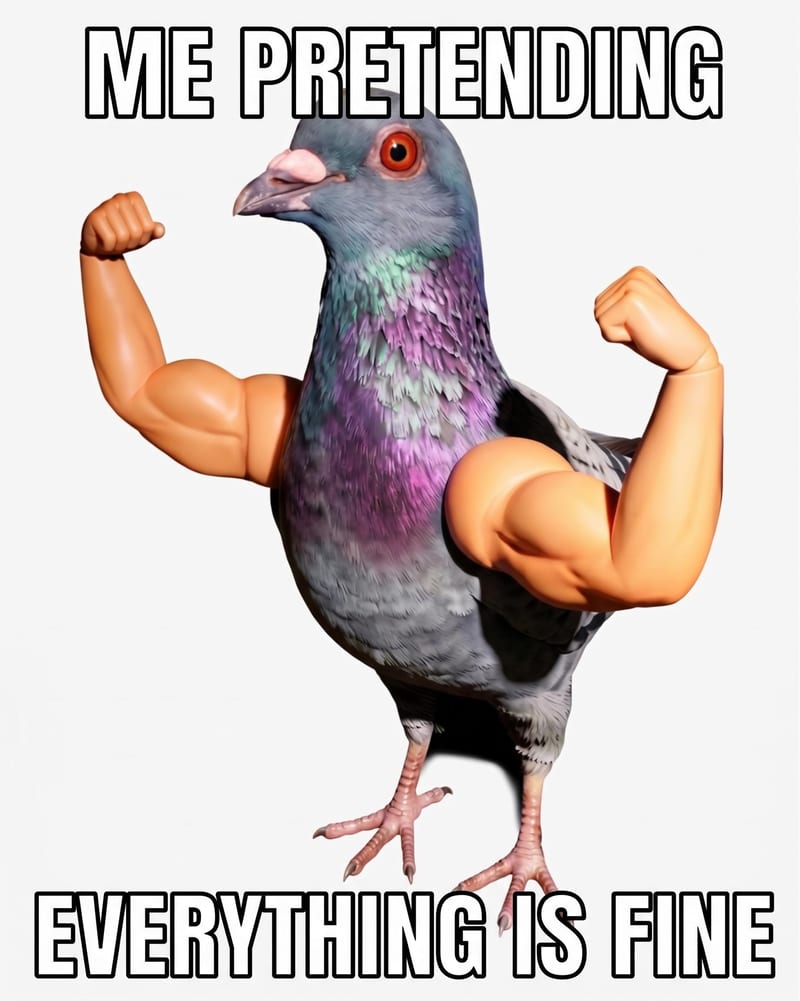
Meme Image
One click, whole workflow
Recipes are here. Package a whole workflow and run it in one click
Explore recipesMeme creation
Add custom meme text to a source image and receive a meme image for social and community content.
Meme Image
A recipe turns a reusable workflow into a simple set of inputs and outputs. Start with a community recipe and make it your own in Fuser.

1. Choose a recipe
Find a workflow for the result you want. Review what it does and how to use it before opening it in Fuser.
2. Make it your own
Check the recipe’s available inputs. Add your own text or media where supported, or start with the saved defaults.
3. Run and refine
Run it in Fuser and review the result on your canvas. Tweak the inputs to try another direction.
Use a source image and your own text to create meme images for different social and communication contexts.
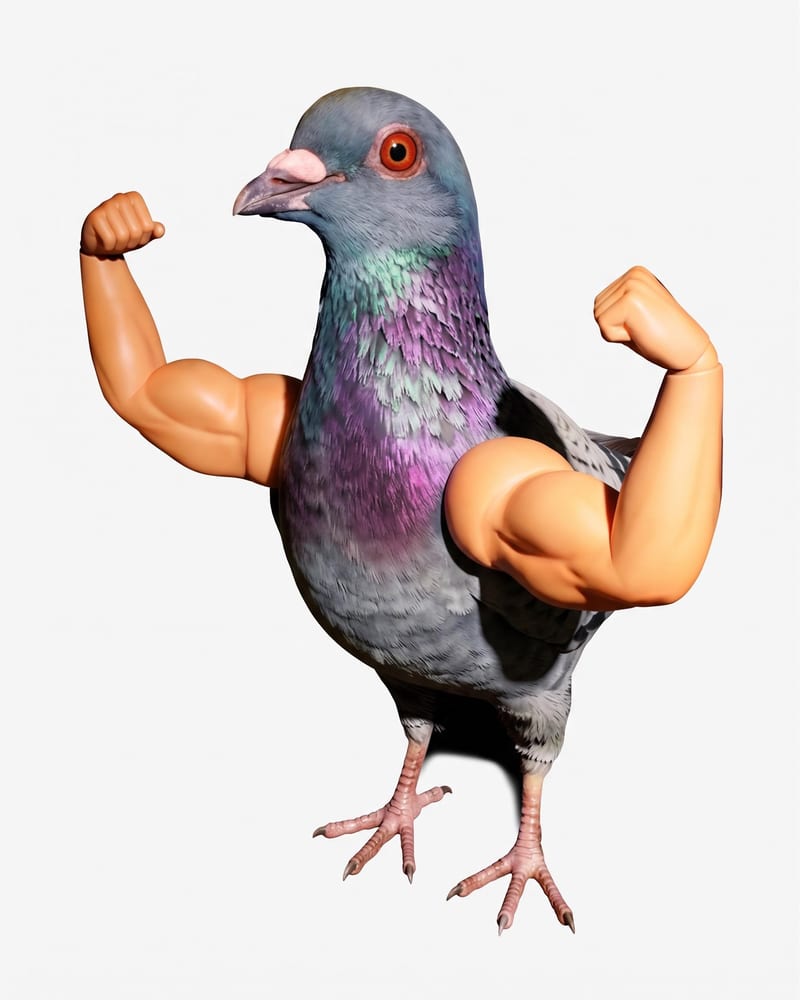
It transforms a Source Image and Meme Text into a Meme Image. The saved example uses the text “Me pretending everything is fine”; a new run can use your own image and wording.
It is designed for people creating memes, social content, community posts, and informal reactions. It is useful when you already have an image and want to pair it with a specific line of text.
Prepare one source image and the wording you want to appear as the meme text. The recipe exposes both inputs, so you can change the image and replace the default text in Fuser.
Yes. Meme Text is an editable input in Fuser, and its saved default is “Me pretending everything is fine.” Replace it with the phrase, reaction, or caption you want to use for a new meme image.
The recipe produces one output labeled Meme Image. The saved preview demonstrates the connection between its source image, its default meme text, and that image output; it does not represent a new run with your inputs.
It is suited to image-based memes for social posts, community content, chat reactions, and other informal sharing contexts. The recipe is focused on transforming an image with meme text rather than creating unrelated content types.
Yes. Source Image is an editable image input in Fuser, so you can provide a different image when creating a new meme. The saved example only shows the default image connected to the recipe.
Bring a source image and your own meme text to Fuser, then use this recipe to create a Meme Image.
Develop pitches, campaign assets and interactive client work in Fuser. Combine AI generation, editable design and reusable processes across your agency.
Create social graphics, carousel artwork and short videos with a recognizable brand style. Keep copy editable and recurring content easier to produce in Fuser.
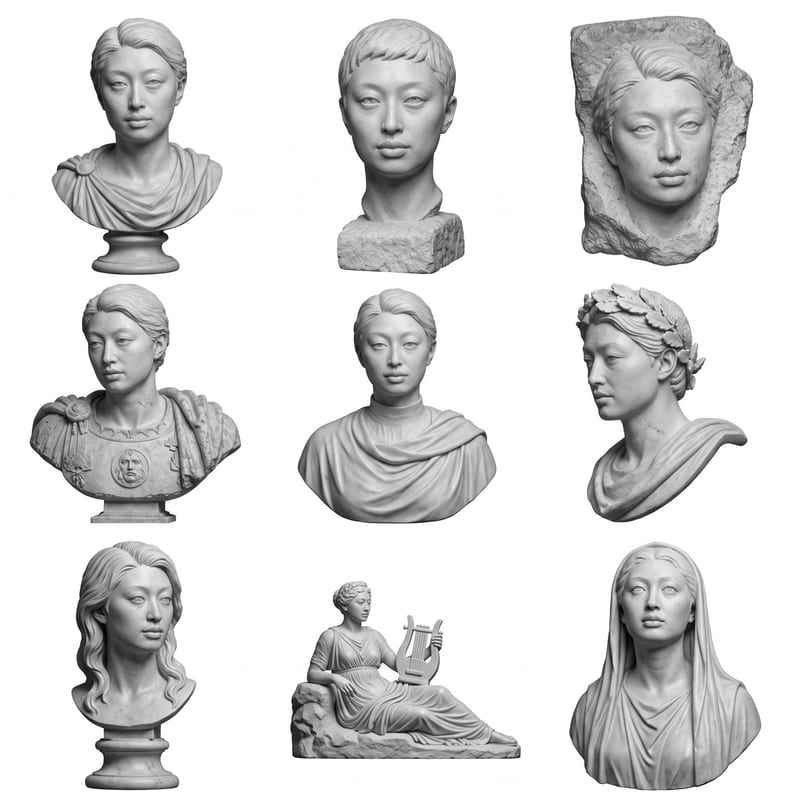
Upload a headshot, selfie, or photo to create a grid of Roman bust options.
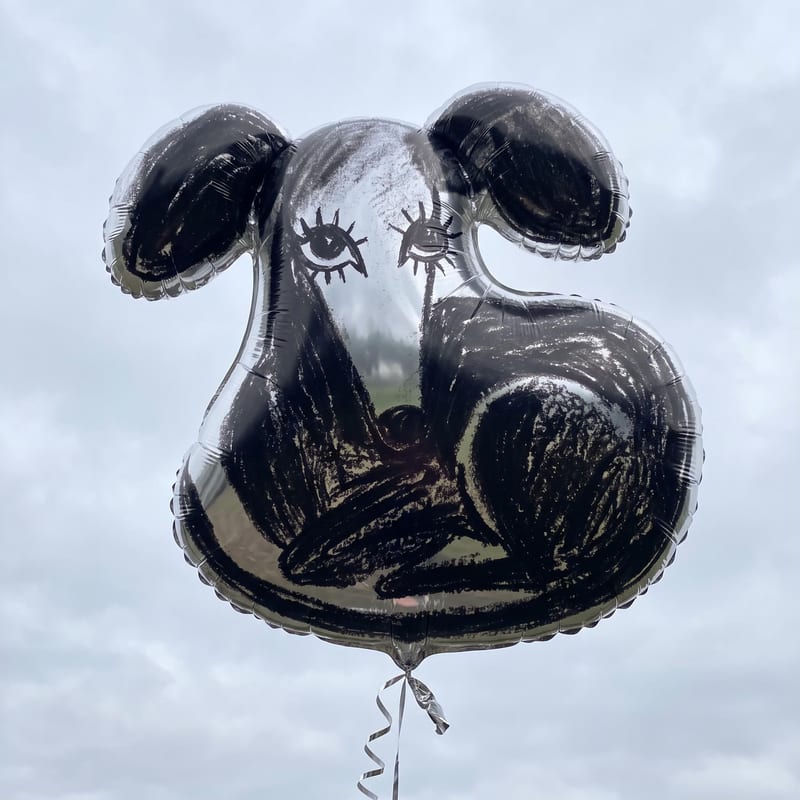
Turn an image, sketch, or logo into a mylar balloon image for playful social posts, memes, and illustrations.
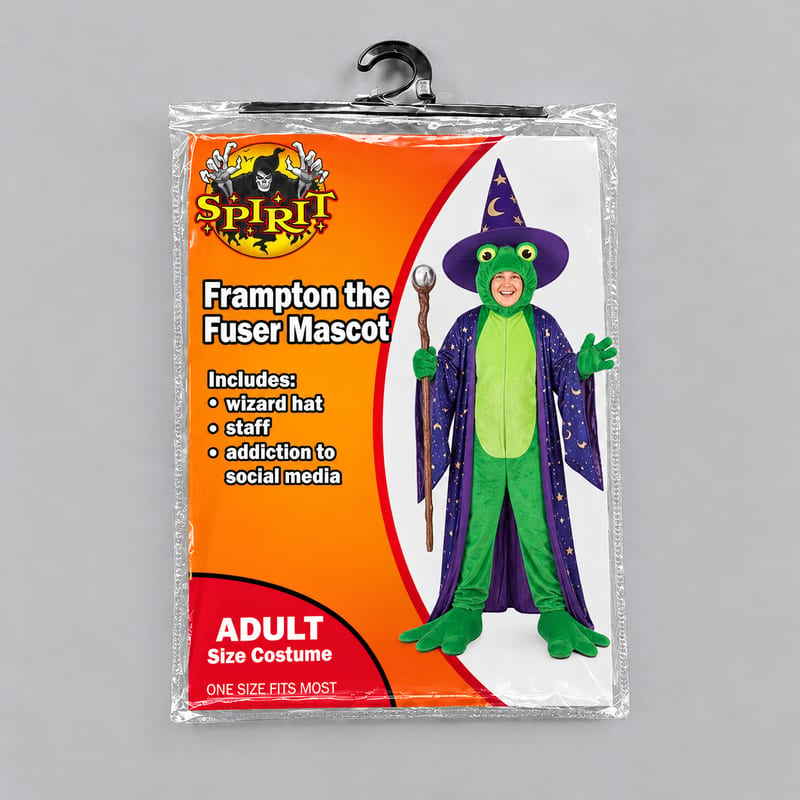
Enter a costume title, list what it includes, and add a costume image to create a personalized Spirit Halloween costume meme.

