Recipev2
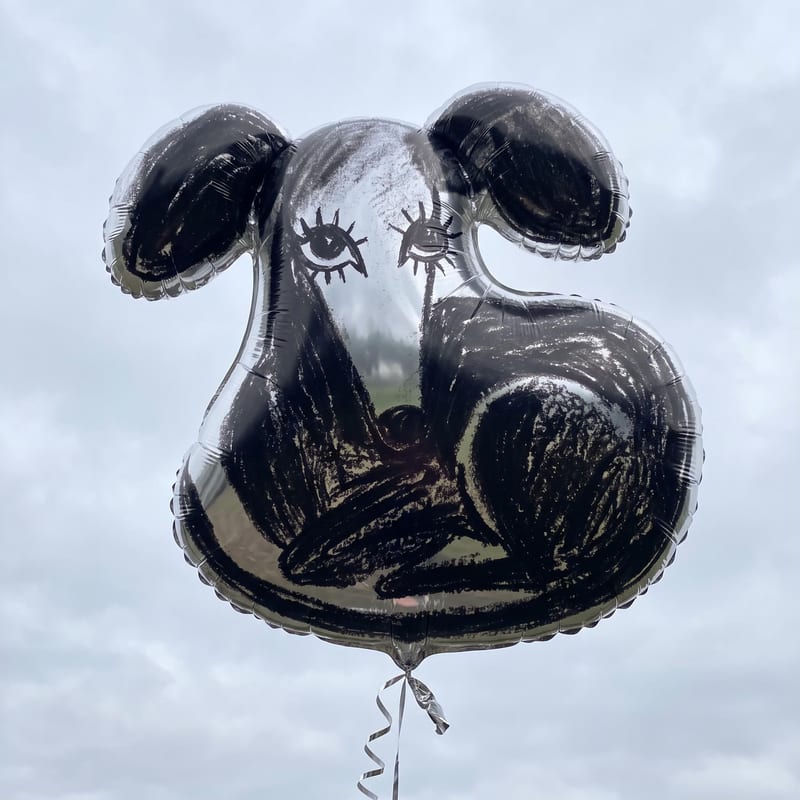
Mylar Balloon
Image
One click, whole workflow
Recipes are here. Package a whole workflow and run it in one click
Explore recipesMylar balloon art
Turn an image, sketch, or logo into a mylar balloon image for playful social posts, memes, and illustrations.
Image
A recipe turns a reusable workflow into a simple set of inputs and outputs. Start with a community recipe and make it your own in Fuser.

1. Choose a recipe
Find a workflow for the result you want. Review what it does and how to use it before opening it in Fuser.
2. Make it your own
Check the recipe’s available inputs. Add your own text or media where supported, or start with the saved defaults.
3. Run and refine
Run it in Fuser and review the result on your canvas. Tweak the inputs to try another direction.
Use an existing image, sketch, or logo as the starting point for mylar balloon artwork across creative and social contexts.
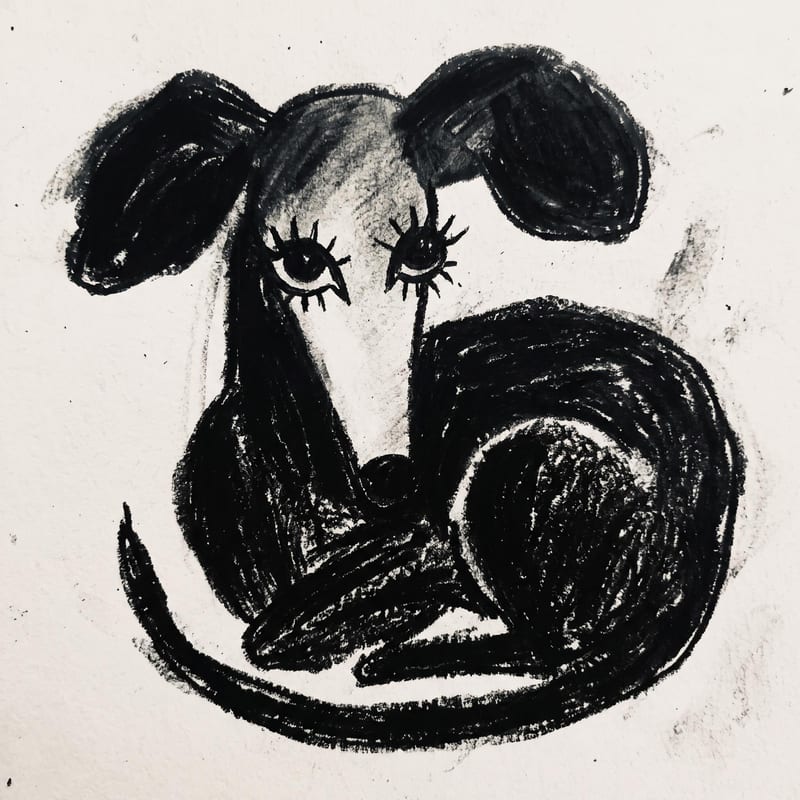
It transforms one image input into one mylar balloon image. The image can be a photo, sketch, logo, or another visual you want to reinterpret.
It is useful for people creating social posts, memes, illustrations, logo concepts, or celebratory artwork. Anyone with an image they want to turn into mylar balloon art can use it.
Prepare the image you want to transform. The recipe accepts a single image input, including an image, sketch, or logo.
Yes. The image is an exposed editable input in Fuser, so you can replace it with another image, sketch, or logo. The saved page example uses its saved image input; a new run uses the image you choose.
The recipe produces an image showing the input reinterpreted as a mylar balloon. The saved output demonstrates one image-to-image example rather than a guarantee for every possible source image.
It fits playful social content, meme variations, illustration exploration, branded balloon concepts, and celebratory artwork. These are creative applications for the image transformation, not separate output formats.
The exposed recipe input is an image, and no additional editable controls are listed. To create a different result, change the source image in Fuser.
Bring an image, sketch, or logo and transform it into a mylar balloon image in Fuser.
Develop pitches, campaign assets and interactive client work in Fuser. Combine AI generation, editable design and reusable processes across your agency.
Create social graphics, carousel artwork and short videos with a recognizable brand style. Keep copy editable and recurring content easier to produce in Fuser.
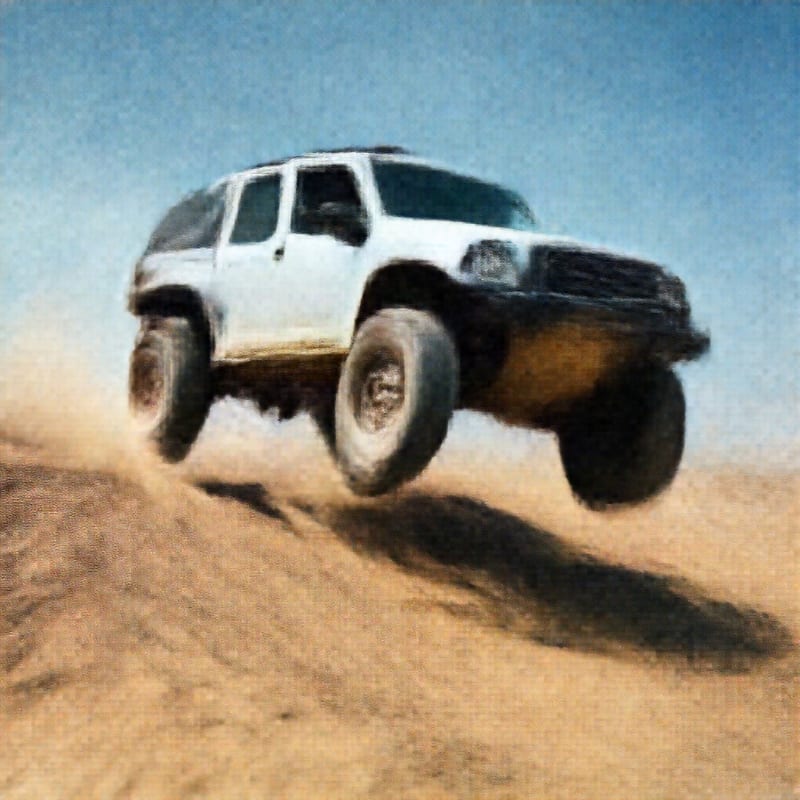
Upload an image to create a GAN-ified image with a remade aesthetic.
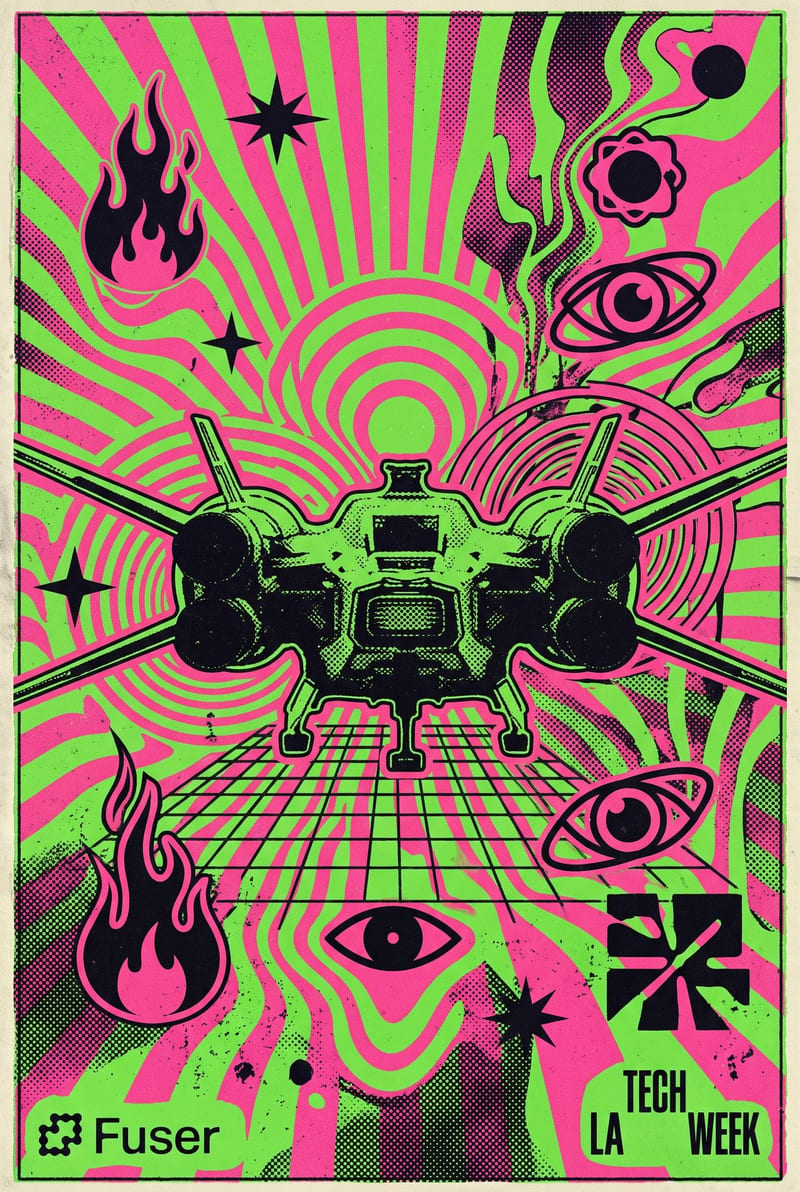
Transform a source image into a bold psychedelic rave poster with distorted graphics, grain, and vibrant 90s–2000s club-flyer style.
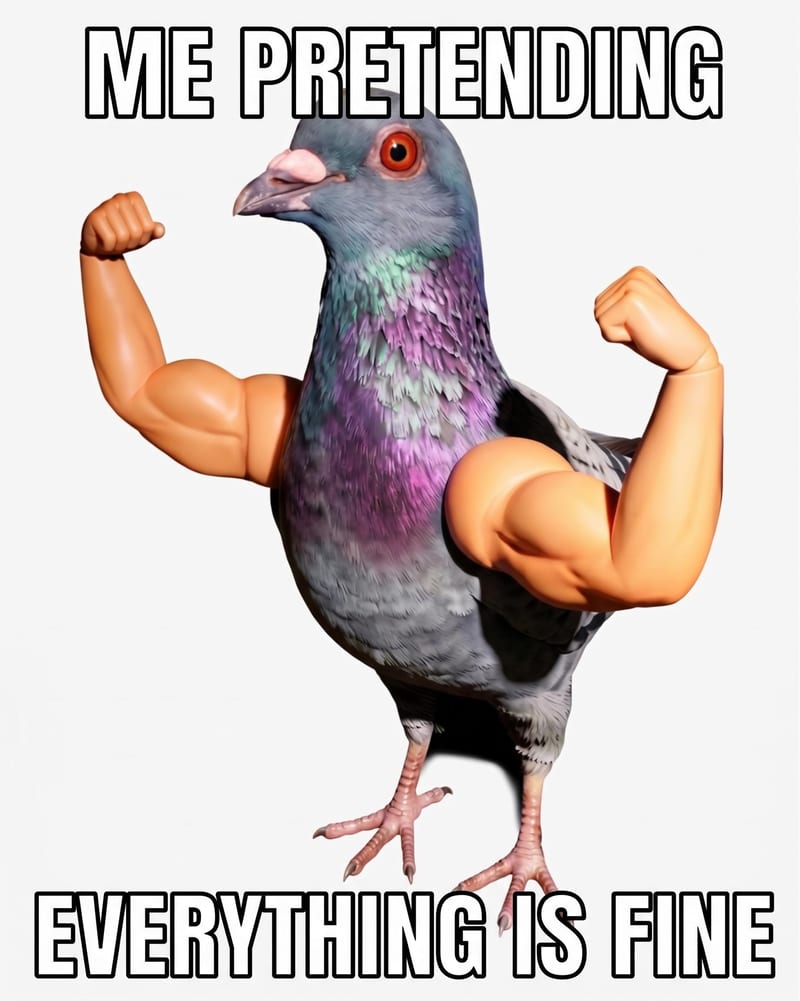
Add custom meme text to a source image and receive a meme image for social and community content.

