Recipev3
Multiview Turnaround Generator
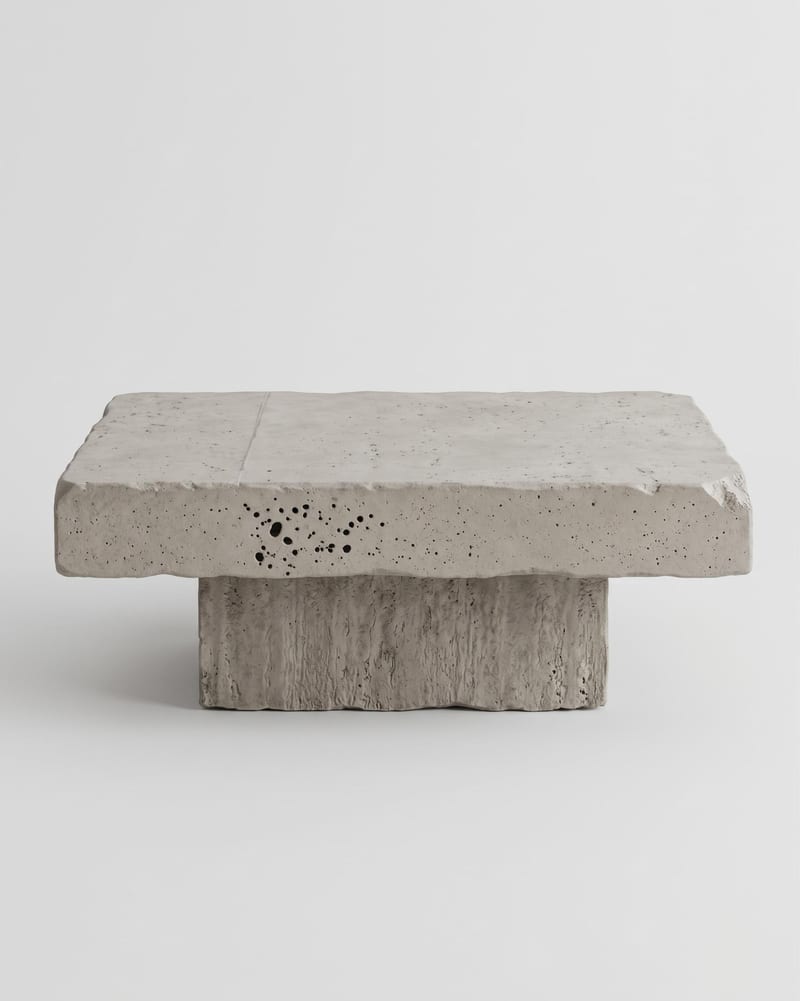
Front view
One click, whole workflow
Recipes are here. Package a whole workflow and run it in one click
Explore recipesProduct Photography
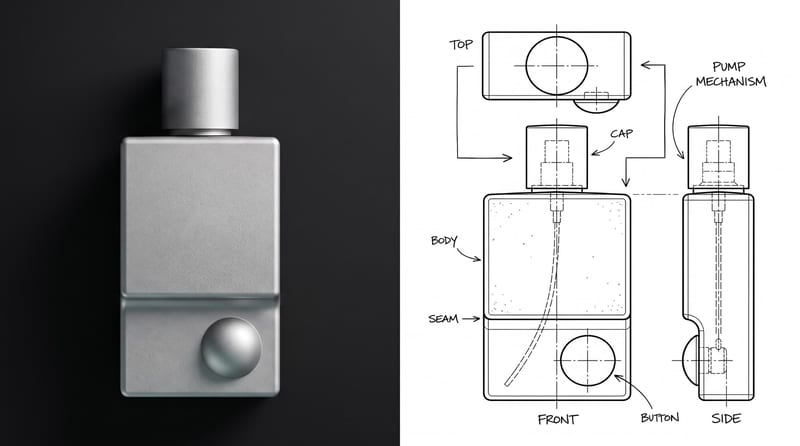
Upload one product or object image to create front, side, back, top, and three-quarter turnaround views.
Front view
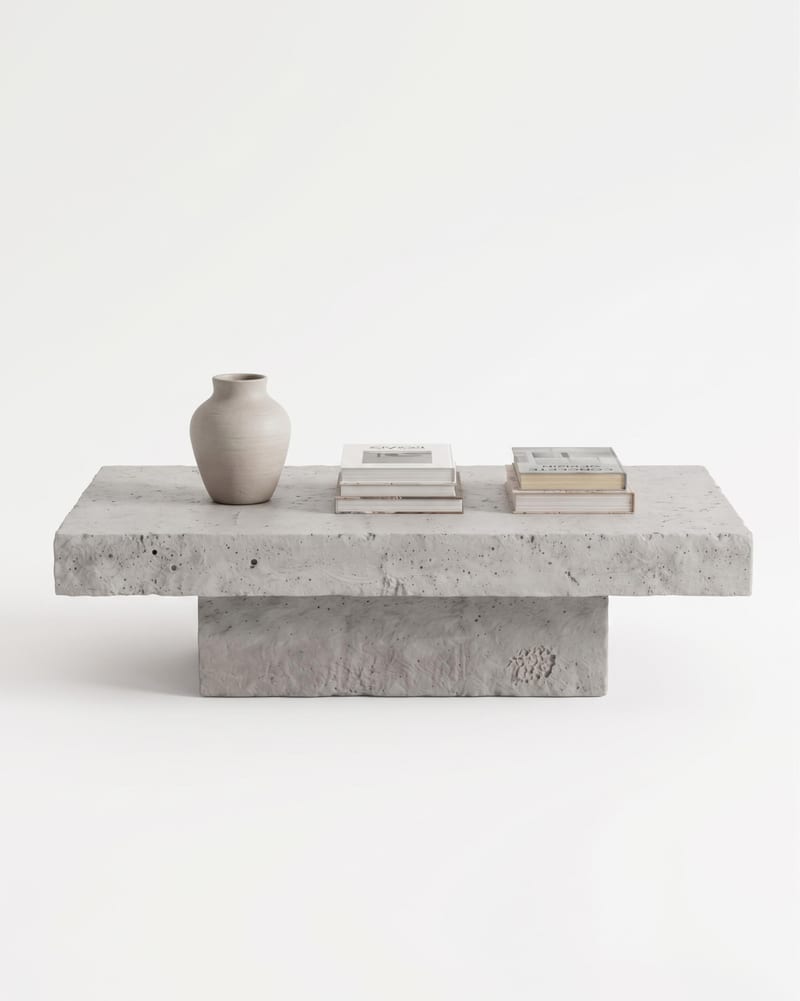
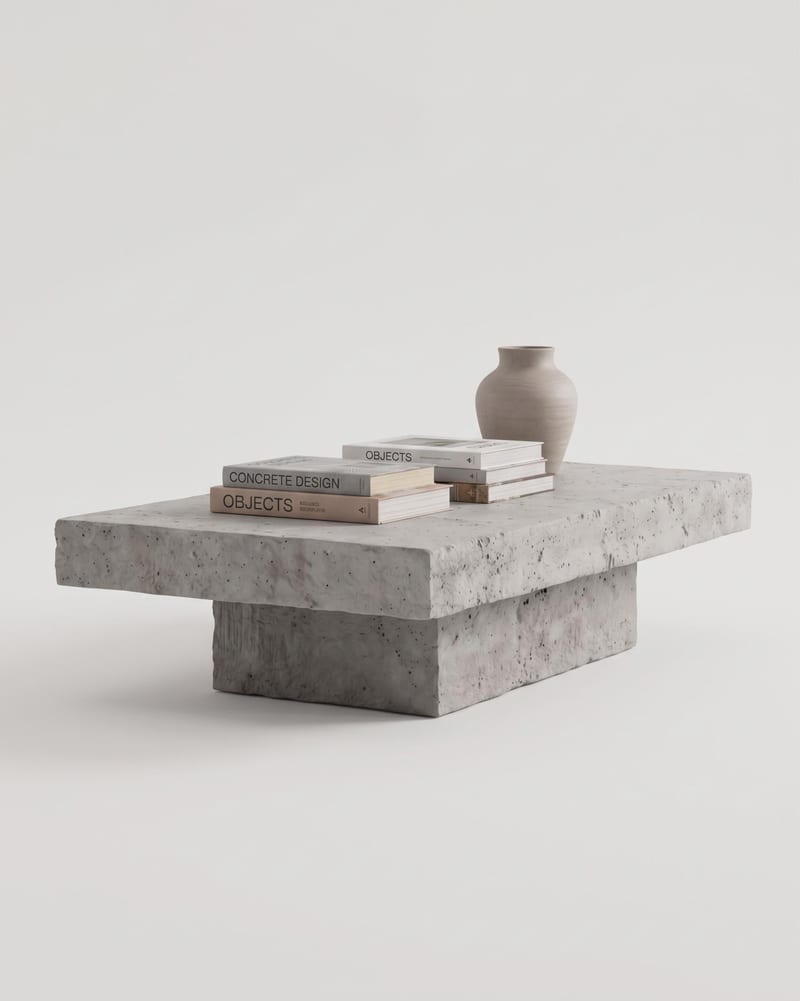
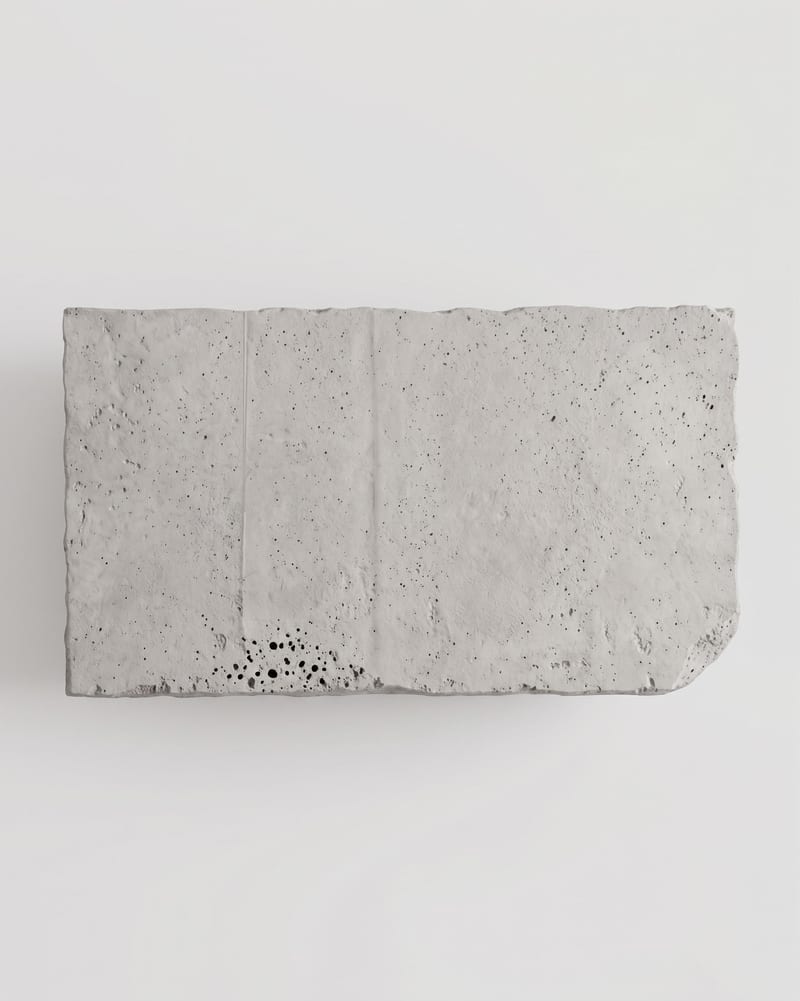
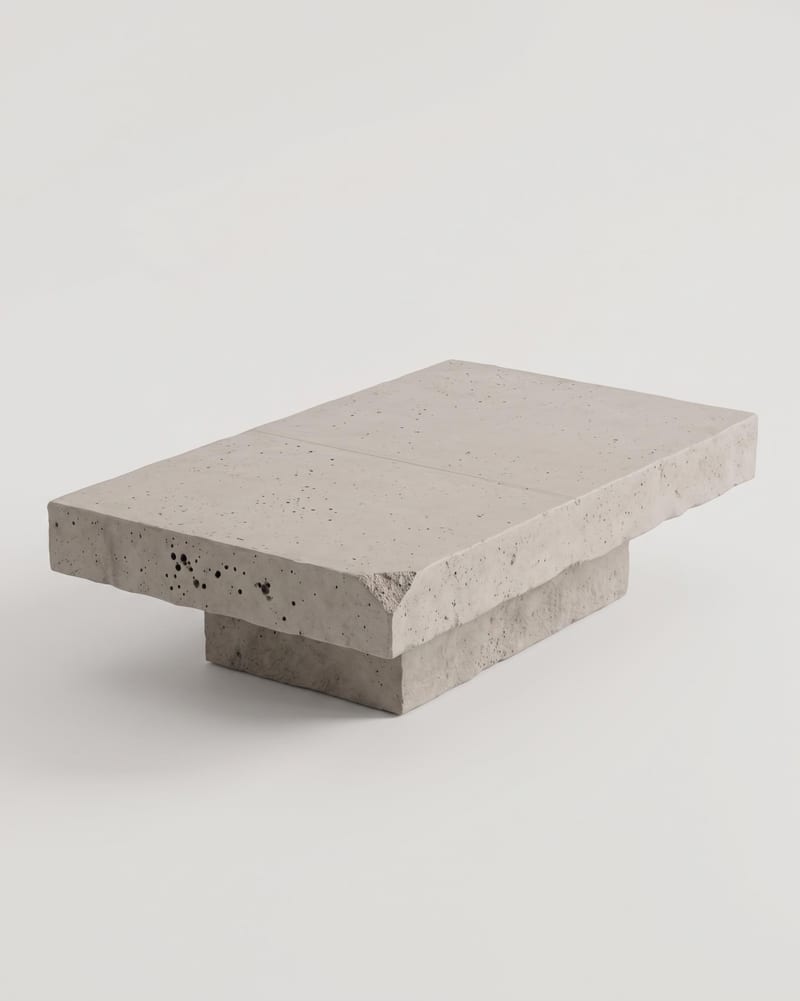
A recipe turns a reusable workflow into a simple set of inputs and outputs. Start with a community recipe and make it your own in Fuser.

1. Choose a recipe
Find a workflow for the result you want. Review what it does and how to use it before opening it in Fuser.
2. Make it your own
Check the recipe’s available inputs. Add your own text or media where supported, or start with the saved defaults.
3. Run and refine
Run it in Fuser and review the result on your canvas. Tweak the inputs to try another direction.
Use the generated angle set to support product presentation, photography planning, and industrial reference work.
It takes one product or object image and creates six image outputs: front, right side, back, left side, top, and front-left three-quarter views. The recipe analyzes the subject and writes a prompt for each camera angle before generating the views.
It is suited to product marketers, photographers, catalog teams, and product or industrial design teams that need multiple object perspectives from one source image. Its applications are centered on marketing and advertising, photography, and product or industrial presentation.
Use the Subject Image input to provide the product or object image that the turnaround is based on. The recipe is designed around a single image source rather than a set of separate angle images.
Yes. The Instructions input is optional, so you can replace its default “N/A” text with specific instructions or adjustments in Fuser. The recipe exposes the subject image and instruction text as its editable inputs; it does not expose separate controls for each camera angle.
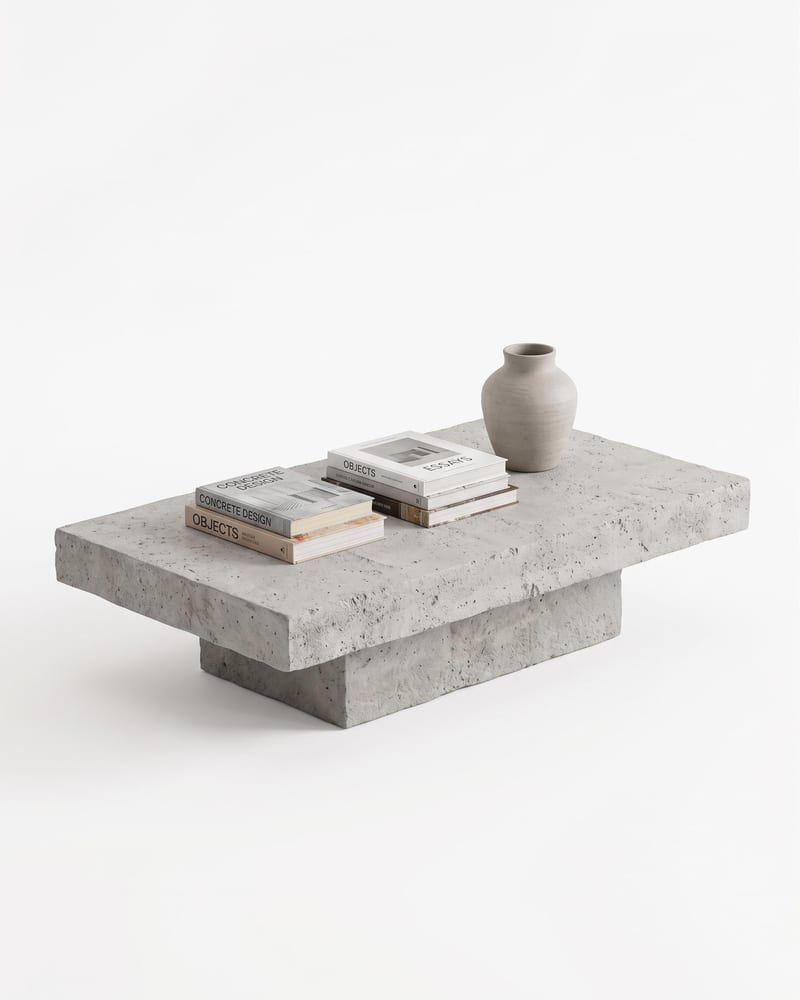
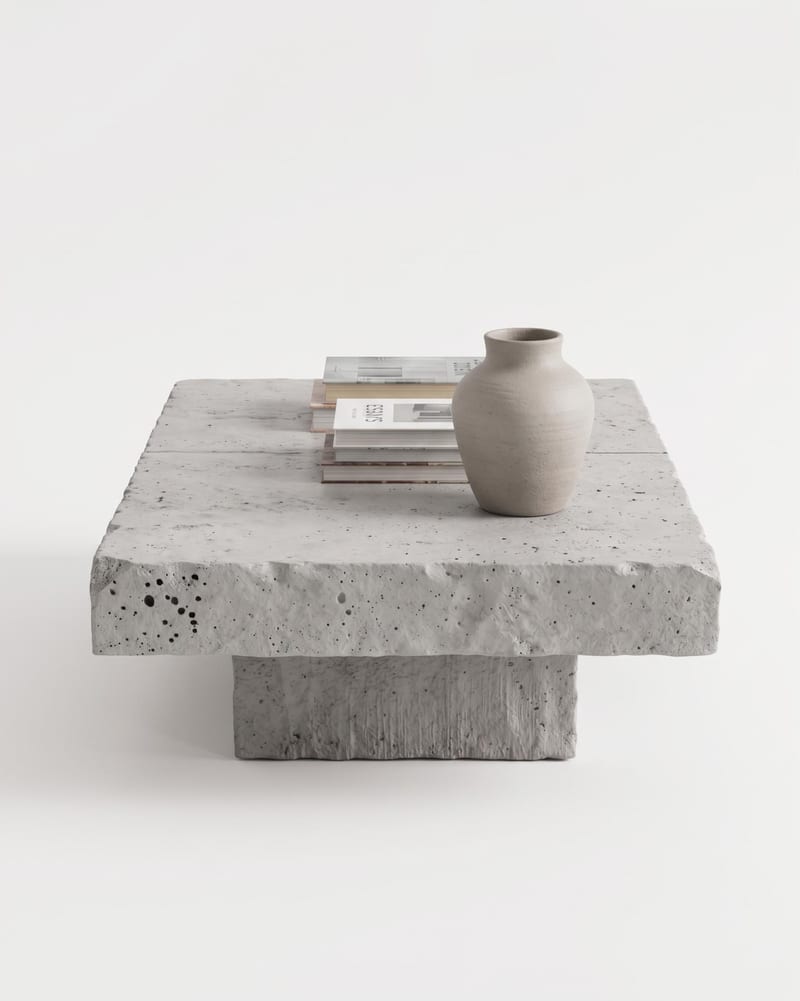
The outputs are Front view, Right side, Back view, Left side, Top view, and Front-left (three-quarter view). The side views are defined as 90° and 270° rotations from the front, while the top view is directly overhead and the three-quarter view is raised to show the front, left side, and top.
The saved example uses the connected Subject Image input with the optional instruction left as “N/A.” Its saved outputs are the six named turnaround images; a new run can use different input content or instructions in Fuser.
The views can support product listings, catalog planning, advertising concepts, photography shot planning, and product or industrial design references. They are best treated as a multi-angle visual set for presenting or discussing the same product or object.
Bring one product or object image and add optional instructions to create the recipe’s six defined angle outputs in Fuser.
Develop pitches, campaign assets and interactive client work in Fuser. Combine AI generation, editable design and reusable processes across your agency.
Create product images, lifestyle scenes and campaign assets for your next ecommerce launch. Keep branding editable and reuse creative setups in Fuser.
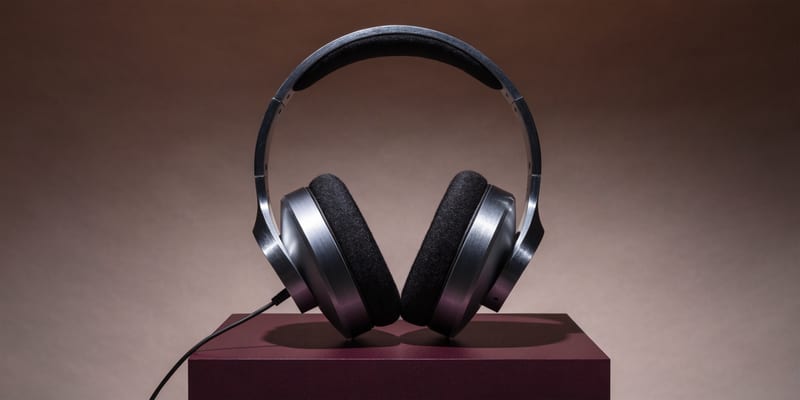
Develop campaign concepts, image and video ads, and editable channel layouts. Create meaningful creative variations in Fuser without rebuilding every asset.
Create studio-style product images, lifestyle scenes and motion studies. Combine reference-led generation with precise, editable composition in Fuser.
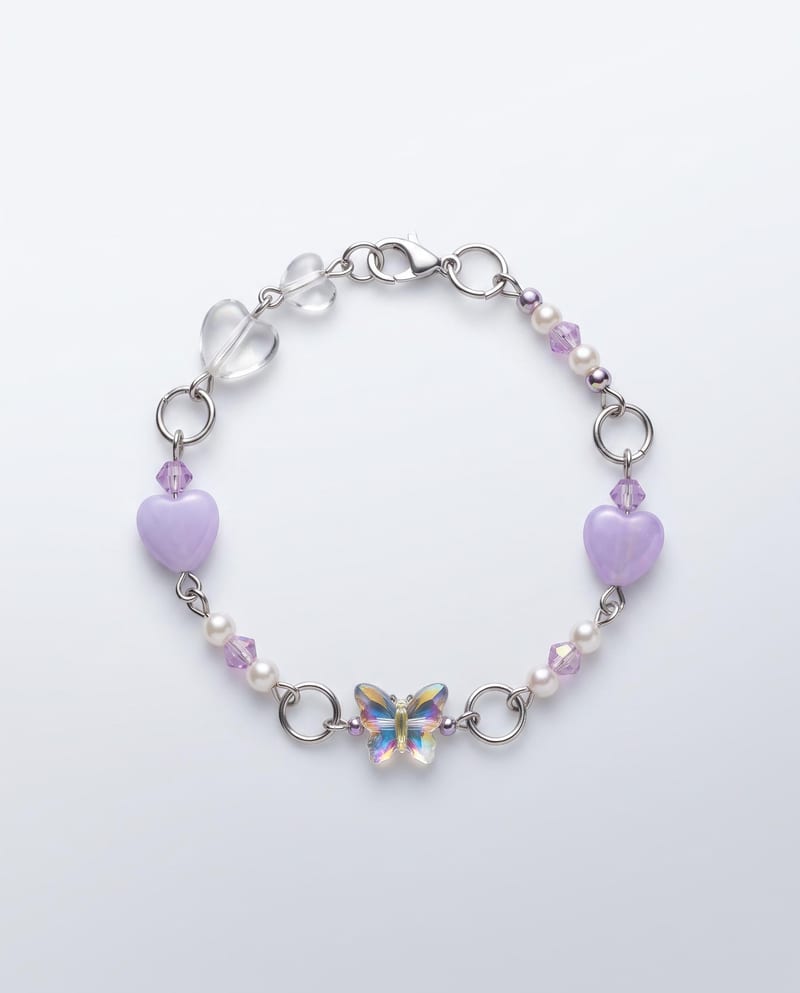
Upload one bracelet image to create ready-to-use product images in studio, detail, and on-hand formats.
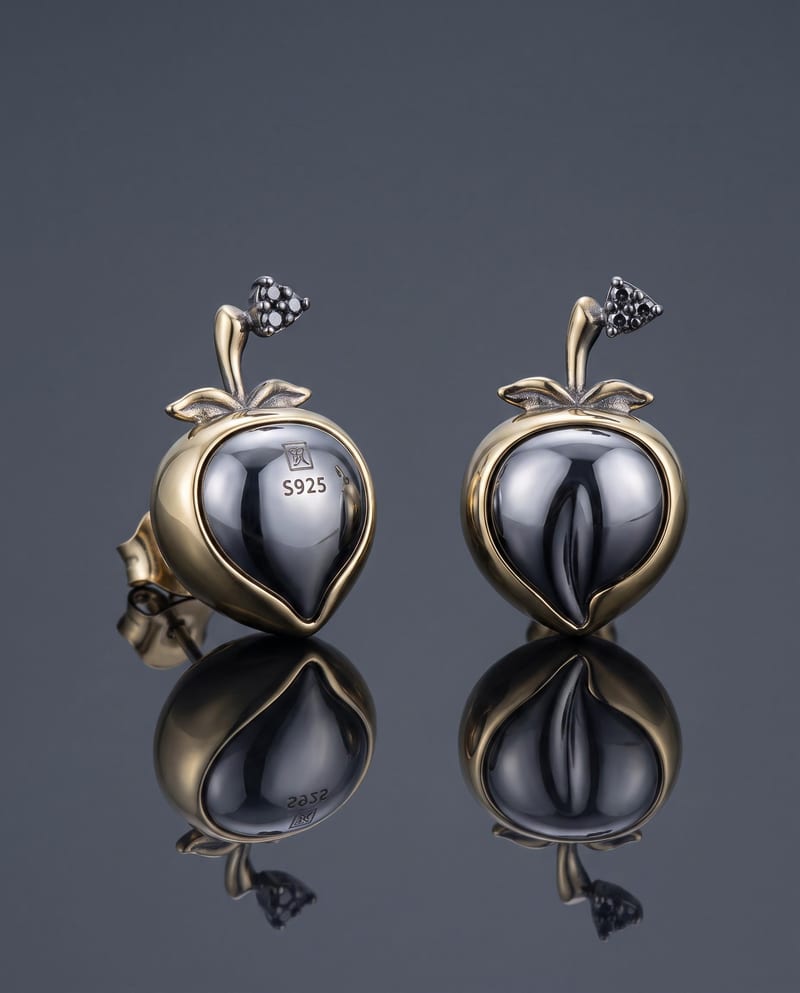
Upload one earring image to create polished studio, detail, and on-ear product images while keeping the existing design intact.
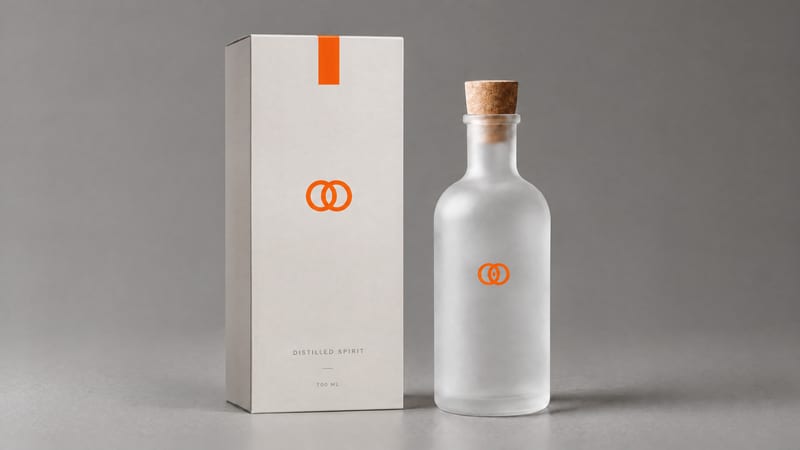
Combine a product image and logo image to create a professional minimalist packaging design for product presentation and marketing work.