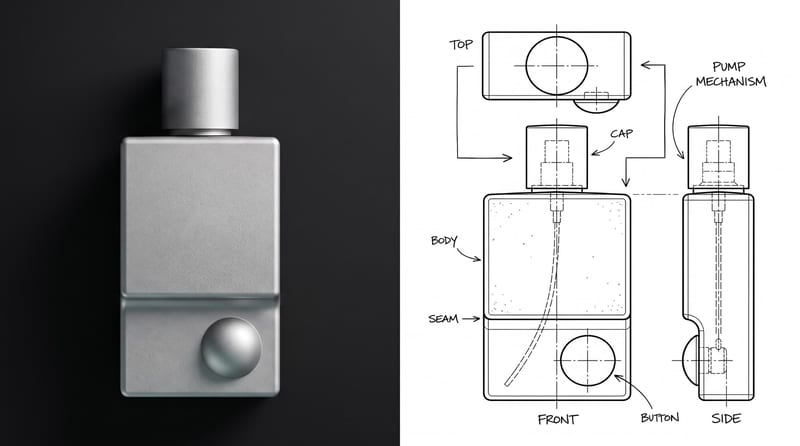
Recipev3
Object Cutaway
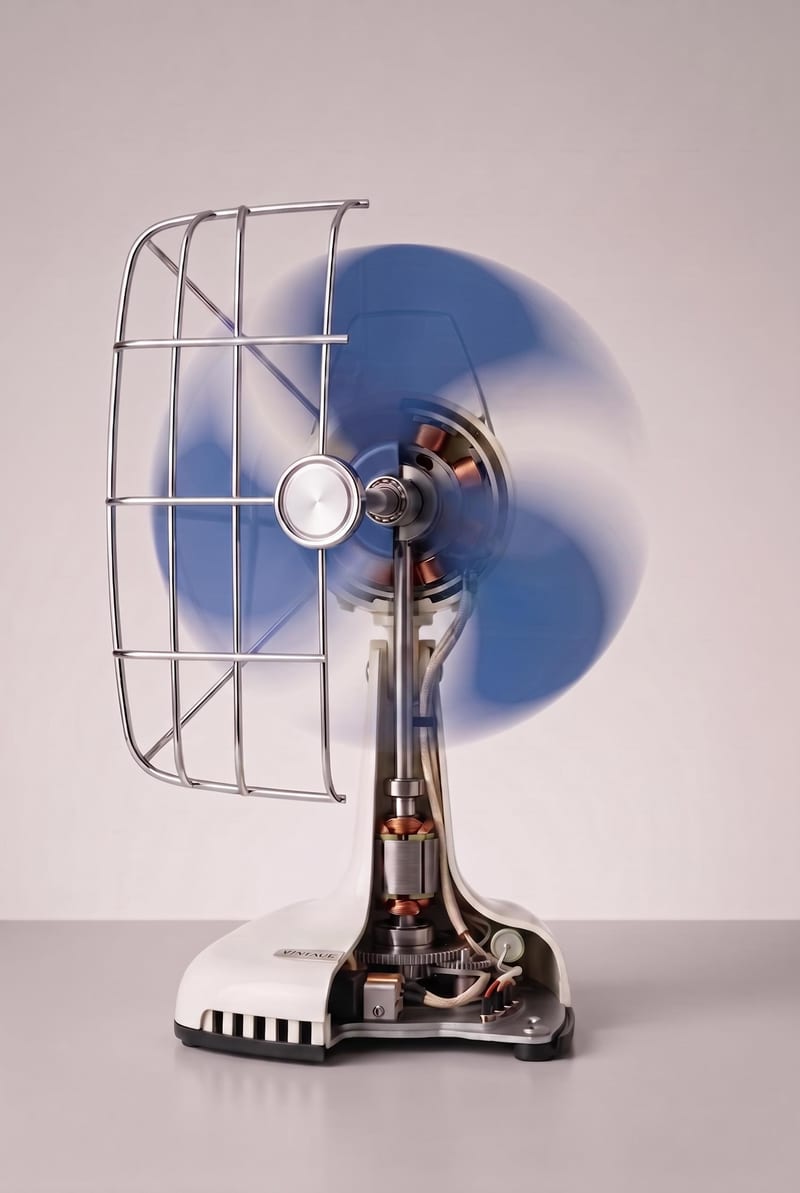
Object Cutaway Visualization
One click, whole workflow
Recipes are here. Package a whole workflow and run it in one click
Explore recipesProduct & Industrial Design
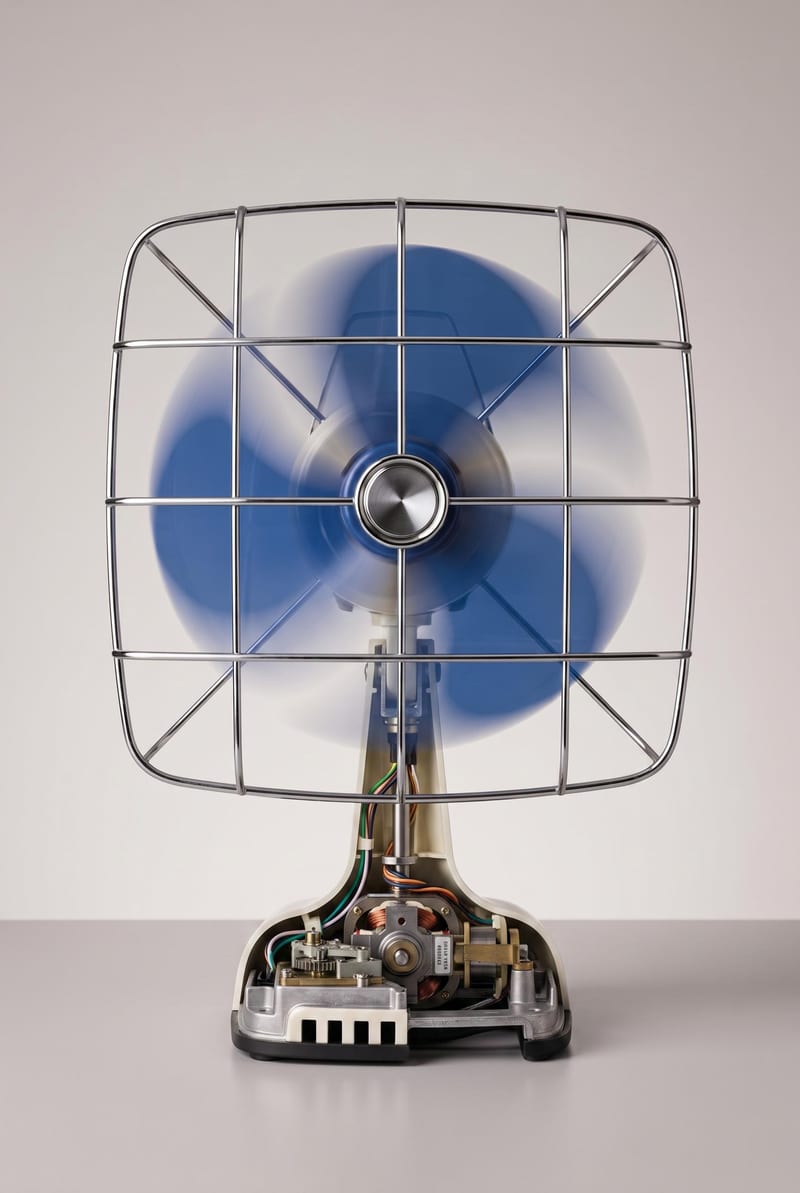
Turn an object image into a realistic cutaway visualization that reveals interior structure while retaining the exterior design, materials, and proportions.
Object Cutaway Visualization
A recipe turns a reusable workflow into a simple set of inputs and outputs. Start with a community recipe and make it your own in Fuser.

1. Choose a recipe
Find a workflow for the result you want. Review what it does and how to use it before opening it in Fuser.
2. Make it your own
Check the recipe’s available inputs. Add your own text or media where supported, or start with the saved defaults.
3. Run and refine
Run it in Fuser and review the result on your canvas. Tweak the inputs to try another direction.
Use the cutaway output to communicate an object’s internal structure in product and industrial design contexts.
It takes one object image and creates an Object Cutaway Visualization. The result reveals the object’s hidden interior structure while preserving its original exterior design, materials, and proportions.
It is intended for people communicating product and industrial design concepts, including designers, reviewers, educators, and presentation teams. It can help when an object’s internal structure needs to be discussed without losing sight of its exterior form.
The recipe uses one editable input: Object Image. In Fuser, you can change that image to provide the object you want to visualize in cutaway form.
The saved example shows the recipe’s saved Object Image connected to its Object Cutaway Visualization output. It is a fixed example of the input-to-output setup, not a live generation on this page.
Yes. The exposed customization is the Object Image input, which you can replace in Fuser with another object image. The output is then intended to present that selected object as a cutaway visualization.
The image can support product reviews, assembly explanations, service materials, training, presentations, and concept communication. These uses focus on explaining an object’s interior structure while keeping its exterior recognizable.
No. The output is a visualization of interior structure based on the object image, rather than a substitute for verified engineering documentation or measured construction details. Use it to communicate a concept or explanation, and confirm technical details separately when precision matters.
Bring an object image into Fuser and explore a visualization that reveals its interior structure without losing its exterior character.
Develop pitches, campaign assets and interactive client work in Fuser. Combine AI generation, editable design and reusable processes across your agency.
Create product images, lifestyle scenes and campaign assets for your next ecommerce launch. Keep branding editable and reuse creative setups in Fuser.
Create studio-style product images, lifestyle scenes and motion studies. Combine reference-led generation with precise, editable composition in Fuser.
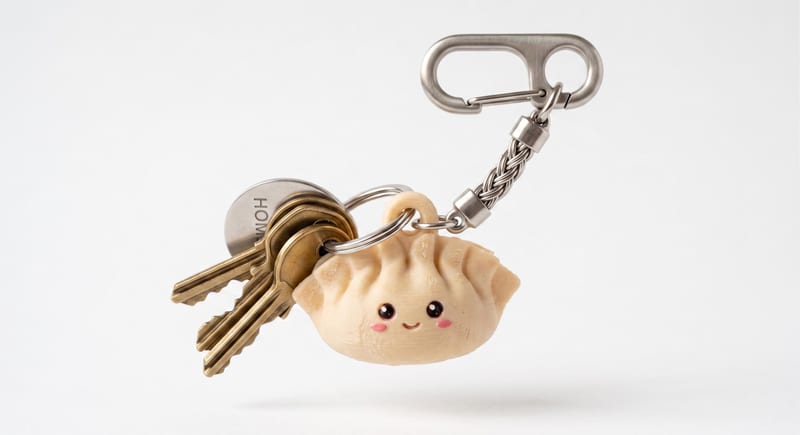
Describe a cute keychain or charm in text and create a 3D mesh that can be downloaded as an STL file.
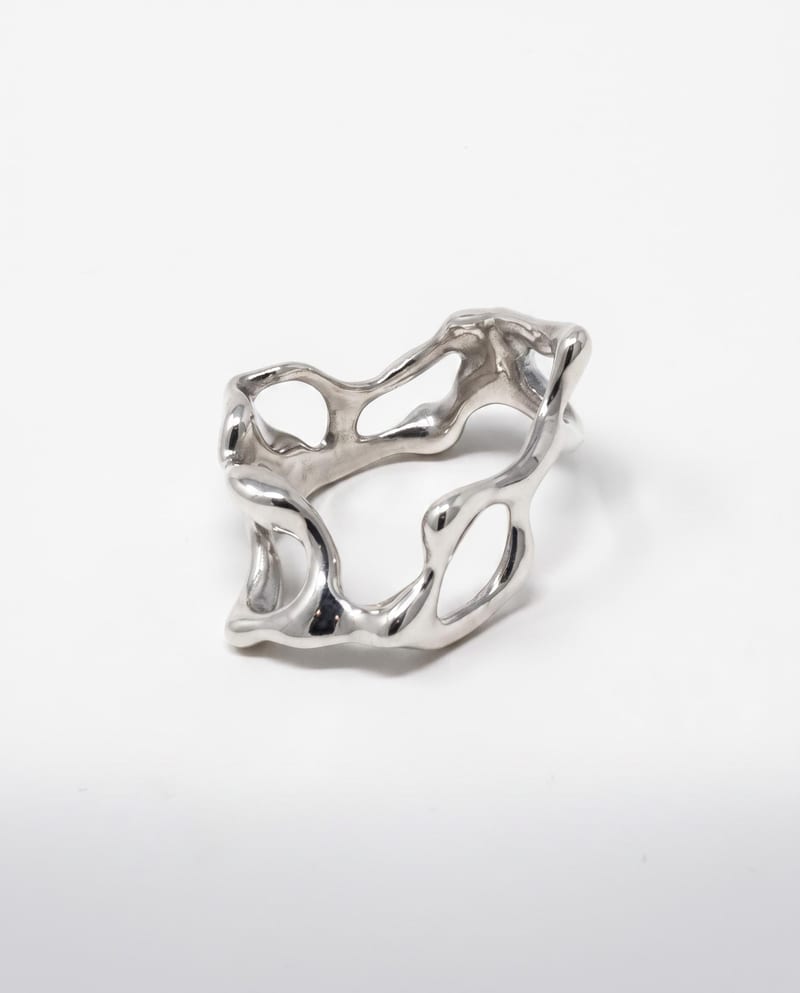
Upload a ring reference to create polished luxury photography with studio, detail, and on-hand views on a clean light background.
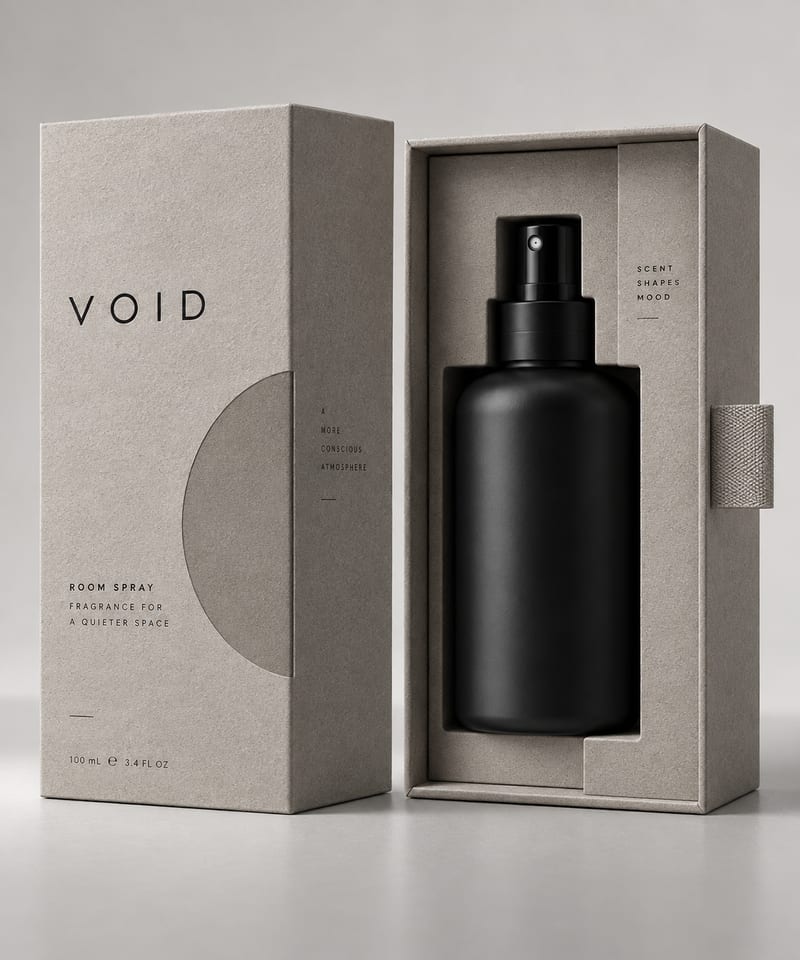
Upload an object image to generate three minimalist packaging design options for that object.