Recipev2
Print Replacement
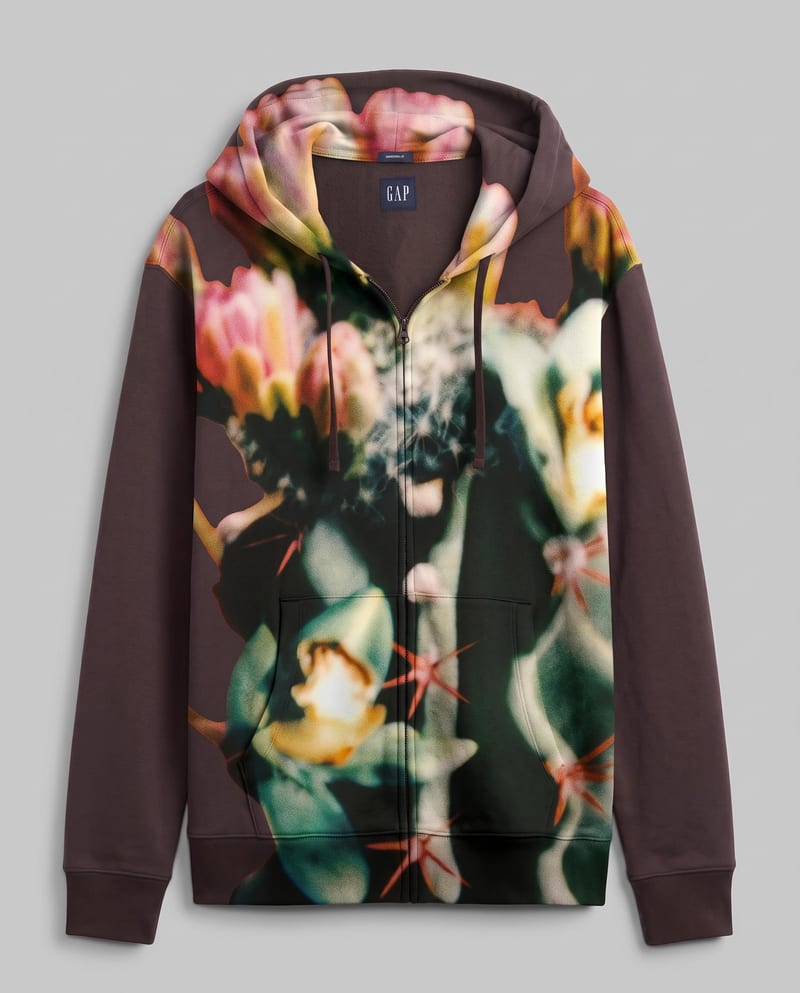
Garment with New Pattern
One click, whole workflow
Recipes are here. Package a whole workflow and run it in one click
Explore recipesFashion Pattern Design
Combine a garment image with a pattern image to create a garment image featuring the new design.
Garment with New Pattern
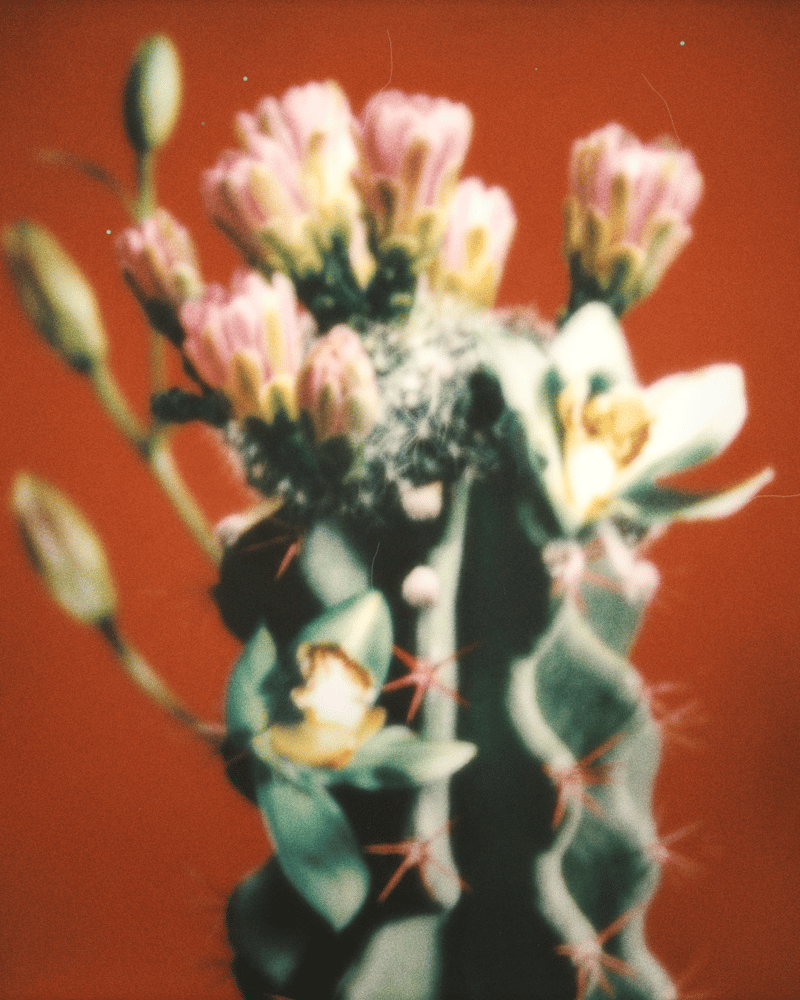
A recipe turns a reusable workflow into a simple set of inputs and outputs. Start with a community recipe and make it your own in Fuser.

1. Choose a recipe
Find a workflow for the result you want. Review what it does and how to use it before opening it in Fuser.
2. Make it your own
Check the recipe’s available inputs. Add your own text or media where supported, or start with the saved defaults.
3. Run and refine
Run it in Fuser and review the result on your canvas. Tweak the inputs to try another direction.
Use the recipe to explore pattern changes across fashion, branding, and illustration work.
It replaces a garment’s existing pattern with a new design. The output is an image of the garment with the new pattern while preserving its realistic fabric, shape, and details.
It is suited to fashion and streetwear designers, brand teams, and artists exploring garment pattern directions. It can also help present branding or illustration concepts on an existing garment image.
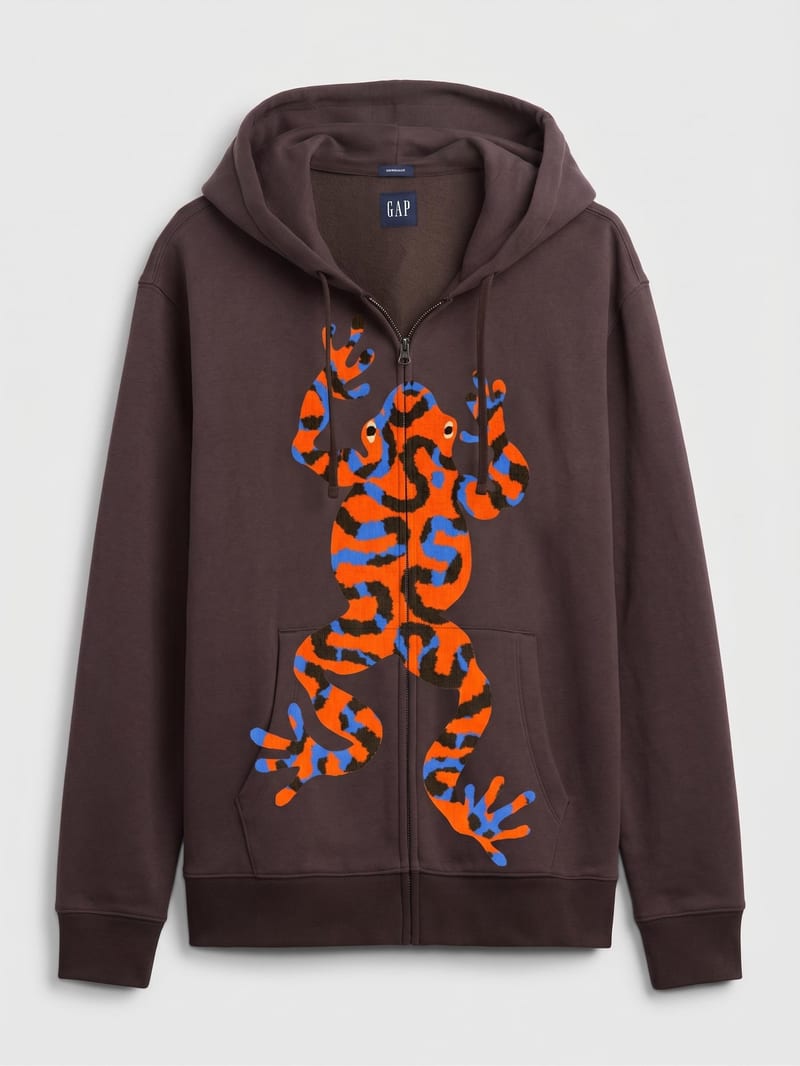
You need two images: a Garment Image showing the clothing item and a Pattern Image containing the design you want to apply. Both are exposed inputs that you can change in Fuser.
The recipe produces one image labeled Garment with New Pattern. It shows the garment image with the replacement design while maintaining the garment’s fabric, shape, and details.
Yes. In Fuser, you can replace the exposed Garment Image and Pattern Image inputs before using the recipe. The saved example represents one connected pair of inputs, not a required combination for every new use.
Use it for fashion concept development, streetwear print exploration, branded garment ideas, and art or illustration revisions. The result is a garment image with a new pattern, so it is intended for visual concept work rather than a separate production specification.
The recipe is designed to replace the existing pattern while preserving the garment’s realistic fabric, shape, and details. Its named output is an image of the garment with the new pattern.
Bring a garment image and pattern image together to develop a refreshed fashion or branding concept.
Develop pitches, campaign assets and interactive client work in Fuser. Combine AI generation, editable design and reusable processes across your agency.
Develop on-person garment imagery, editorial concepts and lookbook layouts. Bring collection references, virtual try-on and editable design together in Fuser.
Build working product demos, launch pages and brand visuals in Fuser. Help a small startup team turn the next idea into something people can try.
Explore a brand’s visual identity, refine typography and build real applications. Combine AI imagery with editable design and reusable workflows in Fuser.
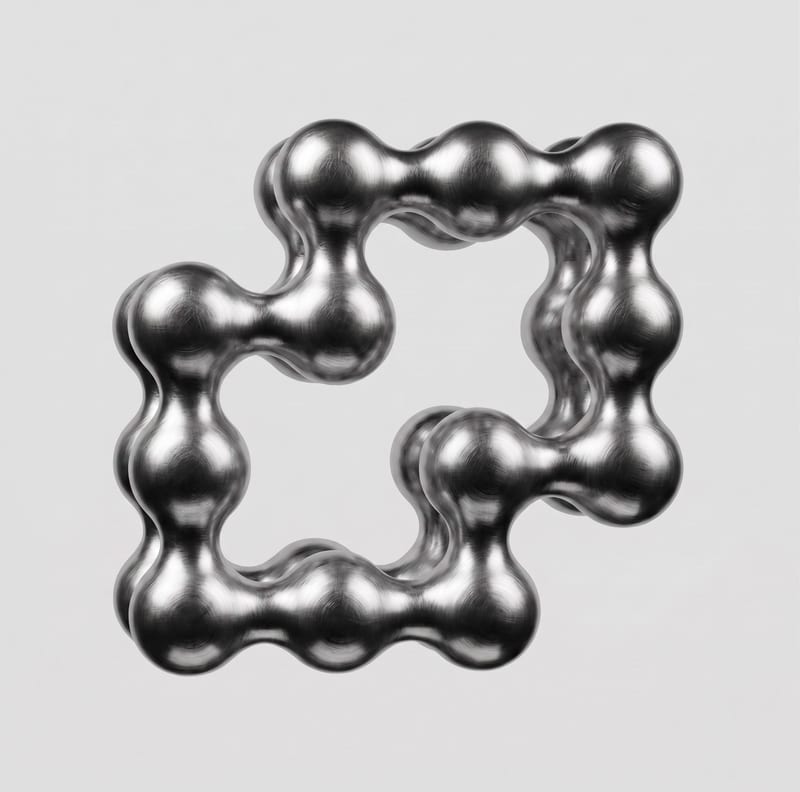
Upload a 2D logo and material reference to create a realistic 3D render that preserves the original logo design.
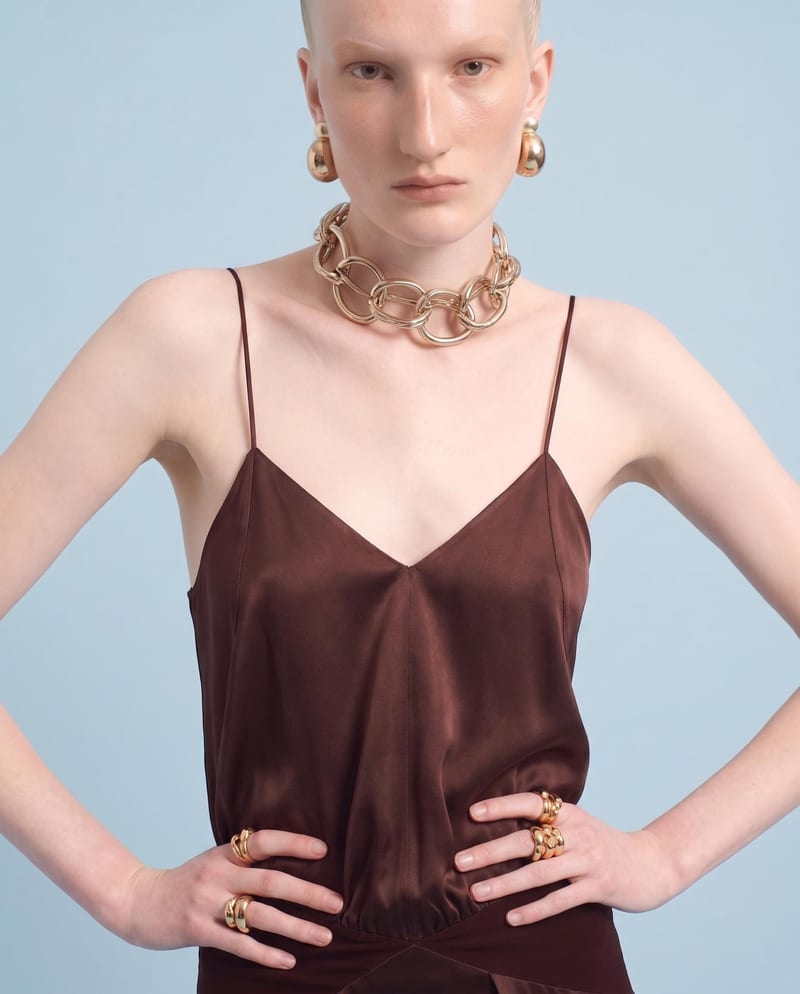
Upload one front-view garment image to create detail, side, and back views that retain its design, color, fit, proportions, and details.
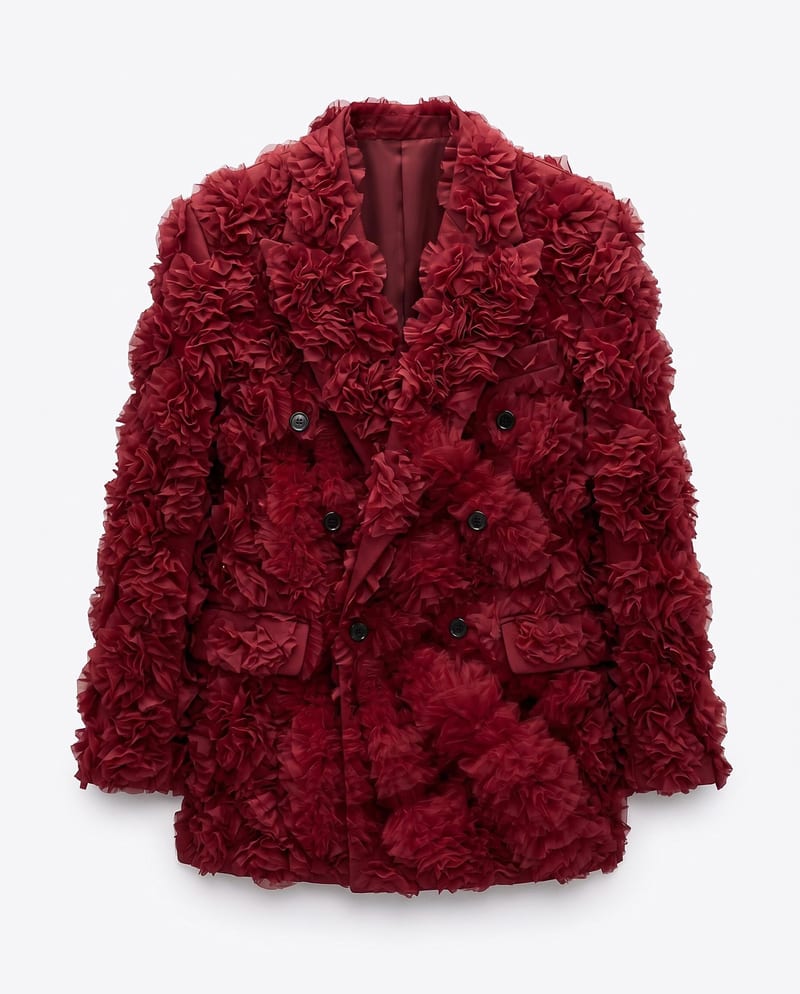
Upload a garment image, a material image, and an application area to create a garment image with the selected material applied.