Recipev2
Fabric Swap
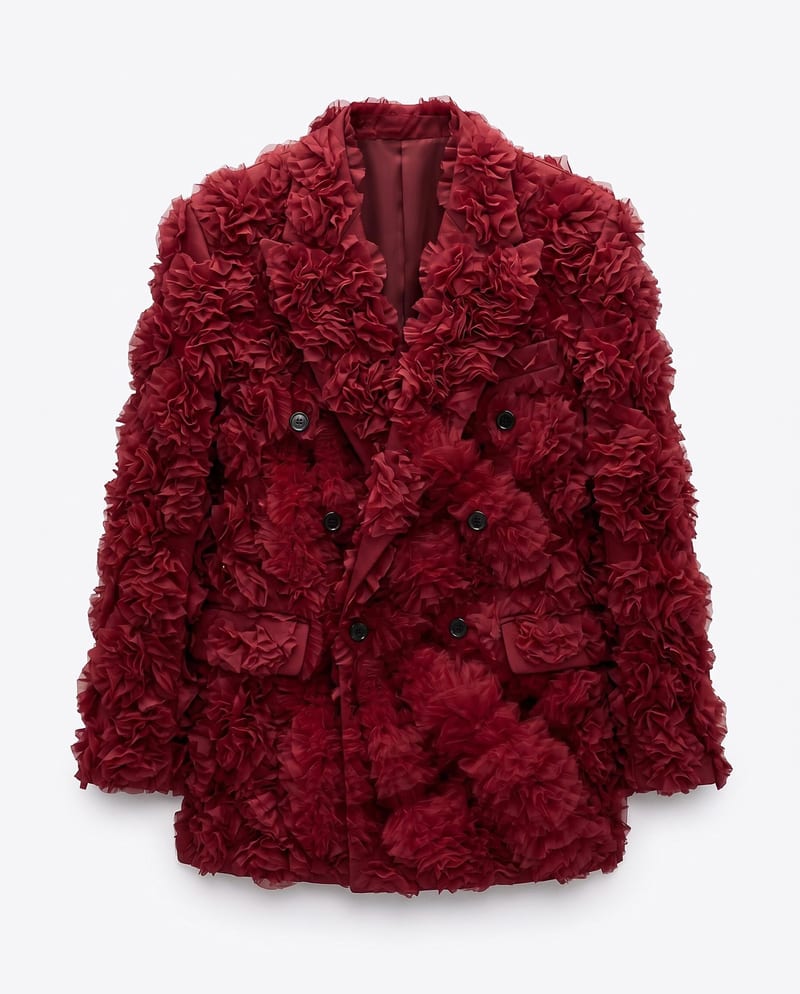
Material-Updated Garment
One click, whole workflow
Recipes are here. Package a whole workflow and run it in one click
Explore recipesGarment material design
Upload a garment image, a material image, and an application area to create a garment image with the selected material applied.
Material-Updated Garment
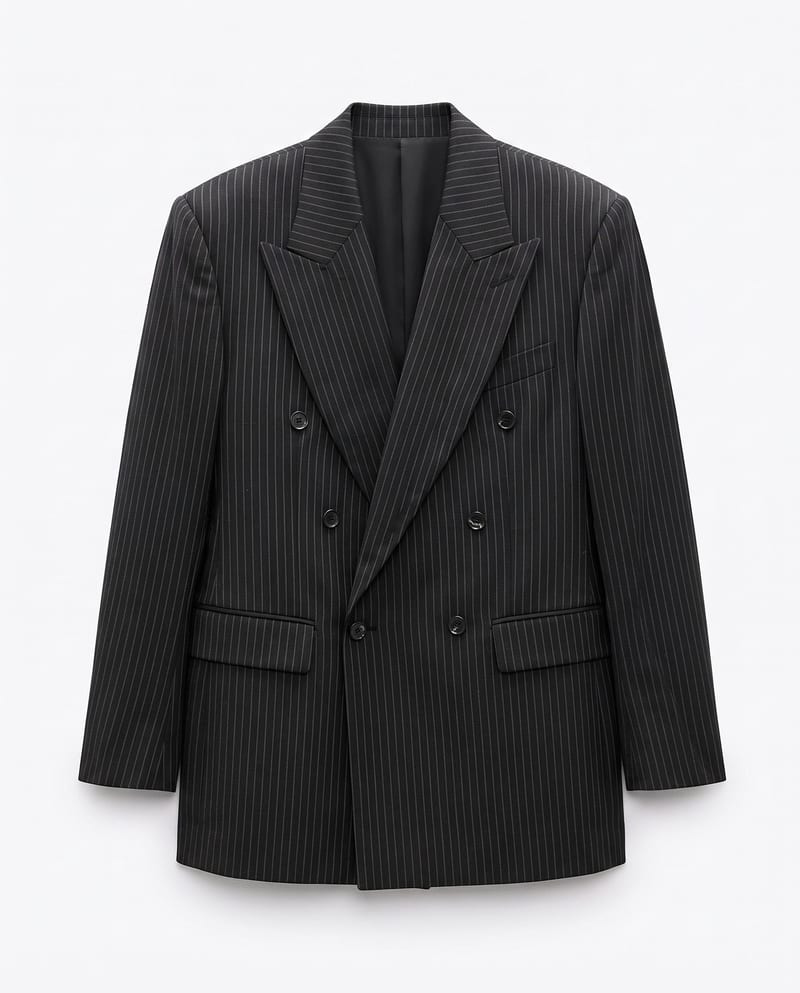
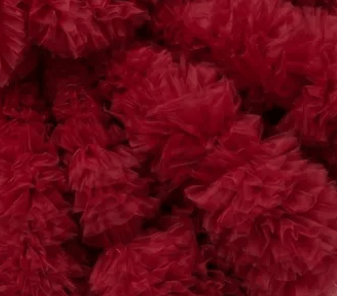
A recipe turns a reusable workflow into a simple set of inputs and outputs. Start with a community recipe and make it your own in Fuser.

1. Choose a recipe
Find a workflow for the result you want. Review what it does and how to use it before opening it in Fuser.
2. Make it your own
Check the recipe’s available inputs. Add your own text or media where supported, or start with the saved defaults.
3. Run and refine
Run it in Fuser and review the result on your canvas. Tweak the inputs to try another direction.
Use the recipe to explore material changes across fashion, apparel, and garment-focused visual work.
It replaces the fabric or texture in a specified garment area with a new material. The recipe returns a material-updated garment image while preserving the original garment’s design, shape, and details outside the selected area.
It is suited to fashion and streetwear designers, apparel concept teams, illustrators, and merch creators exploring garment material directions. It is most useful when you already have a garment image and a separate image showing the material you want to apply.
Prepare a Garment Image, a Material Image, and an Application Area. The saved example uses “the full suit” as its application area, but you can enter a different area for another garment-focused edit.
Yes. Application Area is an exposed text input that you can change in Fuser, such as specifying the full suit or another particular garment area. The selected area determines where the material replacement is directed.
The saved example connects a garment image and material image with the text instruction “the full suit.” Its saved output is a Material-Updated Garment image, showing the intended input-to-output workflow rather than a live generation.
Yes. In Fuser, you can change the Material Image while keeping the Garment Image and Application Area the same. This supports visual comparison of different material choices for one garment.
It is appropriate for garment concept development, fashion and streetwear studies, apparel merchandise exploration, and material-focused illustration variations. The recipe is centered on changing a garment’s material, not redesigning unrelated parts of an image.
Bring a garment image, a material image, and a defined application area to Fuser to create a material-updated garment image.
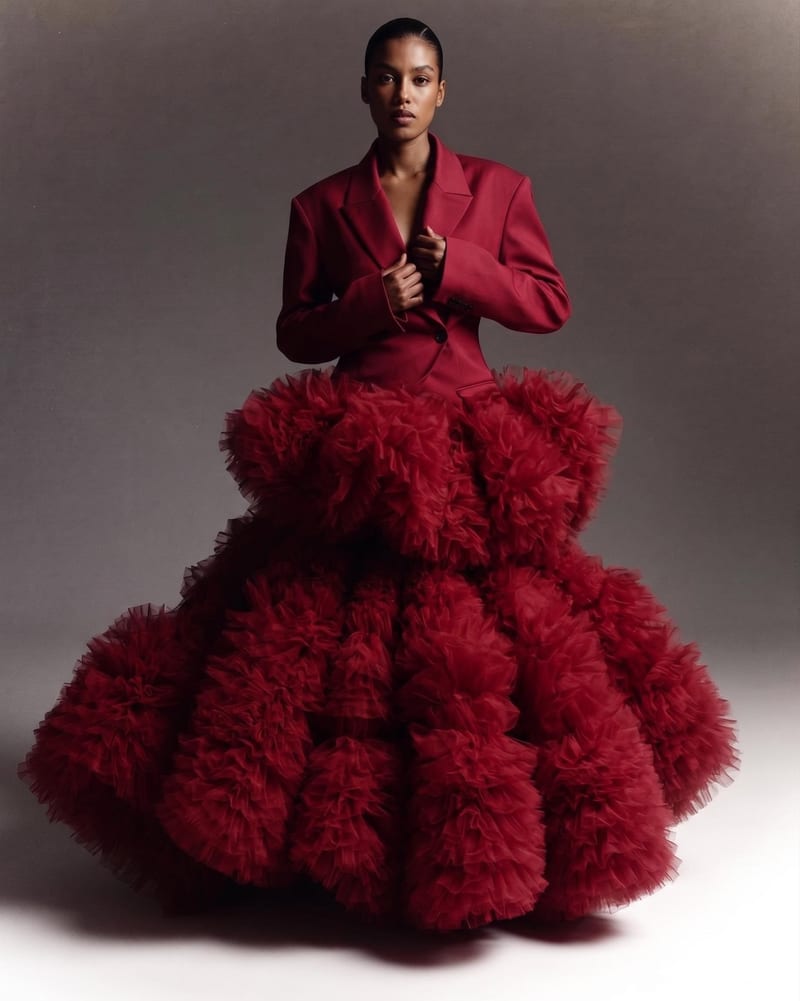
Combine two garment reference images into one blended style image with a cohesive fashion direction.
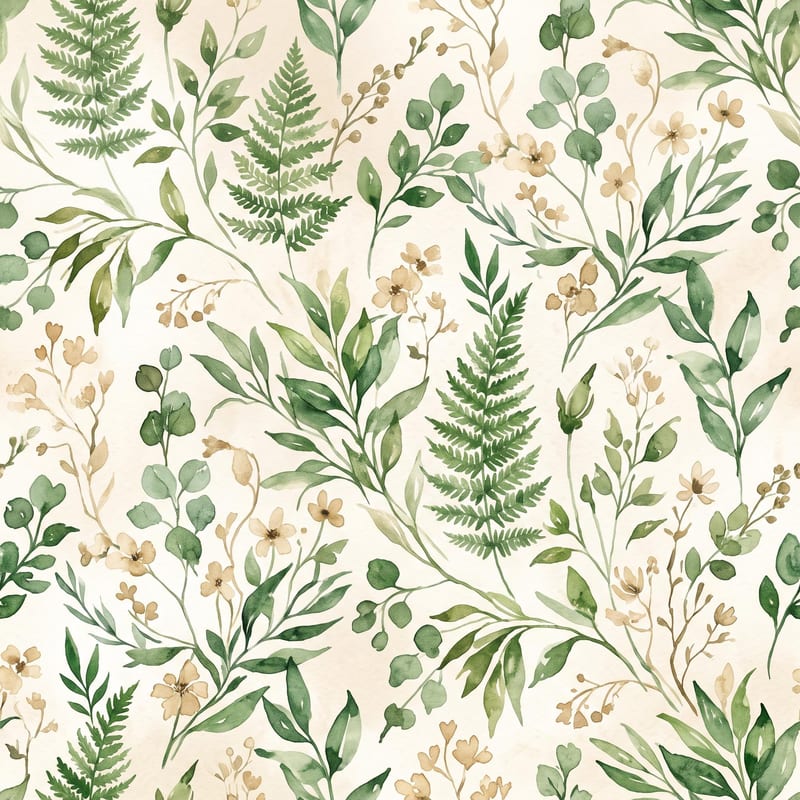
Turn a pattern or style description and color direction into a standalone fabric print image.
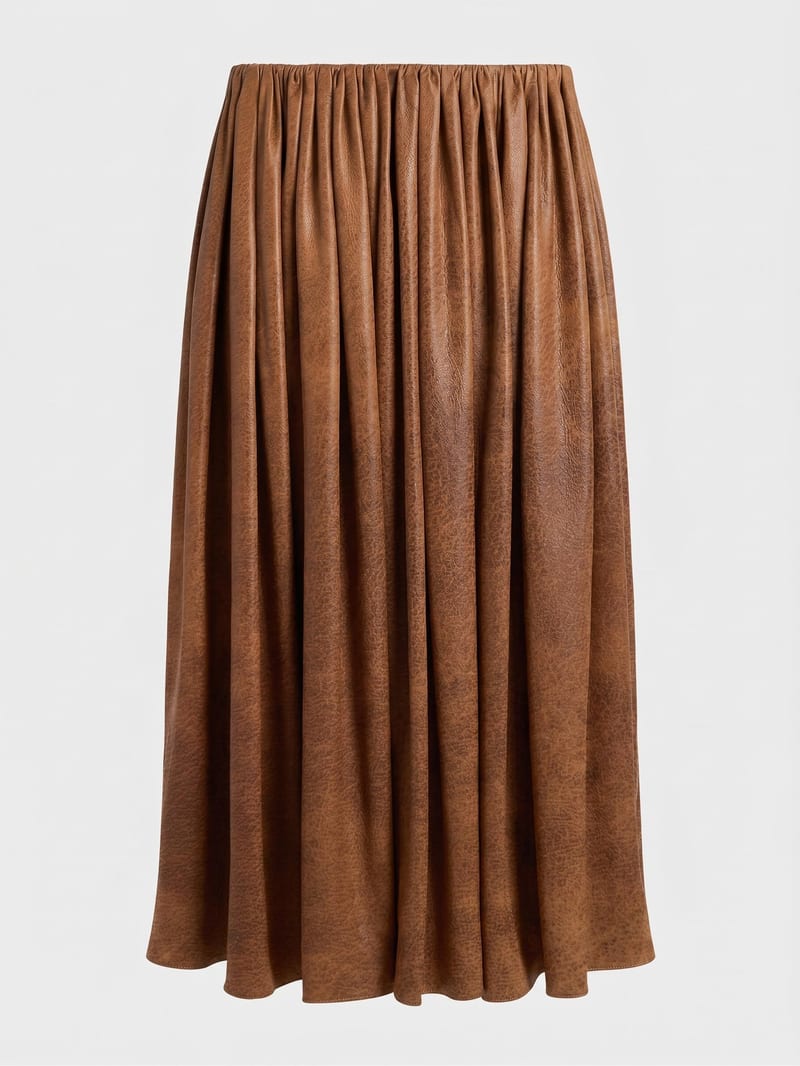
Combine a garment image with a reference material image to create a garment visual using the selected fabric.
