Recipev2
Rave Poster Style
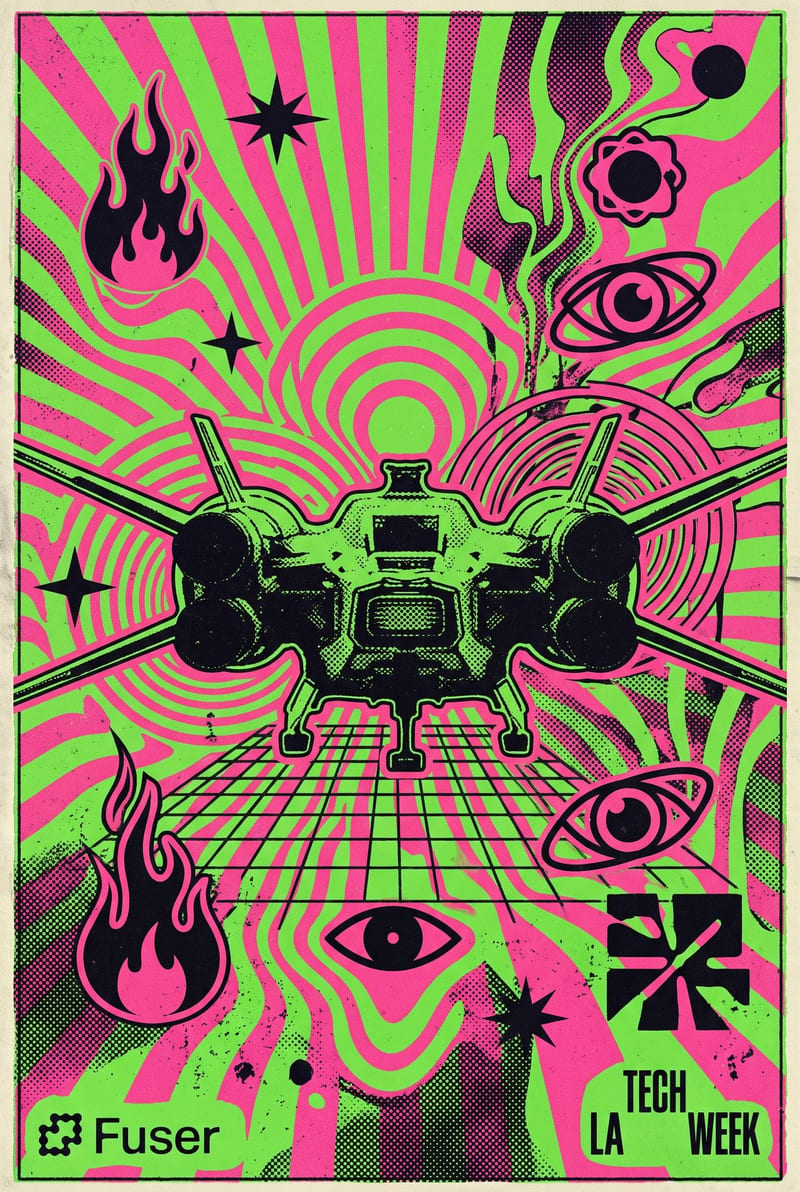
Rave Poster Style
One click, whole workflow
Recipes are here. Package a whole workflow and run it in one click
Explore recipesRave Poster Design
Transform a source image into a bold psychedelic rave poster with distorted graphics, grain, and vibrant 90s–2000s club-flyer style.
Rave Poster Style
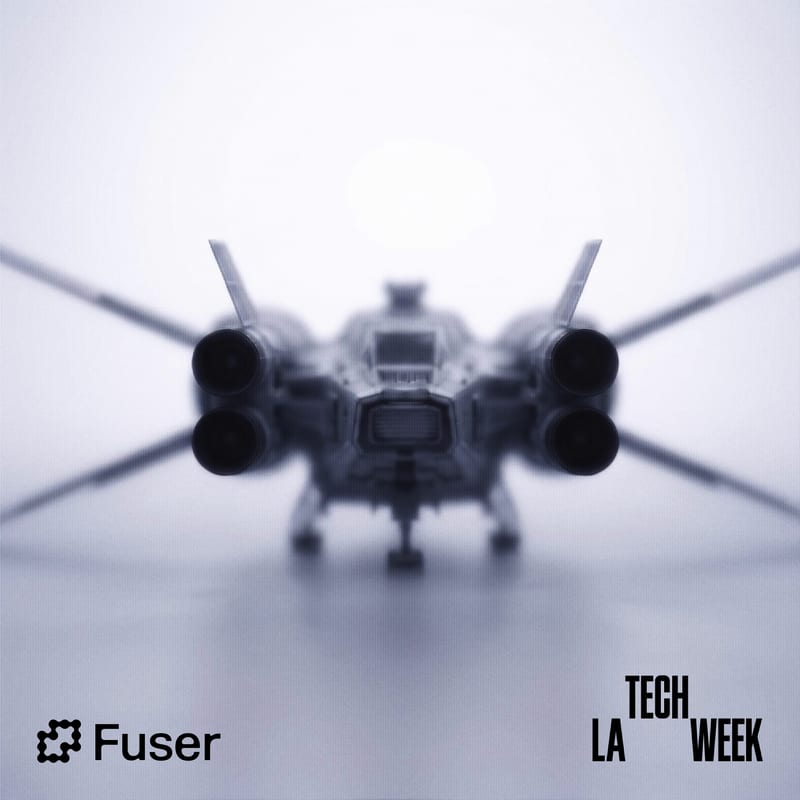
A recipe turns a reusable workflow into a simple set of inputs and outputs. Start with a community recipe and make it your own in Fuser.

1. Choose a recipe
Find a workflow for the result you want. Review what it does and how to use it before opening it in Fuser.
2. Make it your own
Check the recipe’s available inputs. Add your own text or media where supported, or start with the saved defaults.
3. Run and refine
Run it in Fuser and review the result on your canvas. Tweak the inputs to try another direction.
Use the image transformation for visual promotion, social content, and publication projects rooted in rave and club-flyer aesthetics.
It transforms a source image into a bold, psychedelic rave poster-style image. The output is shaped by distorted graphics, grain, and vibrant 90s–2000s club-flyer aesthetics.
It is suited to artists, designers, event promoters, DJs, and zine makers working with rave or club-flyer-inspired visuals. It can help turn an existing image into a more distinctive poster or publication concept.
The recipe uses two inputs: a Source Image and an Aspect Ratio. The saved example uses a 4:5 aspect ratio, and you can change both exposed inputs in Fuser before using the recipe.
The recipe produces one image labeled Rave Poster Style. The saved example demonstrates a source image transformed into the recipe’s psychedelic, grainy, distorted poster direction; a new run uses the inputs you provide.
Yes. Aspect Ratio is an exposed text input that you can edit in Fuser instead of keeping the saved 4:5 value. The resulting image will follow the aspect ratio you enter, while the recipe’s rave poster treatment remains the intended visual direction.
Yes. Source Image is an exposed image input, so you can replace the saved example with another image in Fuser. The recipe will apply its rave poster style to the image you choose.
It fits club-event promotion, DJ artwork, social posts, poster studies, and zine or publication concepts. These uses all build on the recipe’s image-to-rave-poster transformation rather than adding unrelated content.
Bring a source image and choose an aspect ratio to explore a bold psychedelic club-flyer treatment in Fuser.
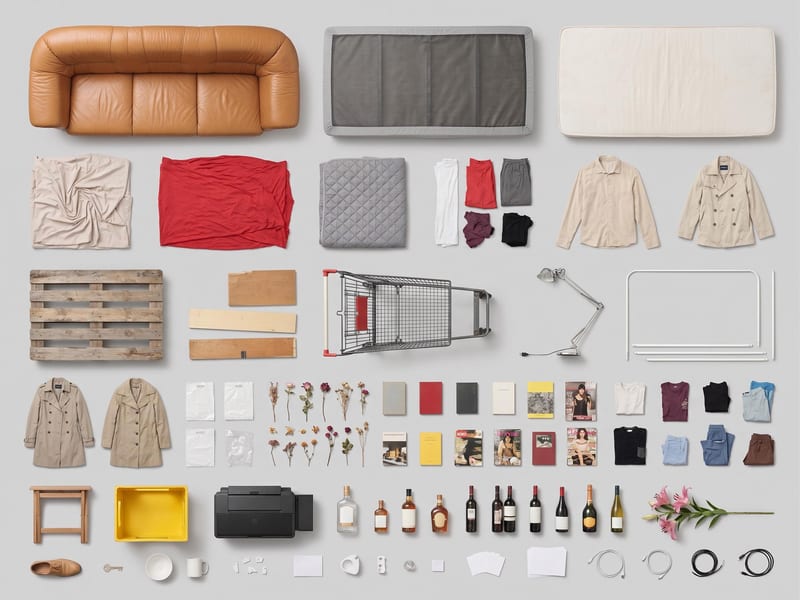
Use one source image to create a clean, top-down grid layout of its objects.
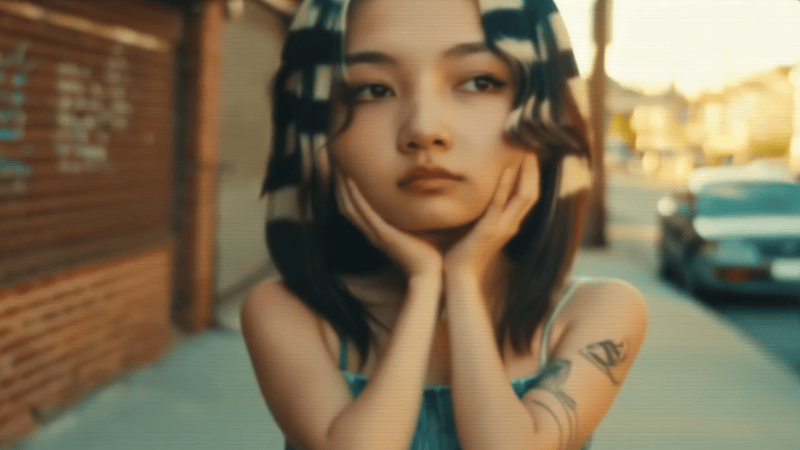
Upload one source video to create vertical 9:16 and landscape 16:9 versions for social content.
Turn a source image and custom thumbnail text into a bold YouTube thumbnail image for video promotion.
