Recipev3
Print Designer
Pattern
One click, whole workflow
Recipes are here. Package a whole workflow and run it in one click
Explore recipesFashion & Streetwear
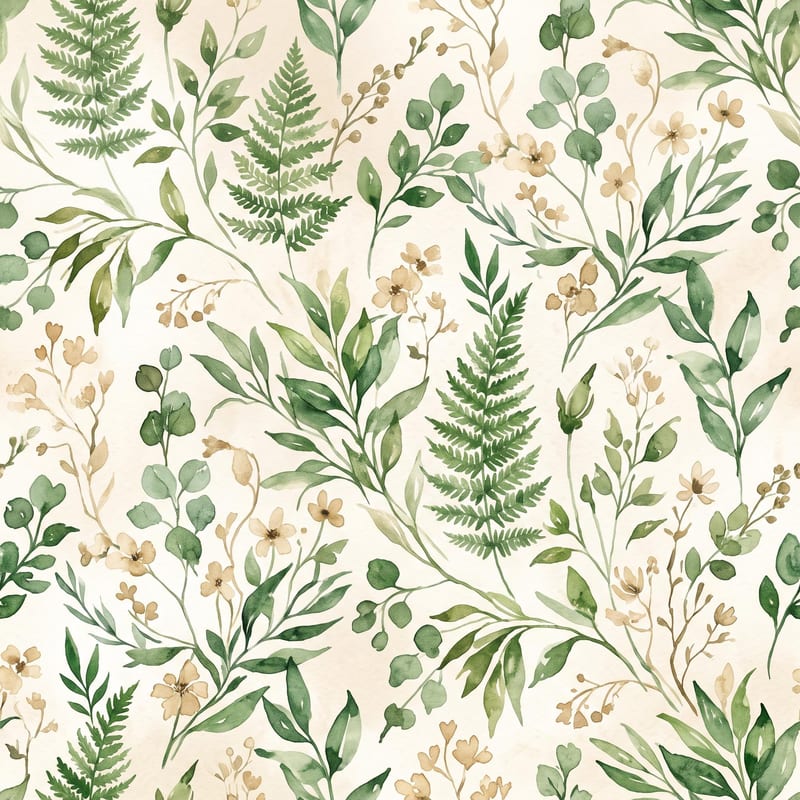
Turn a pattern or style description and color direction into a standalone fabric print image.
Pattern
A recipe turns a reusable workflow into a simple set of inputs and outputs. Start with a community recipe and make it your own in Fuser.

1. Choose a recipe
Find a workflow for the result you want. Review what it does and how to use it before opening it in Fuser.
2. Make it your own
Check the recipe’s available inputs. Add your own text or media where supported, or start with the saved defaults.
3. Run and refine
Run it in Fuser and review the result on your canvas. Tweak the inputs to try another direction.
Use the standalone pattern image to develop and communicate textile design ideas across fashion and visual planning workflows.
It creates a pattern image representing a standalone fabric print. The print is shown on its own and is not applied to a garment or another object.
It is useful for fashion and streetwear designers, textile teams, illustrators, and anyone developing visual print concepts. It can also support moodboards and early design presentations where a standalone pattern image is helpful.
Describe the visual direction for the print, such as “watercolor botanical pattern,” which is the saved example’s pattern input. More specific wording can give your new run a clearer design brief, but the recipe only exposes this text input and the color description input.
Edit the Color Description input in Fuser with the palette or color direction you want to explore. The saved example uses “green and beige,” while a new run can use a different color description.
You can change Pattern/Style Description and Color Description. The saved example connects “watercolor botanical pattern” and “green and beige” to the Pattern image output; new runs use the values you enter.
The saved example demonstrates the recipe using a watercolor botanical pattern direction and green-and-beige colors. Its output is a standalone pattern image, so it does not demonstrate the print on a garment, accessory, or other object.
No. This recipe is specifically for generating a standalone fabric print and does not apply the pattern to a garment or object. Use the output as a print concept or visual reference rather than as a garment mockup.
Log in to Fuser to edit the pattern and color descriptions and create a standalone print image for your next fashion concept.
Develop on-person garment imagery, editorial concepts and lookbook layouts. Bring collection references, virtual try-on and editable design together in Fuser.
Turn a creative brief into distinct visual concepts, moodboards and pitch layouts. Explore references, imagery and motion together in Fuser.
Upload a reference image to receive a detailed, structured text prompt describing how to recreate its visual characteristics.
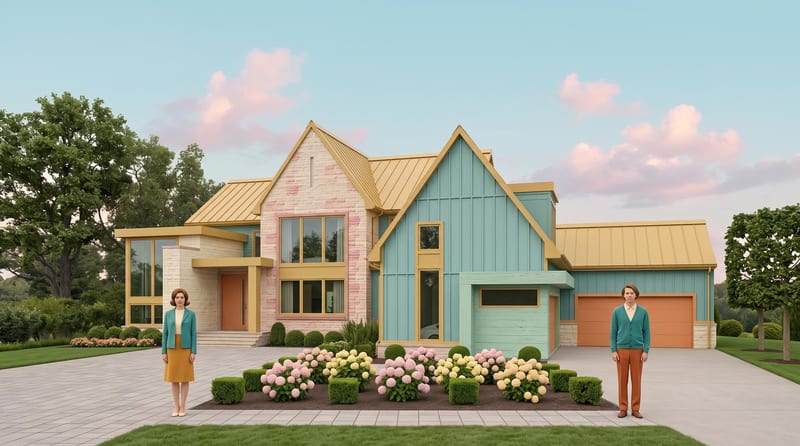
Transform a source image into a symmetrical, pastel, vintage-textured scene with quirky details and cinematic storybook charm.
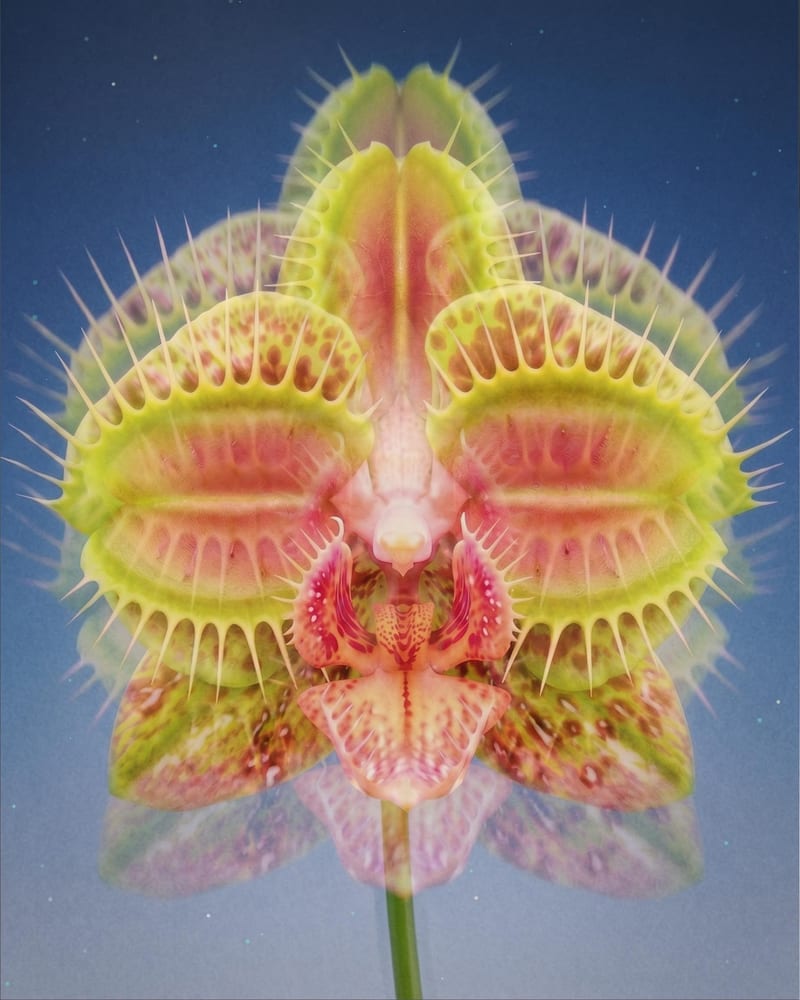
Turn one source image into a dreamy double-exposure image with soft ghosting, layered imagery, and subtle motion blur.