One click, whole workflow
Recipes are here. Package a whole workflow and run it in one click
Explore recipesOne click, whole workflow
Recipes are here. Package a whole workflow and run it in one click
Explore recipesSmall, focused tools you can use right here. Live tools run free in your browser and never upload your files. In Fuser, you can describe your own tool in plain words and it builds itself.

Upload one image to create four separate image outputs: its top-left, top-right, bottom-left, and bottom-right quarters.
Enter text and choose a case style to produce converted text in the result.
Paste text to get word, character, sentence and paragraph counts, plus a reading-time estimate based on your selected reading speed.

Add a text watermark to an image, then adjust opacity, size, and position to create a watermarked image.
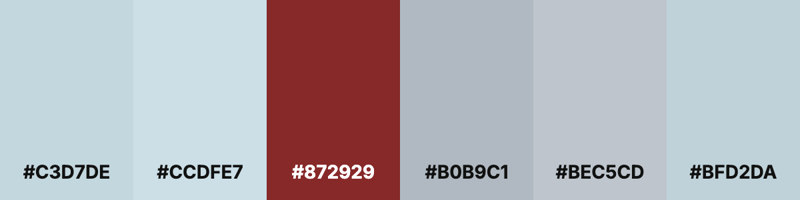
Upload an image and get an image of its main color swatches, each labeled with a hex code.

Upload an image to create a black-and-white result, then adjust contrast or switch on sepia for a different finish.
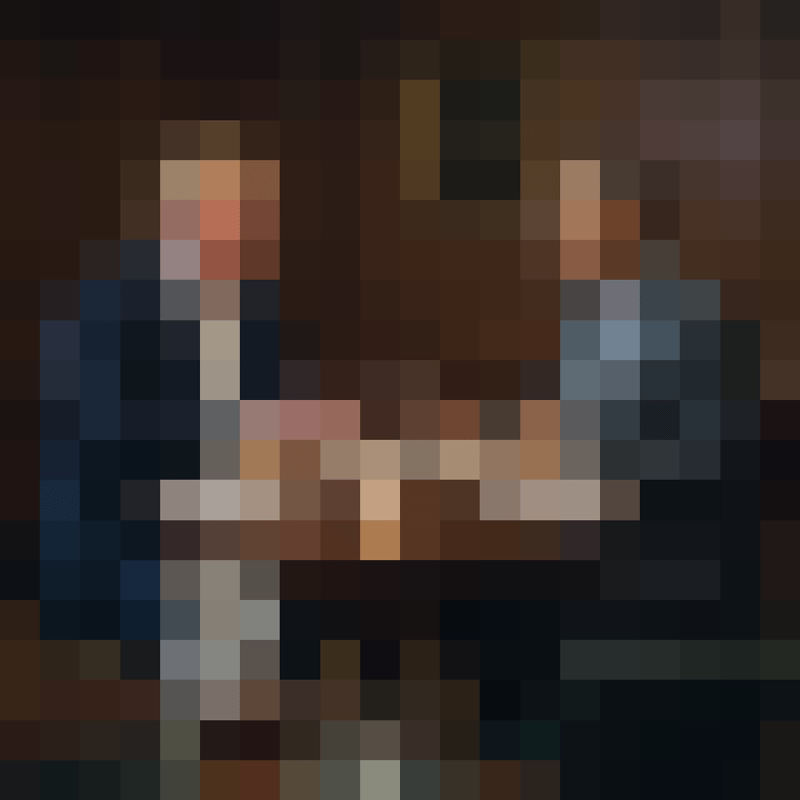
Upload an image and adjust block size and shape to create a pixelated image result.