Color palette extractor
LiveImage
Colors
One click, whole workflow
Recipes are here. Package a whole workflow and run it in one click
Explore recipesImage color utility
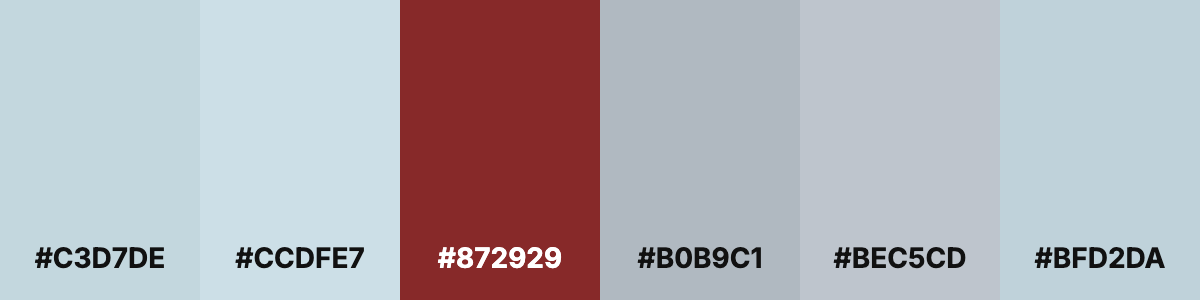
Upload an image and get an image of its main color swatches, each labeled with a hex code.
Runs in your browser. Your files are never uploaded.
A tool is a small app you describe in plain words. Try this one here, then keep it on your Fuser canvas and connect it to the rest of your work.
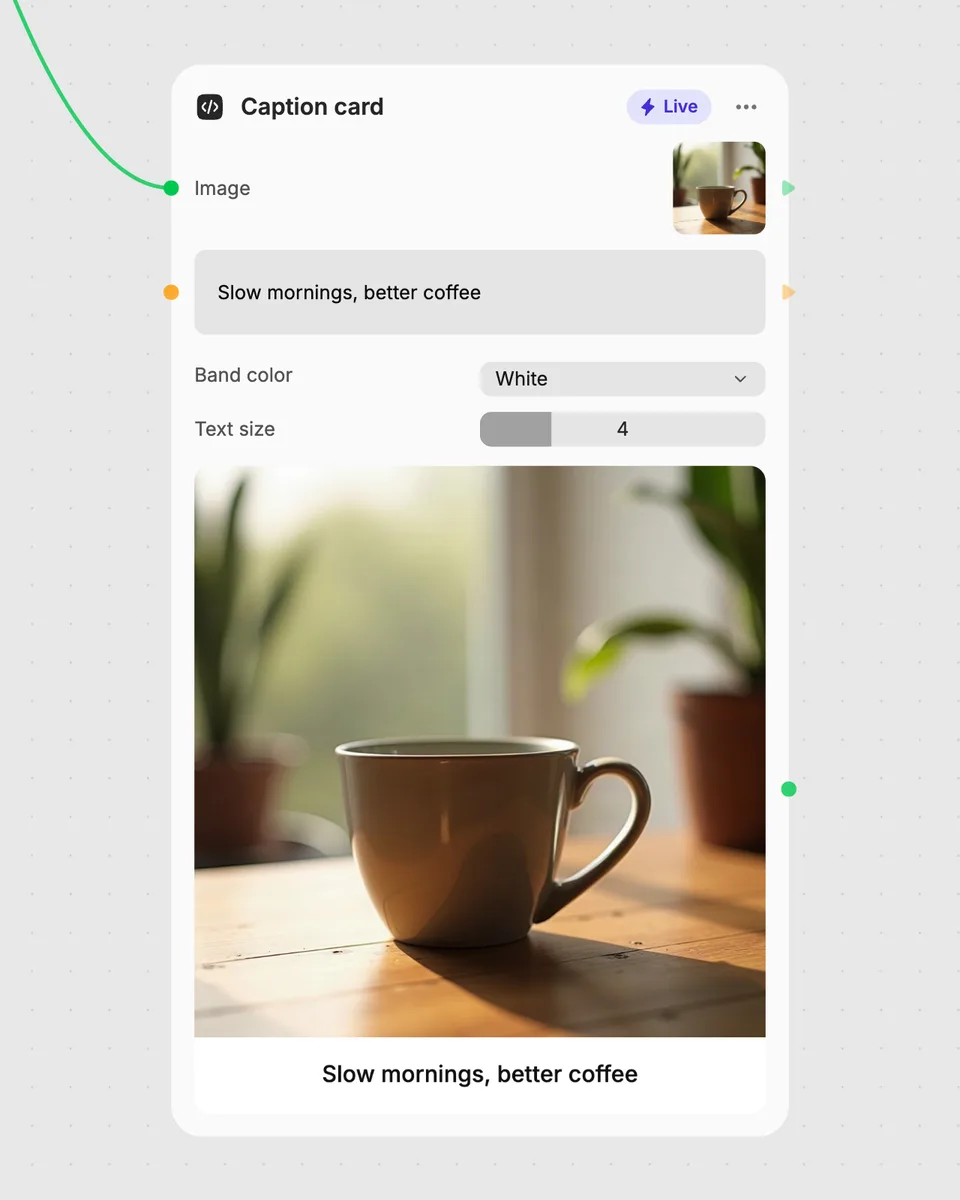
1. Try it here
Add your own file or text and adjust the controls. Live tools run in your browser, so nothing is uploaded.
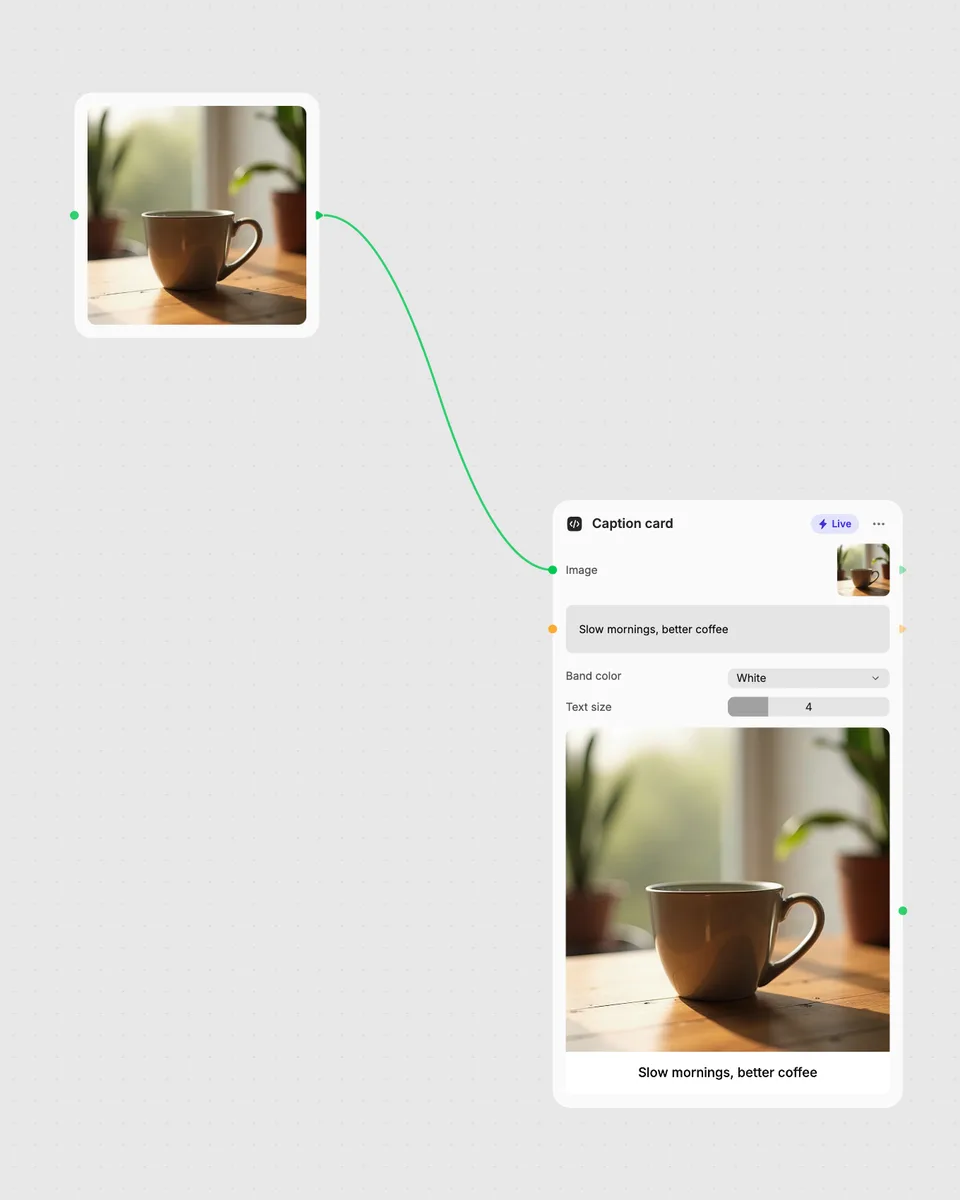
2. Open it in Fuser
Sign up free and the tool opens on your canvas with this example wired in, ready to connect to images, video or text from other nodes.
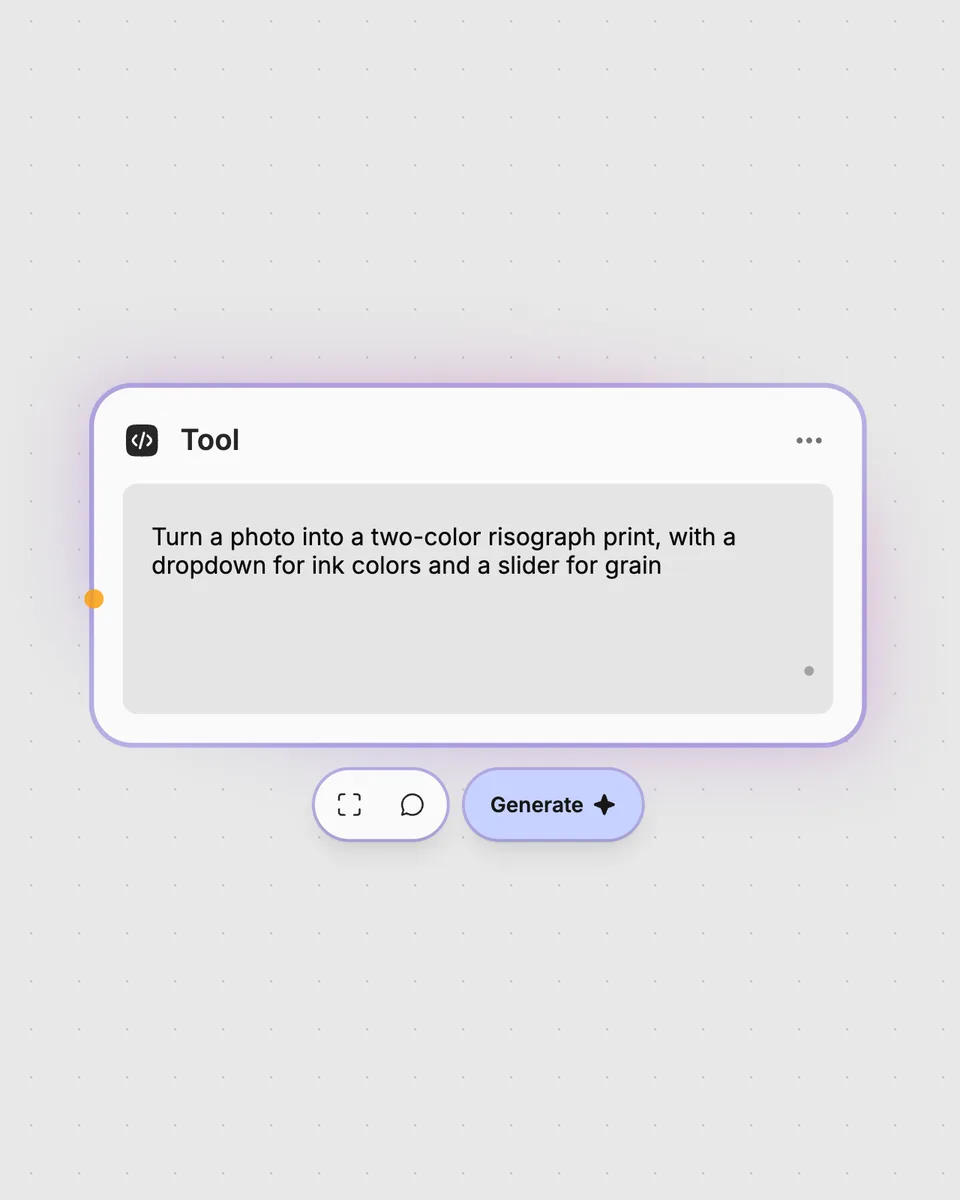
3. Describe your own
Need something different? Describe the tool you want and Fuser builds it, with the controls you asked for.
Create a labeled color reference from any image you want to analyze.
It takes one image and outputs an image of its main color swatches. Each swatch is labeled with a hex code.
You need one image to analyze. Choose an image whose colors you want represented in the resulting swatch image.
The slider sets how many color swatches appear in the result. You can choose between 2 and 12 colors, with 6 selected by default.
Yes. This Live tool runs in your browser, and the result updates as you move the Colors slider.
No account is needed to try the tool on this page. Downloading more than once or opening it in Fuser asks you to sign up.
Open the tool in Fuser and combine its palette image result with other nodes. This lets the extracted palette become part of a larger workflow.
Open this live tool in Fuser, adjust the swatch count, and combine its labeled palette image with other nodes.

Upload one image to create four separate image outputs: its top-left, top-right, bottom-left, and bottom-right quarters.

Add a text watermark to an image, then adjust opacity, size, and position to create a watermarked image.

Upload an image to create a black-and-white result, then adjust contrast or switch on sepia for a different finish.