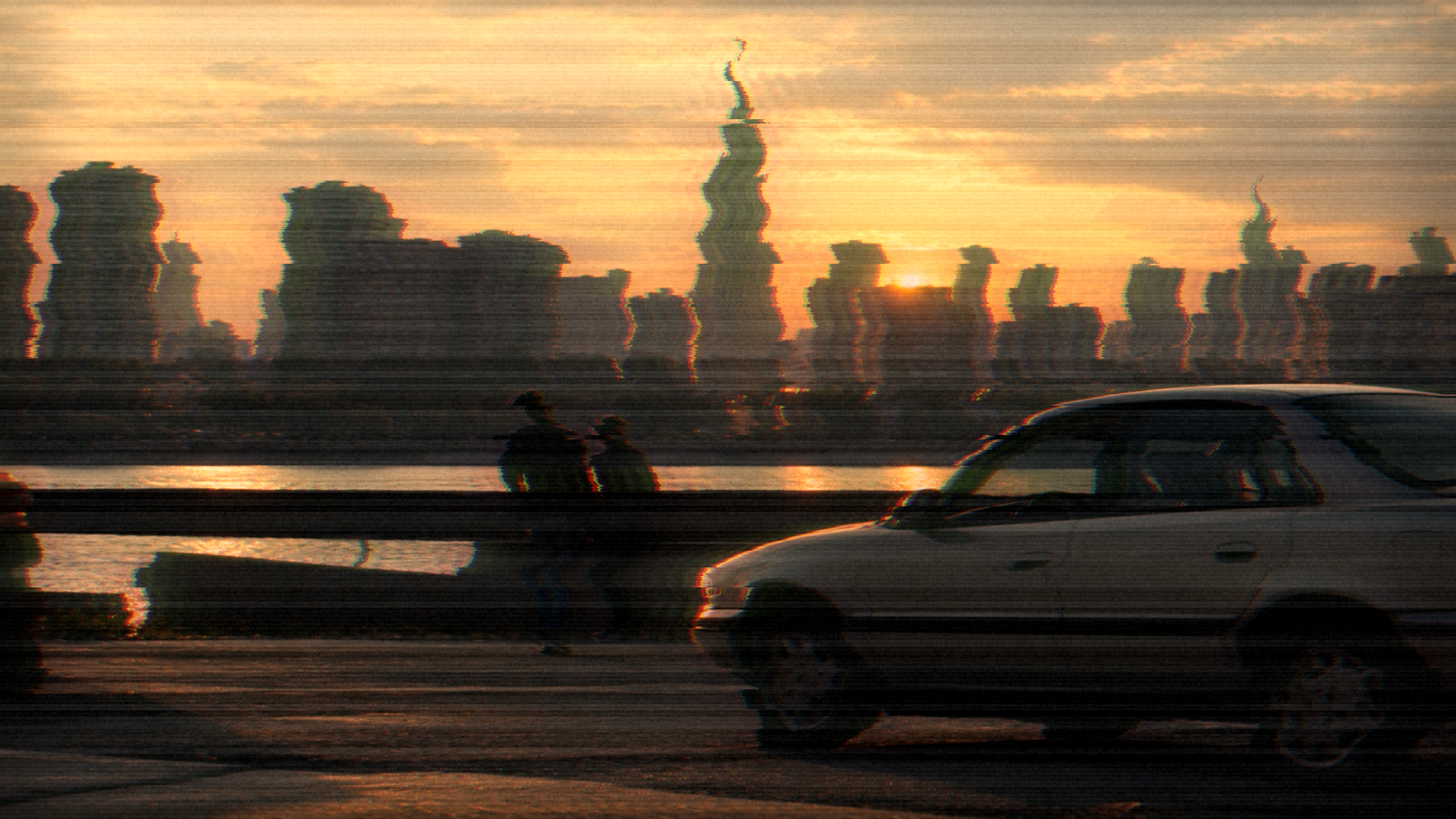
Add 90s scanner artifacts
LiveImage
Artifact Intensity
Horizontal Smear
Scanner Grain
Color Cast
One click, whole workflow
Recipes are here. Package a whole workflow and run it in one click
Explore recipesImage effect
Upload an image and create a scanned-looking result with adjustable artifacts, smear, grain, and color cast.
Runs in your browser. Your files are never uploaded.
A tool is a small app you describe in plain words. Try this one here, then keep it on your Fuser canvas and connect it to the rest of your work.
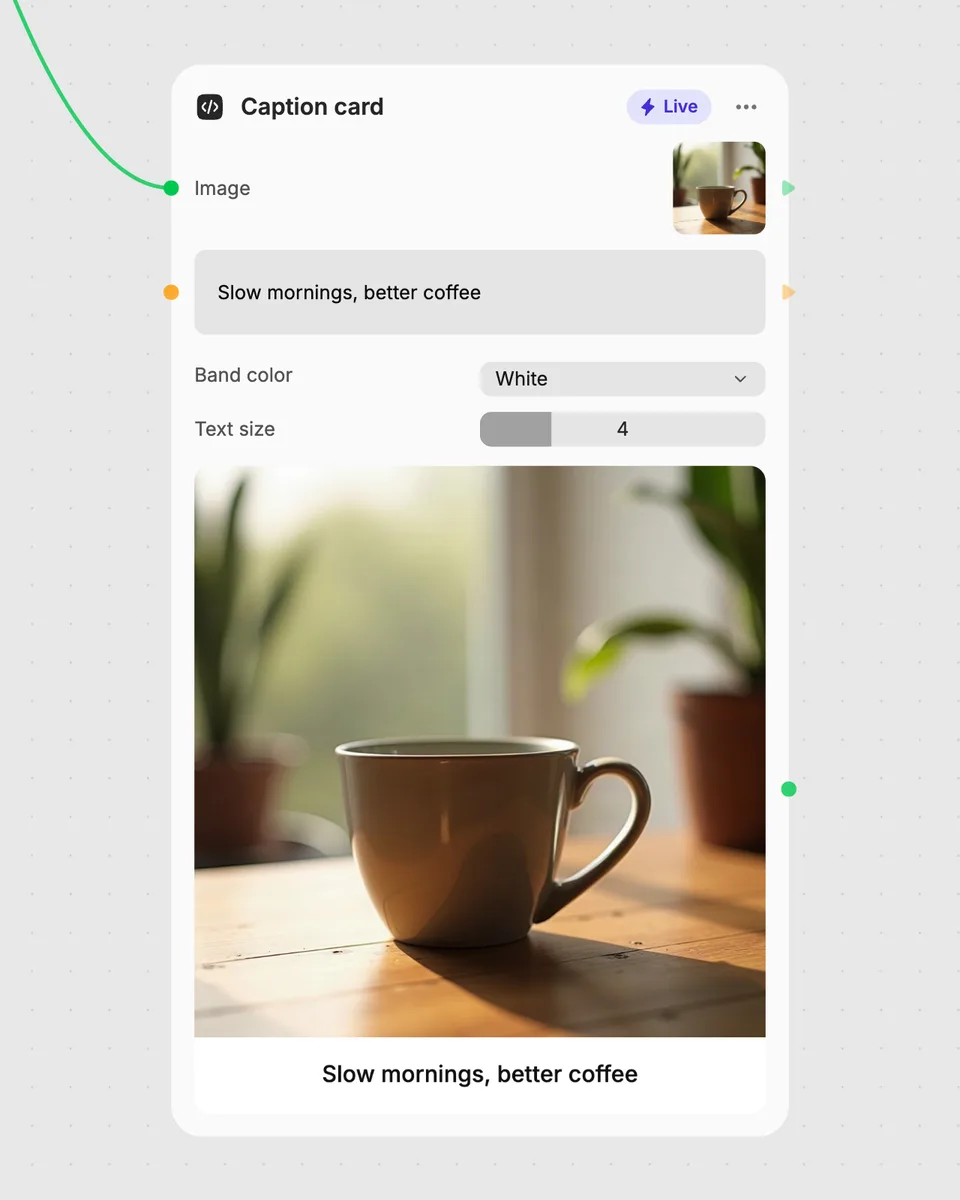
1. Try it here
Add your own file or text and adjust the controls. Live tools run in your browser, so nothing is uploaded.
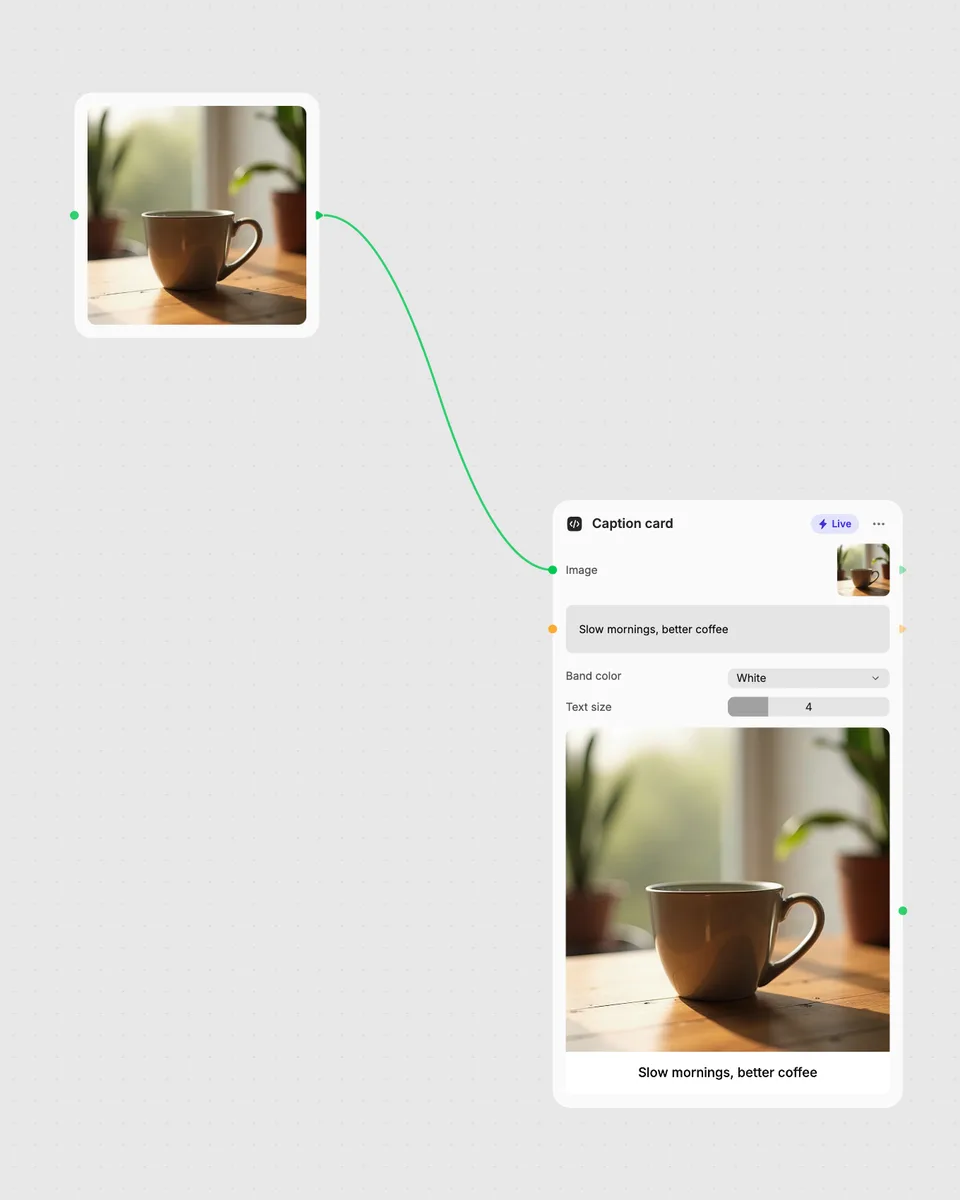
2. Open it in Fuser
Sign up free and the tool opens on your canvas with this example wired in, ready to connect to images, video or text from other nodes.
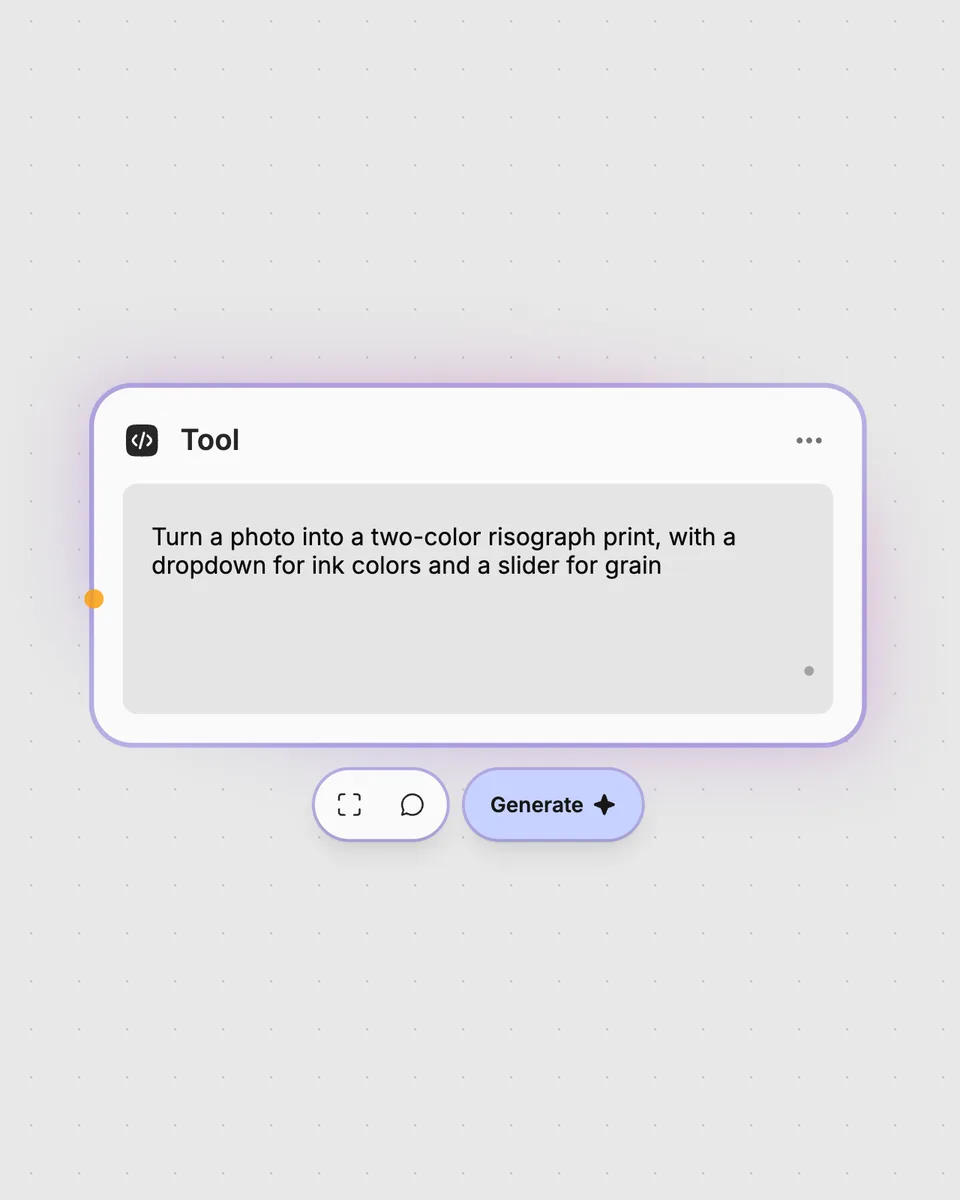
3. Describe your own
Need something different? Describe the tool you want and Fuser builds it, with the controls you asked for.
Tune the controls to give different images a distinctive scanned appearance.
It takes one image input and returns one image with 90s scanner artifacts. You can adjust artifact intensity, horizontal smear, scanner grain, and color cast.
Provide an image through the Image input. The tool applies its scanner effect to that image and produces the scanned result.
Artifact Intensity changes the overall strength of the scanner artifacts. Horizontal Smear and Scanner Grain adjust those effects separately, while Color Cast switches between neutral, warm, cool, and greenish options.
Yes. This Live tool runs in your browser, updates as you move the controls, and is free to try on this page without an account. Downloading more than once or opening it in Fuser asks you to sign up.
Open the tool in Fuser to use it as an image-processing node. You can combine it with other nodes so its scanned image result becomes part of a larger workflow.
Try the live image effect in your browser, then combine its scanned result with other nodes in Fuser.
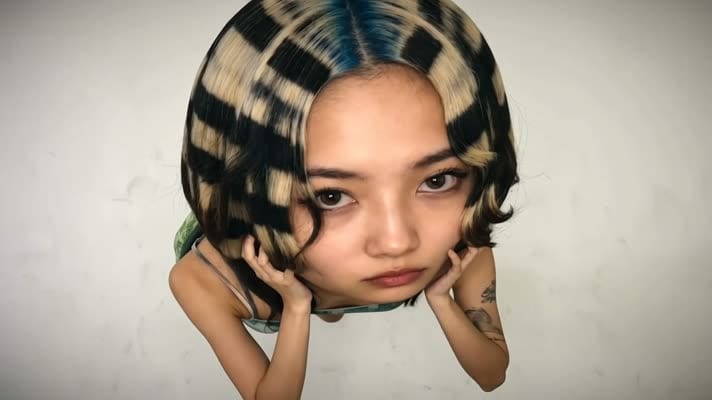
Turn one image into a fishbowl-style result, with adjustable effect strength and optional glass shine.
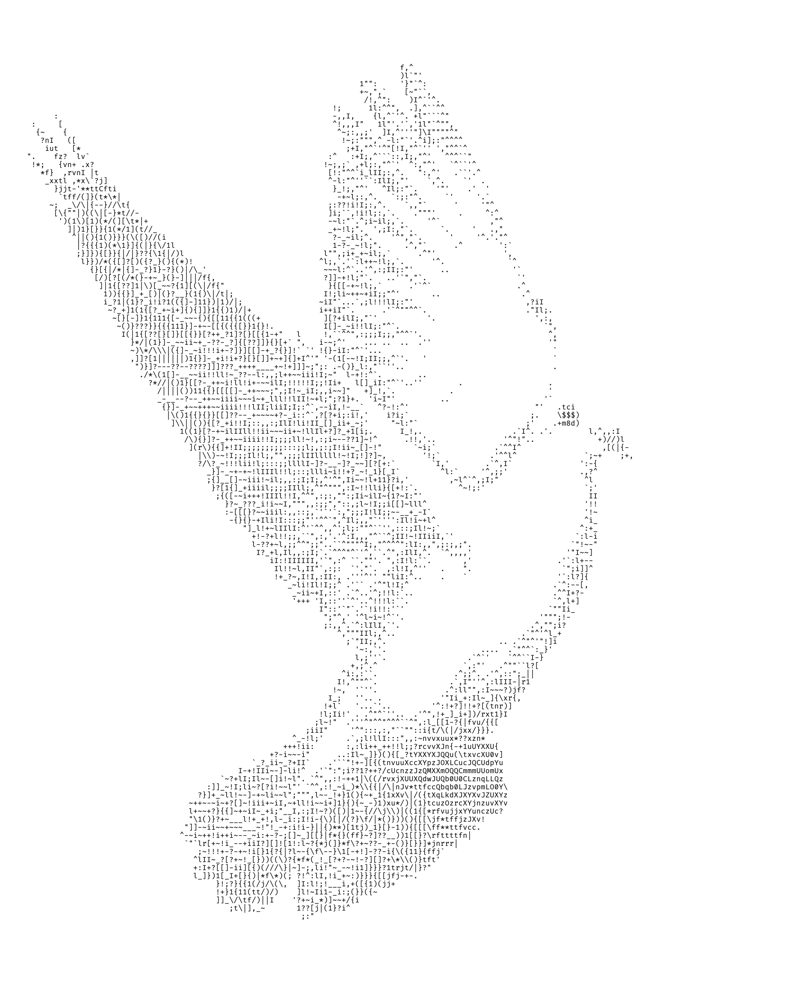
Convert an image into a character-based ASCII image with adjustable width, contrast, and character set controls.
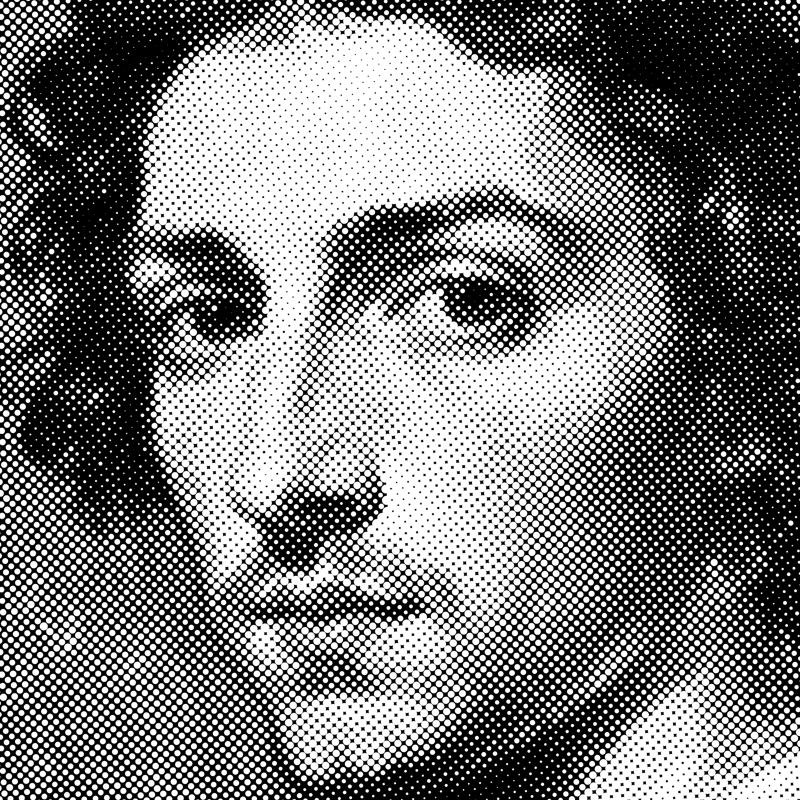
Turn an image into a halftone result with adjustable dot size, angle, color mode, and inversion.