Combine Multiple Videos into One
LiveVideo 1
Video 2
Video 3
More videos
Output FPS
One click, whole workflow
Recipes are here. Package a whole workflow and run it in one click
Explore recipesVideo utility
Add two or more videos and get one combined video, with the output frame rate set by a slider.
Runs in your browser. Your files are never uploaded.
A tool is a small app you describe in plain words. Try this one here, then keep it on your Fuser canvas and connect it to the rest of your work.
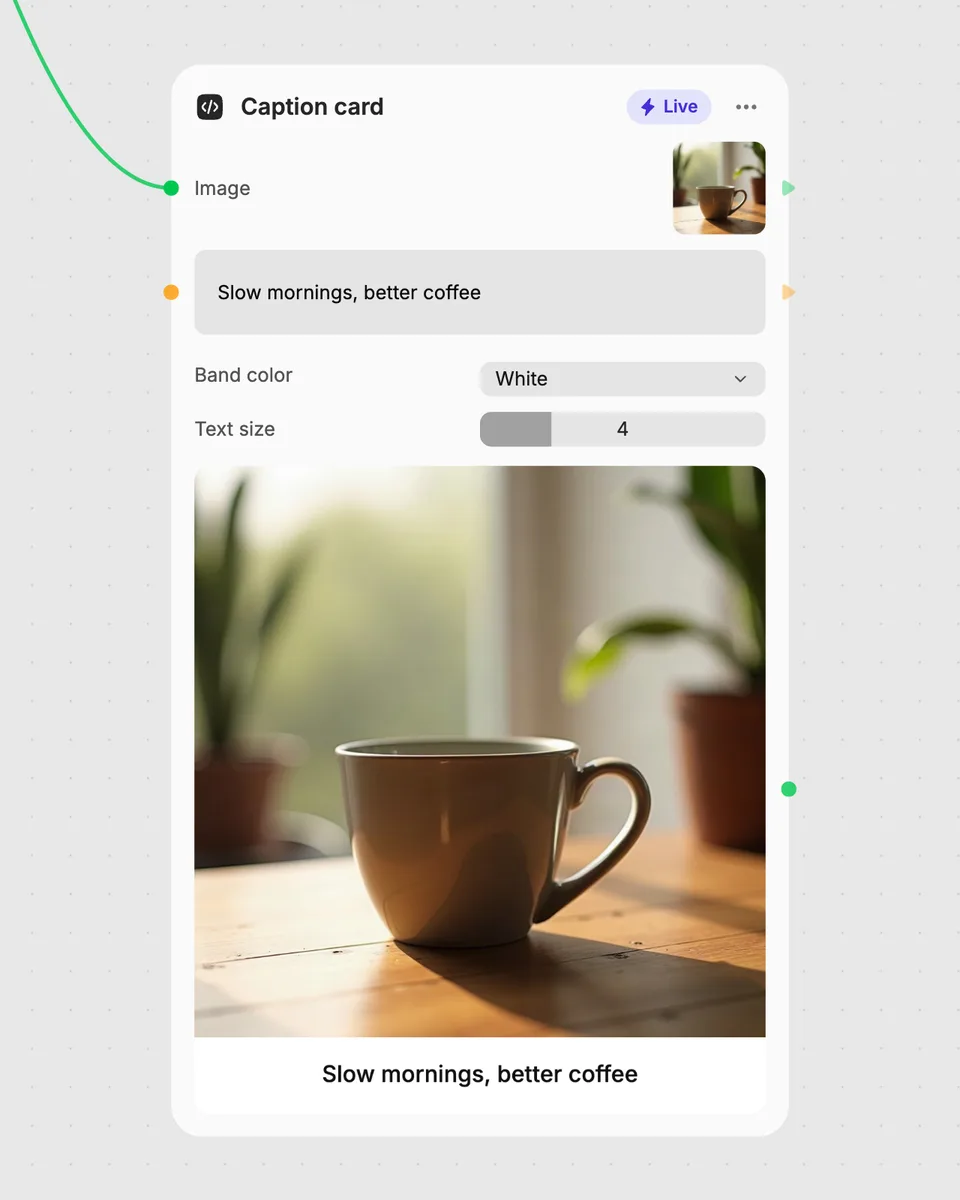
1. Try it here
Add your own file or text and adjust the controls. Live tools run in your browser, so nothing is uploaded.
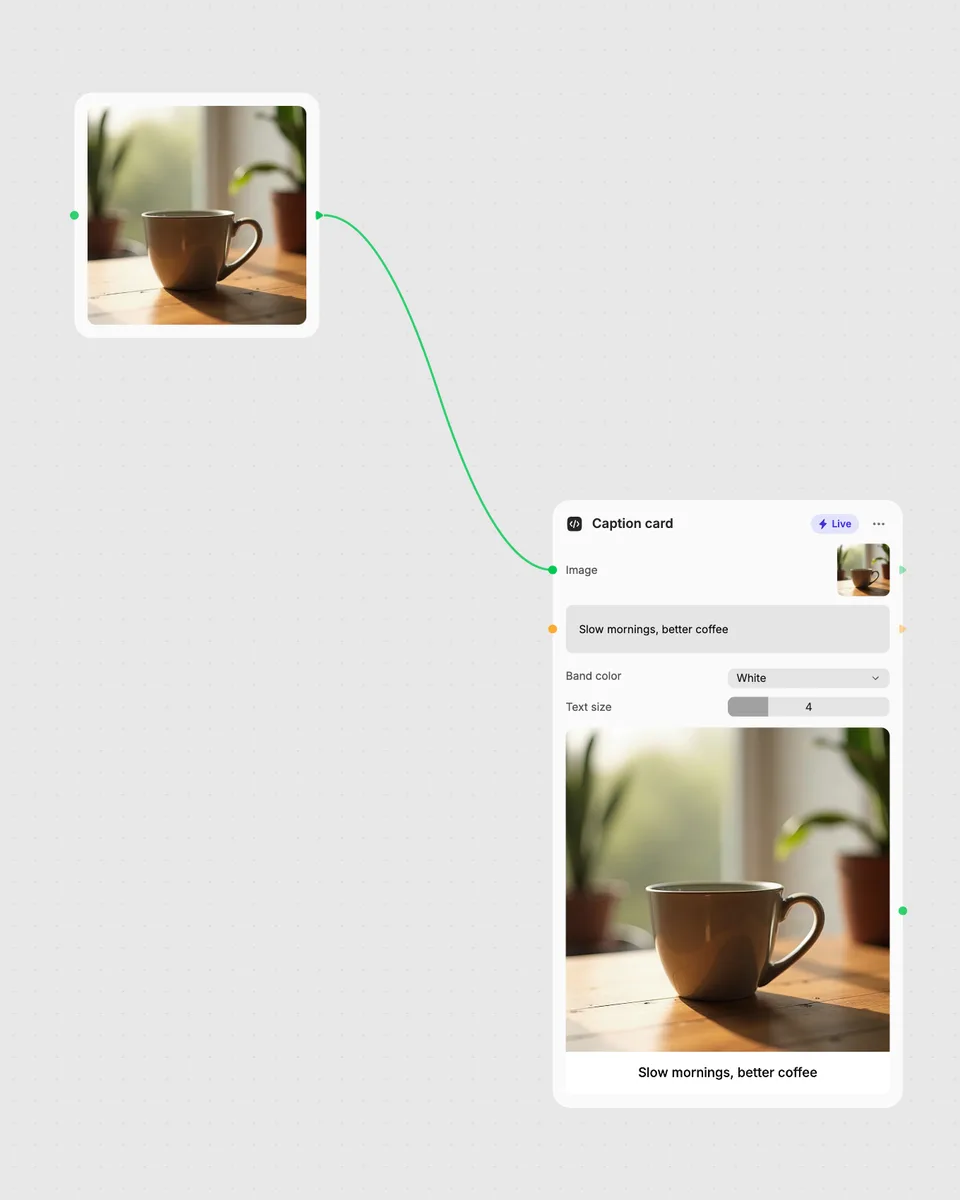
2. Open it in Fuser
Sign up free and the tool opens on your canvas with this example wired in, ready to connect to images, video or text from other nodes.
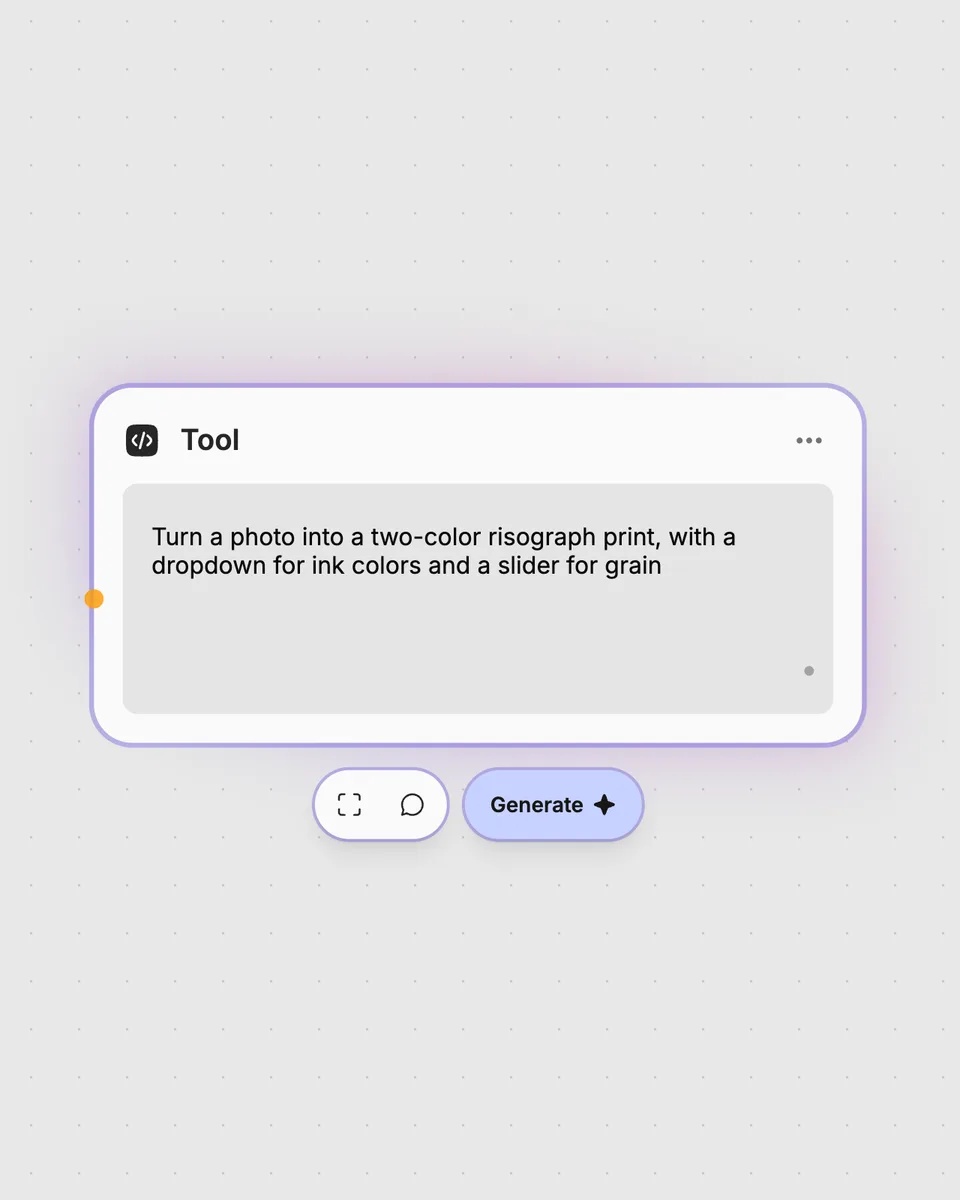
3. Describe your own
Need something different? Describe the tool you want and Fuser builds it, with the controls you asked for.
Use the tool to turn separate video inputs into one continuous result.
It combines two or more video inputs into one video result. Video 1 and Video 2 are required, while Video 3 and additional videos are optional.
Provide at least two video inputs: Video 1 and Video 2. You can also add Video 3 or multiple additional videos through the More videos input.
The Output FPS slider sets the frame rate of the combined result. It can be adjusted from 12 to 60 FPS, with 30 FPS as the default.
No account is needed to try this Live tool on the page. It runs in your browser and updates the result as you adjust the control; downloading more than once or opening it in Fuser asks you to sign up.
Yes. Open the tool in Fuser and use its combined video result with other nodes in a larger workflow. You can also connect other processing steps around the video-combining step.
Open the live tool, add your video inputs, adjust the output FPS, and combine it with other nodes in Fuser.
Upload a video and choose an aspect ratio and fit mode to create a resized video with cropping, blur, or black fill.
Apply a selectable color filter to a video and adjust its strength to create a subtle filtered video result.
Adjust one video’s exposure, contrast, saturation, temperature, tint, shadows, and highlights to produce a graded video.