Ken Burns video effect
LiveImage
Duration
Zoom amount
Motion
Smooth easing
One click, whole workflow
Recipes are here. Package a whole workflow and run it in one click
Explore recipesImage-to-video effect
Upload one image and create a video with adjustable duration, zoom, motion direction, and optional smooth easing.
Runs in your browser. Your files are never uploaded.
A tool is a small app you describe in plain words. Try this one here, then keep it on your Fuser canvas and connect it to the rest of your work.
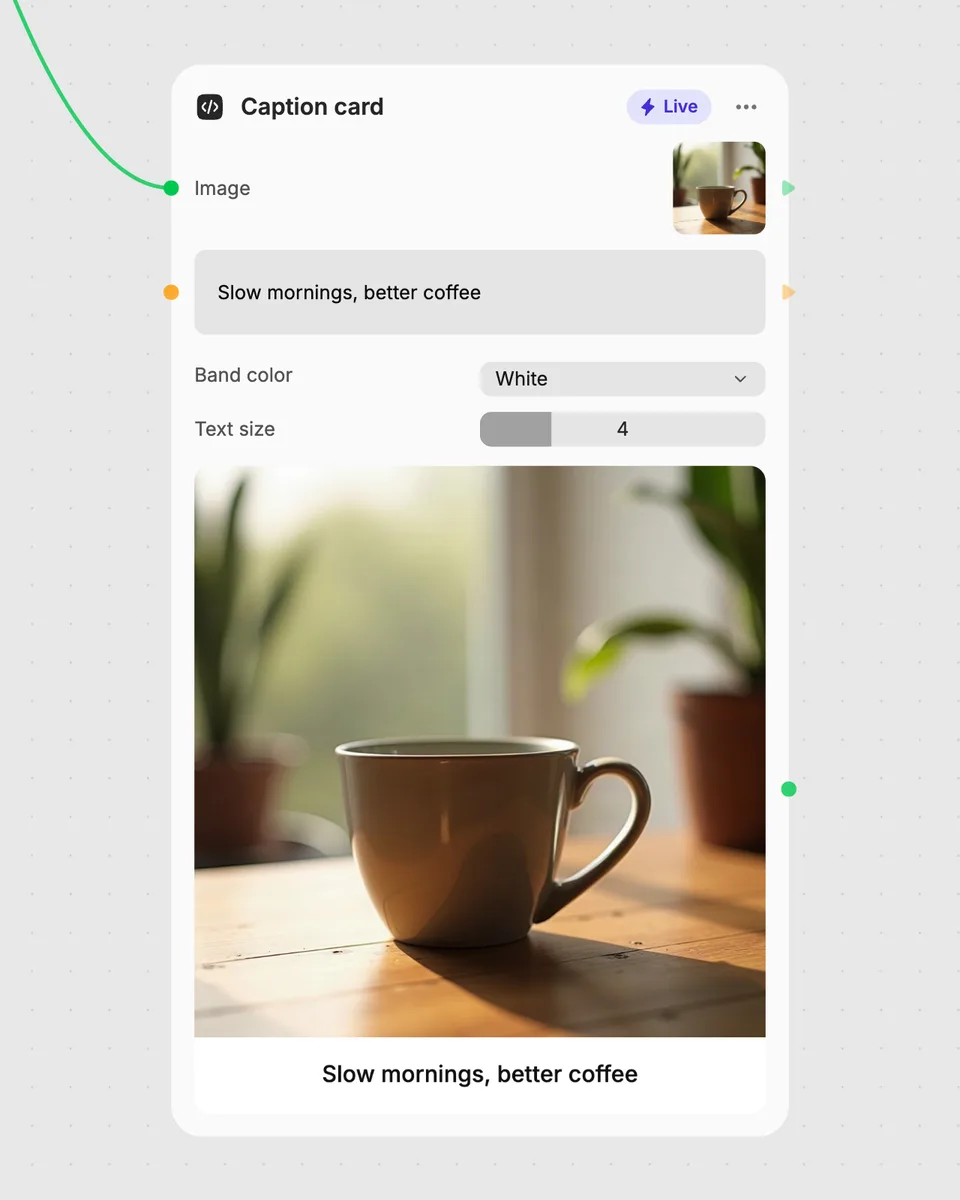
1. Try it here
Add your own file or text and adjust the controls. Live tools run in your browser, so nothing is uploaded.
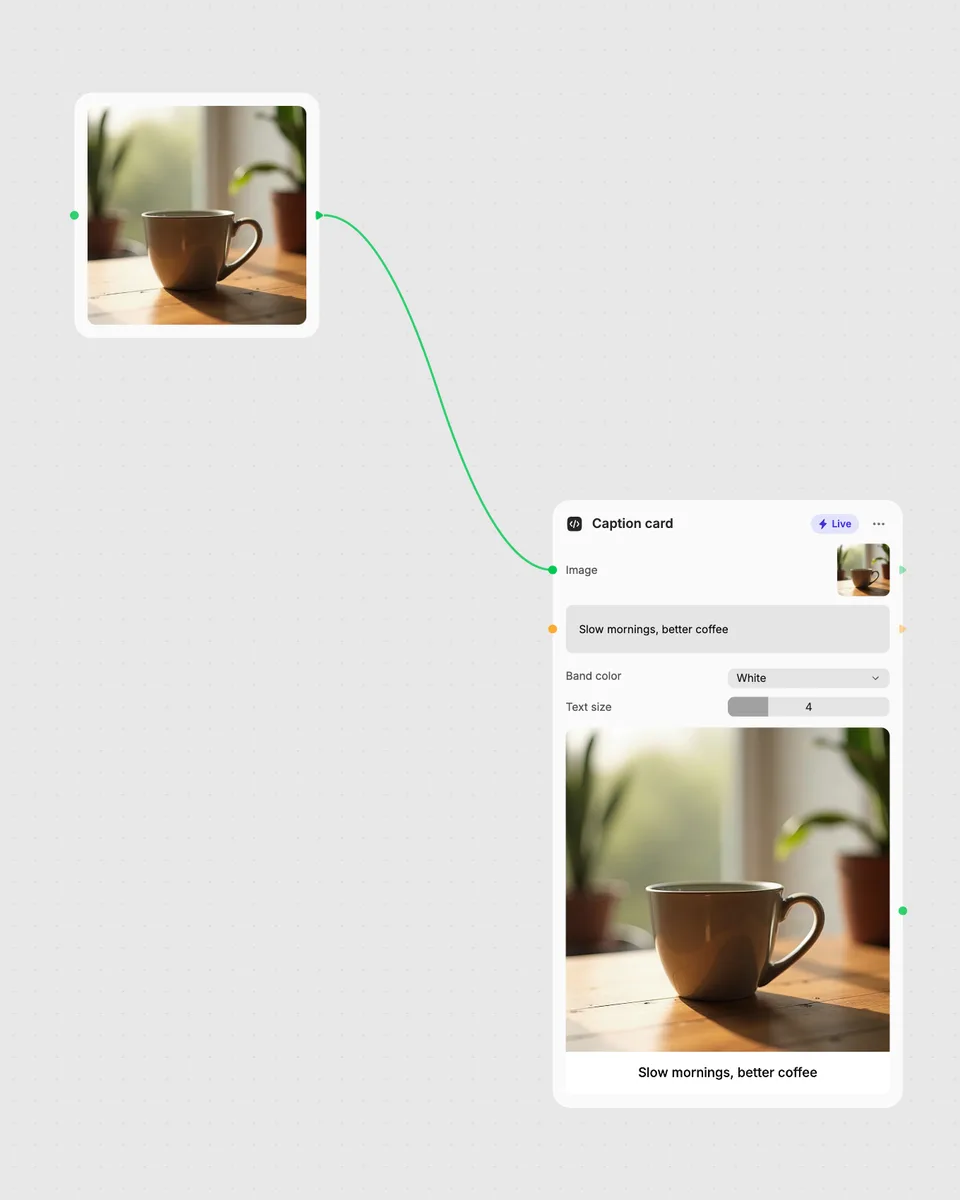
2. Open it in Fuser
Sign up free and the tool opens on your canvas with this example wired in, ready to connect to images, video or text from other nodes.
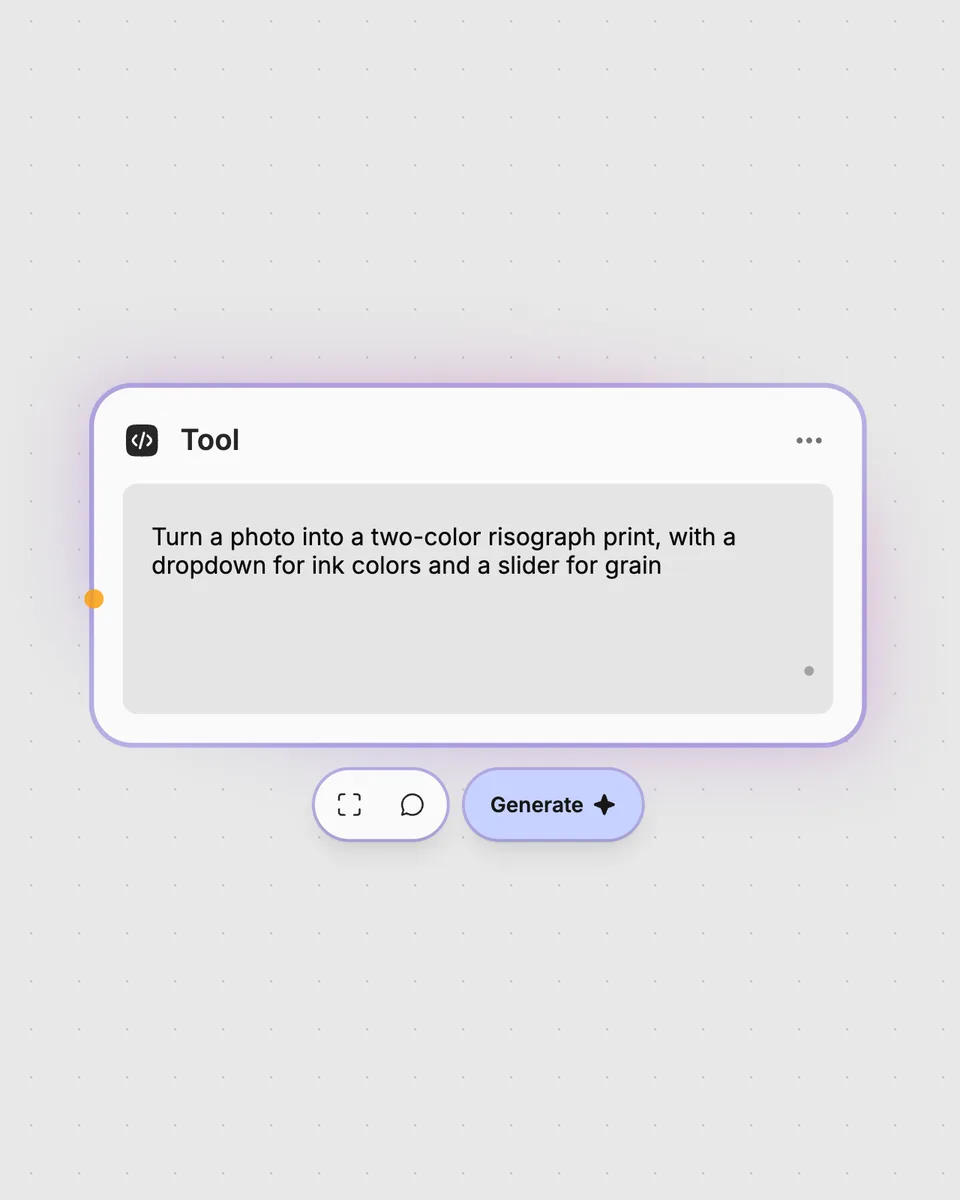
3. Describe your own
Need something different? Describe the tool you want and Fuser builds it, with the controls you asked for.
Create movement from a single still image by choosing how long it lasts, how far it zooms, and which way it moves.
It takes one image and creates a video with zooming or panning motion. You can choose the duration, zoom amount, motion direction, and whether to use smooth easing.
The tool requires one image. Upload the image you want to turn into a moving video.
Duration can be set from 2 to 15, and Zoom amount from 5 to 100. Motion can be set to in, out, pan_right, pan_left, pan_up, or pan_down, while Smooth easing can be switched on or off.
No account is needed to try this live tool on the page, and it runs in your browser for free. Fuser asks you to sign up if you download more than once or open the tool in Fuser.
Yes. Use the image as this node’s input, then pass its video result to another Fuser node as part of a broader workflow.
Create a moving video from your image, then combine the result with other nodes in Fuser.
Add a transparent image watermark to a video, adjust its placement and appearance, and get a watermarked video.
Turn multiple images into a GIF-style video with adjustable frame rate, loops, fit mode, boomerang playback, and GIF dithering.
Apply a selectable color filter to a video and adjust its strength to create a subtle filtered video result.