Make GIF Style Video from Images
LiveImages to play in sequence
Frames per second
Sequence loops
Image fit
One click, whole workflow
Recipes are here. Package a whole workflow and run it in one click
Explore recipesImage-to-video tool
Upload images, choose playback speed, loop count, and image fitting, then get a video that plays them in sequence.
Runs in your browser. Your files are never uploaded.
A tool is a small app you describe in plain words. Try this one here, then keep it on your Fuser canvas and connect it to the rest of your work.
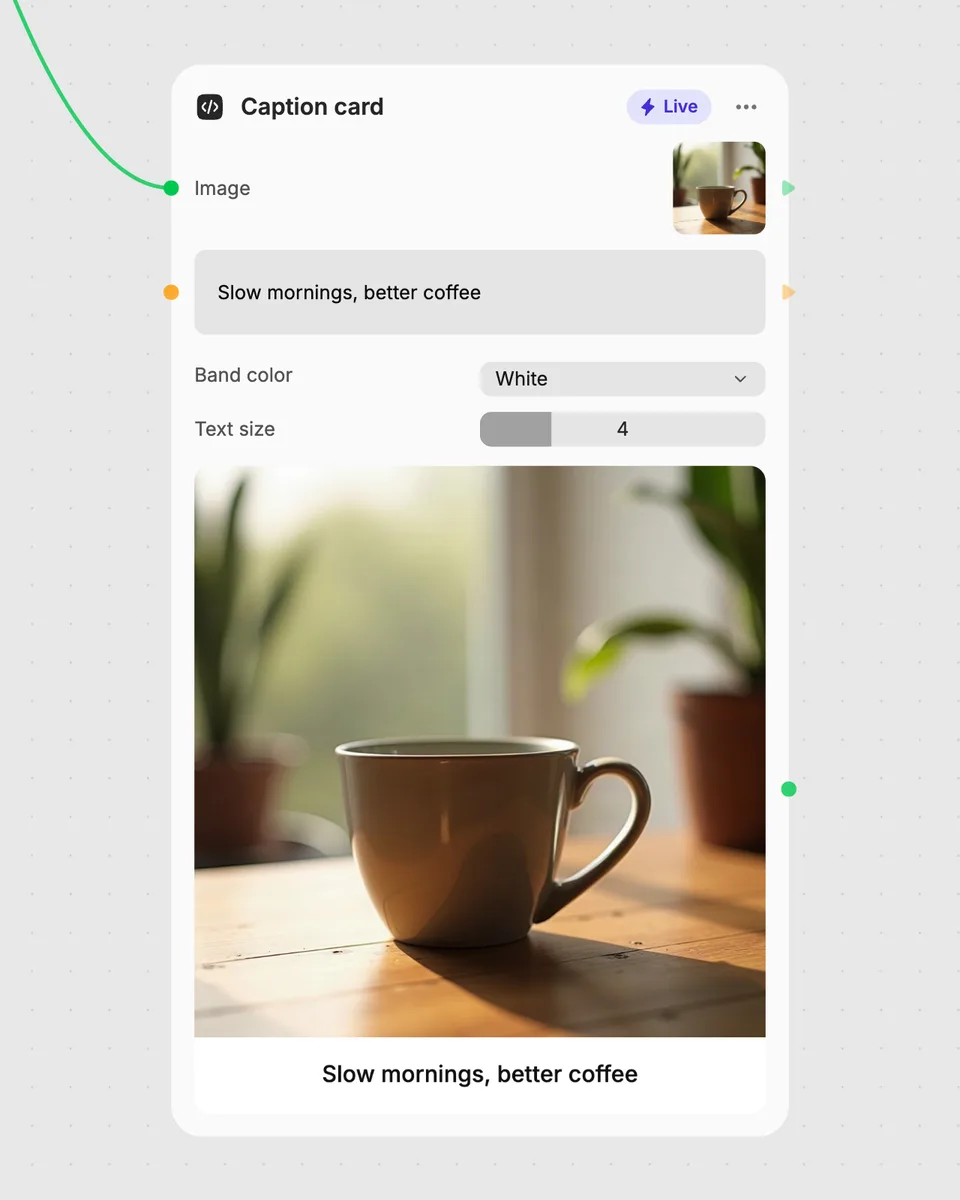
1. Try it here
Add your own file or text and adjust the controls. Live tools run in your browser, so nothing is uploaded.
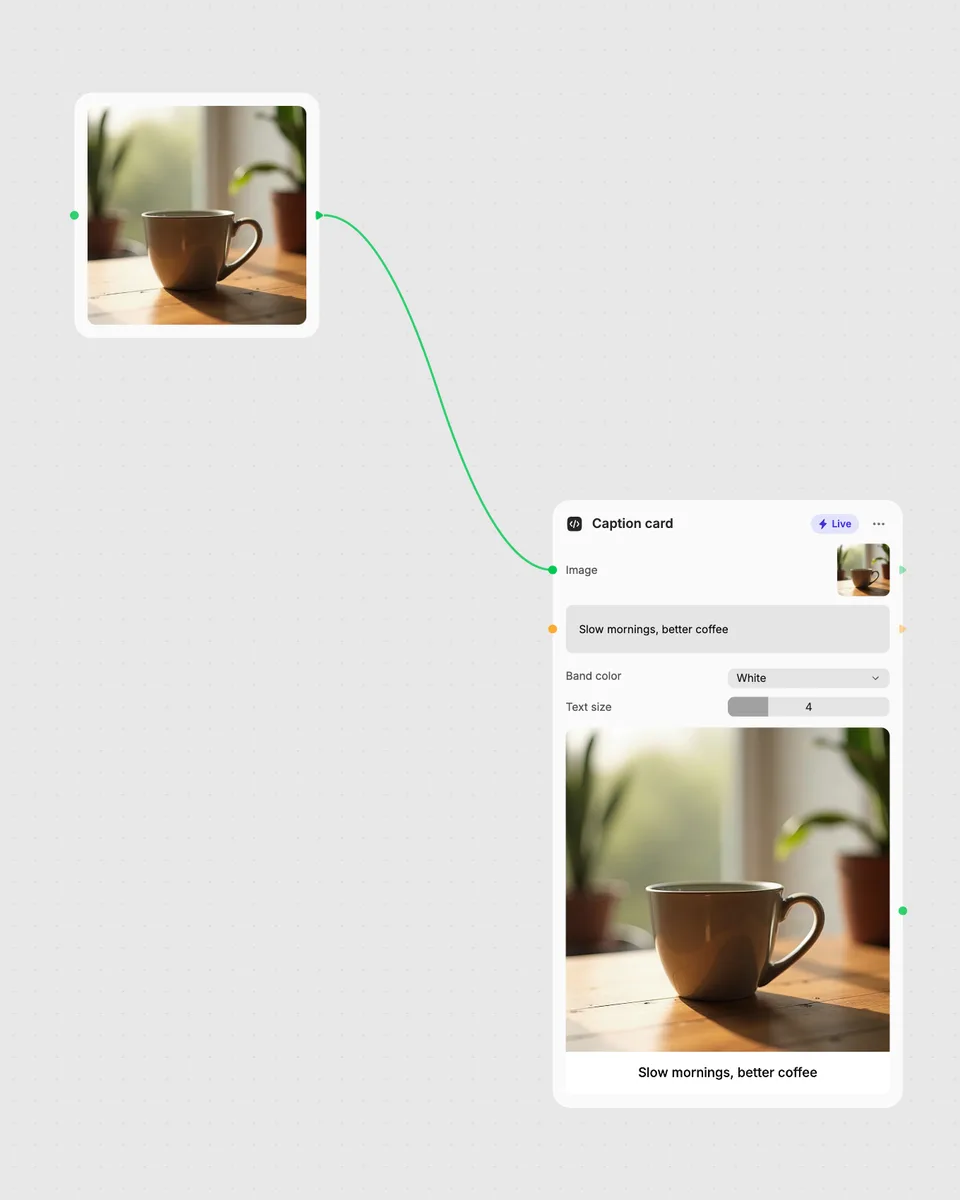
2. Open it in Fuser
Sign up free and the tool opens on your canvas with this example wired in, ready to connect to images, video or text from other nodes.
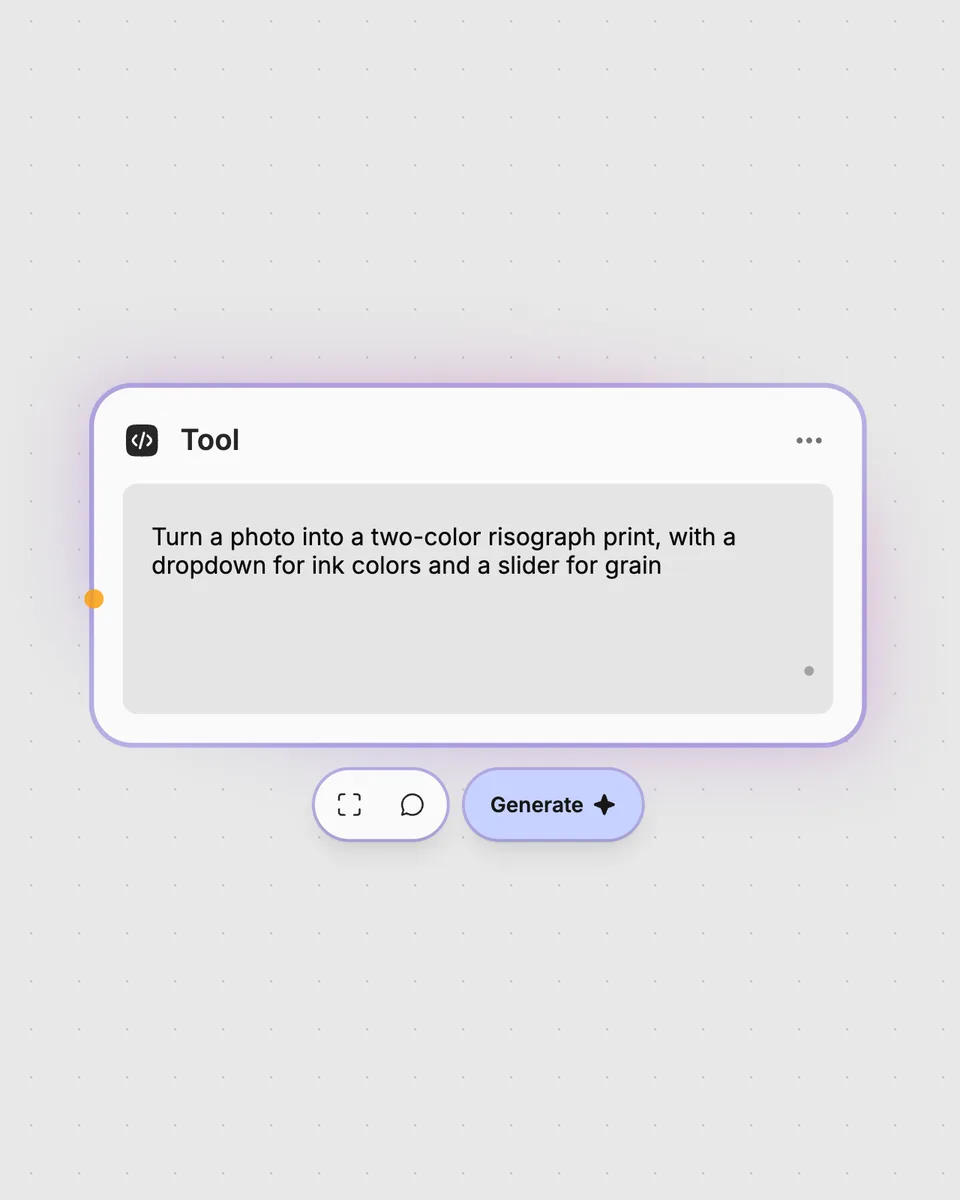
3. Describe your own
Need something different? Describe the tool you want and Fuser builds it, with the controls you asked for.
Turn sets of still images into simple videos for visual reviews, presentations, and animated image sequences.
It takes multiple images and creates one video that plays them in sequence. The result updates as you adjust the playback controls.
Add the images you want to play and arrange them as the sequence you need. You can then choose whether each image is contained, covered, or filled within the video area.
Frames per second controls how quickly the images play, from 1 to 24 frames per second. Sequence loops controls how many times the image sequence repeats, while Image fit changes how each image is placed using contain, cover, or fill.
Yes. You can try the tool on this page without an account. Downloading more than once or opening it in Fuser asks you to sign up.
Yes. Open the tool in Fuser and use its video result with other nodes in a larger workflow. This lets you combine the generated image-sequence video with additional Fuser steps.
Run it in your browser, adjust the sequence live, and combine its video result with other Fuser nodes.
Add a transparent image watermark to a video, adjust its placement and appearance, and get a watermarked video.
Turn multiple images into a GIF-style video with adjustable frame rate, loops, fit mode, boomerang playback, and GIF dithering.
Upload a video and get an ASCII-style video, with character size and output frame rate under your control.