Pixelate video
LiveVideo to pixelate
Pixel Size
One click, whole workflow
Recipes are here. Package a whole workflow and run it in one click
Explore recipesVideo effect
Upload a video and adjust Pixel Size to produce a pixelated video result directly in your browser.
Runs in your browser. Your files are never uploaded.
A tool is a small app you describe in plain words. Try this one here, then keep it on your Fuser canvas and connect it to the rest of your work.
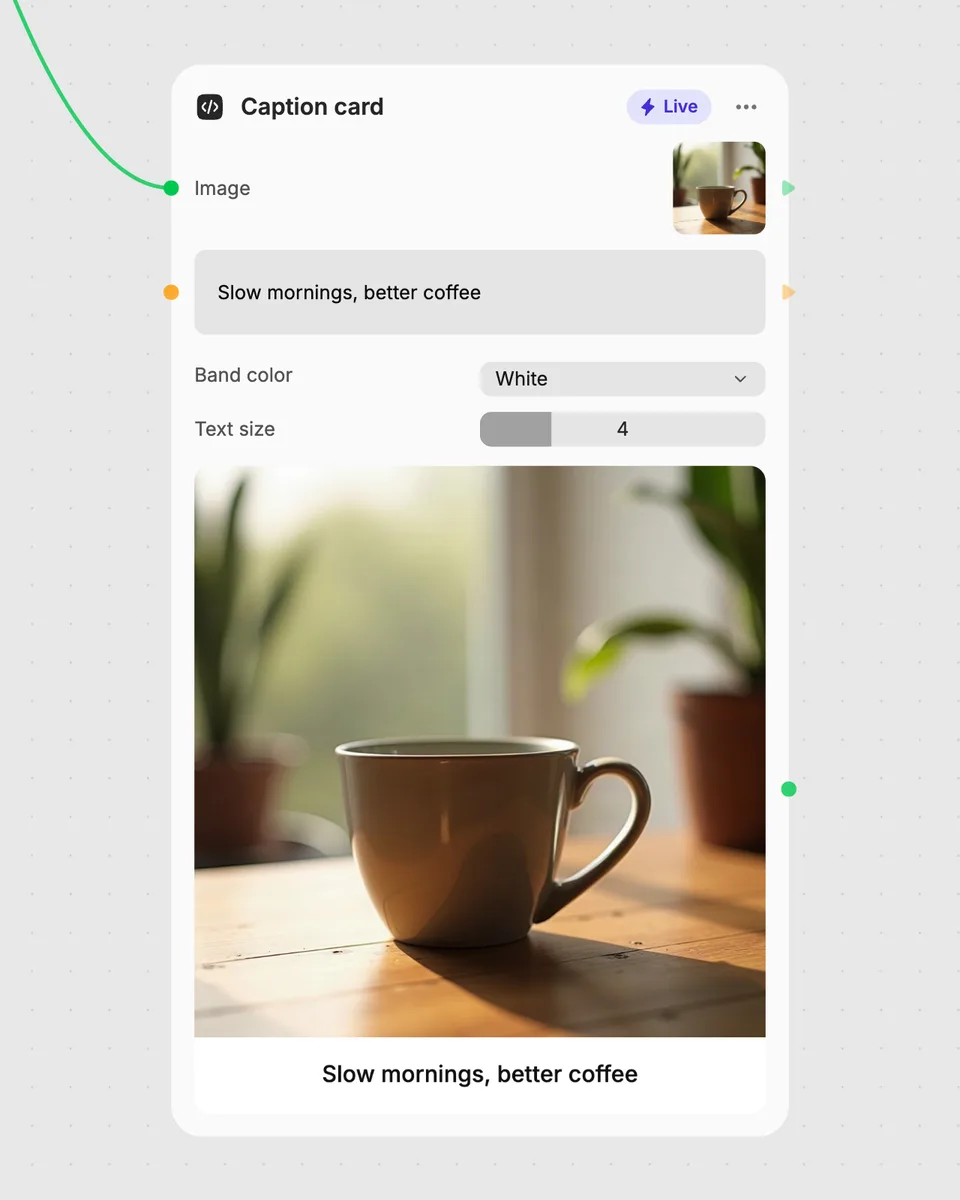
1. Try it here
Add your own file or text and adjust the controls. Live tools run in your browser, so nothing is uploaded.
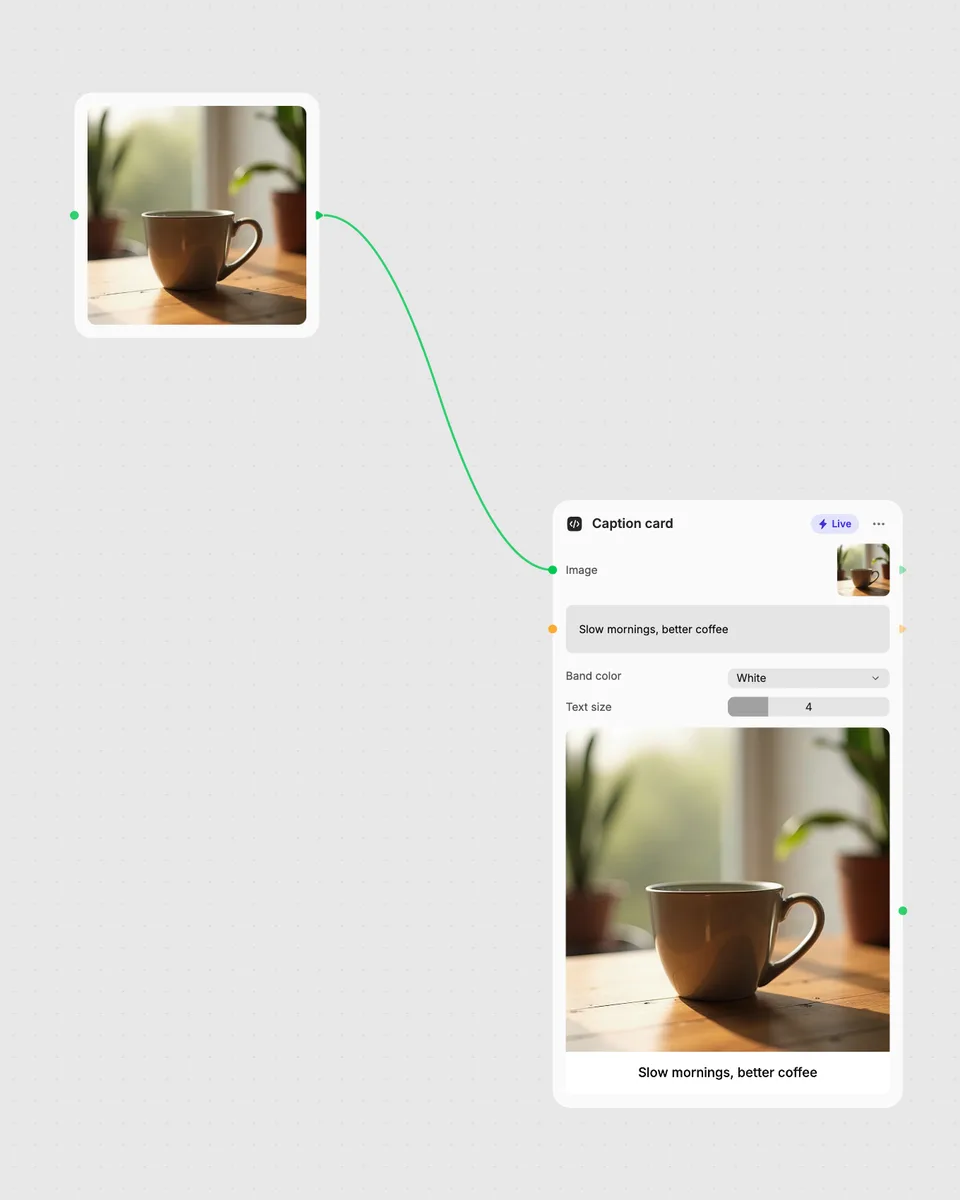
2. Open it in Fuser
Sign up free and the tool opens on your canvas with this example wired in, ready to connect to images, video or text from other nodes.
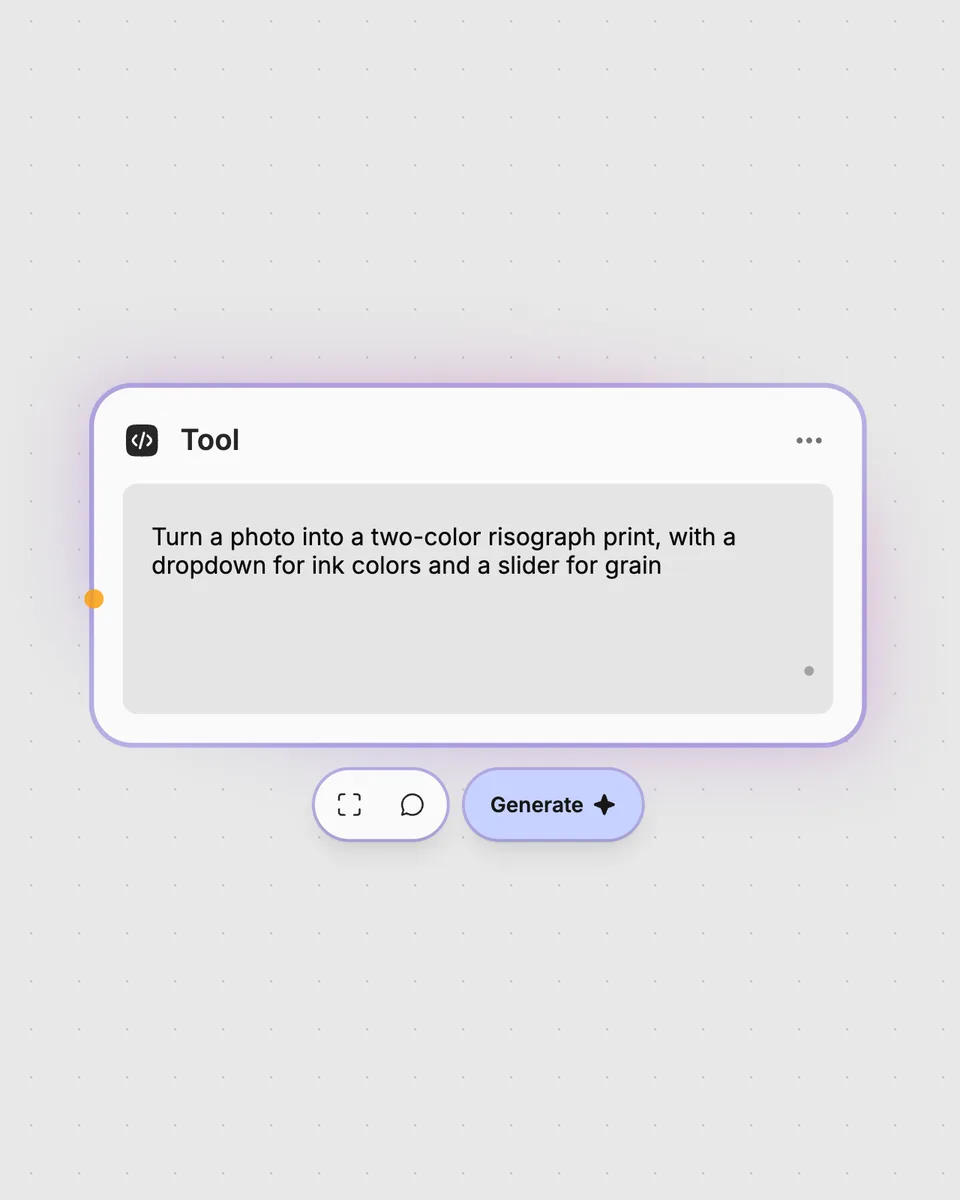
3. Describe your own
Need something different? Describe the tool you want and Fuser builds it, with the controls you asked for.
Adjust the Pixel Size control to create different pixelated treatments from a video.
It takes one video input and returns a pixelated video. The Pixel Size slider controls the pixelation treatment.
Provide the video you want to pixelate in the Video to pixelate input. The tool produces the result in your browser as you adjust the control.
Pixel Size changes the size of the visible pixel blocks in the result. Move the slider to compare different pixelated appearances.
No account is needed to try the live tool on this page. Downloading more than once or opening it in Fuser asks you to sign up.
Yes. This is a Live tool, so the pixelated video result updates in your browser as you move Pixel Size.
Open the tool in Fuser and connect it with other nodes in a workflow. Use its video input and pixelated video result as part of that larger node setup.
Open the live tool in Fuser, adjust Pixel Size, and combine the pixelated video result with other nodes.
Add multiple video clips and get one concatenated video in the same sequence.
Upload a video with a colored background, choose a preset, and get a video with that background color removed.
Upload a video to create a pixel-stretched result, choosing the stretch direction, start position, and length.