Video text overlay
LiveVideo
Caption
Size
Position
Color
Outline
Background box
One click, whole workflow
Recipes are here. Package a whole workflow and run it in one click
Explore recipesVideo editing
Add a caption and video to create a video with adjustable text size, position, color, outline, and background box.
Runs in your browser. Your files are never uploaded.
A tool is a small app you describe in plain words. Try this one here, then keep it on your Fuser canvas and connect it to the rest of your work.
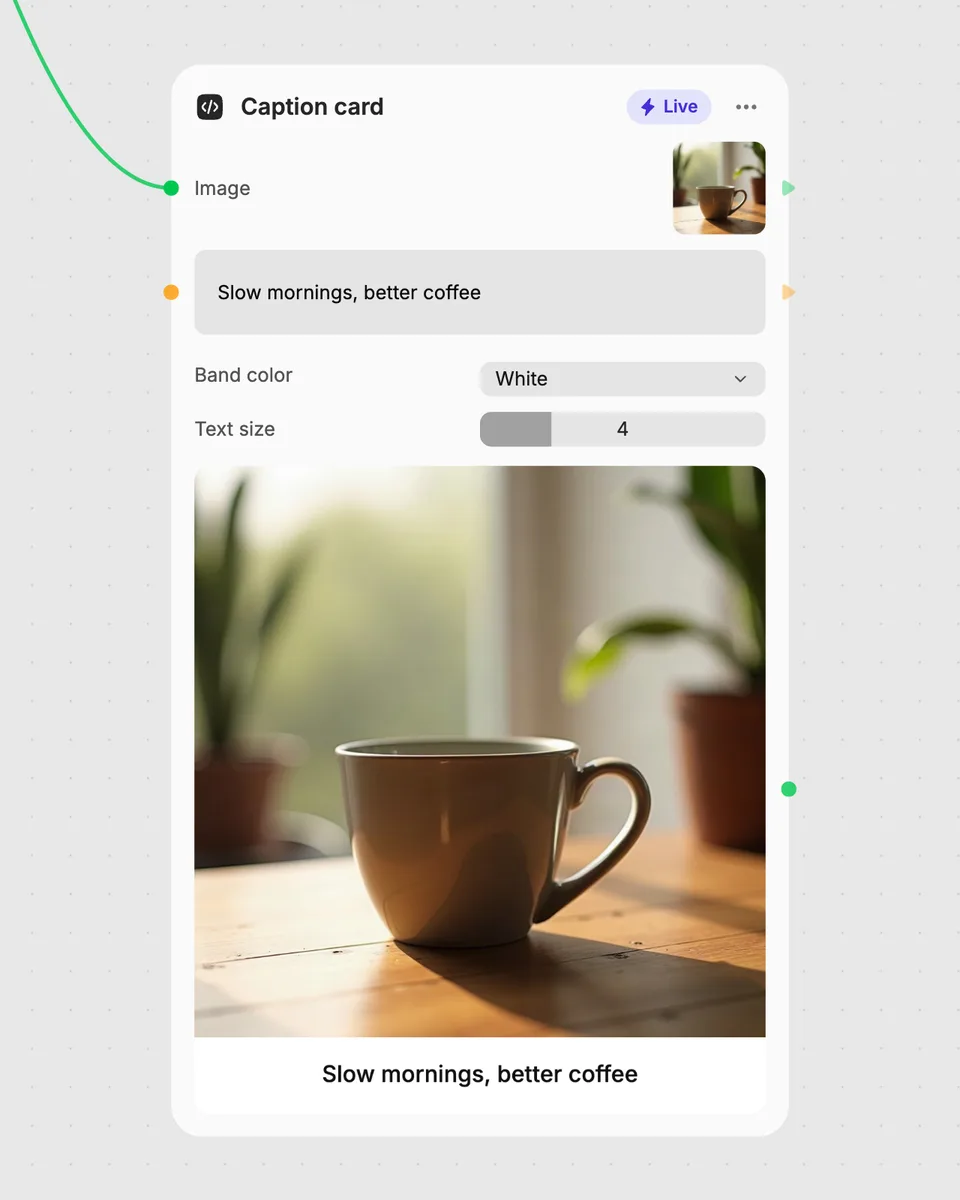
1. Try it here
Add your own file or text and adjust the controls. Live tools run in your browser, so nothing is uploaded.
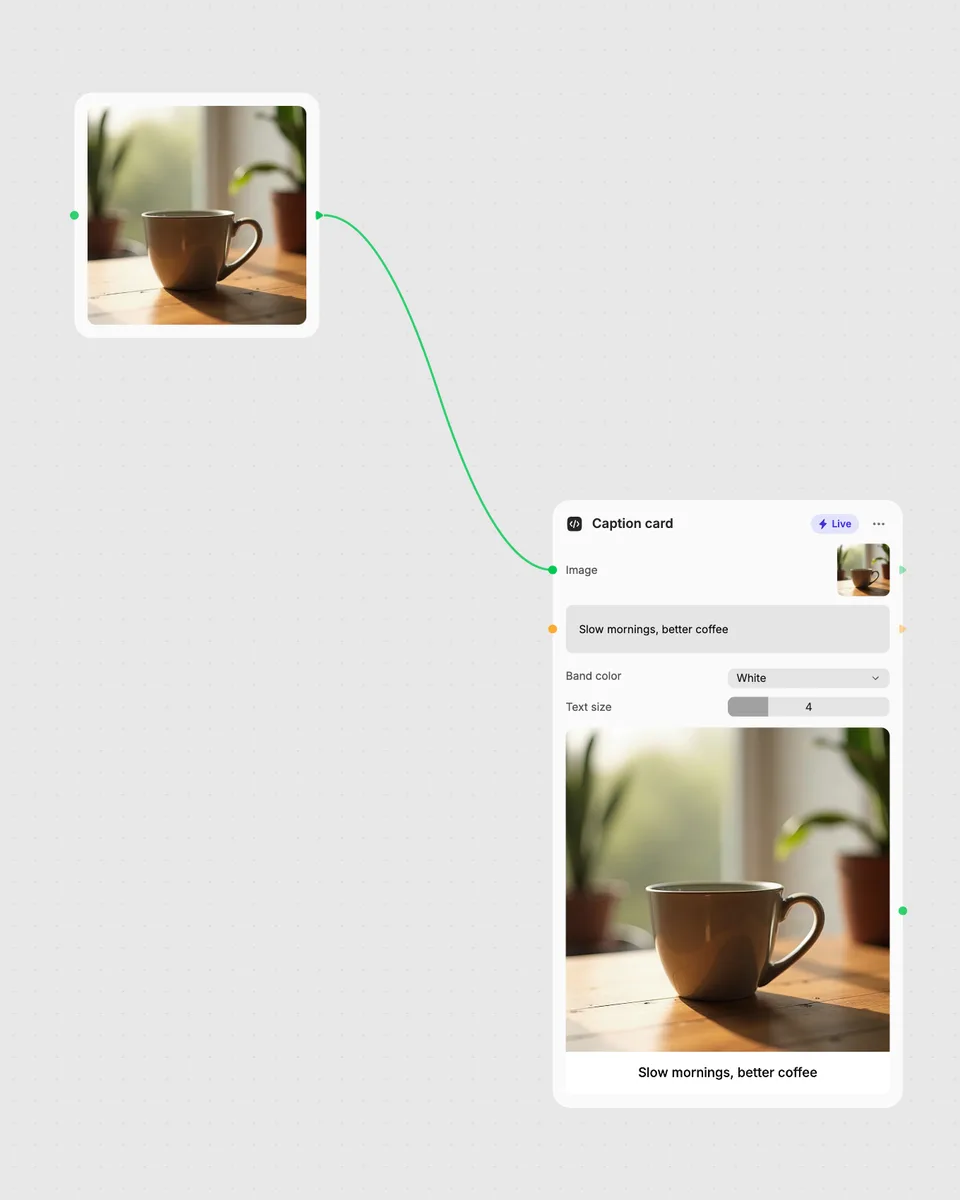
2. Open it in Fuser
Sign up free and the tool opens on your canvas with this example wired in, ready to connect to images, video or text from other nodes.
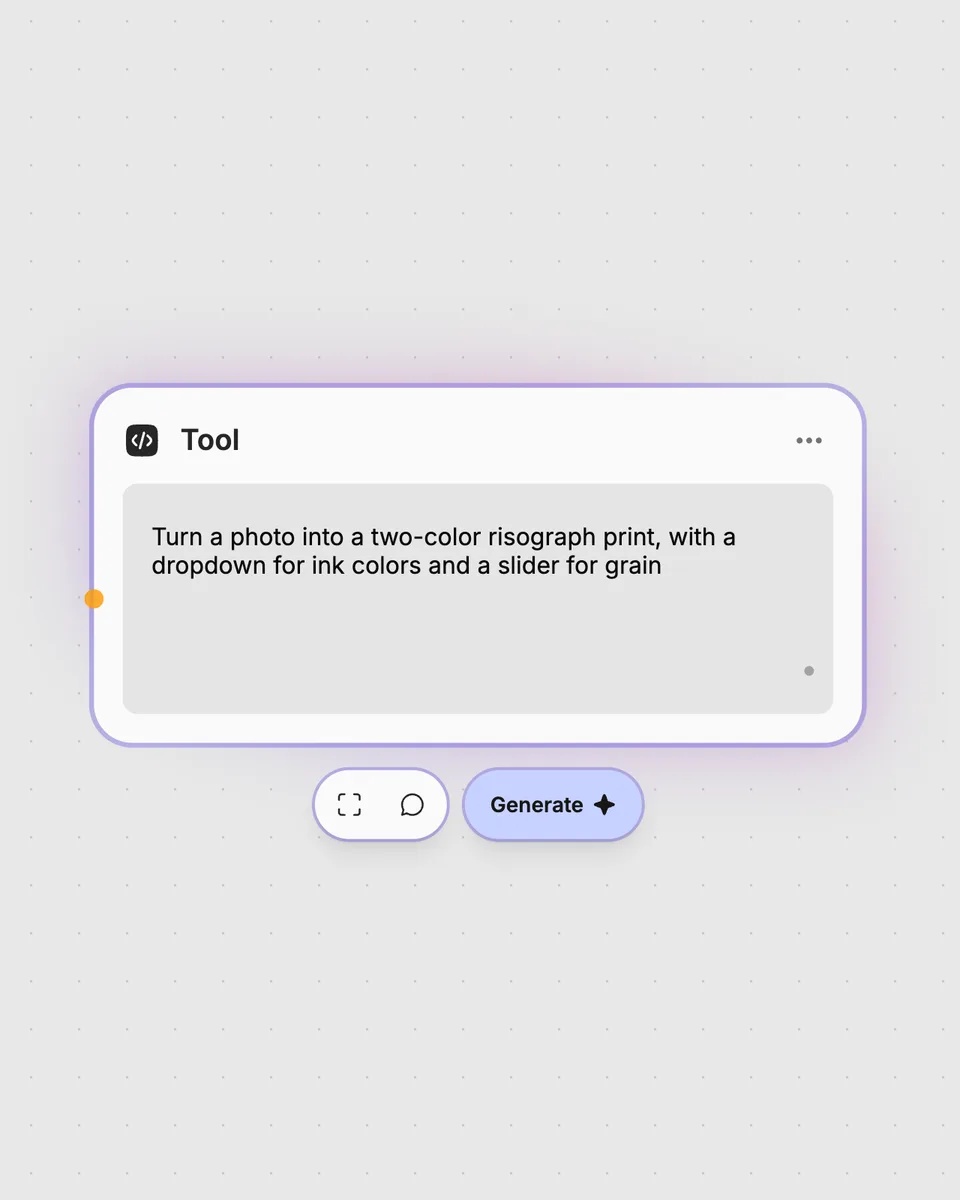
3. Describe your own
Need something different? Describe the tool you want and Fuser builds it, with the controls you asked for.
Create clear text overlays for different moments in a video by changing the caption and display controls.
It takes one video and one text caption, then returns a video with that text overlaid. You can change the text size, position, color, outline, and background box.
Provide a video and enter the caption you want to place over it. The tool accepts one video and one text caption at a time.
The Size slider changes the caption size from 2 to 25. Position moves it to the top, middle, or bottom, while Color changes its color; Outline and Background box switch those options on or off.
Yes. The tool runs in your browser, updates the result as you move the controls, and is free to try without an account. Downloading more than once or opening the tool in Fuser asks you to sign up.
Open the tool in Fuser, provide the video and caption, and adjust the overlay controls. You can then combine this node with other nodes in a broader workflow using its resulting video.
Open Video text overlay in Fuser to adjust captions live, then combine its video result with other nodes.
Enter text and get a terminal-style typing video with adjustable speed, text size, colours, backgrounds, and aspect ratios.
Add a video and an image, adjust their size, position, and opacity, and produce a new video with the image layered over it.
Add a video and get a light-trail video built by stacking frames with lighten blending.