One click, whole workflow
Recipes are here. Package a whole workflow and run it in one click
Explore recipesOne click, whole workflow
Recipes are here. Package a whole workflow and run it in one click
Explore recipesbyDaniel Gatis
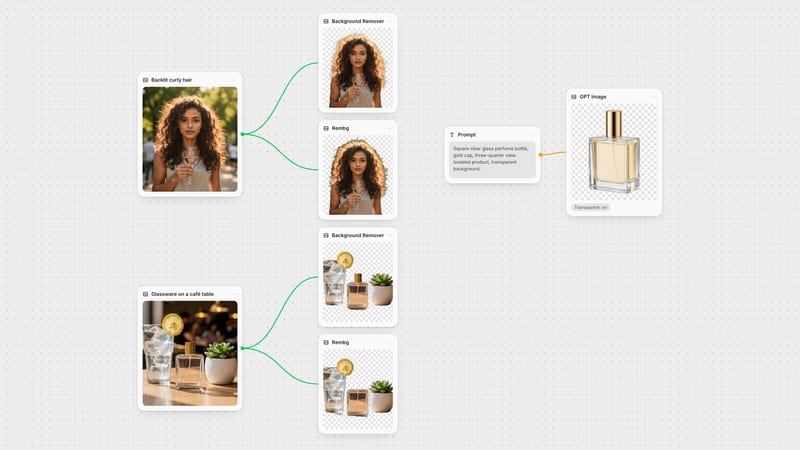
Crisp silhouettes with clean alpha edges, ready to drop into any layout, sticker sheet or layered composite

One image in, one transparent cutout out. The only decision is whether to keep the full canvas or crop tight to the subject.
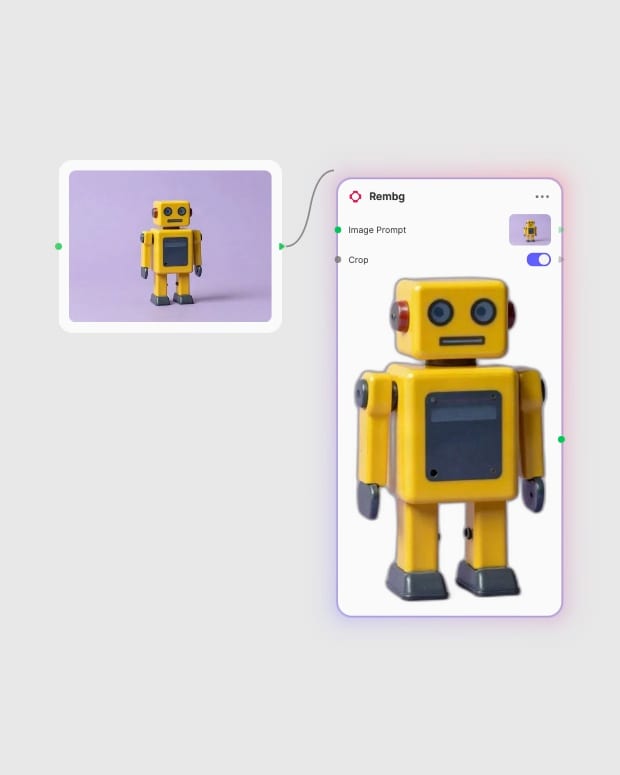
Upload source image
Drop in a portrait, product photograph or generated image where the subject contrasts with its background.
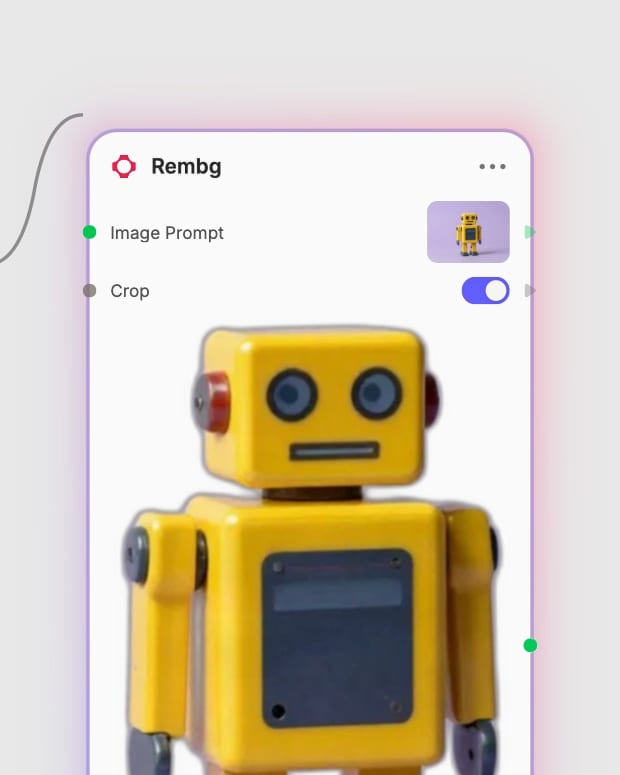
Toggle bounding-box crop
Switch Crop on to trim the canvas tight around the subject, or leave it off to keep the original dimensions.

Export the transparent cutout
Take the RGBA result straight into your layout, sticker sheet or compositing layers.
Rembg does one job: it separates the foreground from the background and leaves the subject's pixels alone. That means sharp contours, smooth anti-aliased edges and an alpha channel ready for layering.
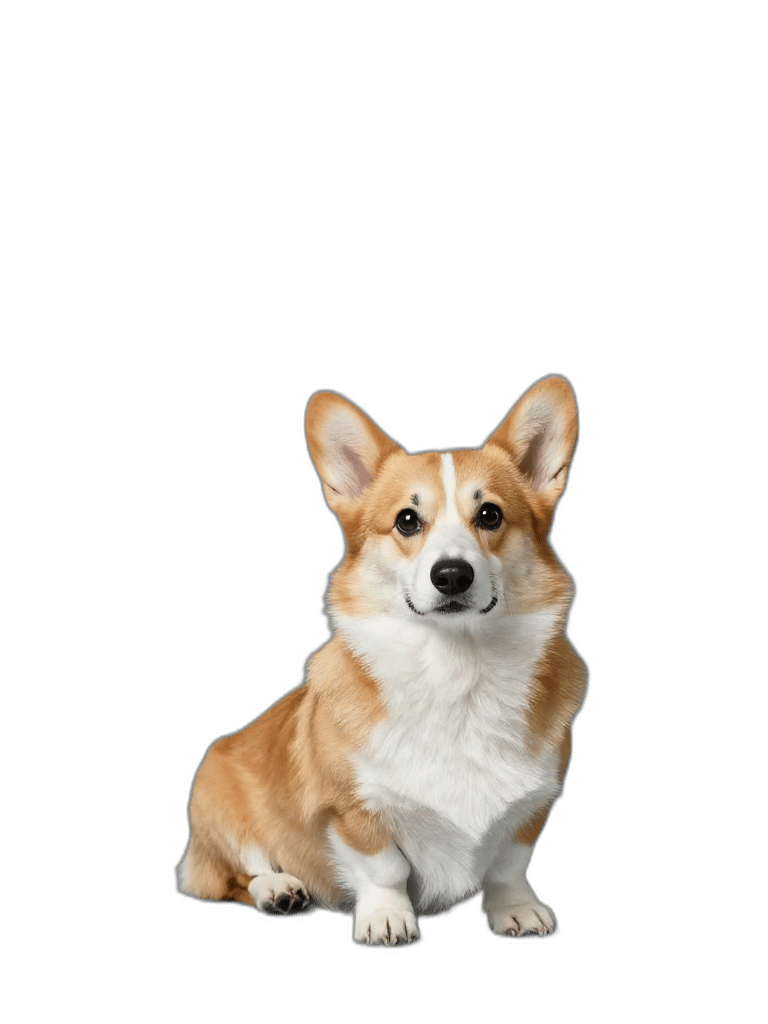
Salient subject detection
Finds the foreground person, product, garment or object on its own and strips the rest, so there are no green screens and no manual rotoscoping brushes.
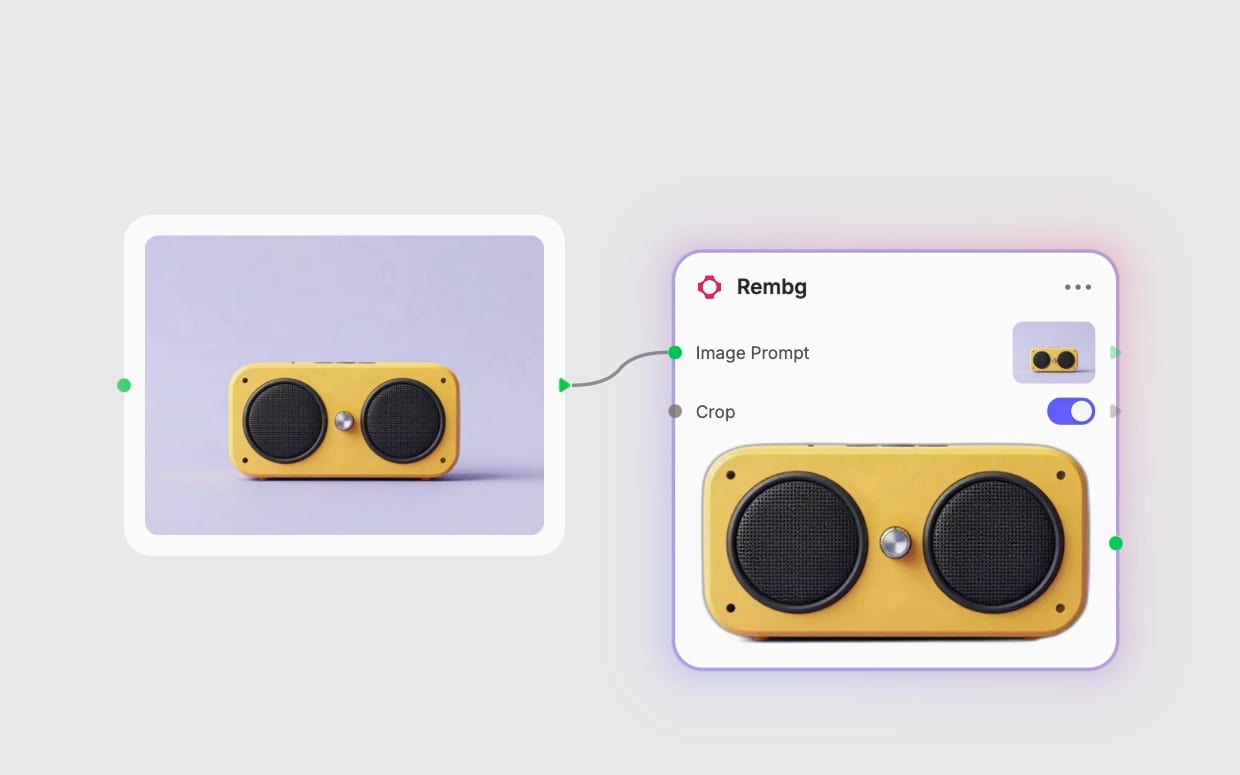
Bounding-box crop for assets
Turn on Crop to trim empty margins and frame the subject tightly for stickers, avatars, thumbnails and UI icons. Leave it off when downstream layers expect the original canvas.
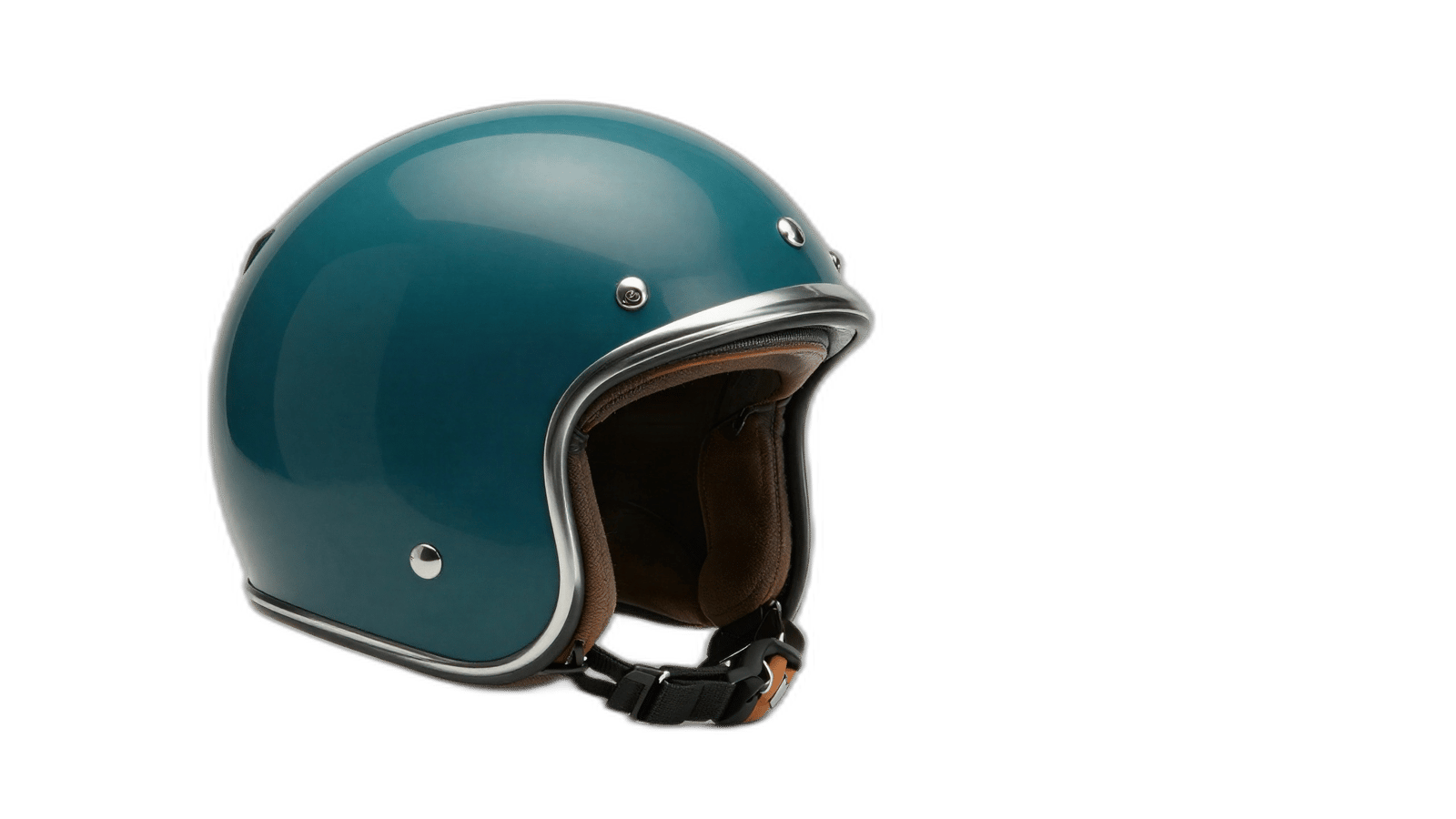
Clean edges, untouched pixels
Foreground colors and textures stay unmodified while background pixels go fully transparent. Anti-aliased boundaries blend fine details like hair strands smoothly.

Layer-ready transparent output
Every result is an RGBA image, so a cutout slots into multi-layer compositing as is. Keep the original canvas size and position when you need cutouts to line up with other layers.
A gallery of cutouts on transparency: a beverage can, a fashion silhouette, a car prototype and a brass mechanism, each with its outline preserved.
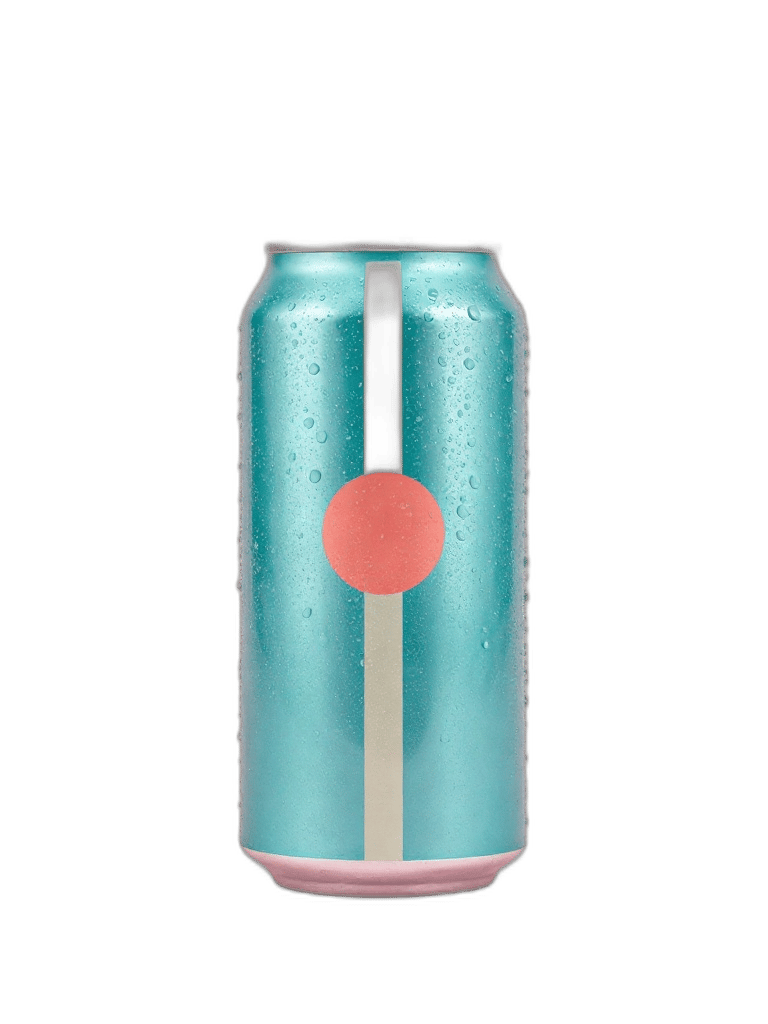
Beverage commercial cutout with transparent alpha background
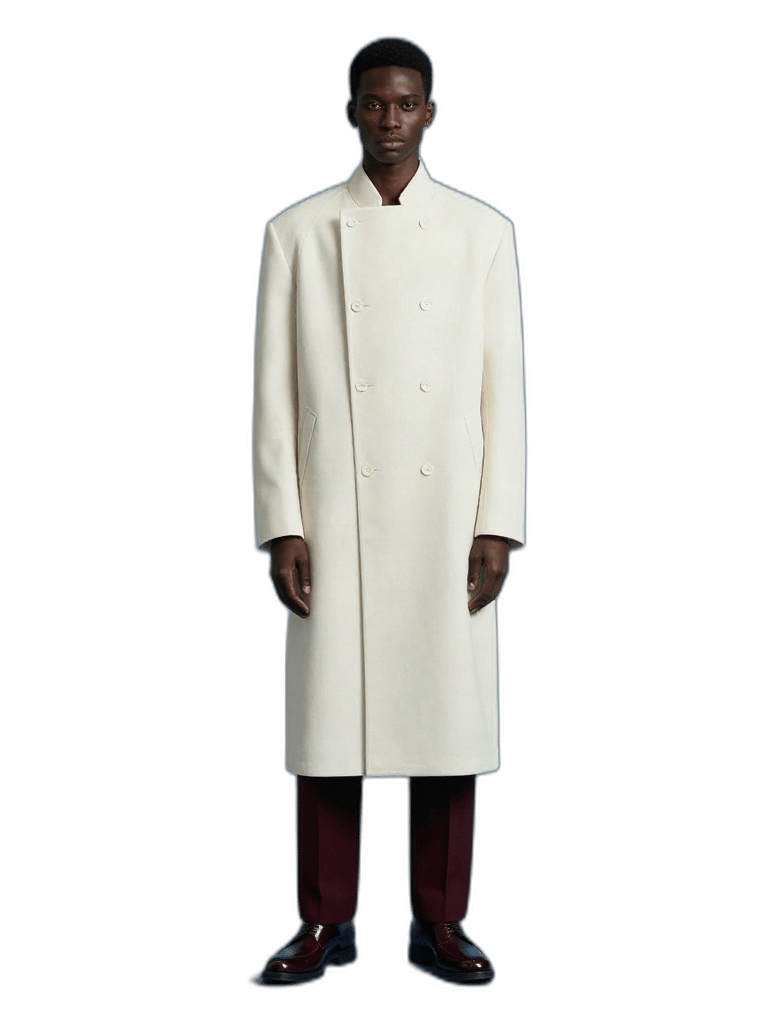
High-fashion lookbook silhouette isolated on clean alpha

Automotive prototype extraction with sharp metallic contours
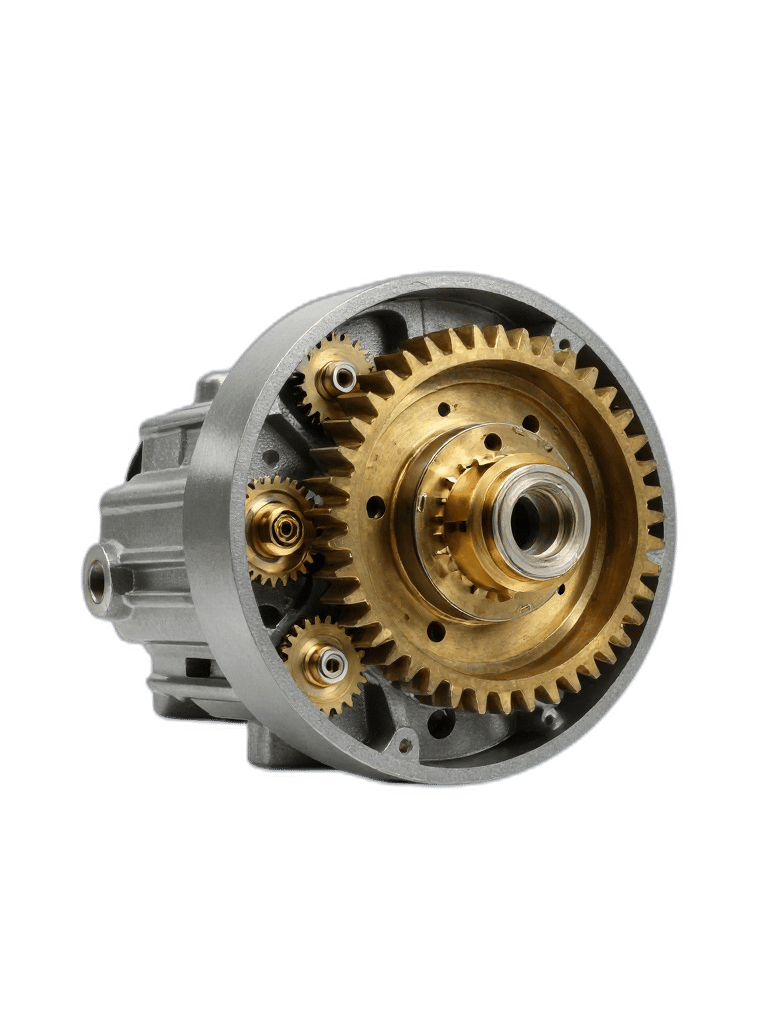
Precision mechanical object cutout with intact structural detail
Used by catalog teams, sticker makers, editors and compositors who need subjects isolated quickly without hand-masking.
Rembg removes the background from an image and returns the subject as a transparent RGBA cutout. It detects the foreground automatically, so you don't need a green screen or manual masking. The subject's own pixels stay unmodified.
Images with clear contrast between subject and background work best. That means high-contrast studio shots, clean e-commerce photography and character illustrations. Keep the subject in focus and use a high-resolution source, since heavy blur or compression softens the edges.
It struggles with semitransparent materials such as glass, liquids and smoke. Wispy hair on low-contrast backgrounds, fine mesh or lattice shapes and scenes where subject and background share the same tone also cause trouble. Expect faint haloing on fine hair in some cases. Skip it when the scene context must be preserved.
Crop trims the output to a bounding box around the subject. It is off by default. Turn it on for stickers, avatars, UI icons and thumbnails. Leave it off when your compositing workflow expects the original canvas size and position.
No. It keeps the foreground's colors and textures unmodified and maps only the background pixels to full transparency. Edges are anti-aliased, so fine details such as hair strands blend smoothly.
Rembg comes from the open-source rembg library created by Daniel Gatis. The earliest release date on record is September 2020. It uses salient object segmentation neural networks to find the foreground.
Crisp silhouettes with clean alpha edges, ready to drop into any layout, sticker sheet or layered composite