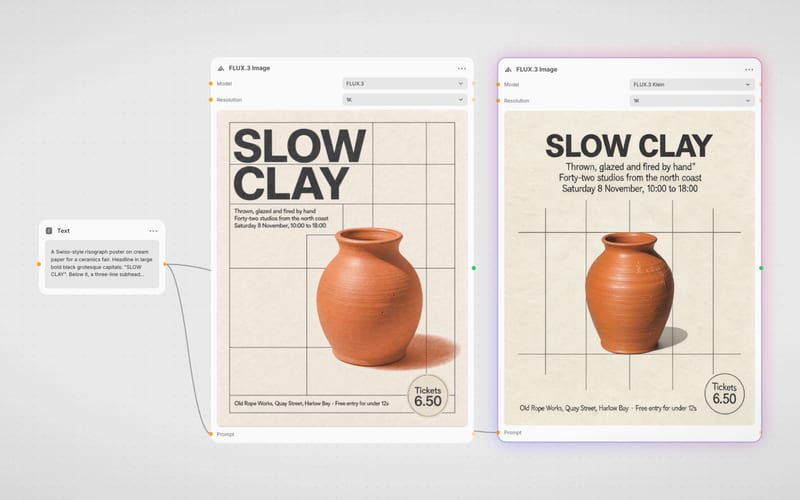
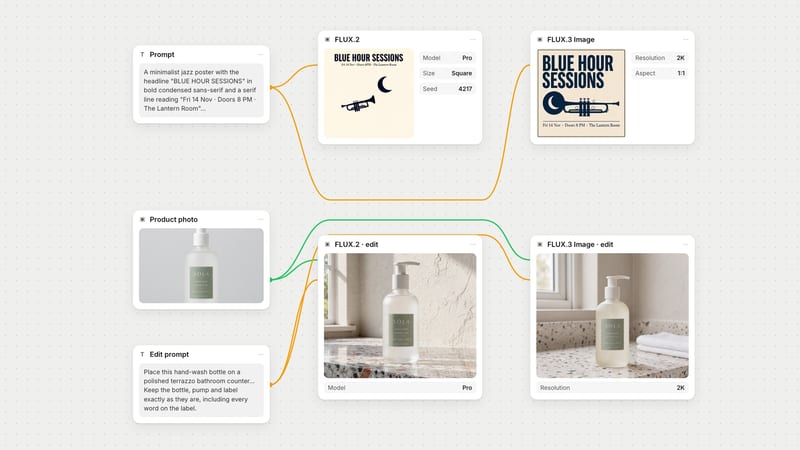
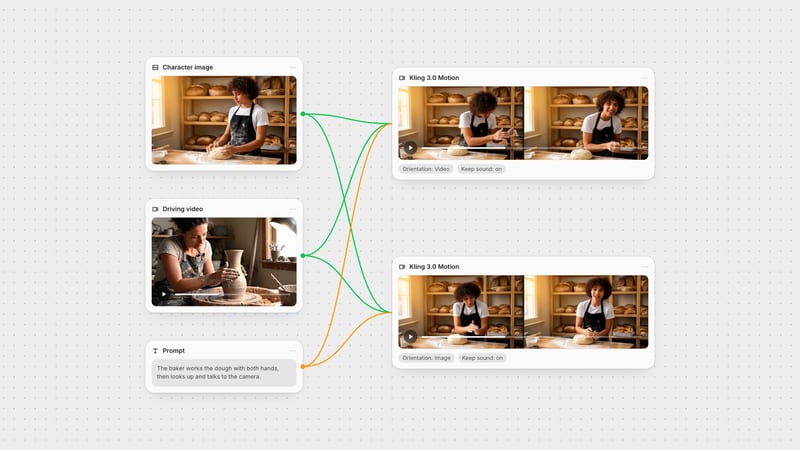
One click, whole workflow
Recipes are here. Package a whole workflow and run it in one click
Explore recipesOne click, whole workflow
Recipes are here. Package a whole workflow and run it in one click
Explore recipesbyBlack Forest Labs
Merge up to ten references into clean, photographic images, then climb from fast drafts to polished finals without changing workflow
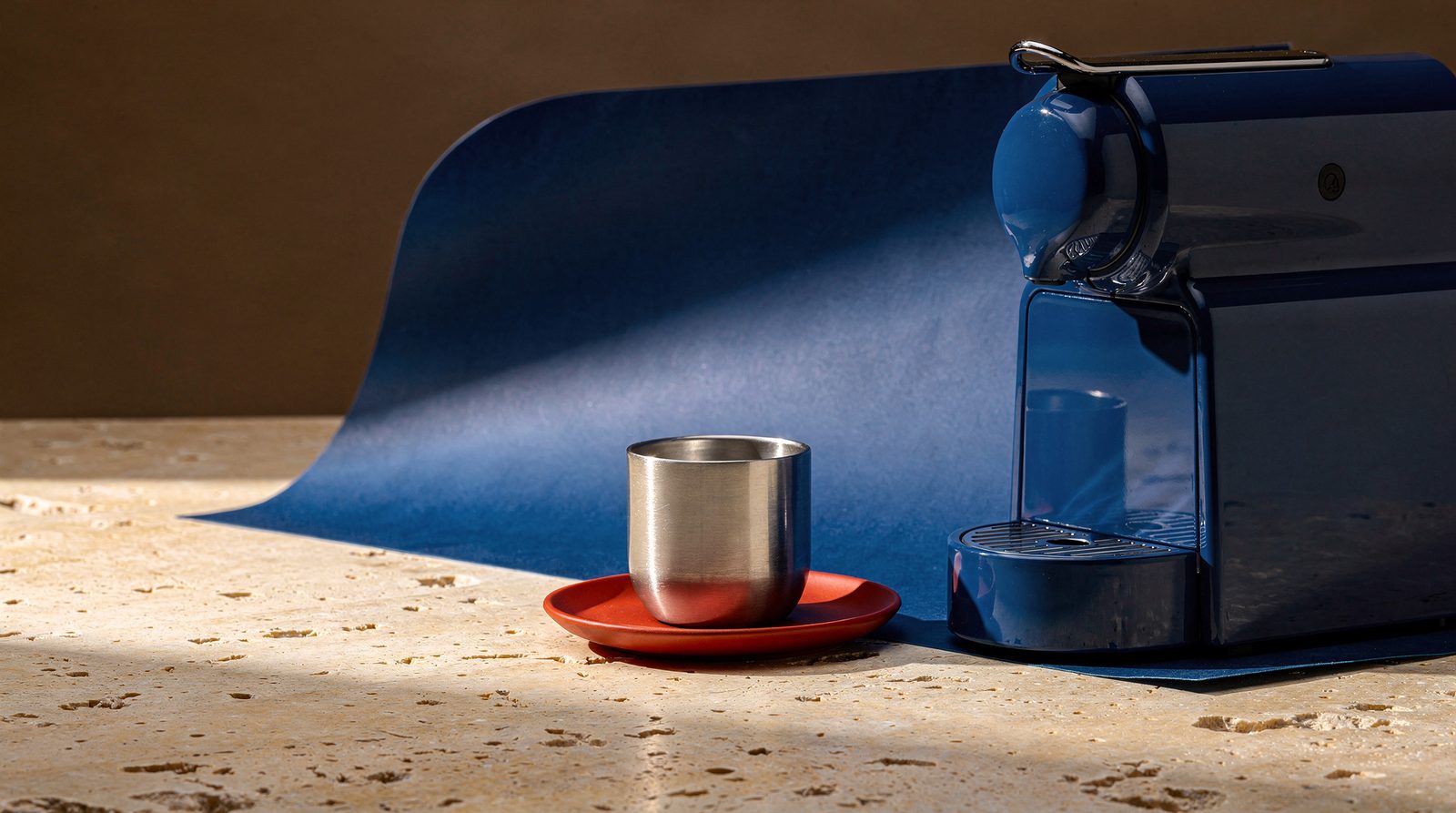
Write the scene, attach references by position, then choose how much quality to spend. One interface covers both text-to-image and reference edits, so you never switch tools between draft and final.
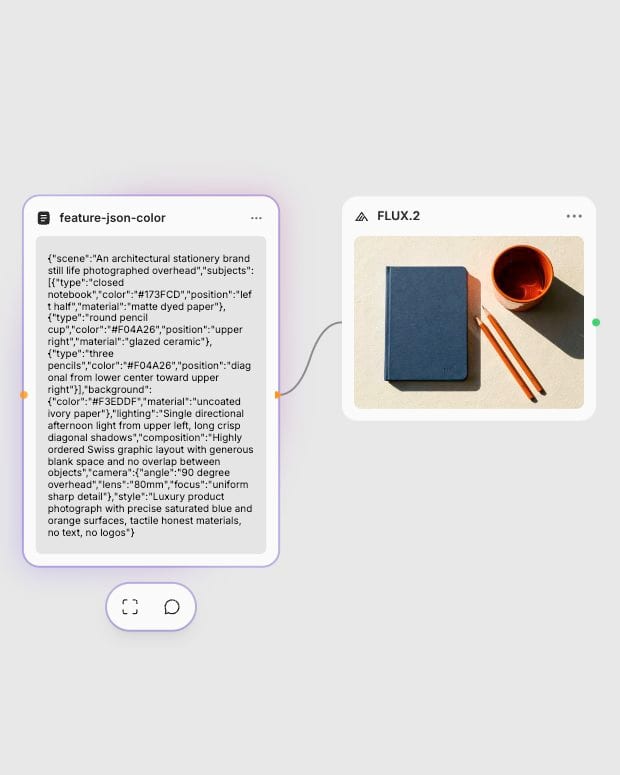
Structure the scene
Write subject first, then action, style and context, or switch to a JSON prompt with hex colors placed beside the objects they colour.
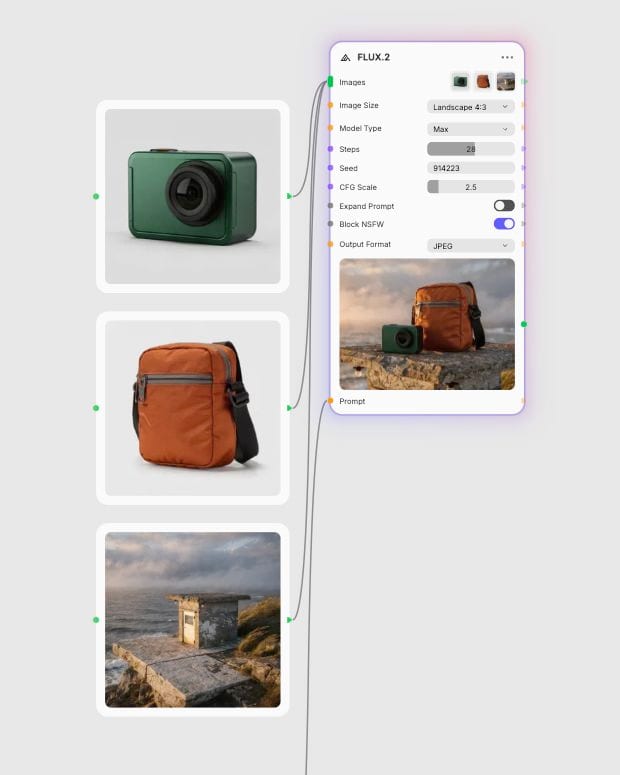
Attach your references
Add up to 10 images and name each by position, such as the jacket from image 2 on the person from image 1.
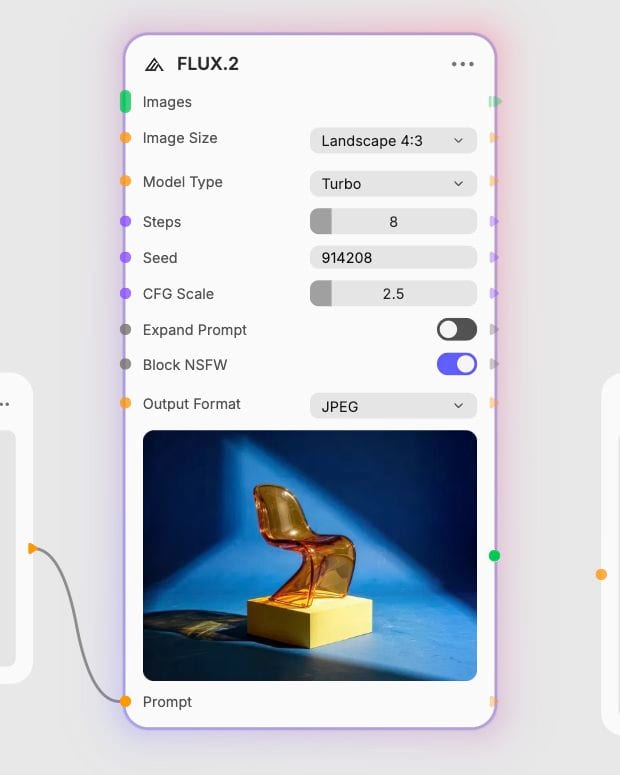
Pick a tier and render
Draft on Turbo or Klein at the default 8 steps, then move to Pro, Max or Flex for finals and raise steps up to 50 when detail matters.
Reference-driven editing, palette control through hex codes and JSON, and a tier ladder from cheap drafts to production finals, all in sharp photographic rendering with readable type.
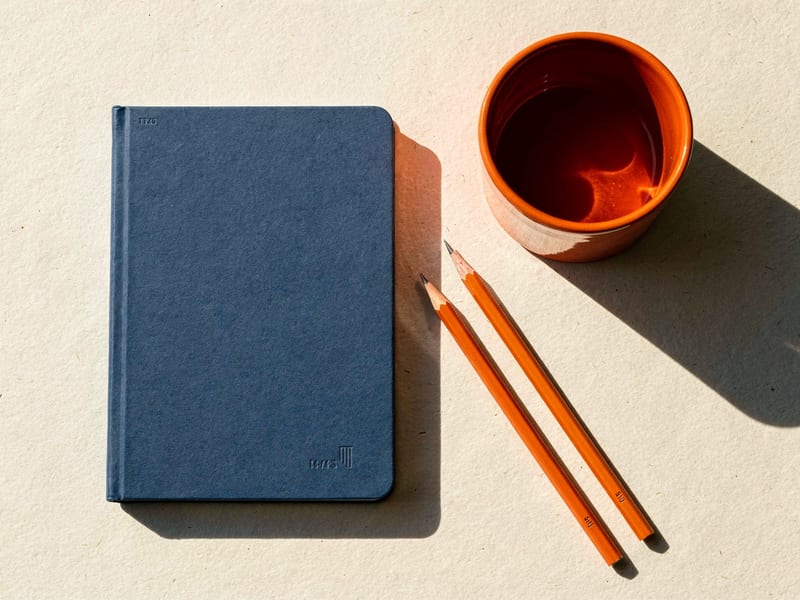
HEX palettes and JSON prompts
Write scene, subjects, lighting, camera and color_palette as structured JSON, and set hex codes beside the object they colour. Subjects stay distinct instead of bleeding together. Check the output, since hex colors can drift.
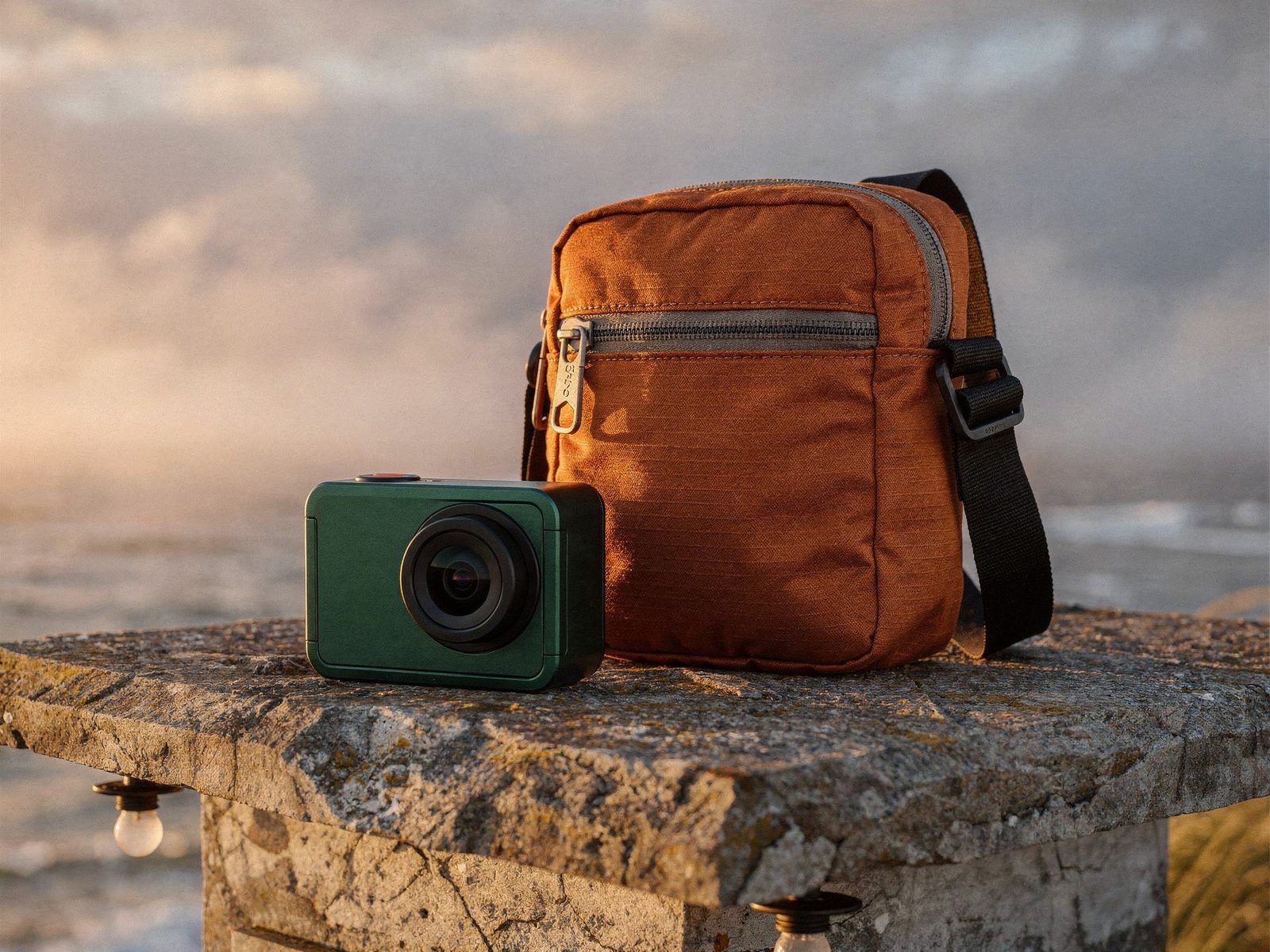
Ten-image multi-reference blending
Merge subjects, garments and products from up to 10 references in one pass, with identity and product form carried through. About 3-6 clean, varied-angle references is the community sweet spot; name each one in the prompt.
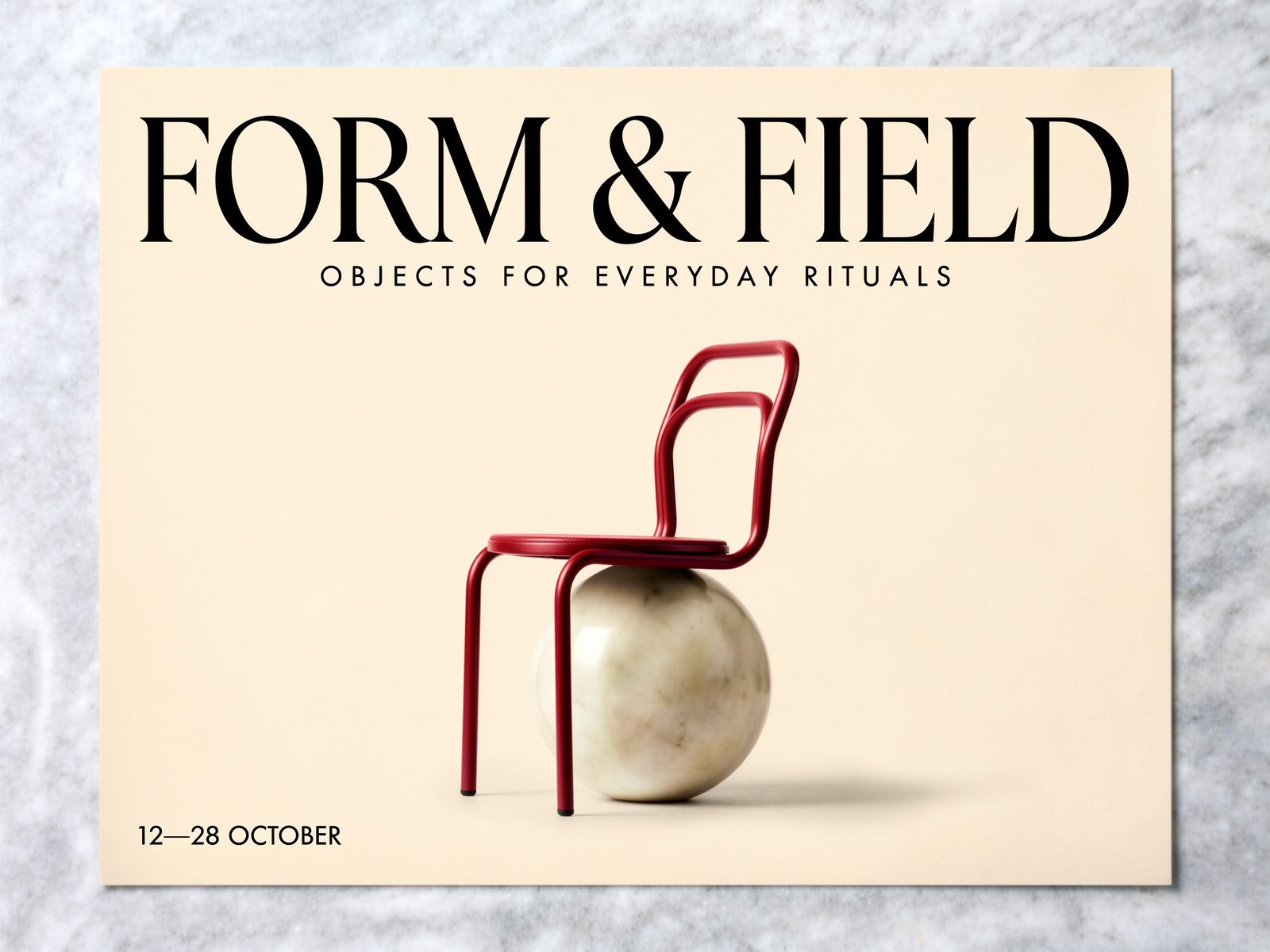
Flex typography control
On the Flex tier, raise steps up to 50 and tune guidance to keep headlines legible and layouts crisp. The Flex edit variant refines type in an existing design from references. Costlier, so save it for finals.
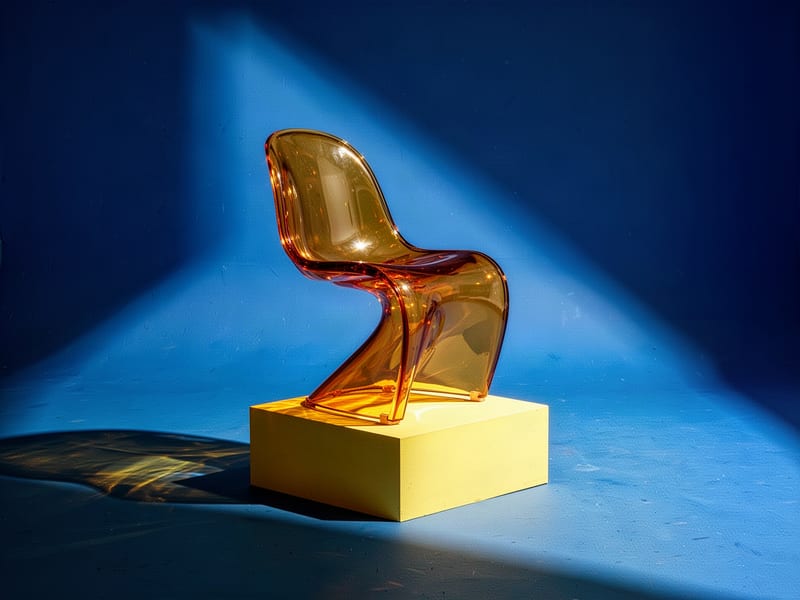
Cheap drafts, then finals
Explore on Klein 4B, Klein 9B or Turbo, then rerun the same prompt on Pro or Max for production polish. Distilled tiers render a little flatter, which suits layout and mood checks before you commit.
A gallery of architecture, cinema, still life, documentary and product frames, showing clean photographic detail, controlled palettes and materials that hold up across subjects.
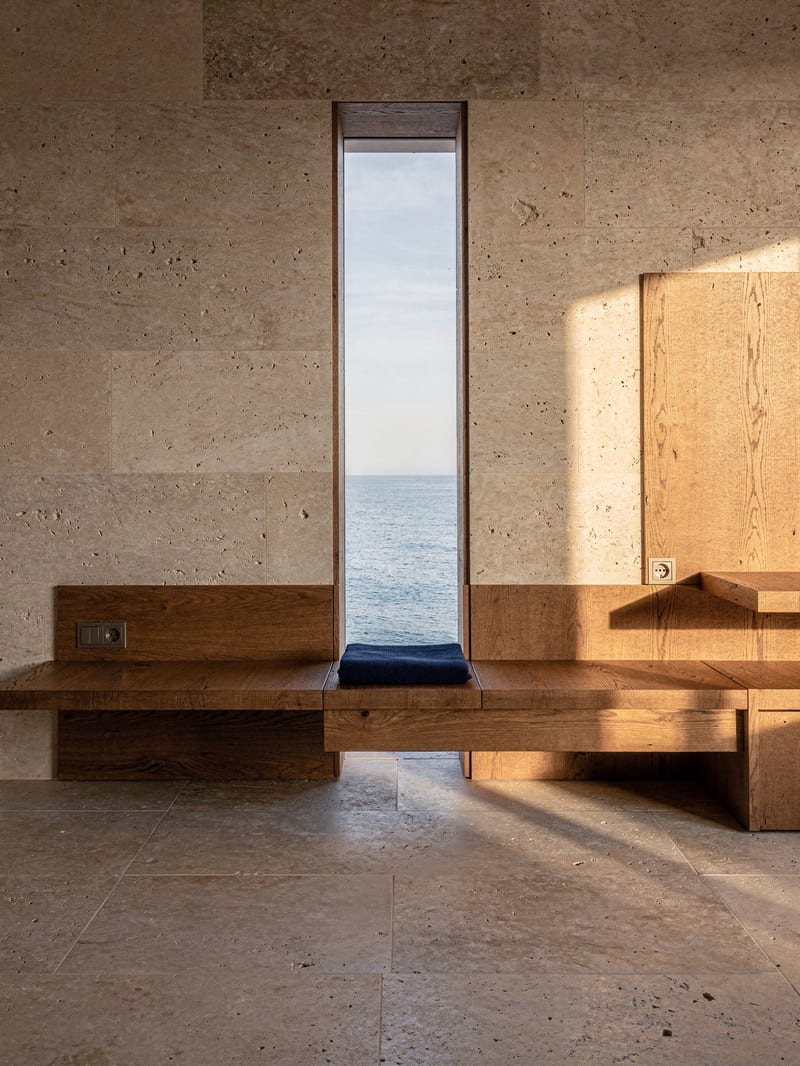
Architectural study in limestone and pickled oak
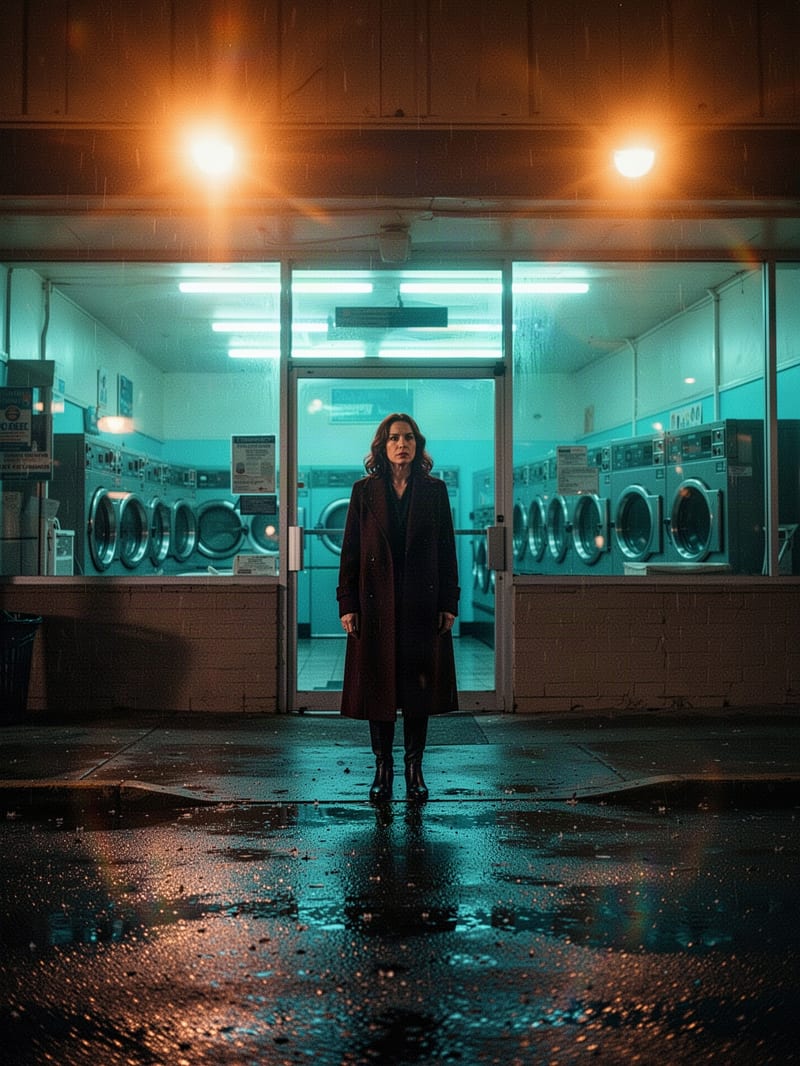
Cinematic frame with complementary flare illumination
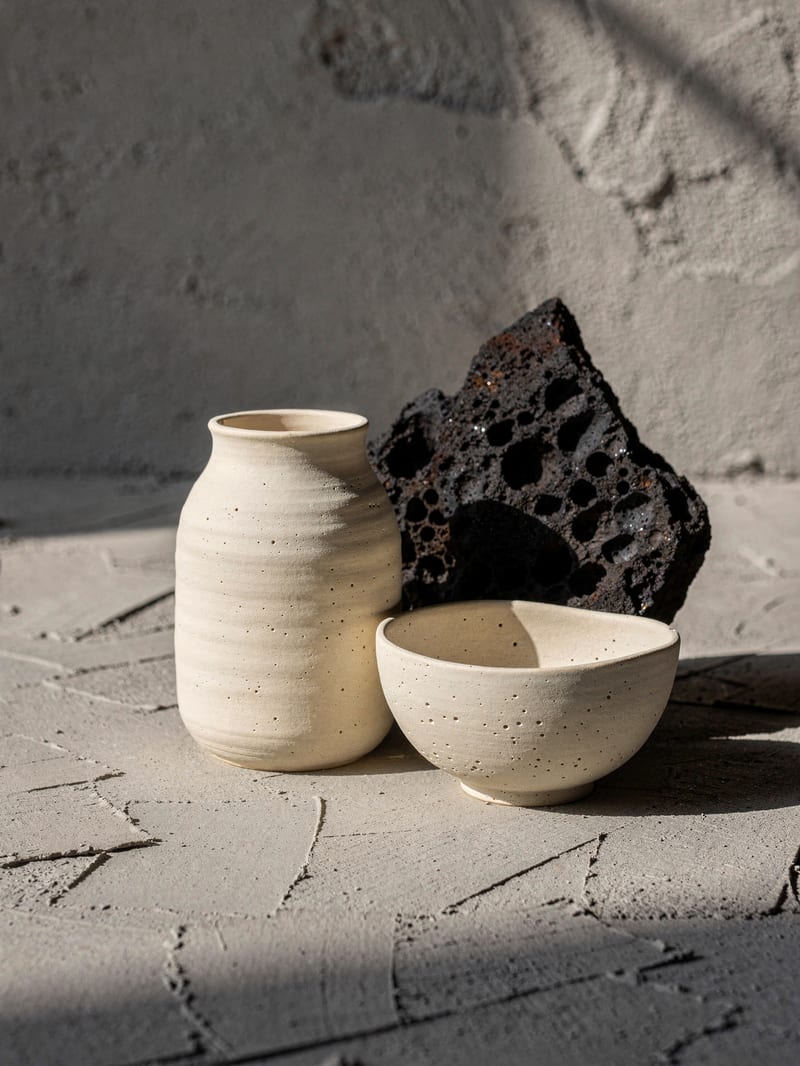
Still life with ceramic and scorched basalt
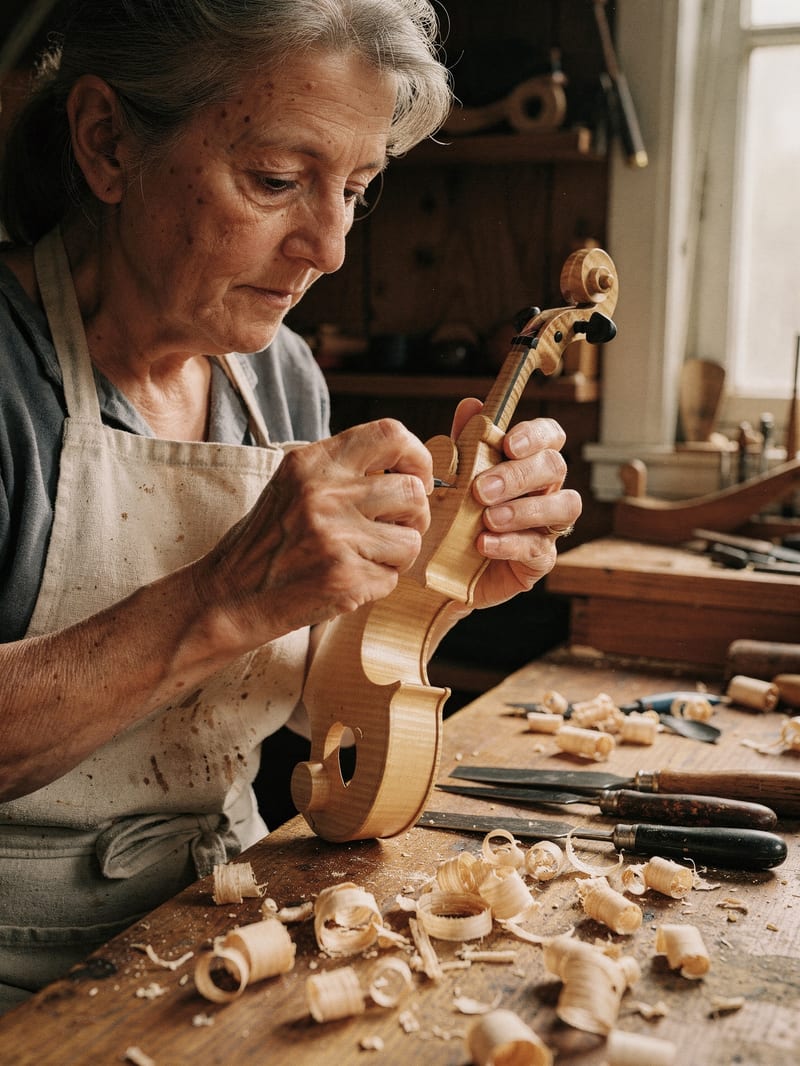
Documentary portrait of workshop craftsmanship
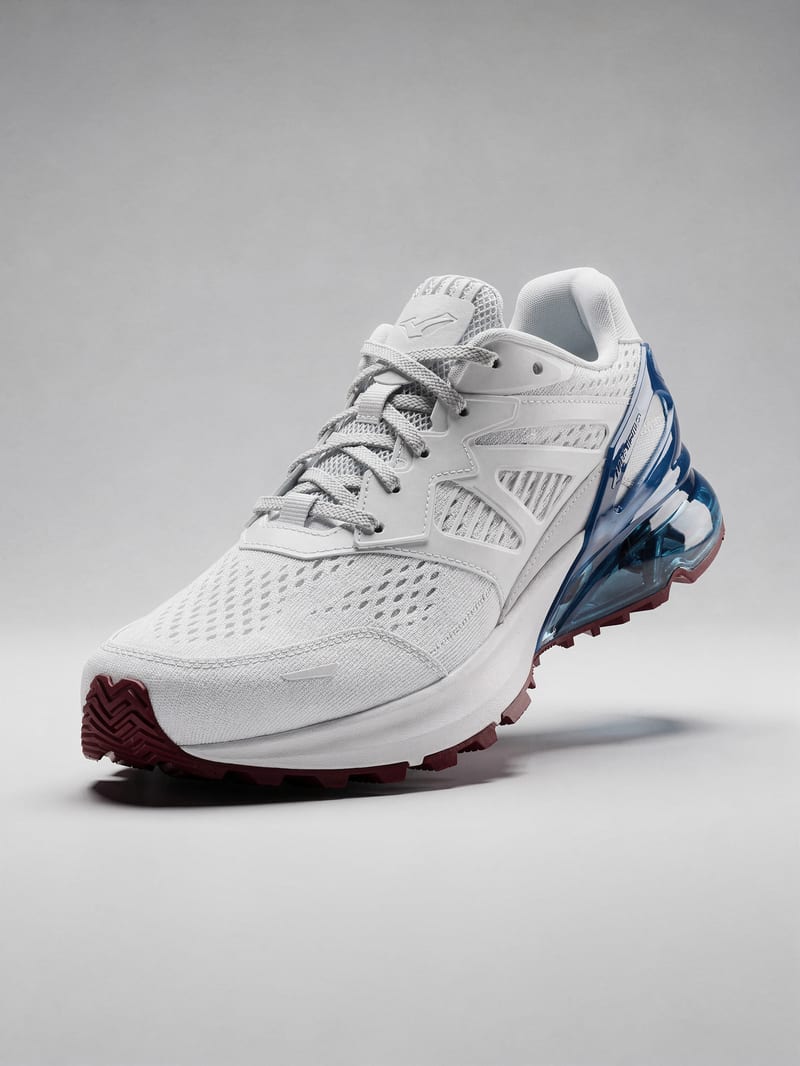
E-commerce footwear hero shot
Product teams, art directors, poster designers, lookbook stylists and concept artists reach for it when references need to merge into one scene and a brand palette has to hold.
Use Klein 4B, Klein 9B or Turbo for drafts, and Pro, Max or Flex for finals. Klein and Turbo are the cheapest tiers and suit fast exploration, though they look slightly flatter. Pro gives dependable finals with minimal tuning, Max targets the highest fidelity, and Flex suits typography and fine detail. Dev is a balanced middle tier with tunable steps and guidance.
Flex exposes steps and guidance, while Pro uses fixed settings. Flex suits typography-heavy or detail-critical work, with steps up to 50, but it is among the most expensive tiers and slower at high steps. Pro is the better choice for reliable, production-grade finals with minimal tuning, at the cost of fine control.
Klein 9B gives better quality than 4B at a still-low cost. Klein 4B is the cheapest option for drafting and concept exploration, with less fine detail and weaker text. Klein 9B aims at quality close to Dev, but it is still below Pro and Max on detail, and its open 9B weights are non-commercially licensed. Both have edit versions, with fidelity better on 9B.
Up to 10 images, though the community sweet spot is about 3-6 well-chosen references. Use clean, well-lit images from varied angles, and say what to take from each, for example 'the jacket from image 2 on the person from image 1'. Too many conflicting or near-duplicate references can cause identity drift. Edit costs also rise with the number of images.
No, there is no negative prompt. State what you want positively instead, since 'don't include X' lists tend to backfire. Lead with the subject, then action, style and context.
Not guaranteed. Hex codes steer the palette well when placed beside the object they colour, such as 'mug in deep cobalt #1E3A8A', but colors can drift darker or off-hue. Run a check pass against your swatch before shipping brand-critical work.
Merge up to ten references into clean, photographic images, then climb from fast drafts to polished finals without changing workflow
Develop pitches, campaign assets and interactive client work in Fuser. Combine AI generation, editable design and reusable processes across your agency.
Create social graphics, carousel artwork and short videos with a recognizable brand style. Keep copy editable and recurring content easier to produce in Fuser.