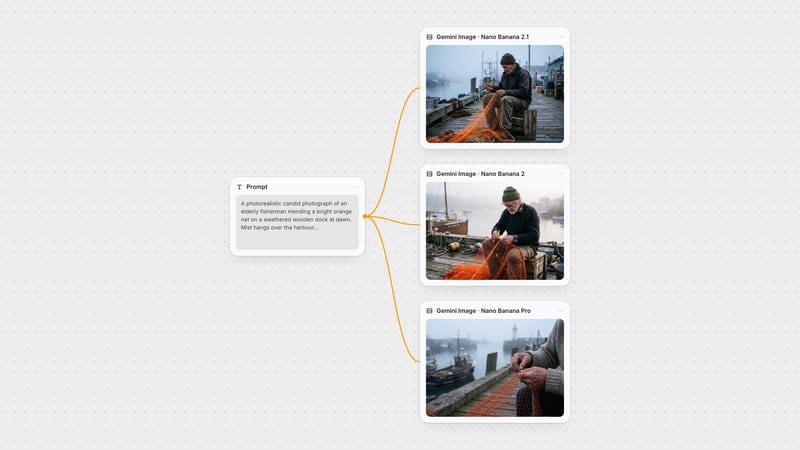
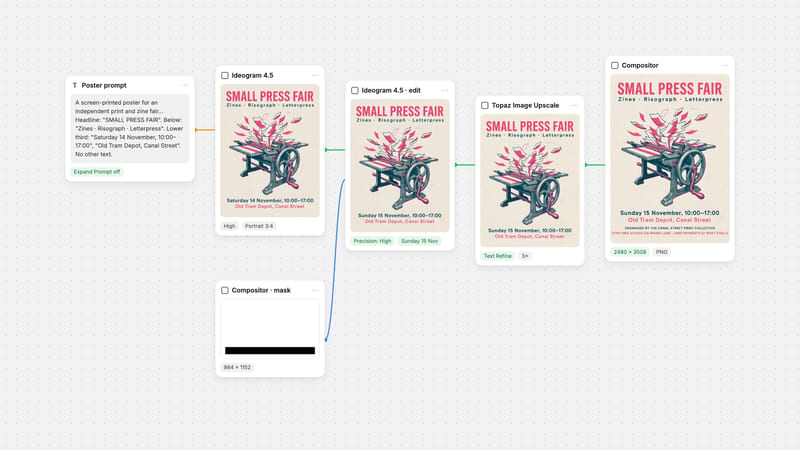
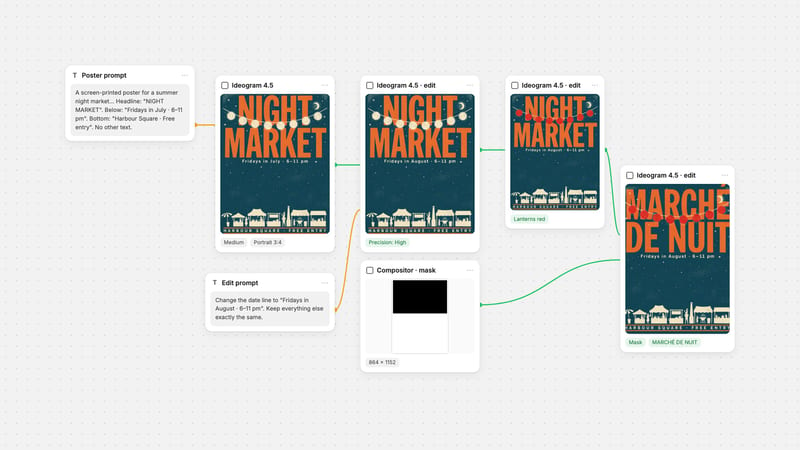
One click, whole workflow
Recipes are here. Package a whole workflow and run it in one click
Explore recipesOne click, whole workflow
Recipes are here. Package a whole workflow and run it in one click
Explore recipesbyTopaz Labs
Turn tiny, soft or flat images into print-ready files with clean edges, rebuilt texture and the alpha channel intact
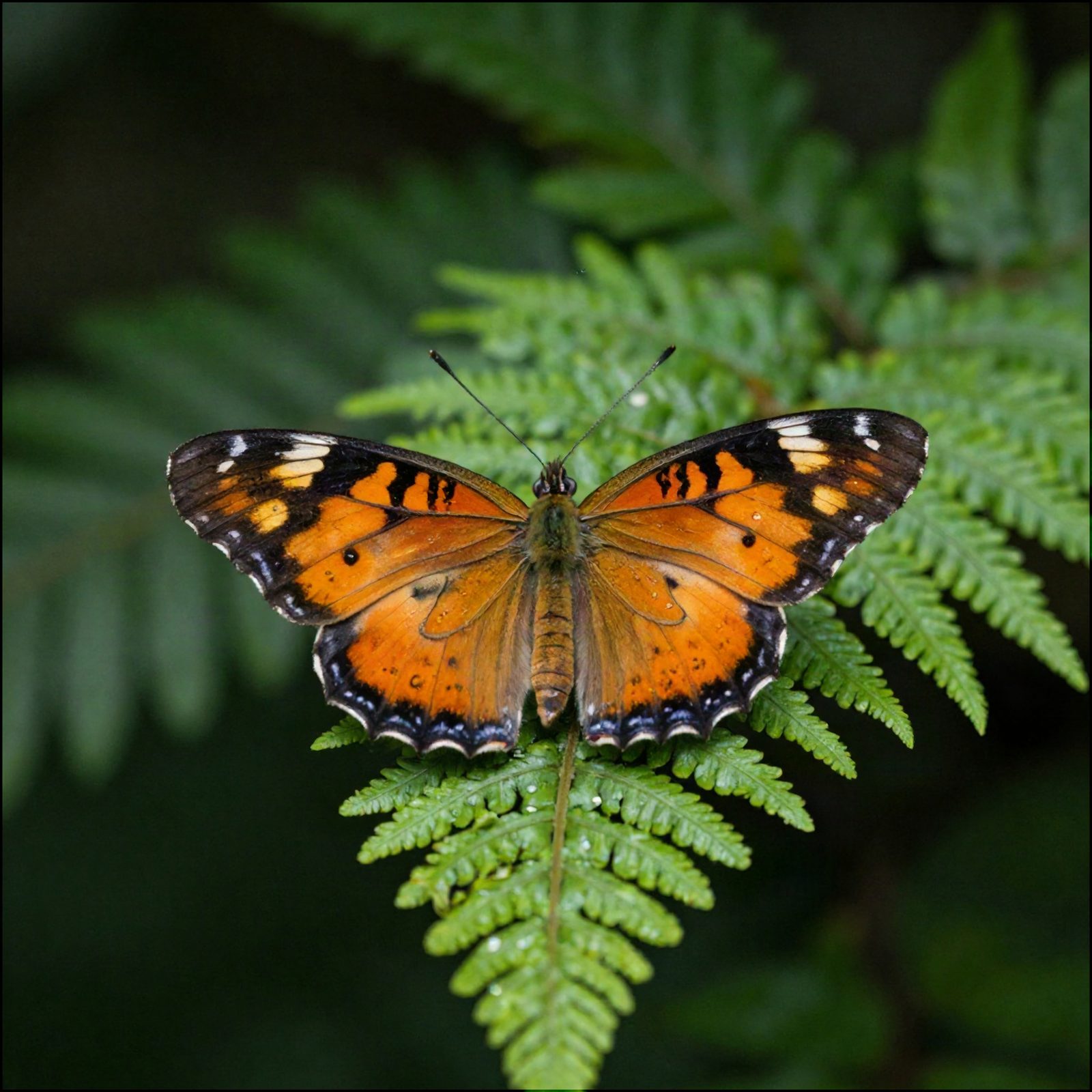
Pick the engine family that matches your source, set a scale up to 4x, and let auto adjust handle a first pass before you touch a slider.
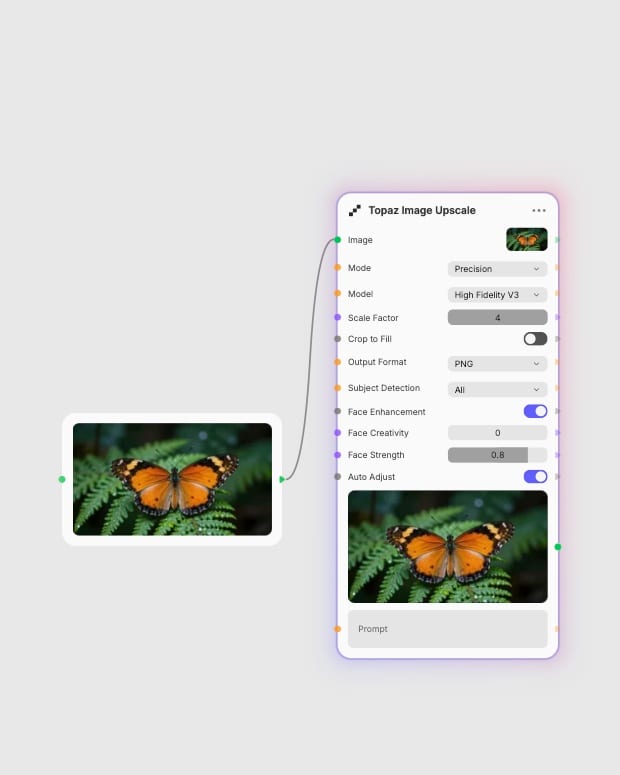
Drop in your image
Add a photo scan, AI generation, render or transparent PNG as the source to enlarge.
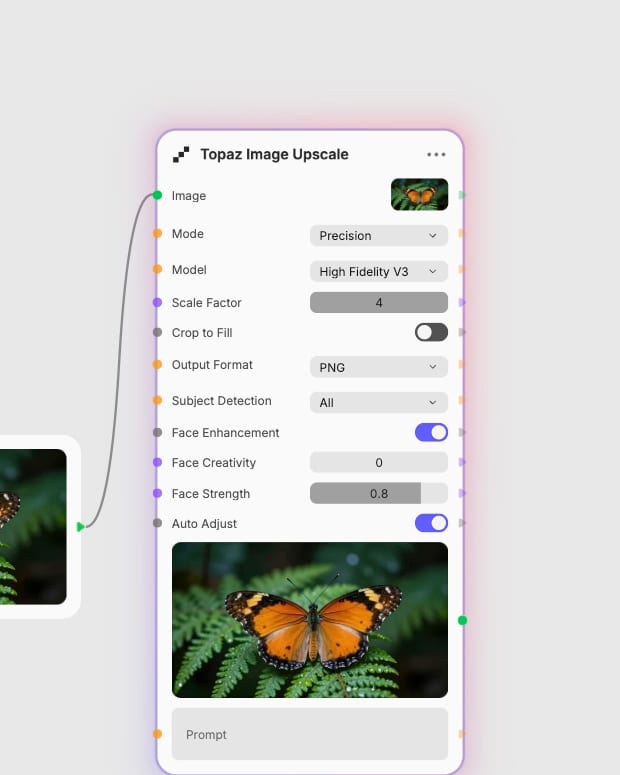
Pick a mode and scale
Choose Precision, Generative, Creative or Transparent, then set the scale factor anywhere from 1x to 4x.
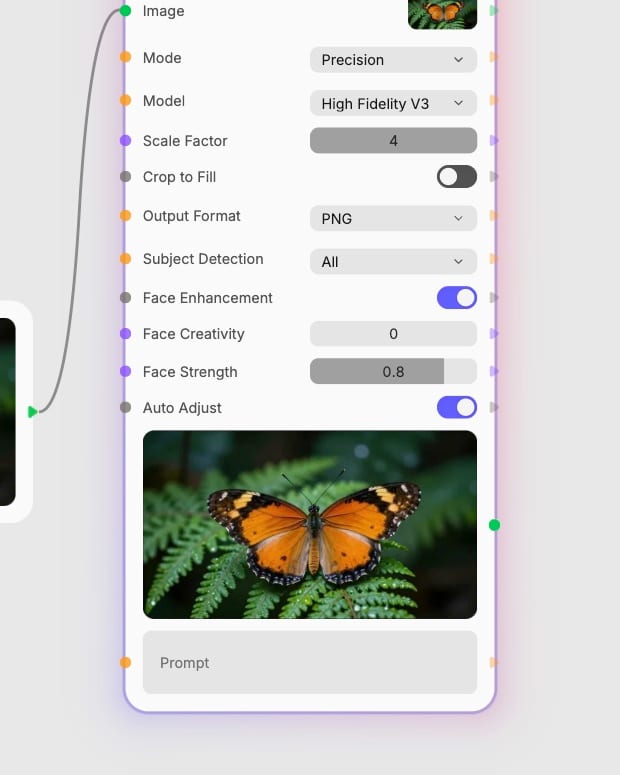
Tune detail and export
Adjust face enhancement, denoise, compression repair or creativity, then export as PNG or JPEG.
One node covers faithful enlargement, rebuilt detail for damaged sources, texture for flat AI art, and alpha-safe logo upscales.
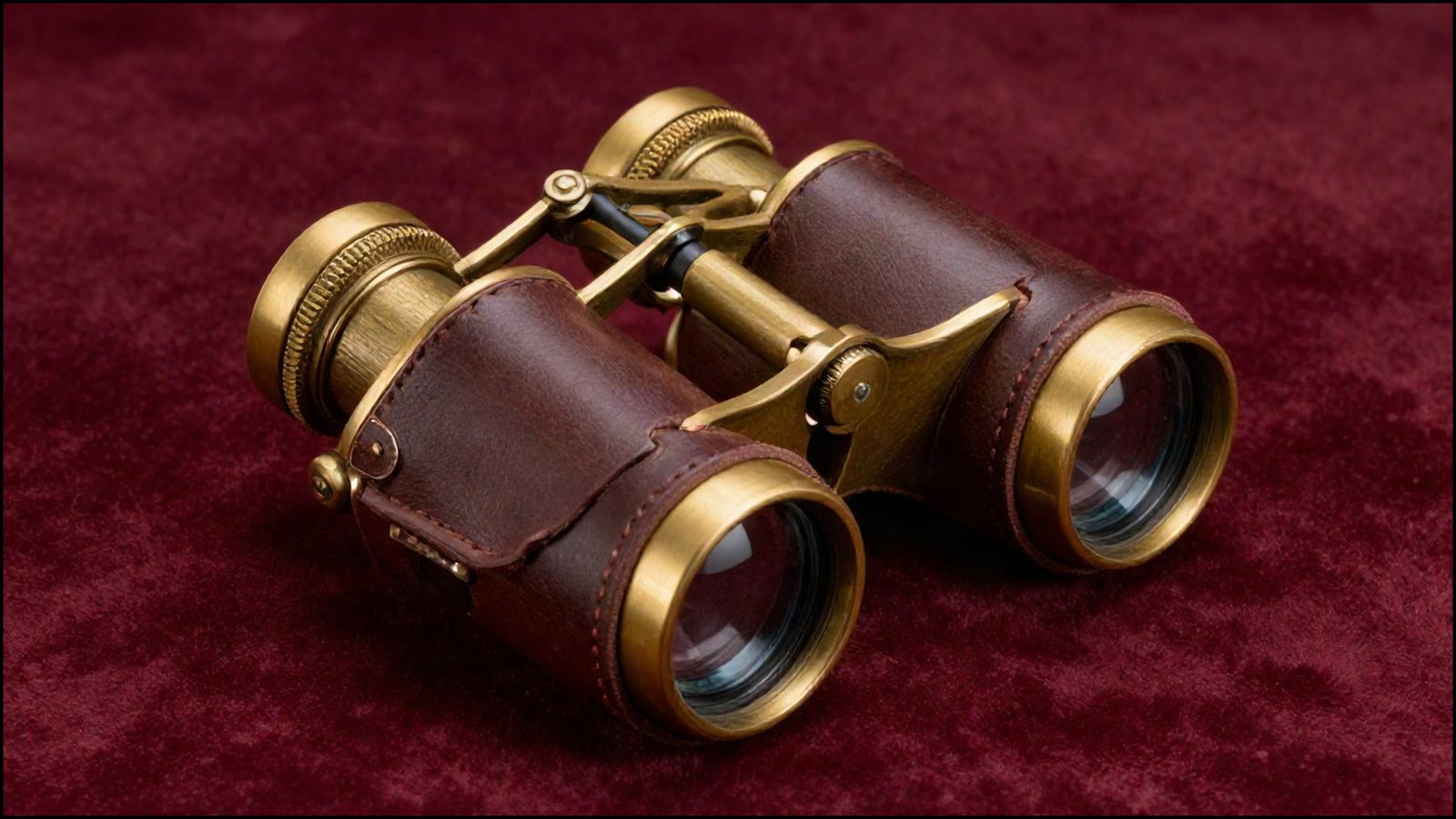
Faithful Precision Enlargement
Standard V2 suits most photos and High Fidelity V3 suits already-sharp professional shots. The Precision tier is the fastest and cheapest, keeps controlled grain and invents nothing.
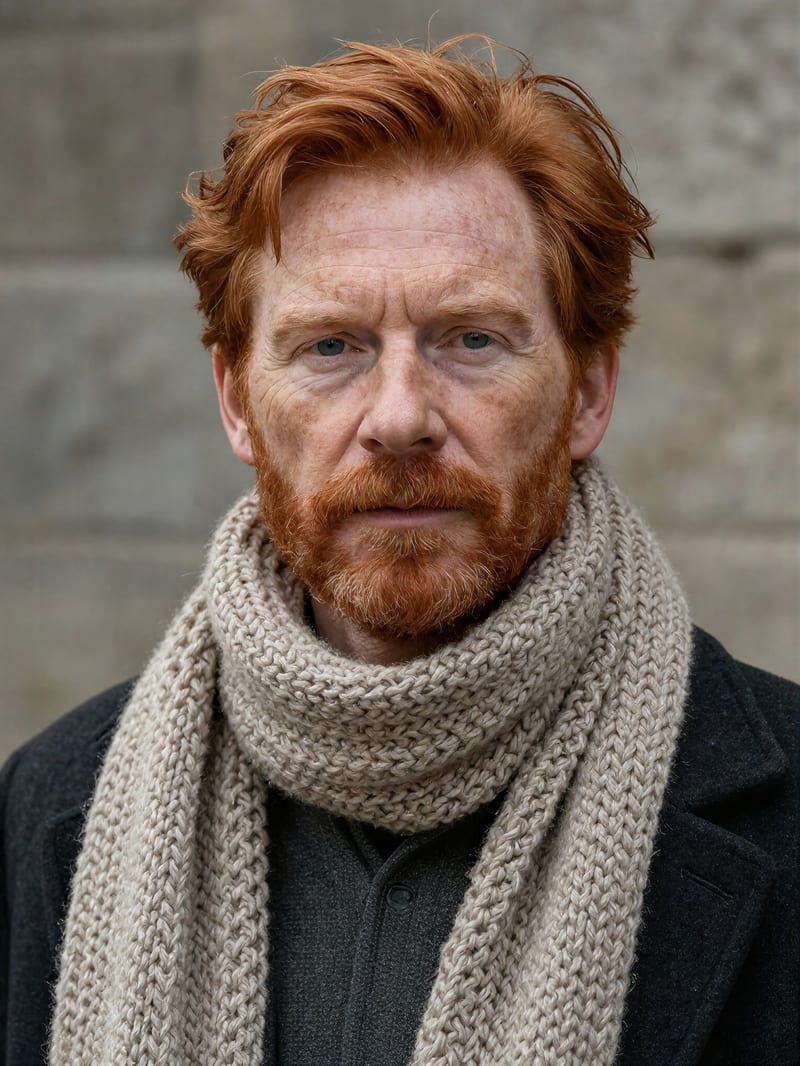
Generative Detail Rebuild
For small, blurry or compressed sources, the Generative tier rebuilds skin pores, hair strands and fabric weave. Wonder offers one-click realism, Recovery targets extreme cases, and Redefine takes a prompt with creativity from 1 to 6.
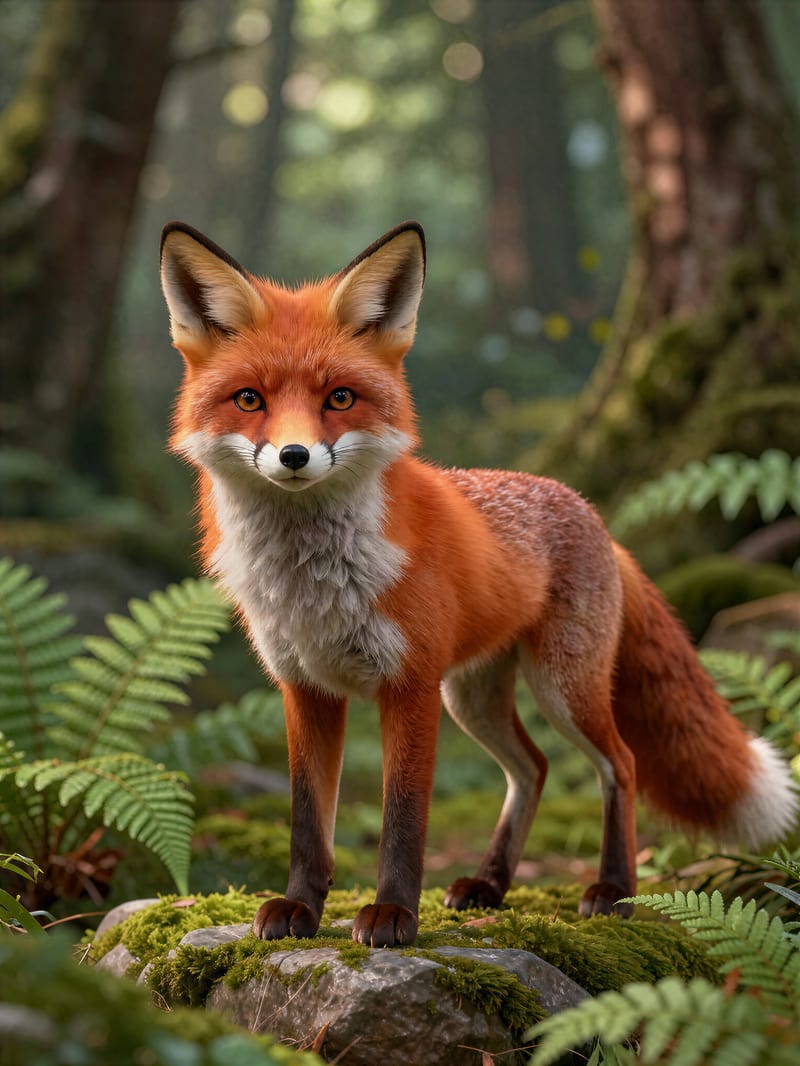
Texture For Flat AI Art
The Creative tier uses Bloom 2 to add richness to soft, plasticky AI renders. Creativity runs from 1 for restrained polish to 9 for bold reinvention, and Preserve Colors holds the original palette.

Alpha Channel Intact
The Transparent tier keeps cut-outs, stickers and logos see-through and always returns PNG. It uses precision-style enlargement, so shapes and brand edges stay exact.
Fashion, product, archival and concept frames show how enlarged output keeps edges clean and surfaces rich across very different sources.
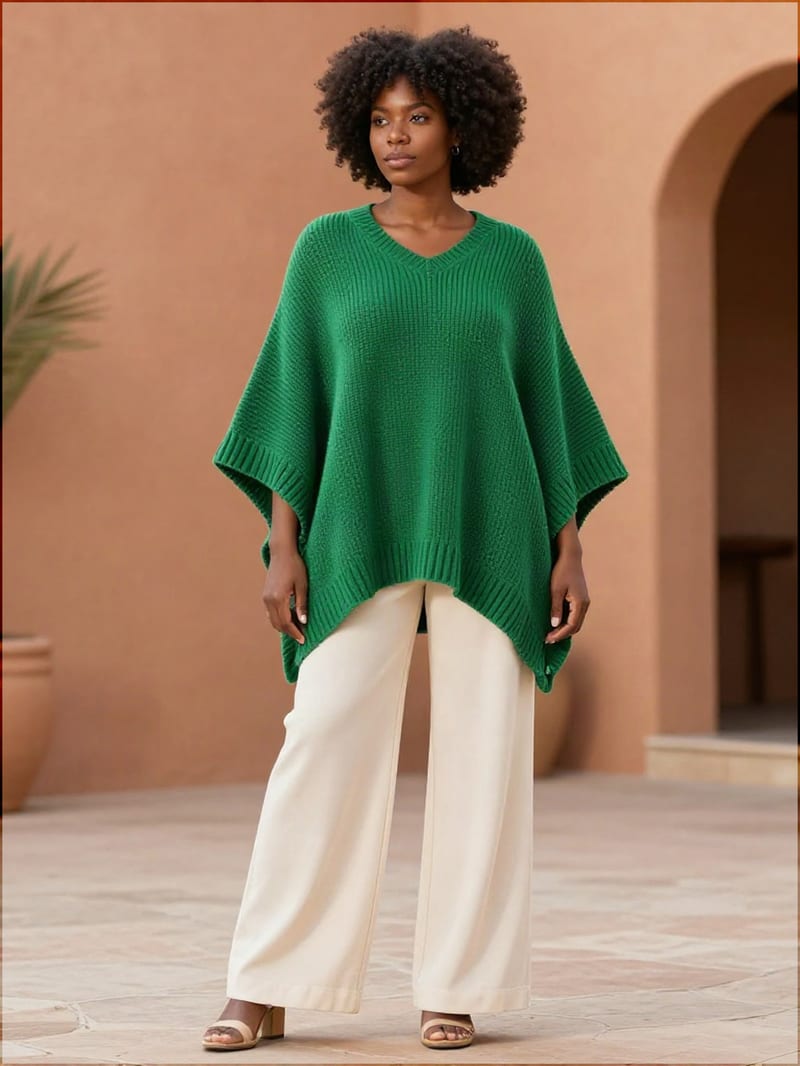
Fashion editorial upscale with enhanced textile definition
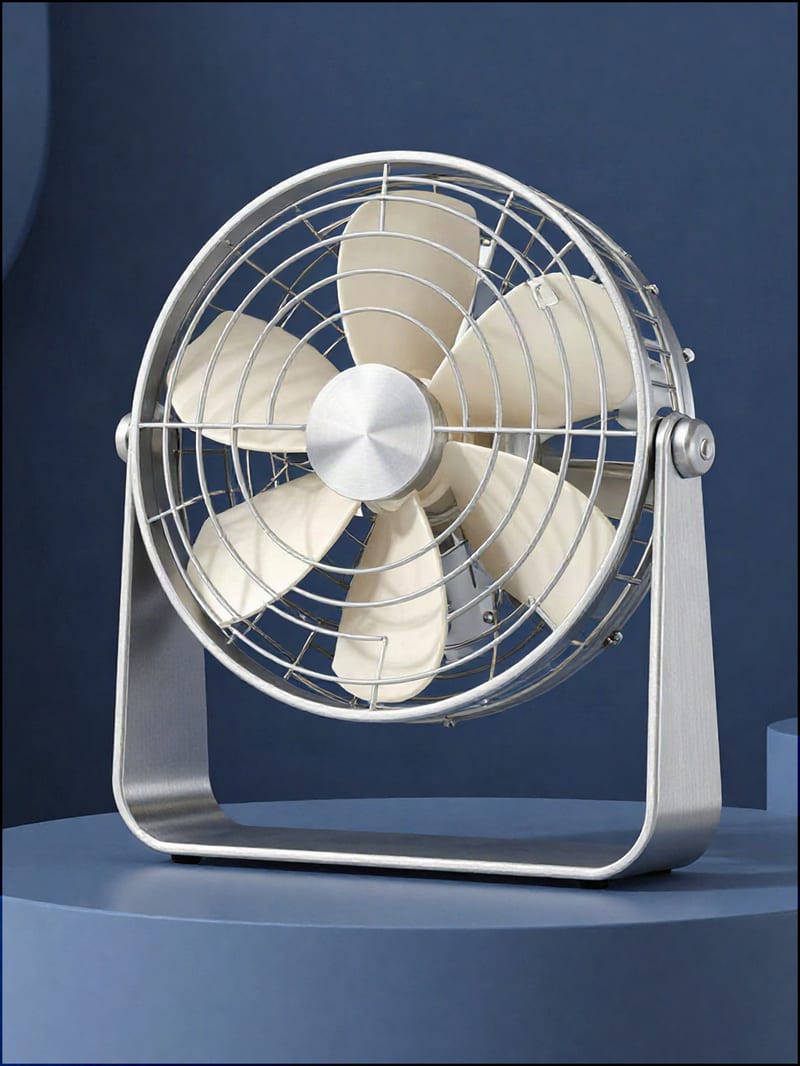
Industrial design hero shot with crisp edge recovery
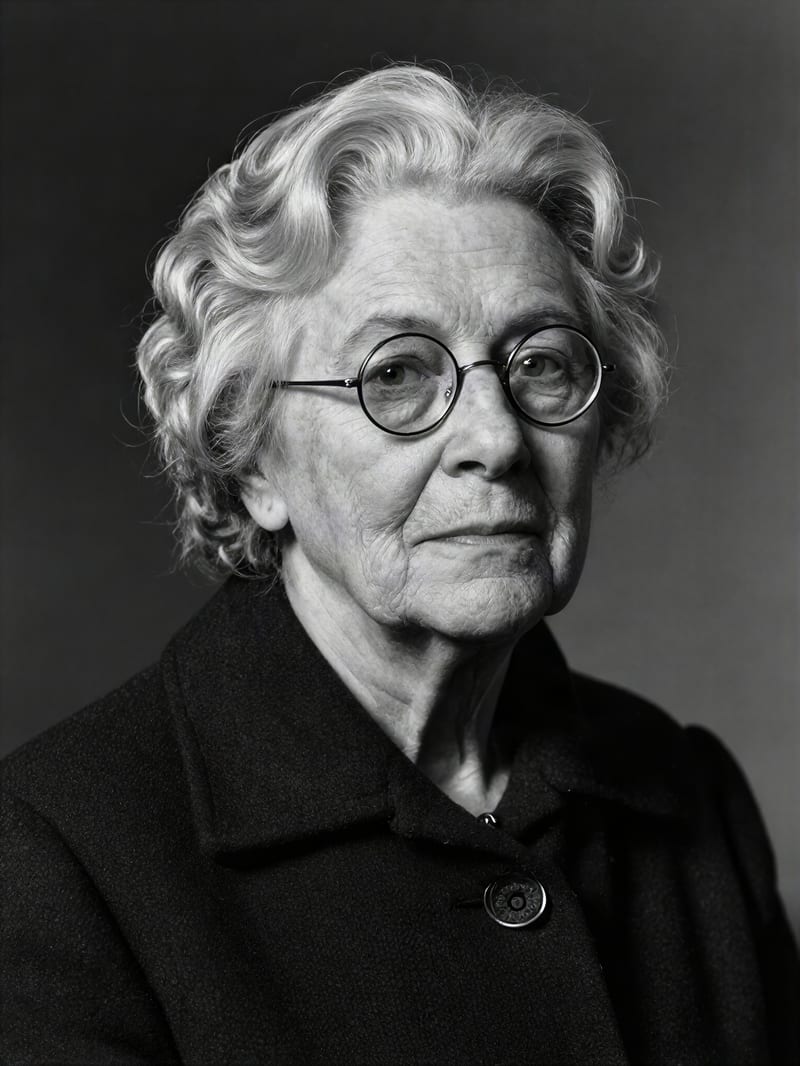
Archival portrait restoration with natural skin micro-textures
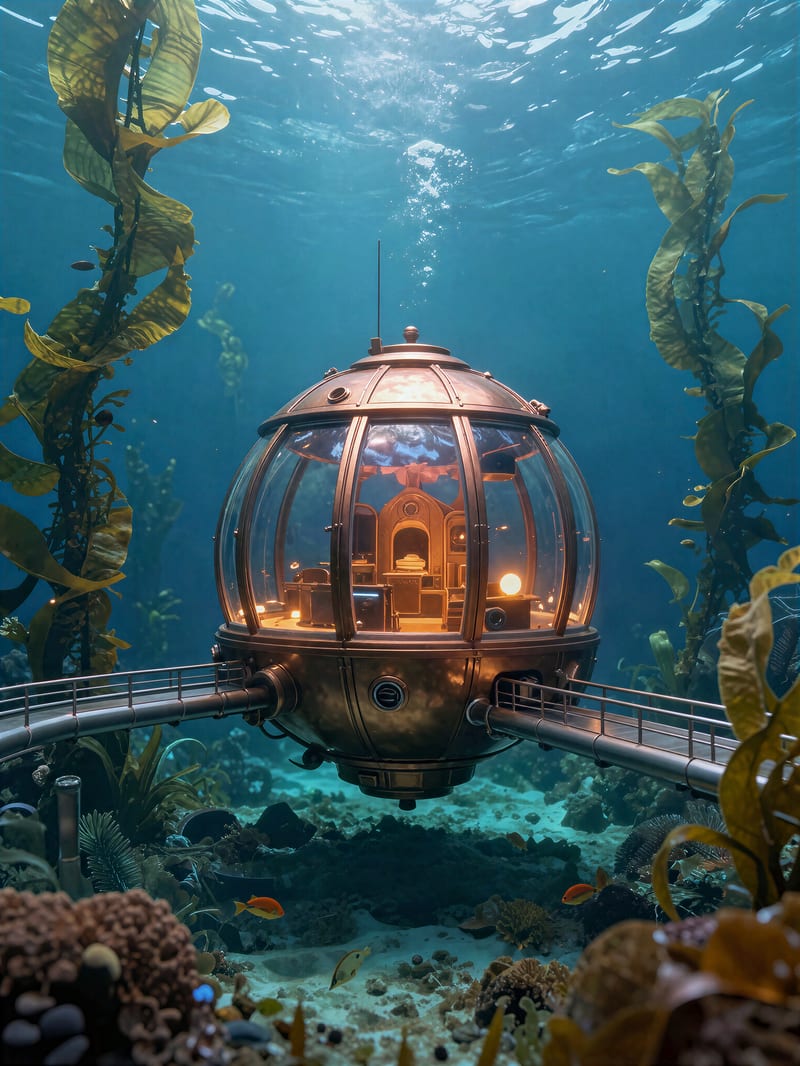
Concept art render enhancement removing synthetic gloss
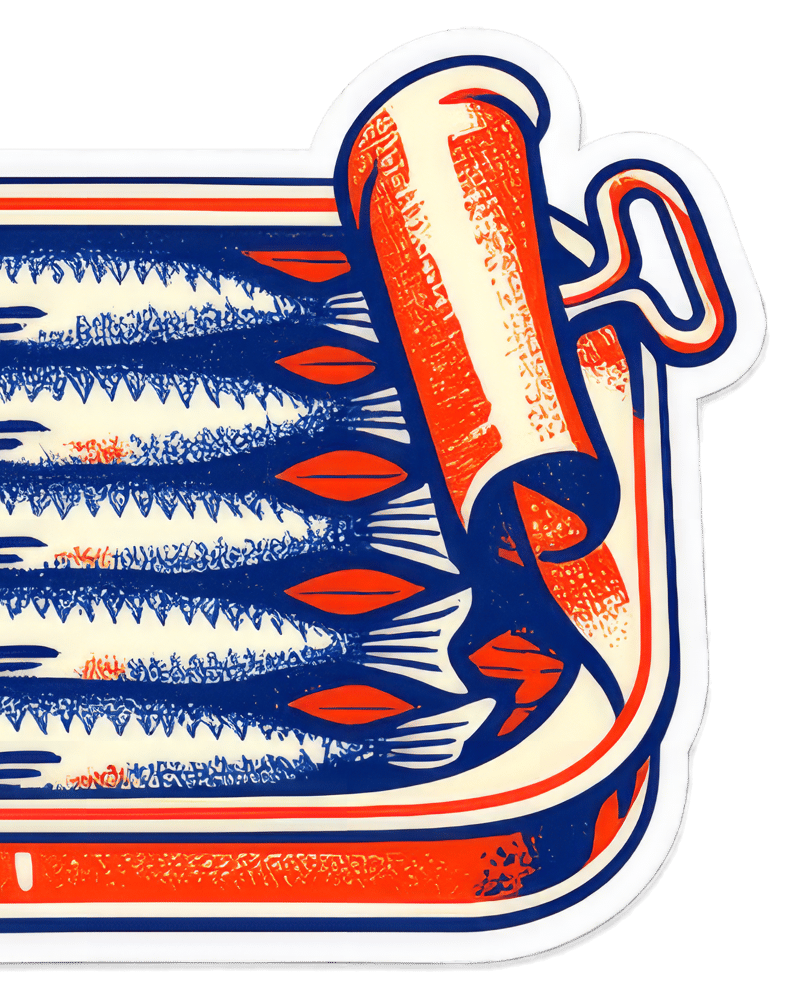
Transparent sticker upscale with clean alpha edges
Photographers, restorers, AI artists, shop owners and art directors reach for it as the last step before print, banner or zoomed-in crop.
Precision enlarges the pixels you already have; Generative invents plausible new detail. Precision is the fastest and cheapest tier, suited to good photos, product shots and text-bearing images, but tiny or degraded sources stay soft. Generative rebuilds detail in small, blurry or compressed images, costs more and is slower, and can drift on fine text and likeness.
Use Creative mode with Bloom 2 when flat or plasticky AI art needs texture and richness. It is the most expensive tier, and high creativity reinterprets shapes, so it is a poor fit for text or brand-exact artwork. Keep Preserve Colors on to hold the original palette.
Choose Transparent mode. It preserves the alpha channel and always returns PNG, whatever the output format setting says. It uses precision-style enlargement, so shapes stay exact, though files are larger.
Up to 4x, which quadruples width and height. Start at 2x and go to 4x only when the output size demands it, since big jumps on weak sources amplify artifacts and cost rises steeply with scale.
Precision modes stay faithful, and Face Creativity defaults to 0 to protect likeness. Generative modes can drift on faces, and Redefine and Bloom can garble lettering. For text-heavy images, use the Text Refine model in Precision mode.
Turn tiny, soft or flat images into print-ready files with clean edges, rebuilt texture and the alpha channel intact