One click, whole workflow
Recipes are here. Package a whole workflow and run it in one click
Explore recipesOne click, whole workflow
Recipes are here. Package a whole workflow and run it in one click
Explore recipesExtract organic contour maps and hand-drawn line sketches from source photos for flexible ControlNet spatial conditioning
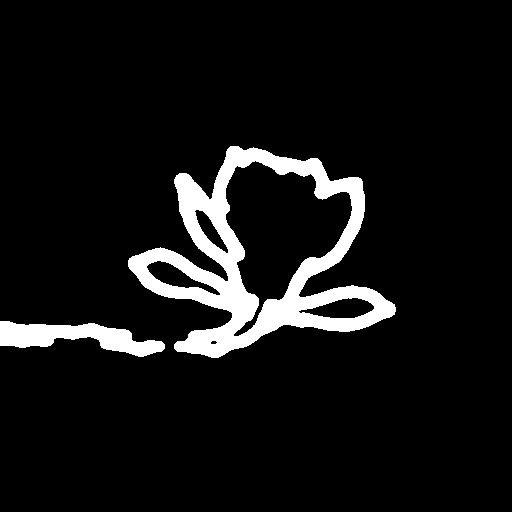
Convert photographic source images into expressive outline conditioning maps in three straightforward actions.
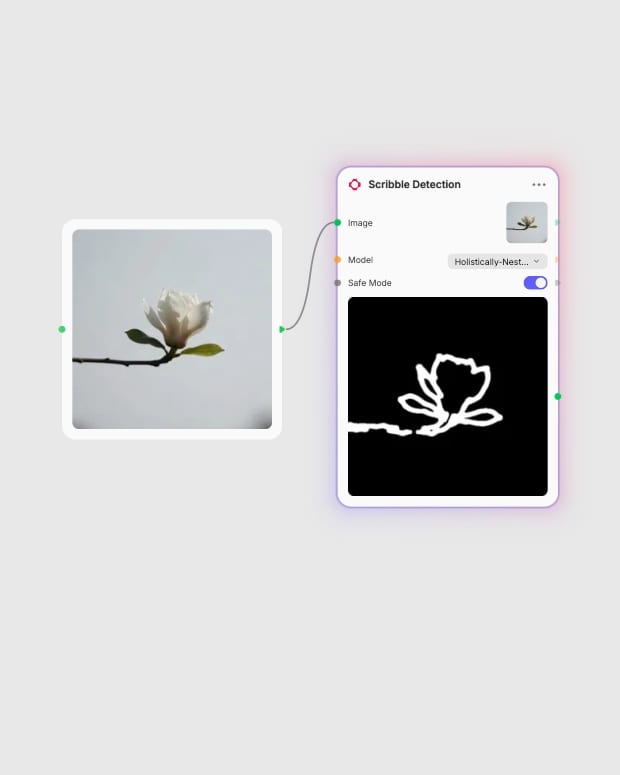
Upload source photograph
Provide a well-lit photograph with clear separation between the subject and background.
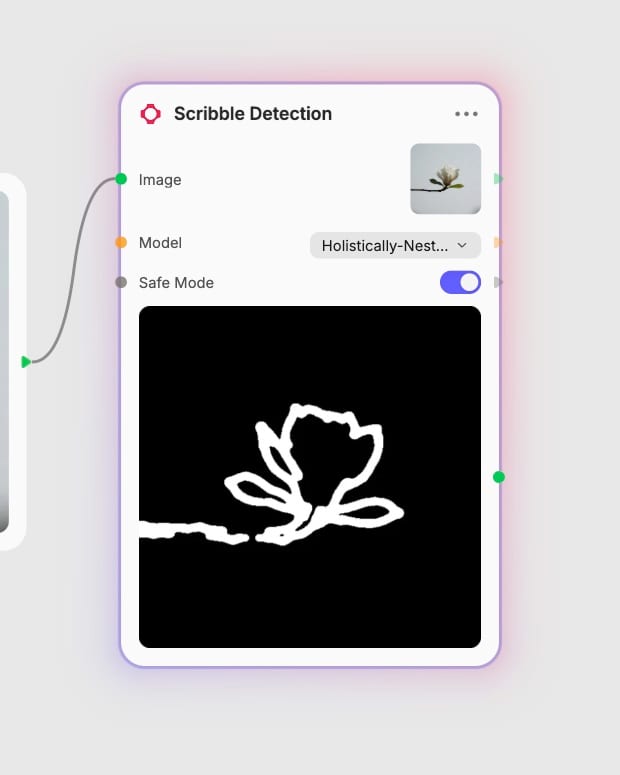
Select detection algorithm
Choose PiDi for clean ink-like edges or HED for smooth volumetric shading contours.
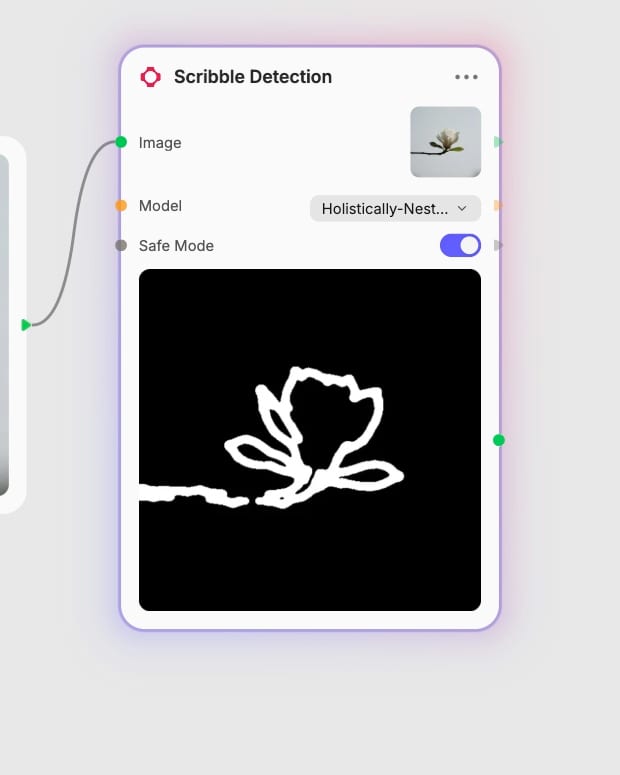
Configure edge safety
Toggle Safe Mode to quantize gradients and eliminate source color bleed in downstream renders.
High-contrast contour extraction powered by dual edge-detection algorithms and edge-quantization controls.
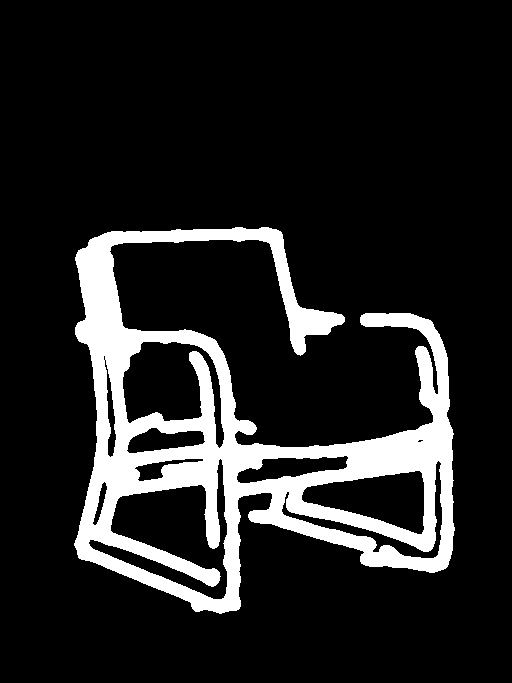
Dual edge-detection engines
Switch between PiDi for crisp, low-noise ink outlines and HED for soft, charcoal-like gradient maps that capture subtle volumetric depth.
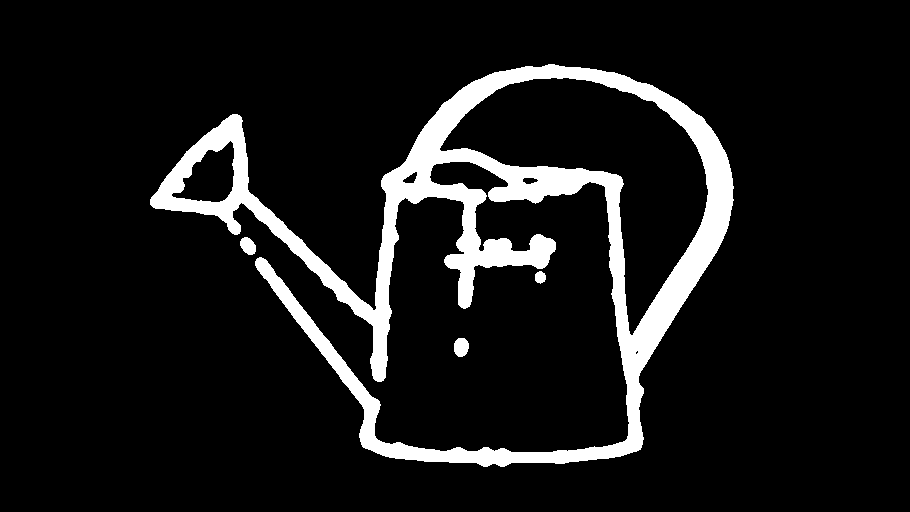
Quantized Safe Mode processing
Enable Safe Mode to quantize continuous edge gradients into discrete stepped strokes, preventing source color bleed and ghosting in downstream generative renders.
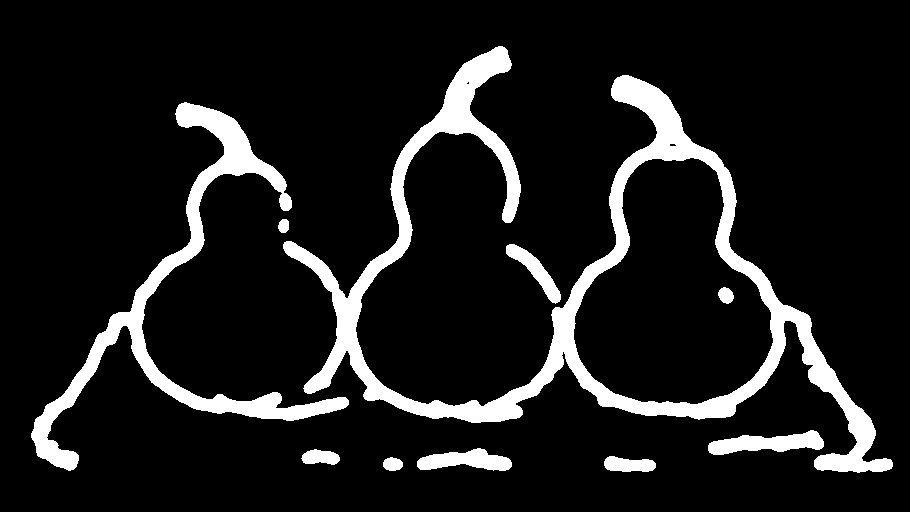
Volumetric shape preservation
Preserve essential structural envelopes and volumetric boundaries from complex photographs, giving generative pipelines layout anchors without locking in surface textures.
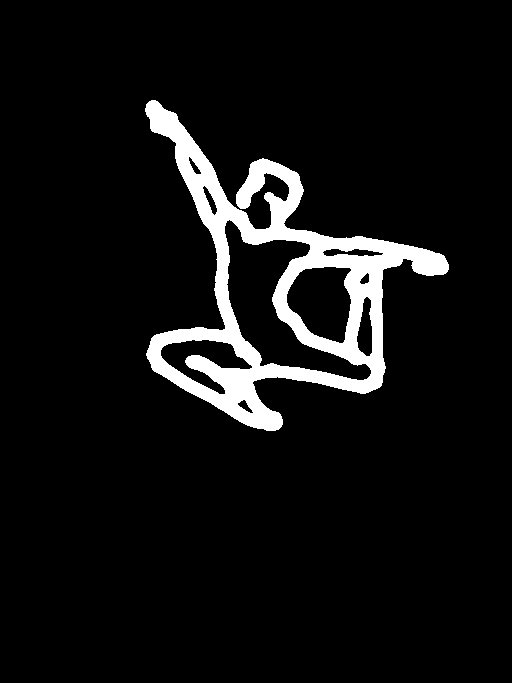
Flexible spatial conditioning
Isolate organic sketch boundaries that retain subject framing and dynamic poses, providing high-level spatial guidance for generative re-renderings.
Explore how organic sketch maps capture photographic composition while leaving textures open for creative reimagining.
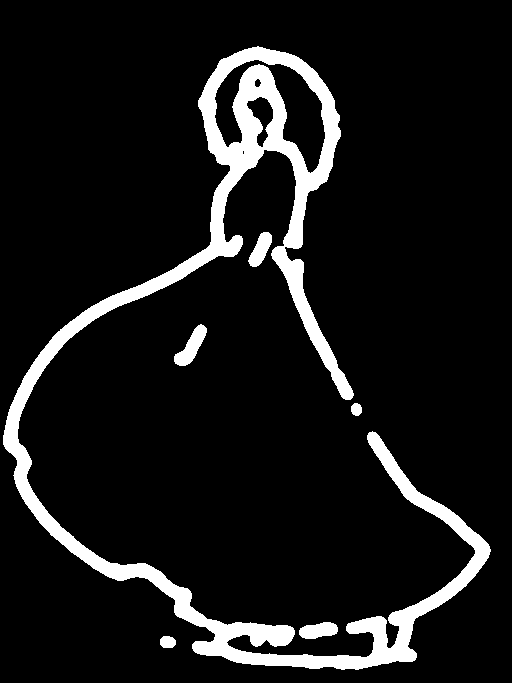
Loose fabric drape and dynamic silhouette extraction
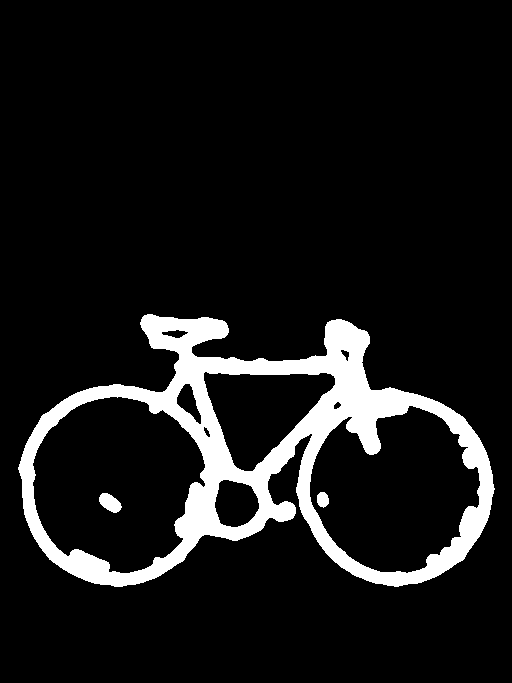
Sharp mechanical boundary extraction with PiDiNet
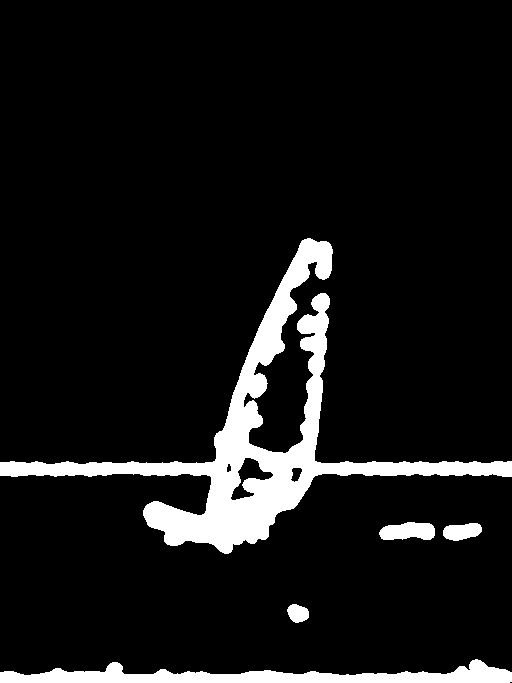
Atmospheric motion and framing guidance
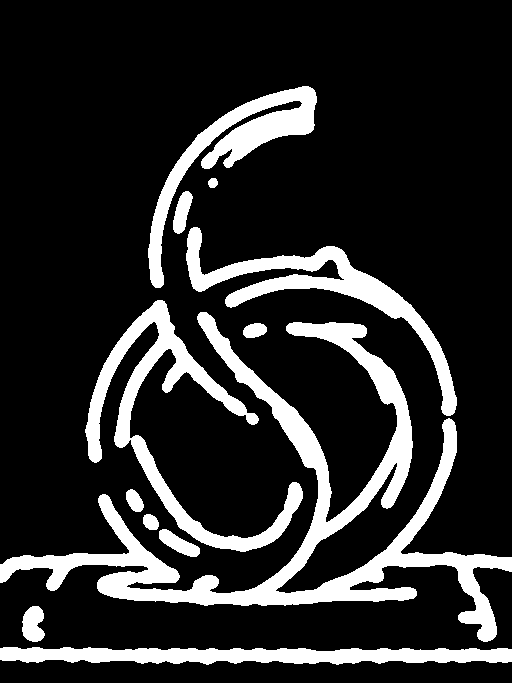
Organic sculptural contour capture with HED
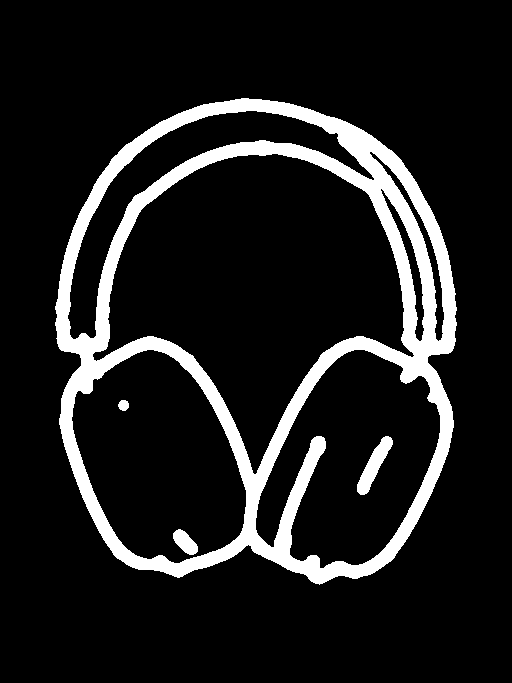
Quantized outline definition for product restyling
Creative directors, visual artists, and designers rely on scribble maps to preserve composition while reinventing visual style.
PiDi (Pixel Difference Networks) extracts crisp, clean outlines with minimal background noise, making it the best default choice for structural layout control. HED (Holistically-Nested Edge Detection) captures multi-scale, softer gradient maps resembling charcoal sketches, preserving subtle volumetric forms and facial expressions at the cost of slight background noise.
Safe Mode quantizes smooth grayscale edge gradients into stepped, distinct outlines resembling felt-tip marker strokes. This pre-quantization prevents ghosting artifacts where colors and textures from the source photograph bleed into downstream generations. Disable Safe Mode when you need maximum fine detail, as quantization can lead downstream models to hallucinate textures across gradient gaps.
Well-lit photographs with strong subject-to-background contrast yield the cleanest scribble maps. Avoid uploading existing black-and-white sketches or clean line art, as re-processing them causes double-edge detection artifacts and muddy outlines.
Reach for Scribble Detection when you want to restyle a composition while allowing downstream generative models full freedom to reinvent textures, lighting, and materials. Switch to Canny or Lineart detectors when you require rigid, millimeter-precise edge tracking for architectural blueprints or typography.
Extract organic contour maps and hand-drawn line sketches from source photos for flexible ControlNet spatial conditioning