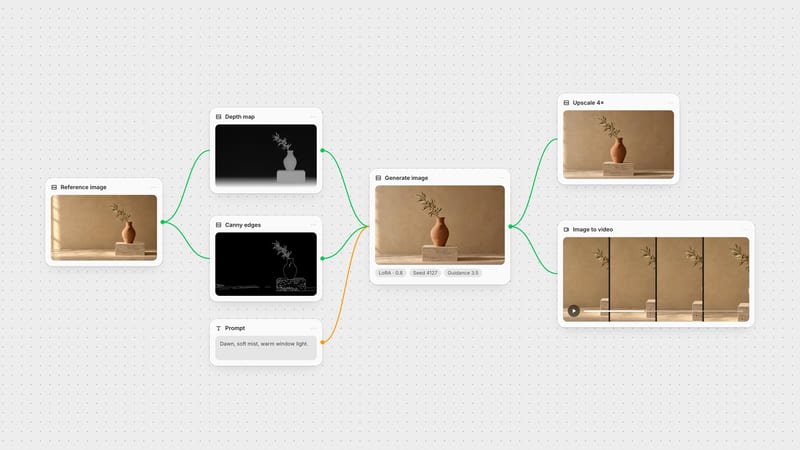
One click, whole workflow
Recipes are here. Package a whole workflow and run it in one click
Explore recipesOne click, whole workflow
Recipes are here. Package a whole workflow and run it in one click
Explore recipesbyStability AI
High-speed localized image editing with seamless boundary blending and natural shadow propagation
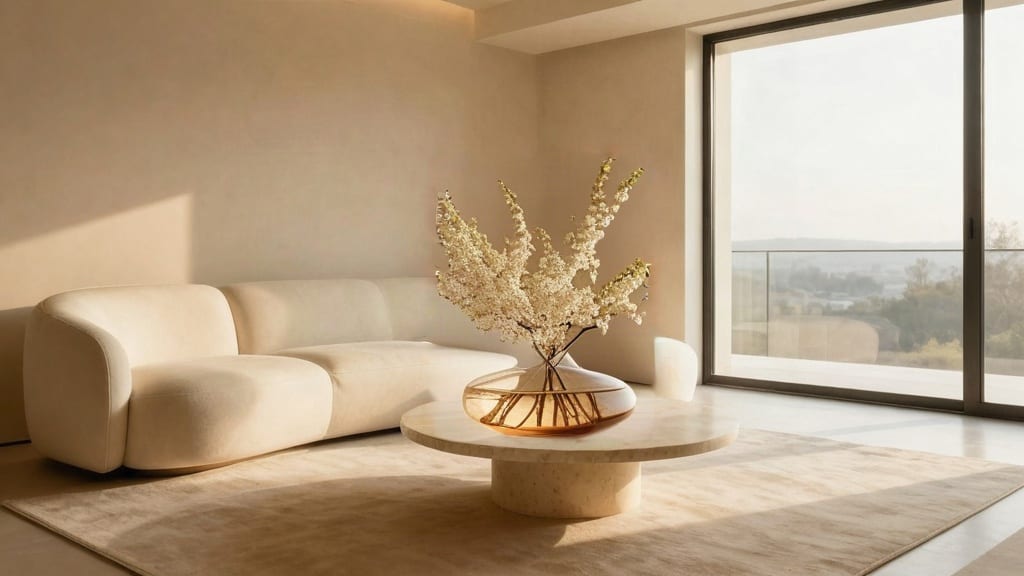
Swap objects, refine textures, and extend backgrounds through masked spatial guidance and targeted text prompts.
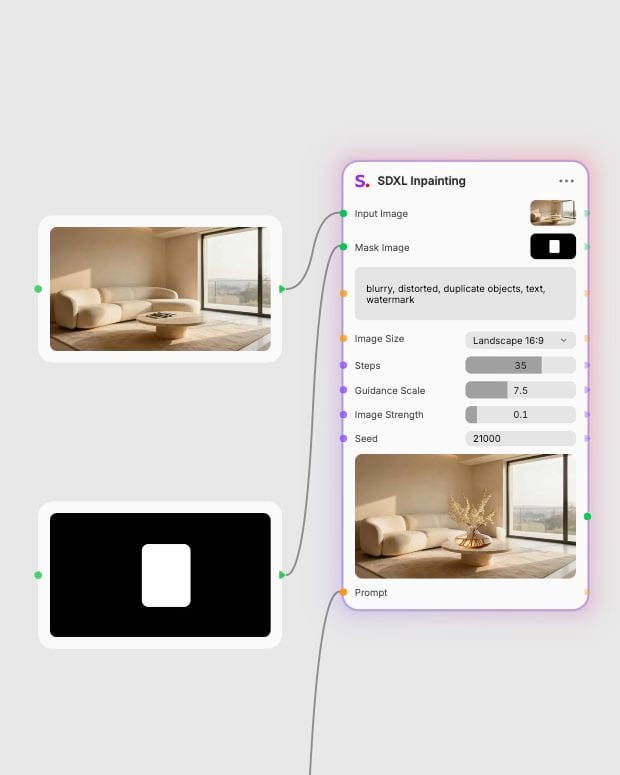
Upload image and mask
Provide a sharp source image alongside a high-contrast binary mask defining the region to modify.
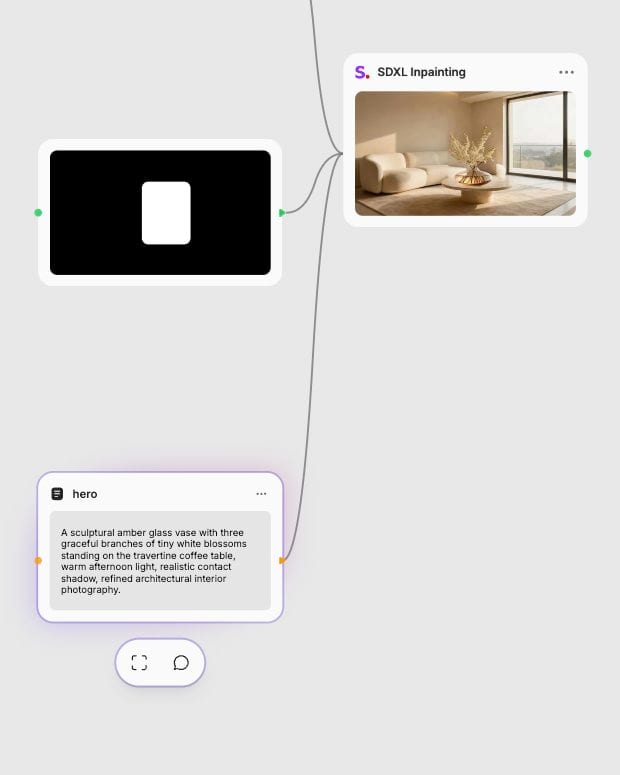
Describe target edits
Write a focused natural-language prompt describing only what should appear within the masked zone.
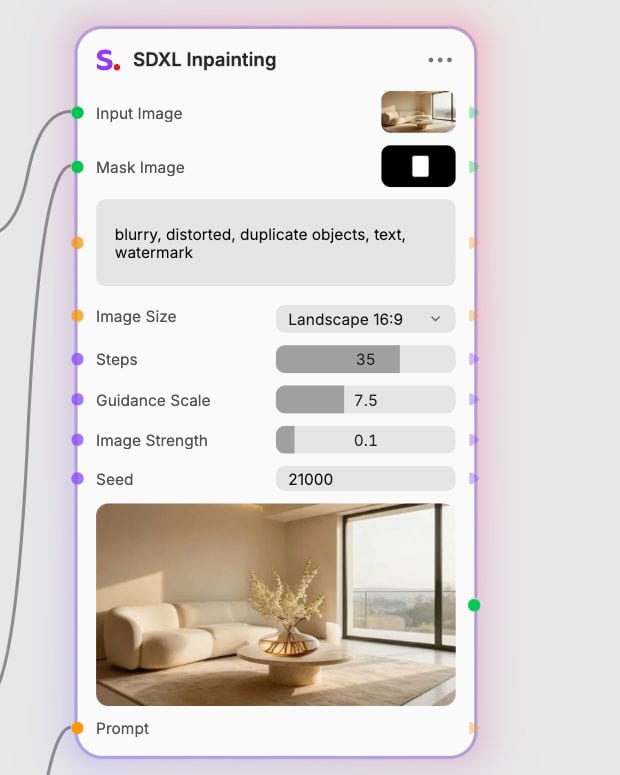
Adjust strength and generate
Set your strength value between subtle retexturing and complete replacement, then generate in seconds.
Engineered with dedicated spatial inpainting channels and dual text encoders for seam-free modifications and exact lighting matching.
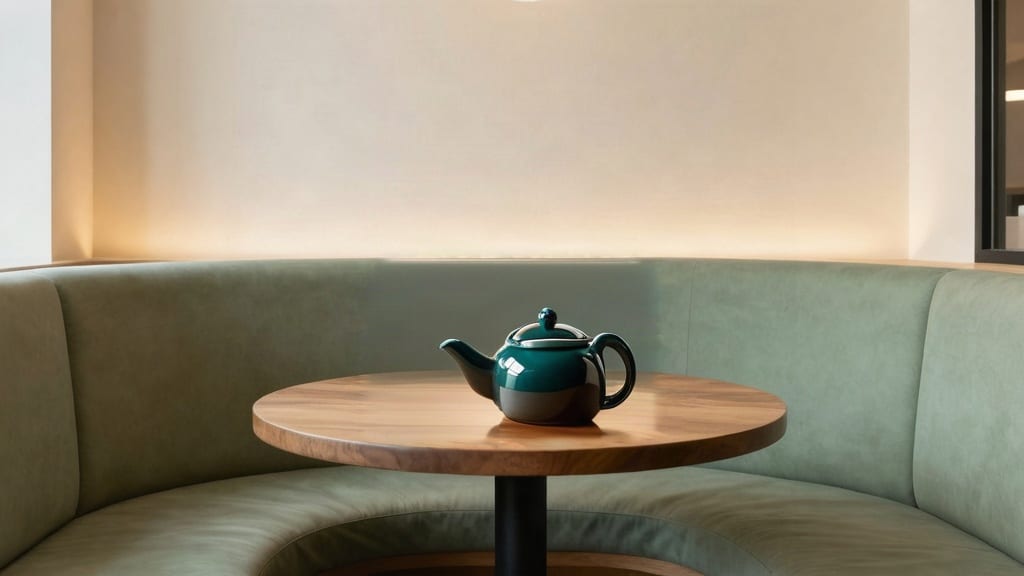
Contextual Boundary Blending
Dedicated mask-conditioning channels in the UNet architecture interpret scene boundaries accurately, eliminating harsh seams and mismatching edge artifacts.
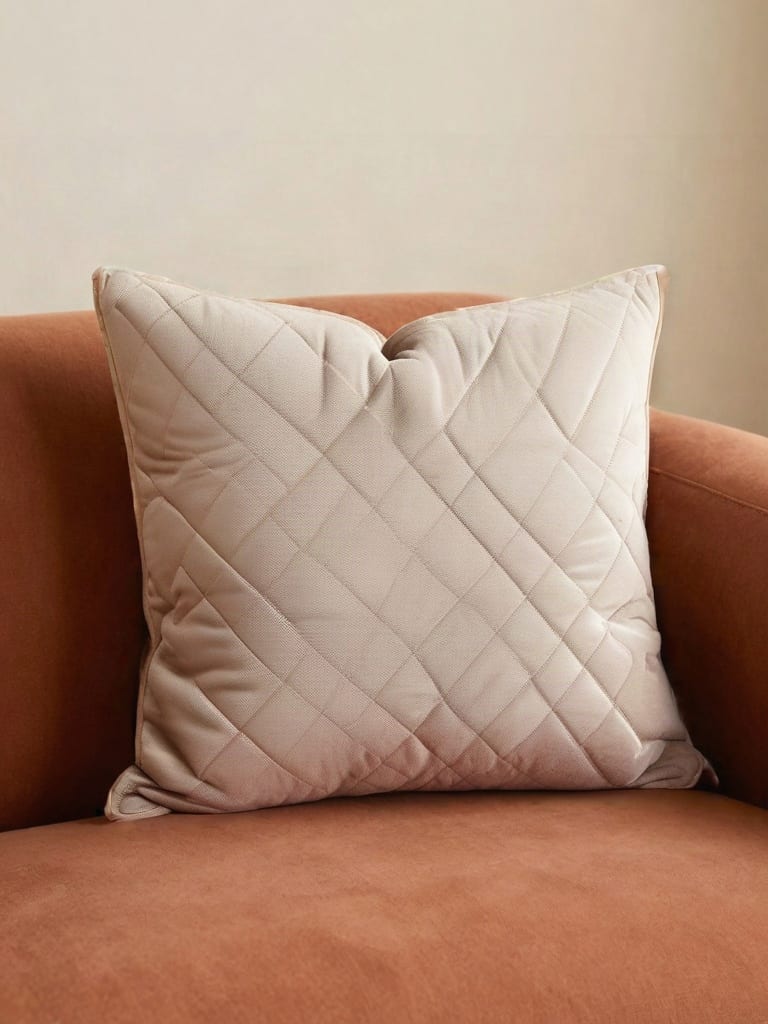
Precision Retexturing Control
Adjust image strength between 0.4 and 0.7 to alter patterns and fabric finishes while strictly preserving underlying geometry, folds, and contours.
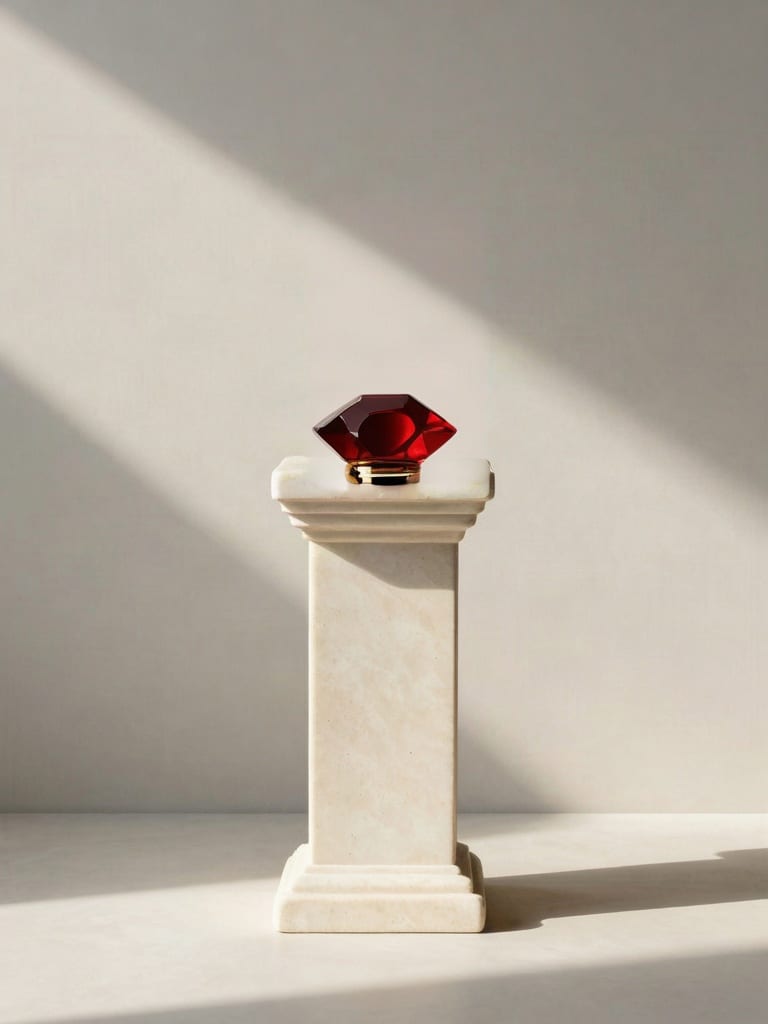
Coherent Shadow and Light Matching
Dual CLIP encoders interpret descriptive lighting cues to balance ambient illumination, directional shadows, and reflection vectors with the unmasked image.
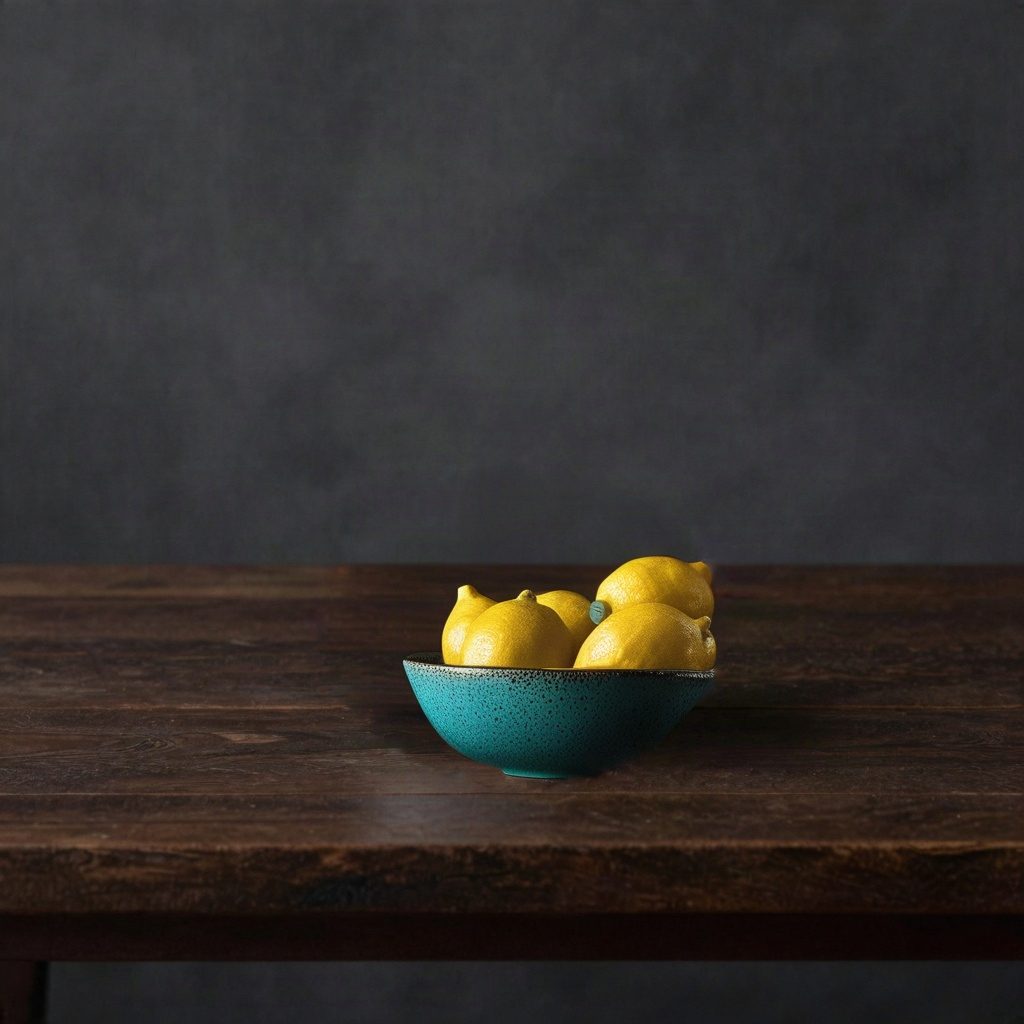
High-Resolution Native Output
Generate high-detail replacements directly at native 1024x1024 resolution across standard aspect ratio presets without blurriness or downscaling artifacts.
Explore precise object replacements, fabric retexturing, and environmental modifications integrated cleanly into source compositions.
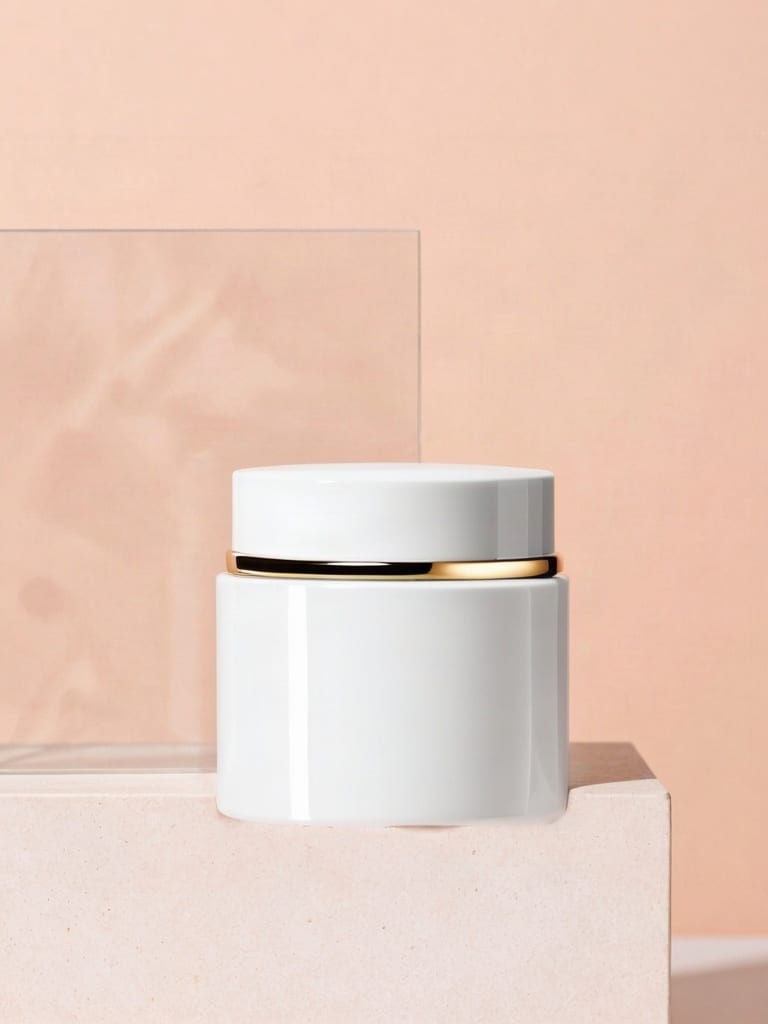
Commercial product retexturing and replacement

Atmospheric cinematic element insertion
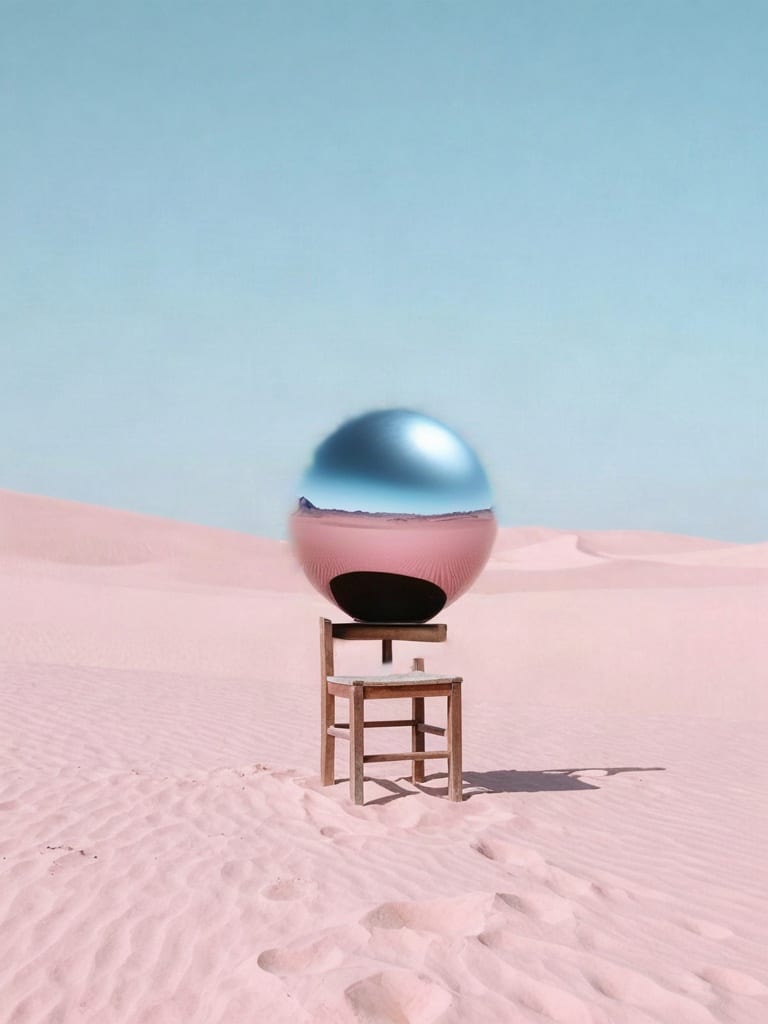
Surreal album art object collision
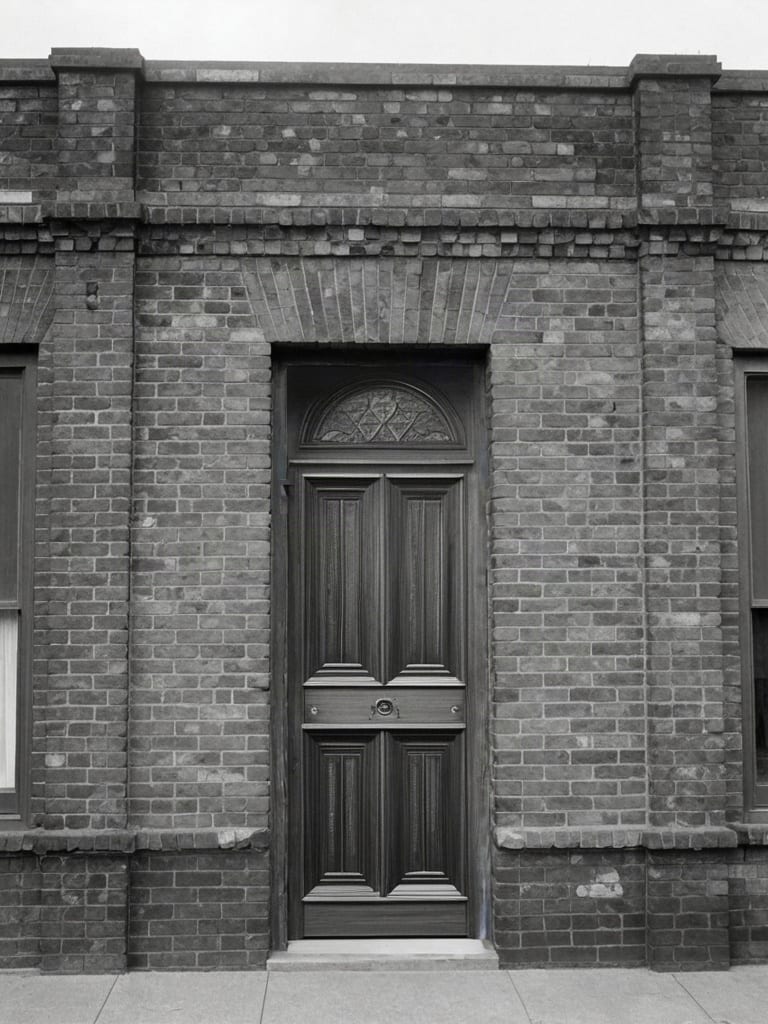
Archival scene restoration and detail correction
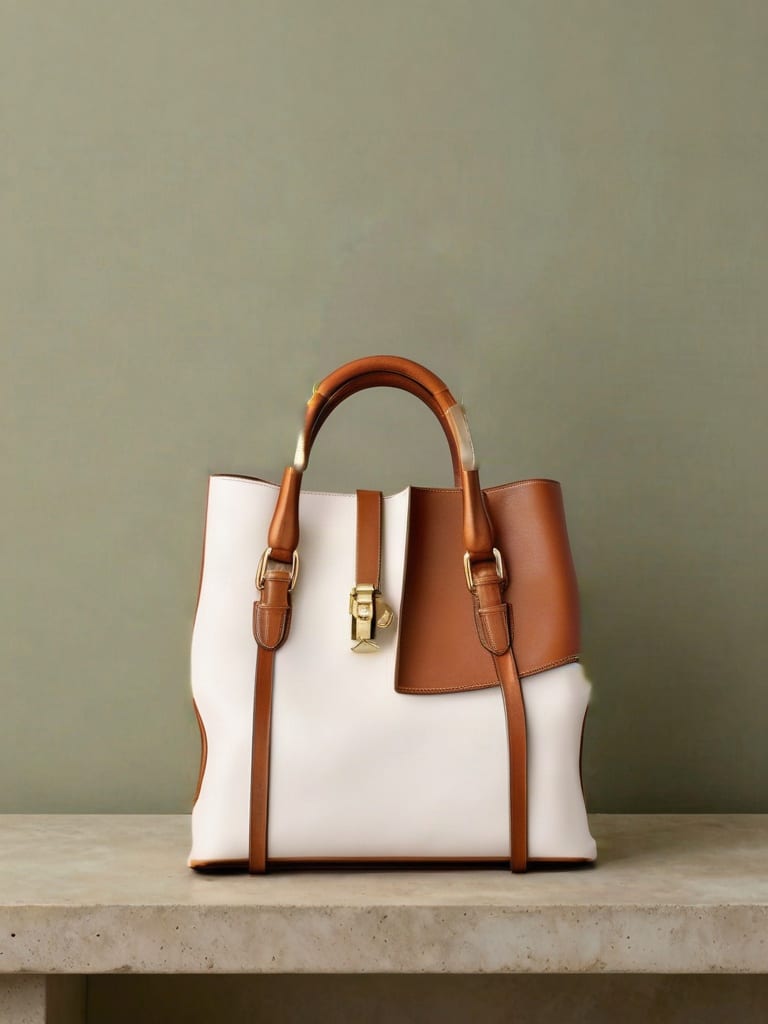
High-fidelity apparel and accessory swapping
See how production teams and visual artists use fast localized diffusion to retouch photography and generate product variants.
SDXL Inpainting excels at targeted object replacement, background swapping, fabric retexturing, and localized detail restoration in existing images. Because it integrates dedicated mask channels into the UNet architecture, it seamlessly matches the surrounding lighting, perspective, and shadow falloff.
Image strength controls how heavily the masked area is transformed, ranging from subtle modifications to total replacement. Set strength between 0.85 and 1.0 to generate entirely new objects or replace masked elements completely. Lower strength to 0.4–0.7 when recoloring or retexturing an item while strictly preserving its original contours and fold structures.
Use a high-contrast binary mask where pure white (RGB 255) marks the edit zone and black protects untouched pixels. Slightly feathering the mask edges by 4 to 12 pixels eliminates hard borders and ensures smooth alpha blending. When replacing an object, draw the mask slightly larger than the target element to give the model room to reconstruct clean background contours.
SDXL Inpainting struggles with tiny typography, intricate vector logos, and complex anatomical additions from scratch at low step counts. It is also not intended for full-image composition changes, where standard image-to-image workflows are more suitable.
SDXL Inpainting was developed by Stability AI and released on July 26, 2023. It enhances the base SDXL latent diffusion architecture with specialized mask-conditioning input channels for native 1024x1024 spatial editing.
High-speed localized image editing with seamless boundary blending and natural shadow propagation