One click, whole workflow
Recipes are here. Package a whole workflow and run it in one click
Explore recipesOne click, whole workflow
Recipes are here. Package a whole workflow and run it in one click
Explore recipesClear, one-line definitions of the terms you meet in AI image and video tools, from LoRA and ControlNet to seeds, guidance, inpainting and first and last frames, with where each one lives in a node workflow.
All guides · Creative workflows in Fuser
Quick answer: most AI image vocabulary describes one of three things: what you tell the model (prompt, negative prompt, reference image), how strongly it listens (guidance, strength, LoRA weight, control images) and what you do with the result (upscaling, inpainting, image-to-video). The definitions below are alphabetical, each starting with a one-sentence answer.
The proportion of an image's width to its height, such as 16:9, 1:1 or 9:16. Most generation models take a ratio or a preset size rather than exact pixels; for exact platform dimensions, compose the result on a sized canvas, as in our social media image sizes guide.
Separating the subject from its background and returning it on transparency. In a node workflow it usually sits between generation and layout; Fuser's Background Remover feeds a cut-out straight into the Compositor.
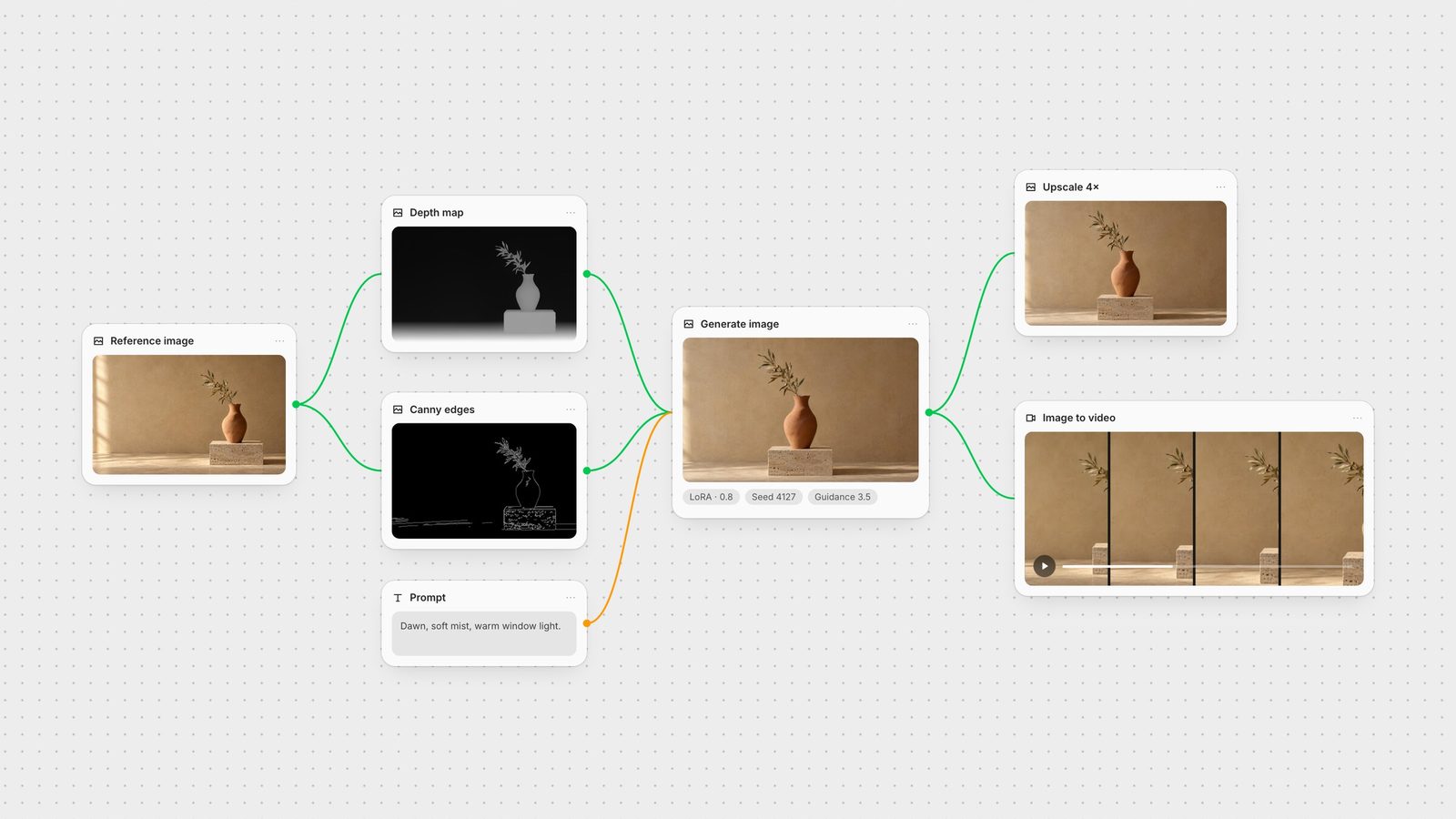
A black image with white outlines, produced by the Canny edge-detection algorithm. It is used as a control image to lock the composition and silhouettes of a new generation; see Canny Edge Detection.
A number that sets how strictly a diffusion model follows your prompt. Higher values stick closer to the text but can look harsh or oversaturated; lower values are looser and more natural. Many image and video nodes expose it as Guidance or CFG, including Kling 3.0.
A technique that conditions image generation on a control image such as edges, depth or pose, so the output follows a given structure. SDXL Canny ControlNet takes an edge map plus a prompt.
How much an image-to-image or inpainting model is allowed to change the input, usually from 0 to 1. Low values make subtle edits; values near 1 mostly ignore the original.
A grayscale image where brightness encodes distance from the camera, lighter meaning closer. It guides layout and perspective in a new generation; Depth Anything V2 creates one from any photo.
Image-to-video inputs that fix the opening image and, optionally, the closing image of a clip, with the model generating the motion between them. Kling 3.0, Veo and FLUX.3 accept an end frame in Fuser.
Generating a text description of an image. Captions become prompts, alt text or search metadata; Florence-2 is one captioning node.
Turning one or more images into a 3D mesh. In Fuser, Hunyuan3D and similar nodes output meshes that can continue into texturing, rigging or a rendered turntable.
Generating a new image from an existing one plus instructions, keeping some of its structure. Reference-led editing models such as FLUX.1 Kontext and GPT Image are the modern form of this.
Animating a still image into a video clip, with a prompt describing the motion. See the best image-to-video models.
The number of denoising passes a diffusion model runs. More steps can add detail at the cost of time; many modern models are tuned to need few.
Regenerating only a masked region of an image while keeping the rest. SDXL Inpainting takes an image, a mask and a prompt; GPT Image also accepts a mask for targeted edits.
Matching a character's mouth movement in a video to an audio track. LatentSync is a video-to-video lip-sync node.
A LoRA (low-rank adaptation) is a small add-on file that teaches a base model a specific style, product or character without retraining the whole model. You apply it with a weight; in Fuser, FLUX.1 Dev and several other nodes take LoRA inputs.
A black-and-white image marking which pixels an edit may change. Masks drive inpainting and targeted edits.
Applying the movement from a reference video to a different character or image. Kling 3.0 Motion animates a character image with the motion of a reference clip.
Text describing what you do not want in the output, such as blur, extra fingers or watermarks. Supported by many diffusion and video models, including Kling 3.0.
One step in a visual workflow: a model, an input, a utility or an output, connected to other steps by wires. A node canvas makes the whole process visible and repeatable; see the best node-based AI tools.
Extending an image beyond its original borders with newly generated content. Fuser has no dedicated outpaint node; the practical route is to place the image on a larger Compositor canvas and regenerate the frame with a reference-led model.
The text instruction that describes what to generate. Good prompts name the subject, setting, light, composition and style, and change one thing at a time between iterations.
A reusable prompt with variables filled in by other inputs. Fuser's Prompt Template node turns {variable} slots into inputs and supports inline choices like {red|blue}.
In Fuser, a Recipe is a saved workflow packaged as a single reusable node, with the inputs you chose exposed. See Recipes.
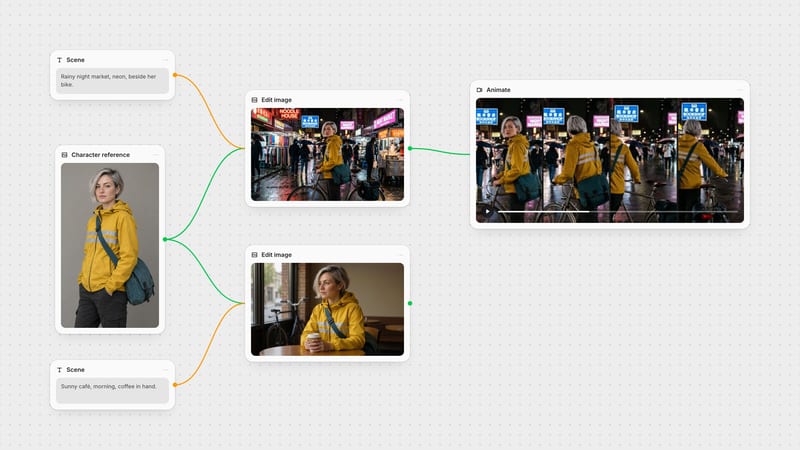
An image given to a model as guidance for subject, style or composition rather than as something to edit directly. Using one shared reference is the simplest way to keep a series consistent; see consistent characters in AI images and video.
The random number a generation starts from. The same seed, prompt and settings reproduce a very similar image, which makes it useful for comparing one change at a time.
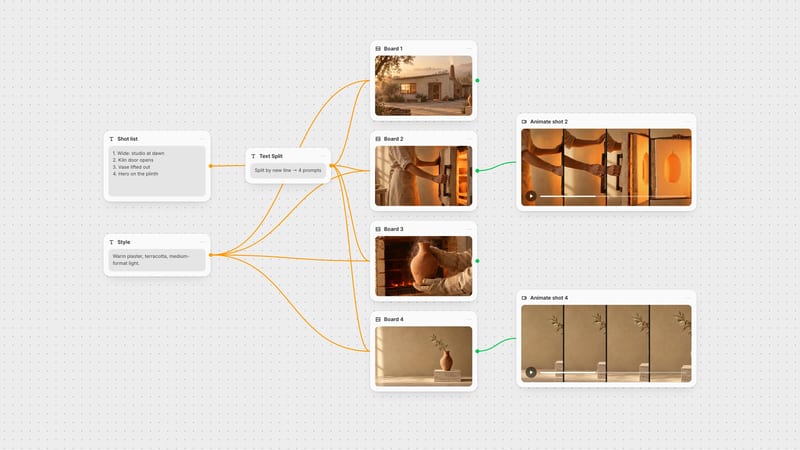
A reference image or description used to transfer a look, such as palette, lighting or medium, without copying the subject. In Fuser you can keep style wording in a Style node and connect it to every generation.
Generating an image from a written prompt alone. See the best AI image models.
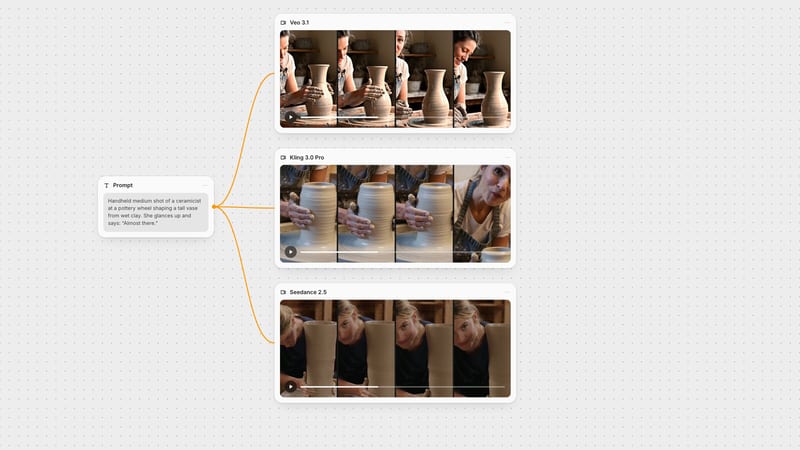
Generating a video clip from a written prompt alone, often with optional audio. Most video models also accept a start image for more control.
Increasing an image or video's resolution while adding plausible detail. Fuser includes image upscalers such as ESRGAN and Topaz, and video upscalers such as SeedVR.
A chain of steps that turns inputs into a finished asset, for example prompt, image, upscale, video and sound. See how to chain AI models into one workflow.
Quick definitions and where each one appears in a Fuser workflow.
| Term | Plain meaning | In Fuser |
|---|---|---|
| Essentials | ||
| Prompt | What you ask for, in words. | Text or Prompt Template node into any model. |
| Reference image | A picture that guides subject or style. | Connected to reference-led models such as GPT Image or Gemini Image. |
| Seed | The random start point of a generation. | A setting on many image nodes. |
| CFG / guidance | How strictly the prompt is followed. | Guidance or CFG input on image and video nodes. |
| LoRA | A small add-on that teaches a style or subject. | LoRA inputs on FLUX.1 Dev and other nodes. |
| ControlNet | Structure from a control image. | Canny or depth maps into a ControlNet node. |
| Inpainting | Regenerate only a masked area. | SDXL Inpainting; masks on GPT Image. |
| Upscaling | More pixels, more detail. | ESRGAN, Topaz, Recraft and SeedVR nodes. |
| Image-to-video | Animate a still. | Kling, Veo, Seedance and other video nodes. |
| First / last frame | Fix where a clip starts and ends. | End-frame inputs on Kling 3.0, Veo and FLUX.3. |
A LoRA (low-rank adaptation) is a small add-on file that teaches a base image model a specific style, product or character without retraining it. You load it alongside the model and set a weight for how strongly it applies.
CFG, or guidance scale, controls how closely a diffusion model follows the prompt. Higher values follow the text more literally but can look harsh; lower values are looser and more natural.
Inpainting regenerates a masked area inside an image. Outpainting extends the image beyond its borders with new content.
A seed is the random number a generation starts from. Reusing the same seed with the same prompt and settings reproduces a very similar result, which makes controlled comparisons possible.
ControlNet guides a generation with a control image such as a Canny edge map, depth map or pose, so the output keeps a given composition or structure while the prompt changes the look.
Connect prompts, references, control images and models on one canvas and see each setting change the result.