One click, whole workflow
Recipes are here. Package a whole workflow and run it in one click
Explore recipesOne click, whole workflow
Recipes are here. Package a whole workflow and run it in one click
Explore recipesbyAlibaba Tongyi-MAI
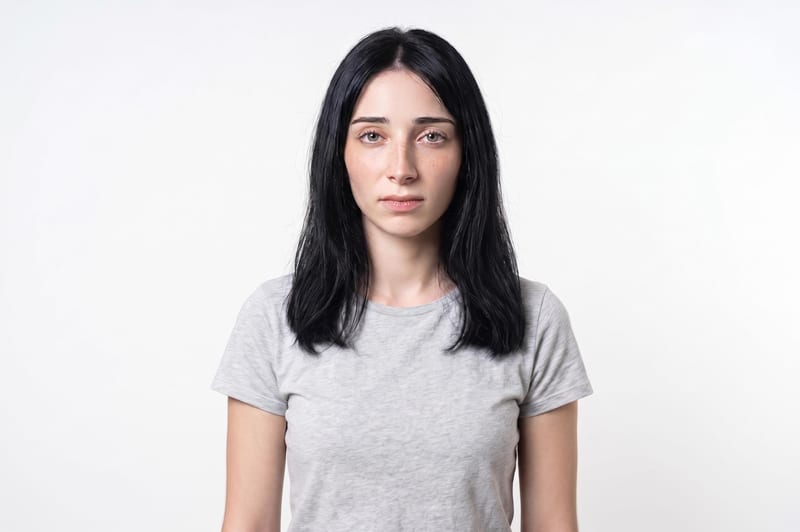
Convert artificial waxy AI portraits into tactile, photorealistic editorial stills with organic skin grain and micro-pores
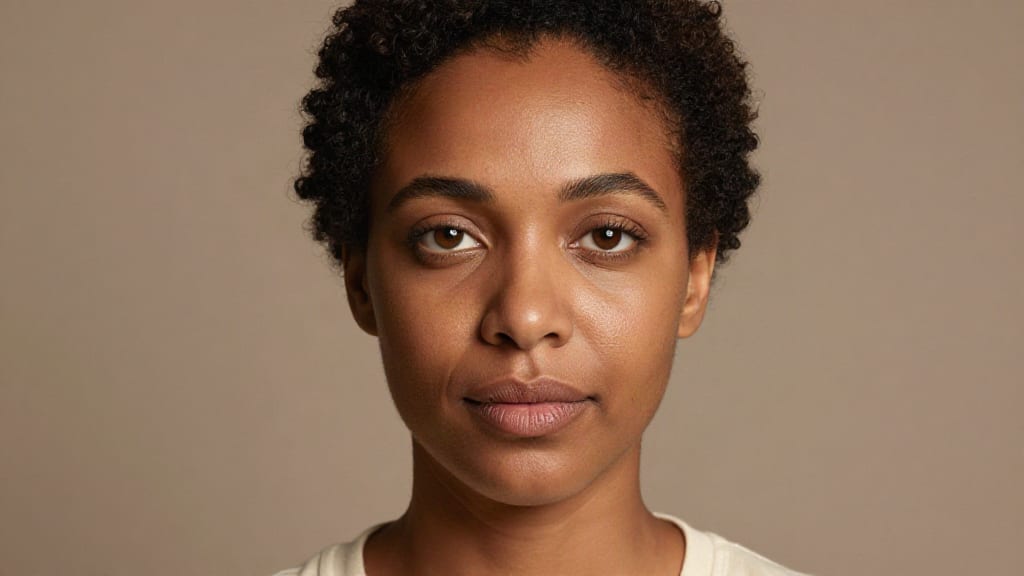
A precise three-step refinement pass that transforms over-smoothed digital faces into textured, editorial-ready portraits within seconds.
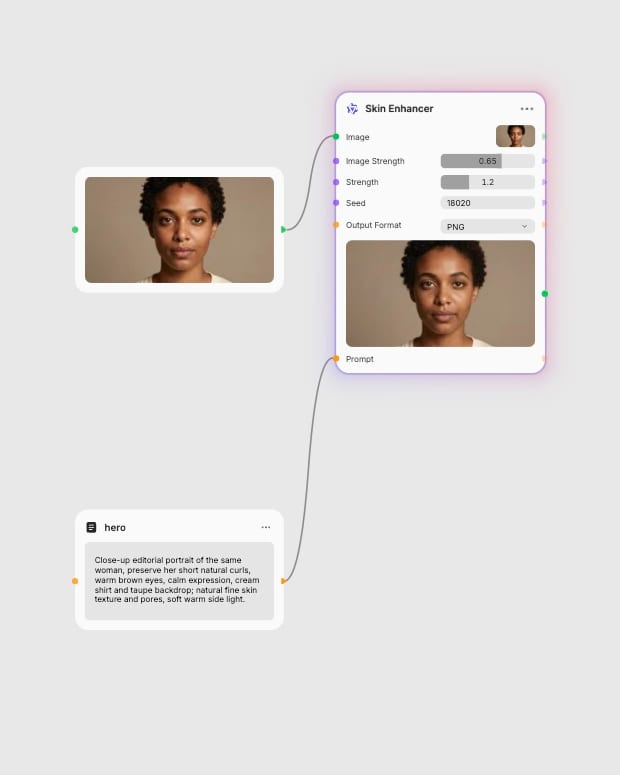
Upload portrait photo
Provide a close-up or cropped portrait where the subject's face occupies at least thirty percent of the frame.
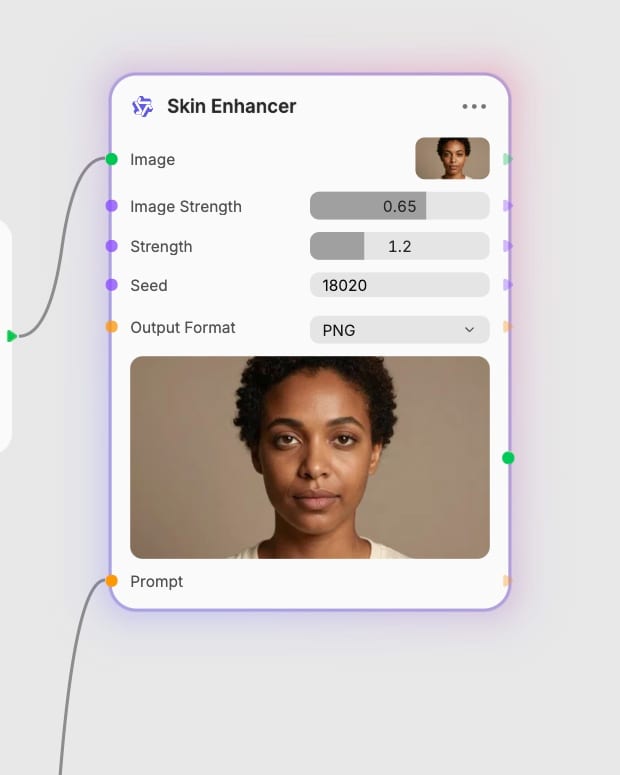
Tune texture intensity
Set image strength to preserve identity and adjust the enhancement factor between 0.8 and 1.5 for natural skin grain.
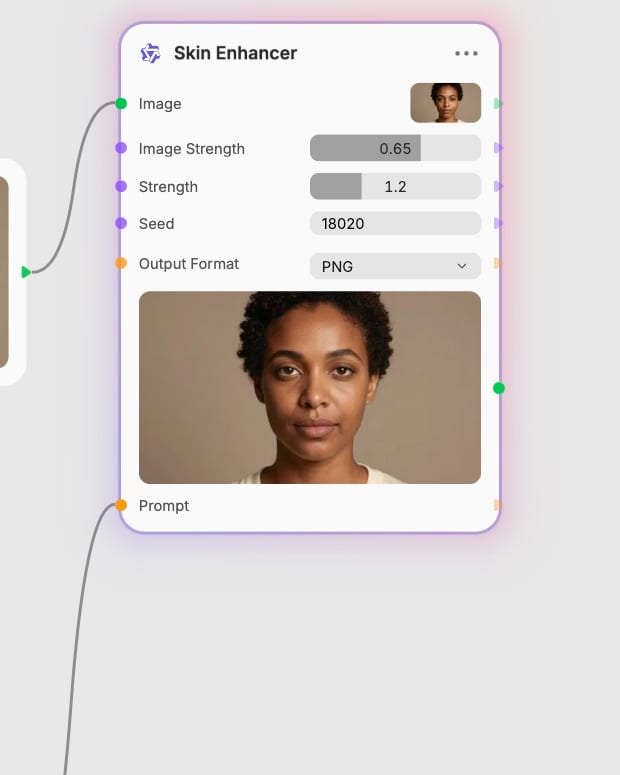
Export retouched image
Generate and download your high-fidelity portrait in JPEG, PNG, or WebP format with eliminated plastic sheen.
From organic micro-pore reconstruction to fine-grained likeness preservation, explore how specialized diffusion transformer detailing upgrades portrait fidelity.
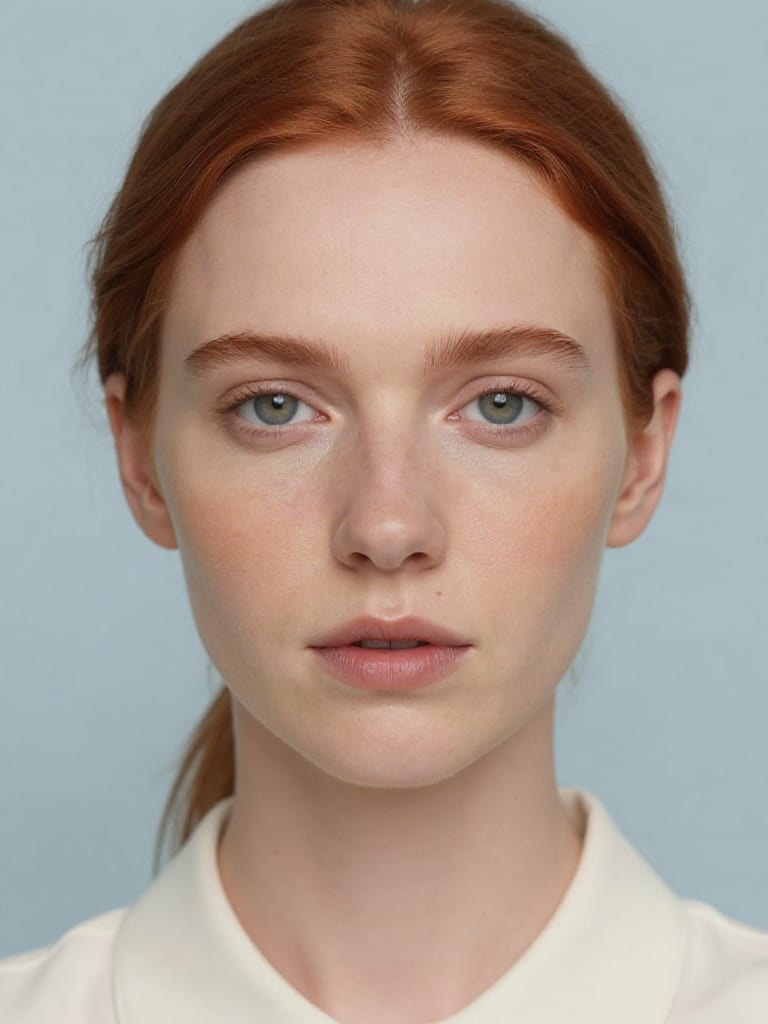
Micro-Pore and Grain Injection
Reconstructs realistic pore topology, delicate epidermal grain, and fine follicles across facial curves, eliminating the smooth plastic sheen common in base AI generations.
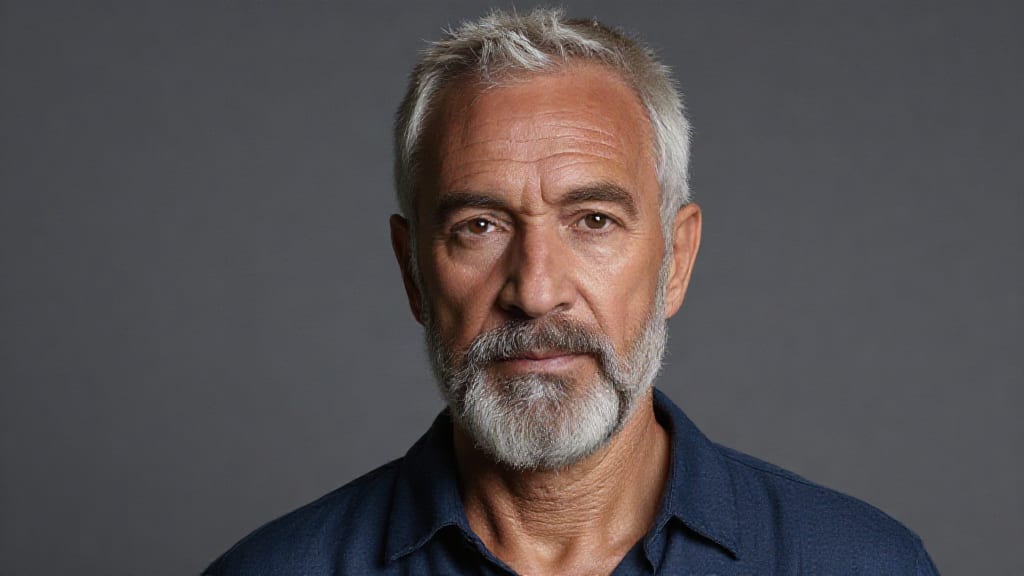
Tunable LoRA Texture Control
Adjust enhancement strength from 0.8 for subtle, youthful radiance up to 2.0 or higher for heavily weathered, high-character portraits without causing harsh digital artifacts.
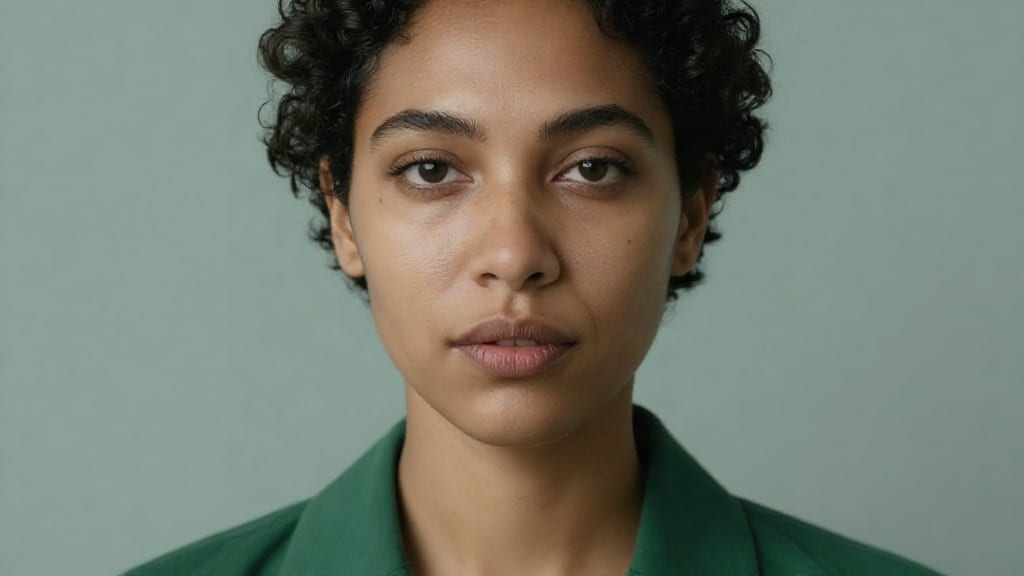
Identity and Likeness Preservation
Lock the original subject's facial geometry and identity using high strength values between 0.75 and 0.95, or lower the value to guide expressions and lighting via text prompts.
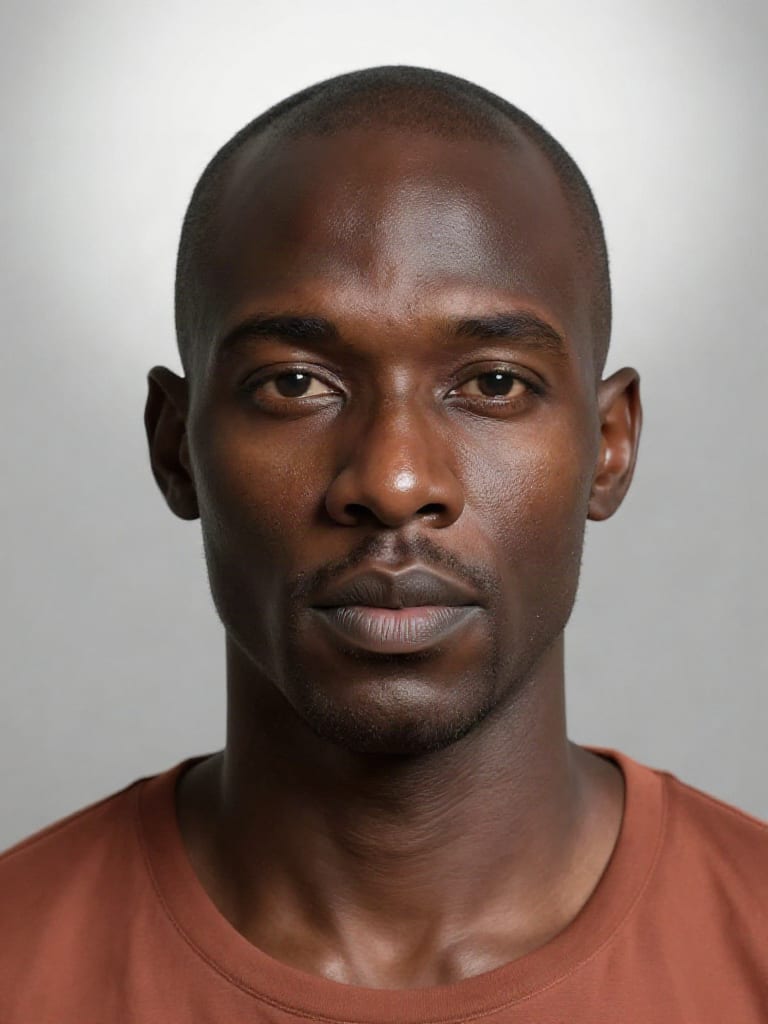
Sub-Surface Light Softening
Softens harsh specular hot spots along cheekbones and bridge lines, simulating organic sub-surface light scattering instead of artificial beauty-filter sheen.
A gallery of high-detail portraits demonstrating tactile skin texture, natural blemish retention, and studio-grade sub-surface scattering across diverse lighting setups.
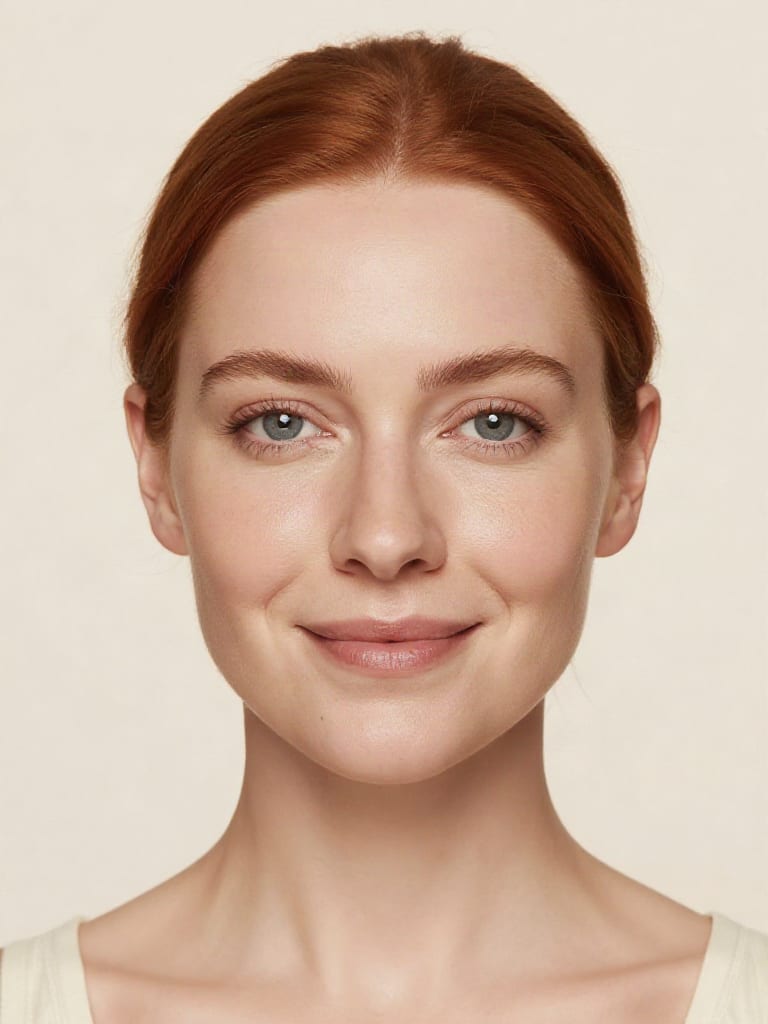
Commercial skincare frame with natural freckles and authentic pore grain
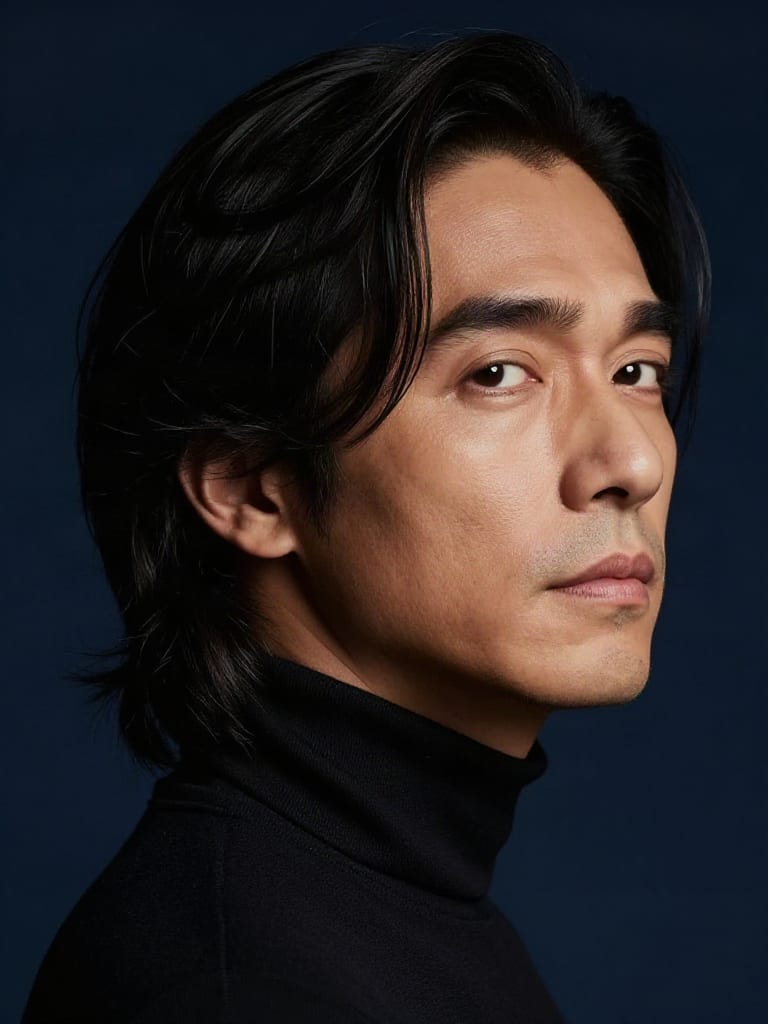
Album cover profile featuring fine epidermal texture and rim lighting
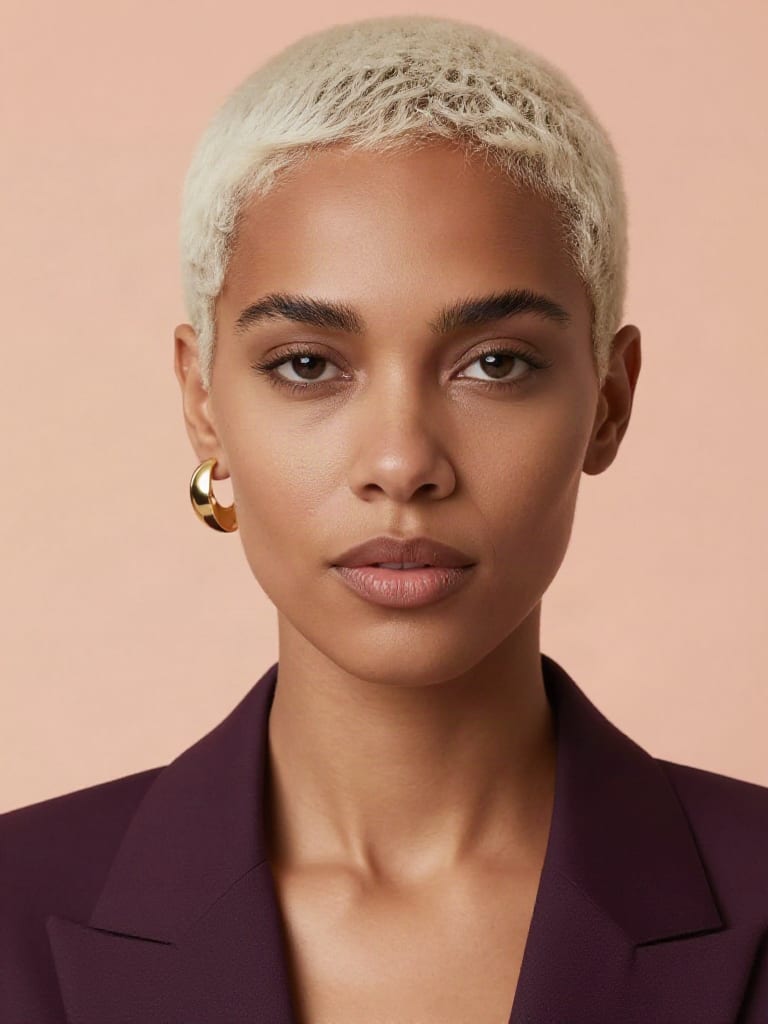
Editorial fashion portrait with subtle facial imperfections

Documentary portrait highlighting weathered skin details and natural textures
Creative directors, retouching artists, and commercial photographers rely on skin refinement to eliminate AI artifacts across lookbooks, film stills, and campaigns.
Skin Enhancer is a portrait-refinement tool that removes synthetic, waxy smoothness from AI-generated faces and replaces it with realistic micro-pores, fine grain, and natural facial imperfections. Built on Alibaba Tongyi-MAI's Z-Image architecture with a specialized skin-detailing LoRA, it operates as an image-to-image post-processing pass to turn airbrushed-looking outputs into photorealistic editorial stills without altering underlying facial likeness.
Set the image strength parameter between 0.75 and 0.95 to preserve your subject's exact identity while applying texture details. Keeping LoRA strength between 0.8 and 1.5 delivers balanced, organic micro-pores and fine epidermal grain. If you want the model to adjust facial expressions or lighting according to your text prompt, lower image strength toward 0.25.
High-resolution close-ups and cropped portraits where the subject's face occupies at least 30% to 50% of the frame produce the best results. The model requires clear facial geometry to semantically map pores and epidermal details. Avoid low-resolution, heavily compressed images or wide-angle group shots where faces appear as small background elements.
Avoid applying Skin Enhancer to non-photorealistic styles such as 2D anime, flat vector illustrations, and stylized digital paintings, as it will aggressively project human skin textures onto stylized surfaces. You should also avoid using it for geometric recomposition, severe character re-posing, or complex background modifications.
The underlying Z-Image model family was developed by Alibaba Tongyi-MAI, introducing the Scalable Single-Stream Diffusion Transformer (S3-DiT) architecture. Utilizing Decoupled-DMD distillation, Z-Image Turbo generates high-resolution portrait enhancements in 1 to 8 steps, enabling rapid, cost-effective single-pass retouching.
Convert artificial waxy AI portraits into tactile, photorealistic editorial stills with organic skin grain and micro-pores
Develop pitches, campaign assets and interactive client work in Fuser. Combine AI generation, editable design and reusable processes across your agency.
Create social graphics, carousel artwork and short videos with a recognizable brand style. Keep copy editable and recurring content easier to produce in Fuser.