One click, whole workflow
Recipes are here. Package a whole workflow and run it in one click
Explore recipesOne click, whole workflow
Recipes are here. Package a whole workflow and run it in one click
Explore recipesbyAlibaba Tongyi-MAI
Create photorealistic images, product concepts, and English–Chinese typography with Z-Image Turbo—connected to your creative workflow in Fuser.
Turn a product idea into an image on your canvas: write a prompt, choose your settings, and review the result.
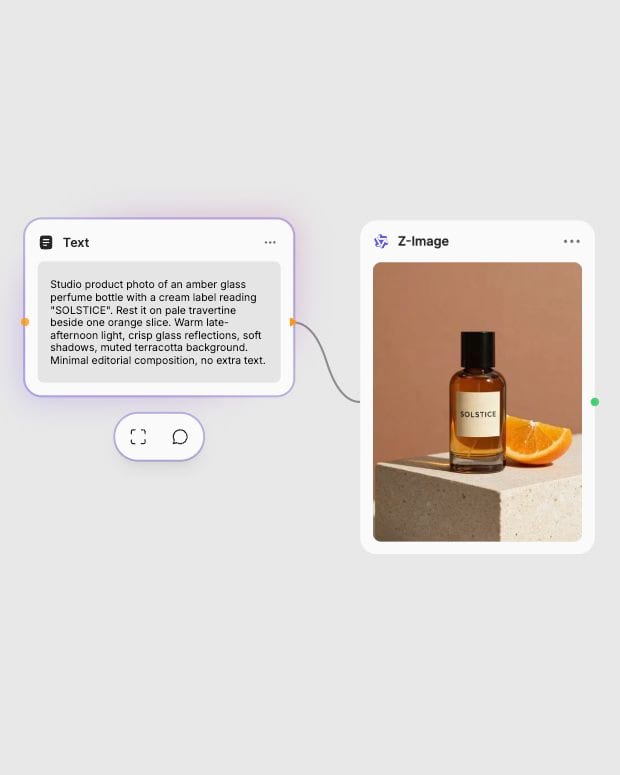
Describe your image
Describe your subject and lighting. Put exact text like "SOLSTICE" in quotes.
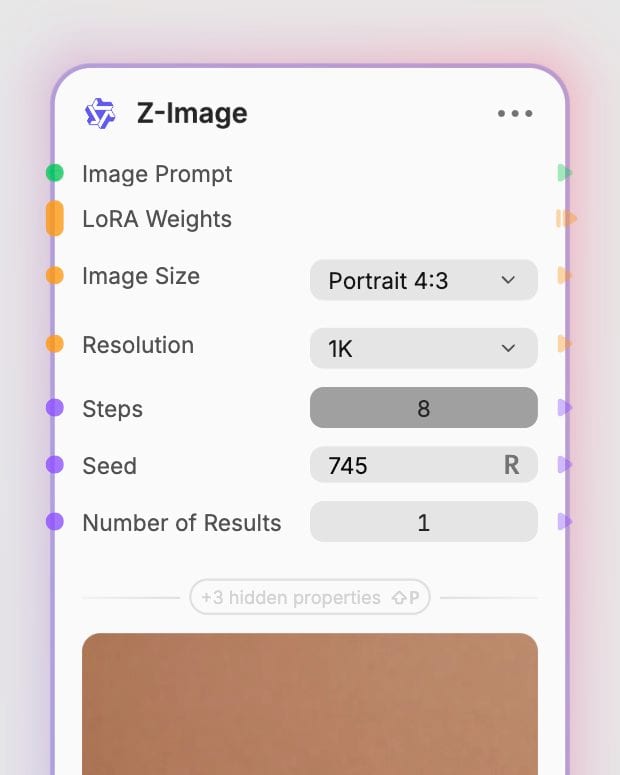
Set up your generation
Choose your shape, resolution, and steps: here, Portrait 4:3, 1K, and 8.
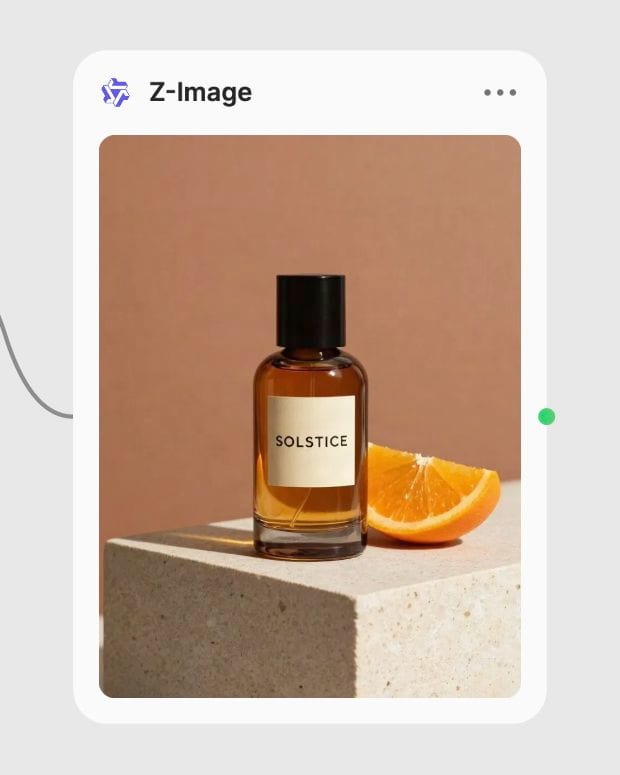
Generate and review
Run Z-Image, review the details, and refine your prompt for the next version.
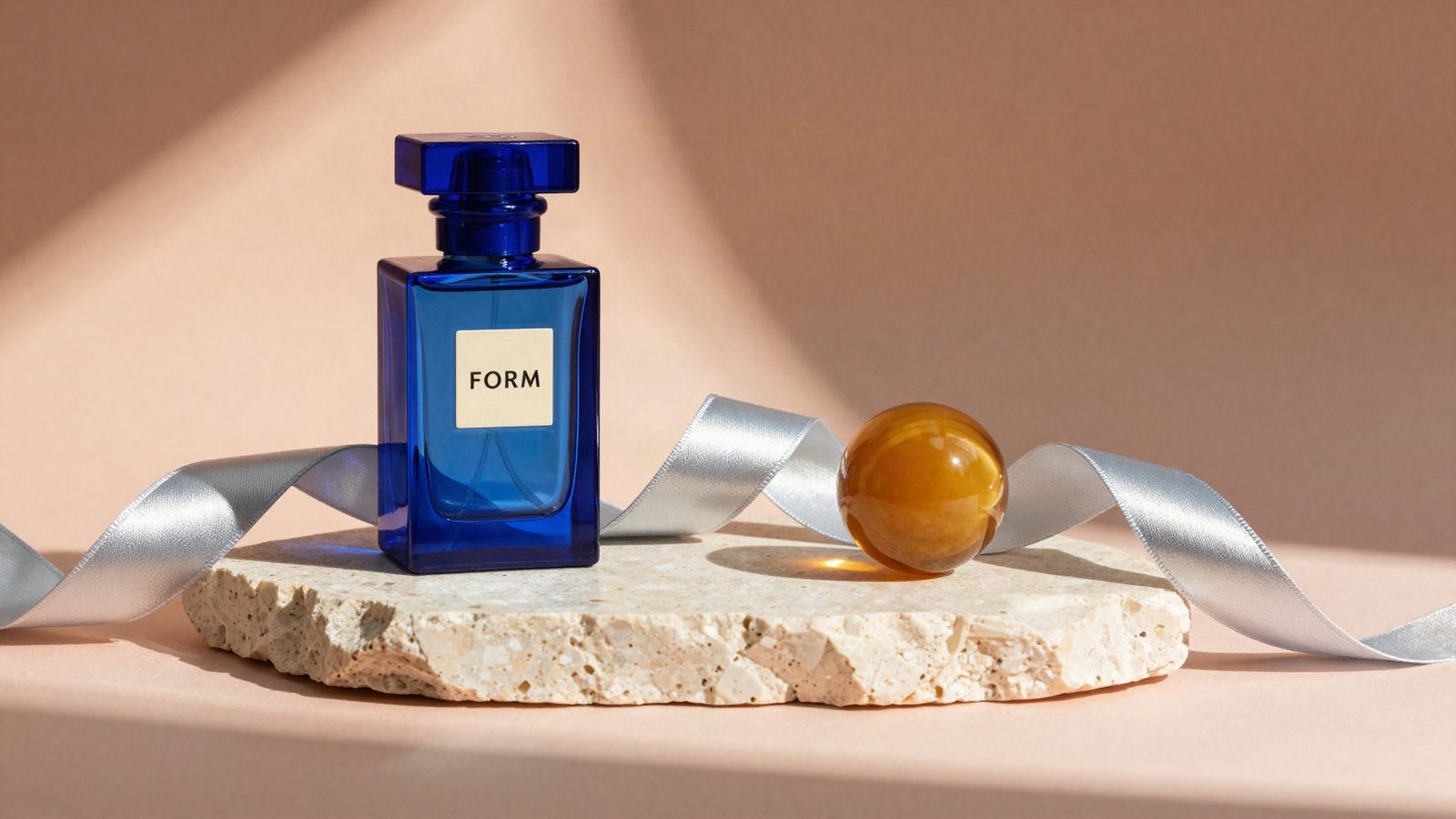
Explore realistic lighting, tactile materials, and short English or Chinese headlines. These examples were generated with Z-Image Turbo in Fuser using eight steps.
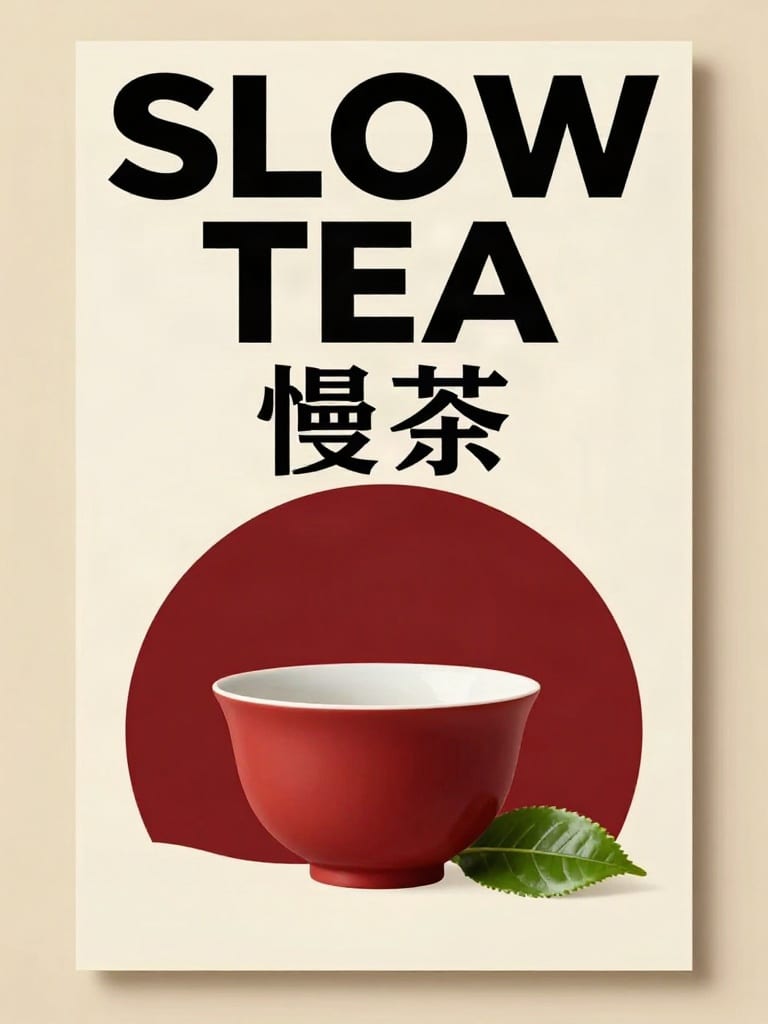
English and Chinese typography
Build posters and labels around short English or Chinese phrases. Quote the exact text and review the lettering.
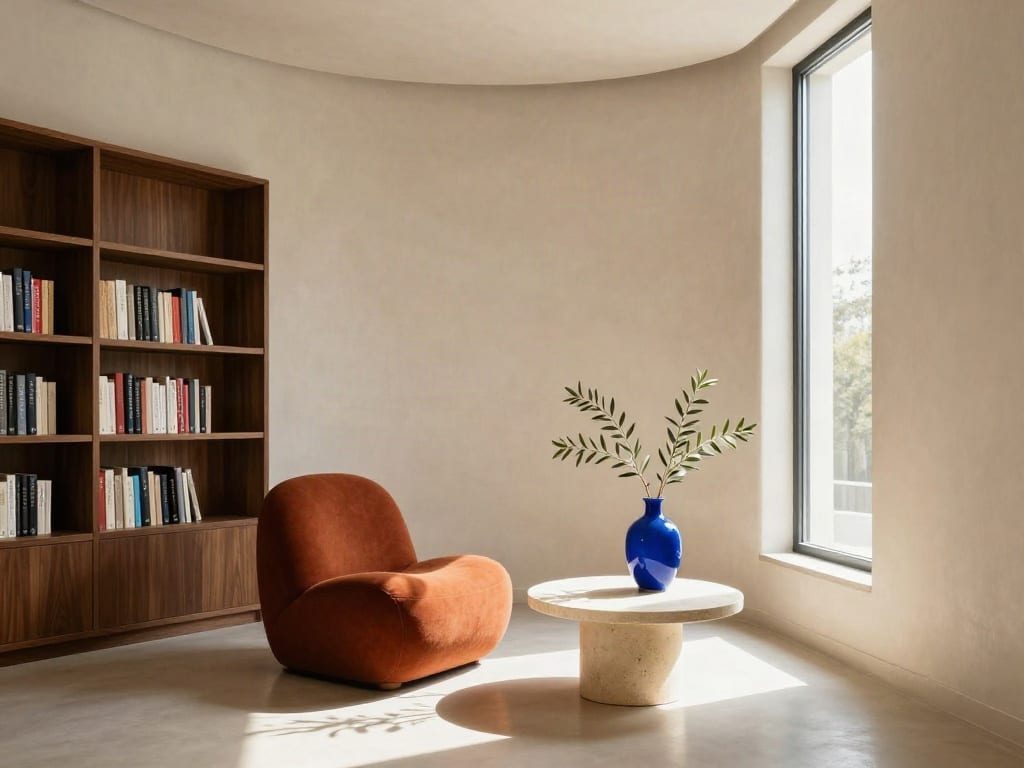
Scenes shaped by light
Describe room proportions, furniture, surfaces, and sunlight to explore architectural compositions on your canvas.
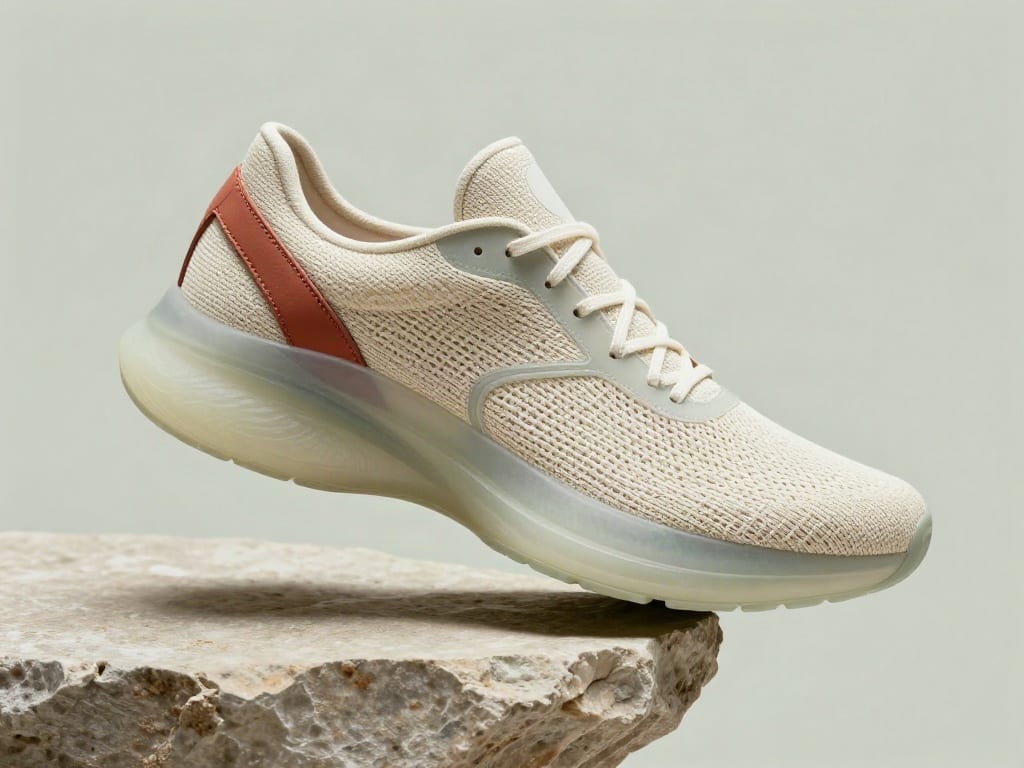
Product concepts and materials
Combine woven fabric, translucent rubber, leather, and stone to explore a product concept before making a prototype.
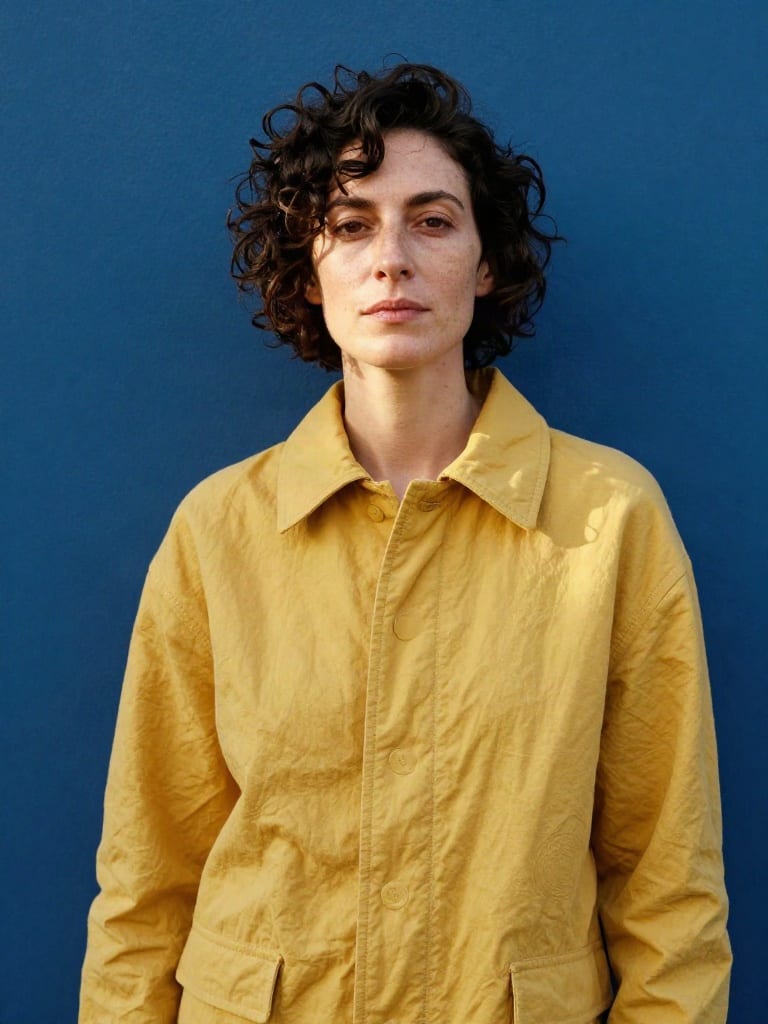
Photographic portraits
Explore wardrobe, color, and lighting with natural-looking portraits and tactile fabric details.
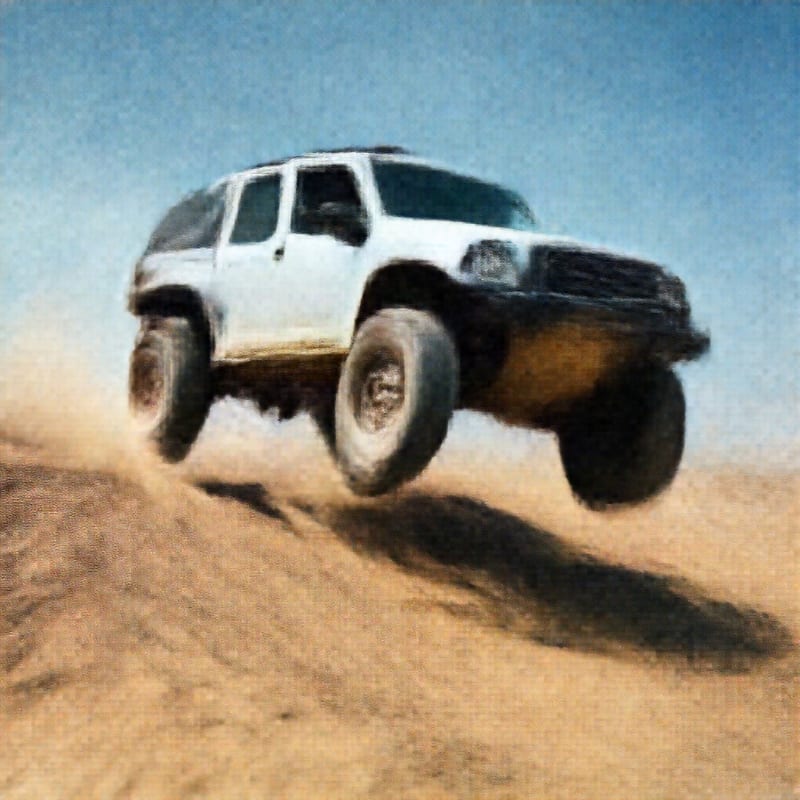
Explore a wider range of Z-Image Turbo outputs made in Fuser: cinematic motion, automotive concepts, paper sculpture, and character design.
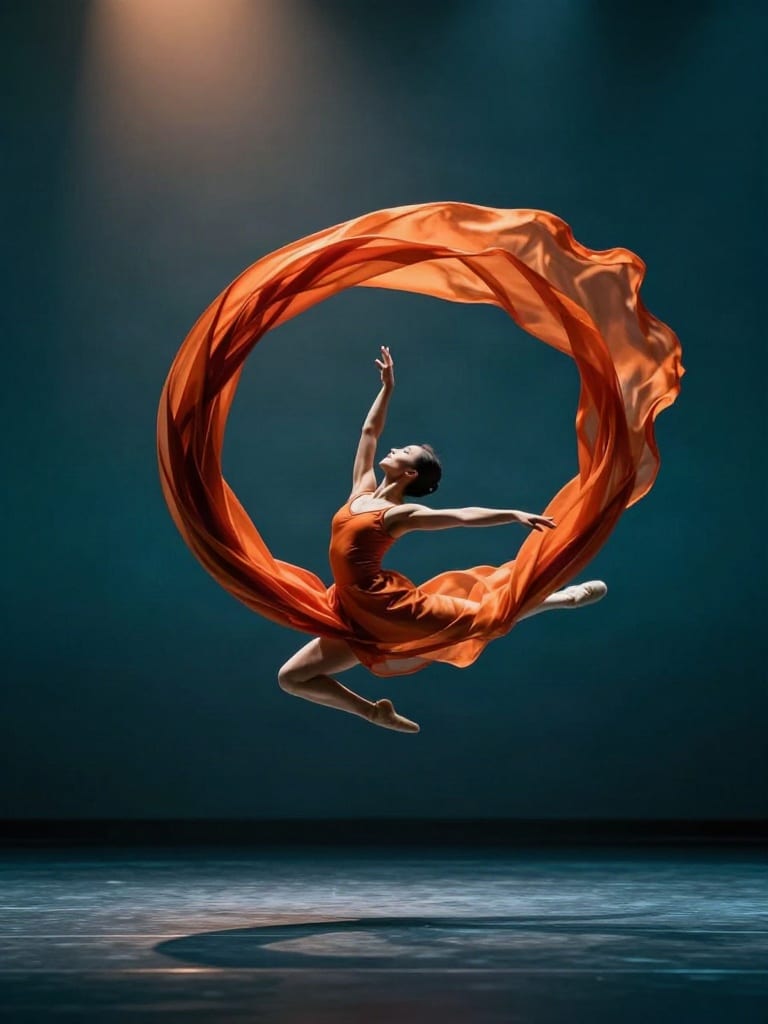
Silk in motion: a cinematic dance study
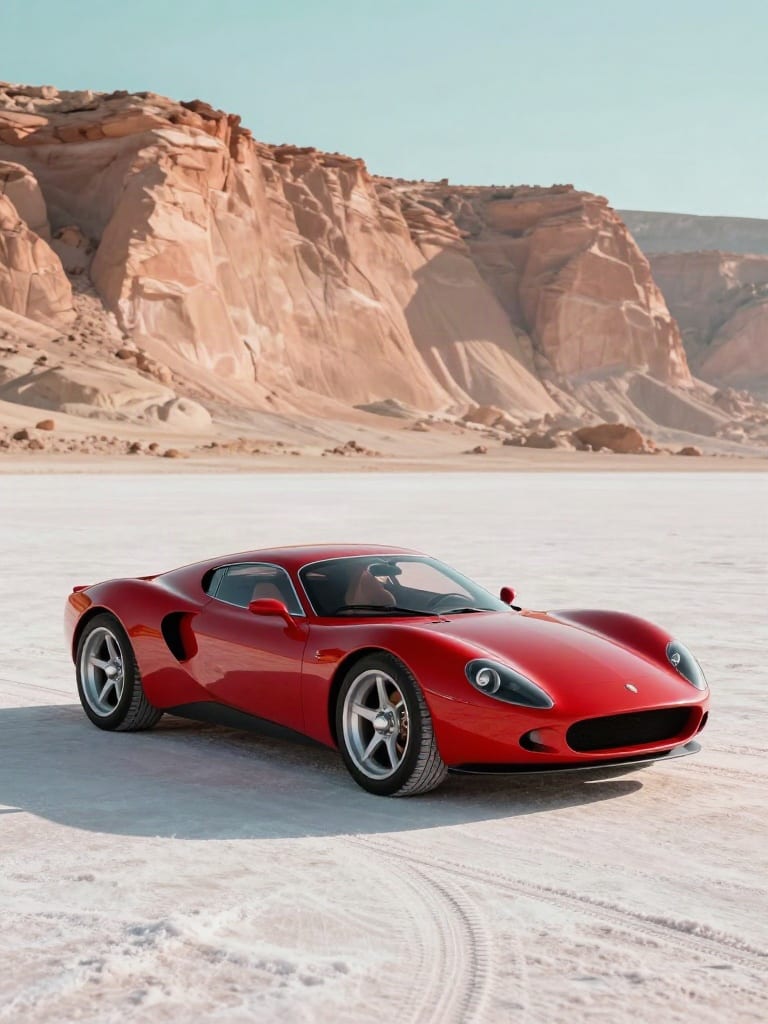
A red coupe beneath sandstone cliffs
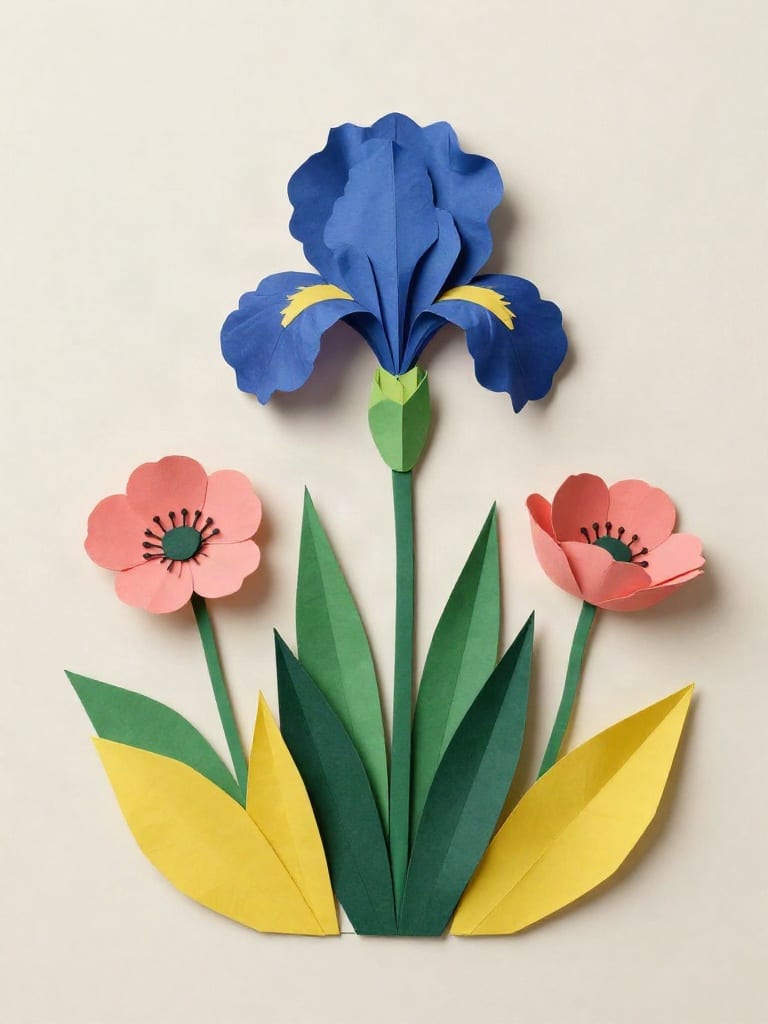
A botanical study in folded paper

A felt forest character by lantern light
Use Z-Image to explore visual directions for brand work, editorial projects, and design concepts.
Z-Image is Alibaba Tongyi Lab’s image model family. Fuser’s Z-Image node runs the Turbo models, including text-to-image, image-to-image, and their LoRA variants. Turbo is a distilled model designed for generation in a small number of steps.
Connect a Text node containing a compatible .safetensors URL to the LoRA Weights input. The Z-Image node accepts up to three adapters and chooses the LoRA endpoint automatically. Fuser divides the adapter scale equally across the supplied LoRAs; this node does not expose individual weight sliders.
Connect a source image when you want to explore a variation on an existing composition. The node switches to an image-to-image endpoint automatically. In Fuser, a higher Image Strength gives the source image more influence; a lower value favors the text prompt. Start near the middle and adjust after reviewing the result.
Fuser offers square, landscape, and portrait shapes with 1K or 2K resolution options. The Turbo node supports one to eight steps, with eight as the default. You can also set a seed, choose the number of results, and select JPEG, PNG, or WebP output.
Keep the wording concise, put the exact phrase in quotation marks, and describe where it should appear and how large it should be. Z-Image supports English and Chinese text rendering, but generated lettering can still need another attempt or a final design edit.
No. The model team reports sub-second inference on specific enterprise GPU hardware. End-to-end generation in Fuser also includes provider queues, processing, and media delivery. Resolution and workload can affect how long a result takes.
Bring your next visual idea onto the canvas. Write a prompt, connect your references, and explore Z-Image Turbo in Fuser.