Recipev2
Camera Dolly Zoom
0:00 / 0:00
Dolly Zoom Video
One click, whole workflow
Recipes are here. Package a whole workflow and run it in one click
Explore recipesSocial content camera effect
Turn a source image into a video combining camera movement with changing focal length for a dramatic perspective shift.
Dolly Zoom Video
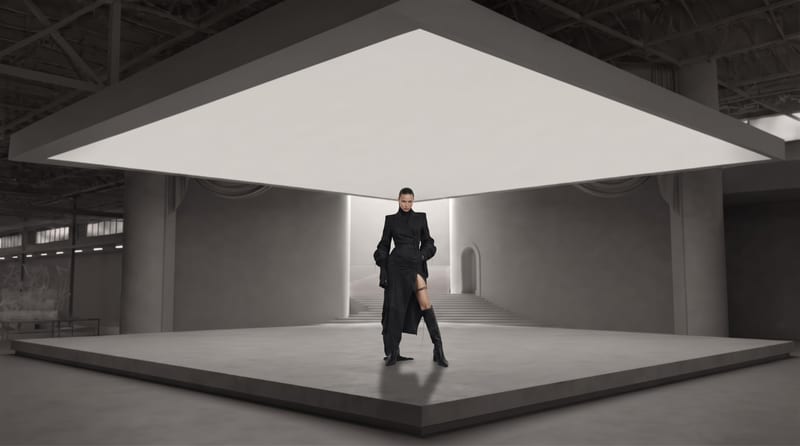
A recipe turns a reusable workflow into a simple set of inputs and outputs. Start with a community recipe and make it your own in Fuser.
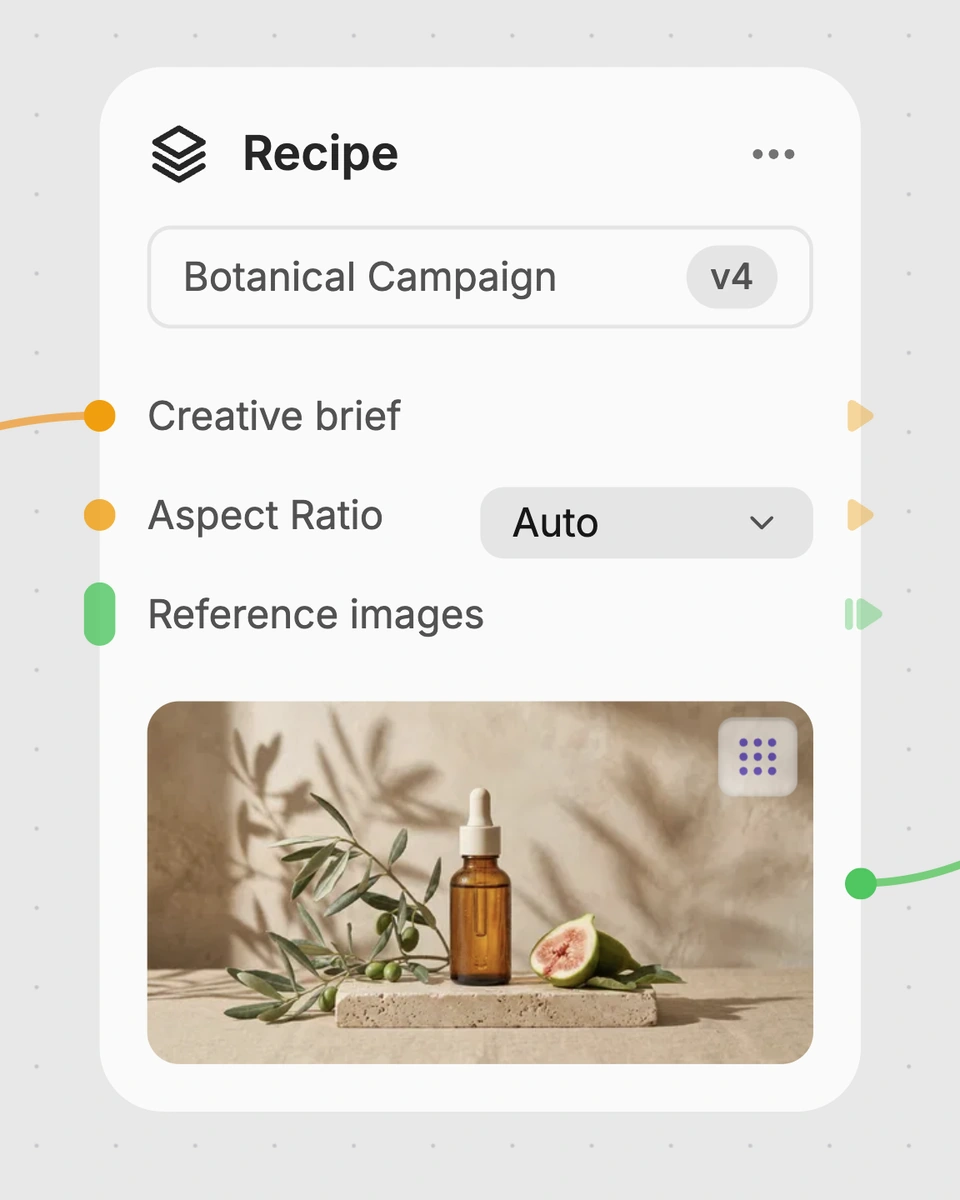
1. Choose a recipe
Find a workflow for the result you want. Review what it does and how to use it before opening it in Fuser.
2. Make it your own
Check the recipe’s available inputs. Add your own text or media where supported, or start with the saved defaults.
3. Run and refine
Run it in Fuser and review the result on your canvas. Tweak the inputs to try another direction.
Use a source image to explore dolly zoom motion in social and content-focused creative work.
It creates a Dolly Zoom Video from a Source Image. The recipe combines camera movement with a focal length adjustment to produce a dramatic perspective shift.
It is suited to social and content creators exploring camera effects from a single still image. It can also help creative teams discuss motion and perspective ideas before developing a larger video concept.
Prepare one source image that contains the subject or scene you want to animate. The recipe exposes Source Image as its input, and you can change that image in Fuser.
The saved example shows a connected Source Image input and Dolly Zoom Video output. It demonstrates the recipe's intended input-to-output relationship, rather than predicting what a new image will produce.
Yes. Source Image is an exposed editable input, so you can replace the saved image in Fuser with another image before using the recipe.
You can change the Source Image input in Fuser. The recipe description specifies camera movement and focal length adjustment as part of the dolly zoom effect, but no additional exposed controls are listed.
It is designed for social and content-oriented work where a dramatic perspective shift can add motion to a still image. Possible uses include visual experiments, motion concepts, and social content development.
The output is a Dolly Zoom Video generated from the selected Source Image. Because the saved example is only one image-to-video example, it does not establish that every subject, composition, or image will produce the same result.
Bring a source image into Fuser and see how a camera movement and focal length change can reshape its perspective.
Develop pitches, campaign assets and interactive client work in Fuser. Combine AI generation, editable design and reusable processes across your agency.
Create social graphics, carousel artwork and short videos with a recognizable brand style. Keep copy editable and recurring content easier to produce in Fuser.
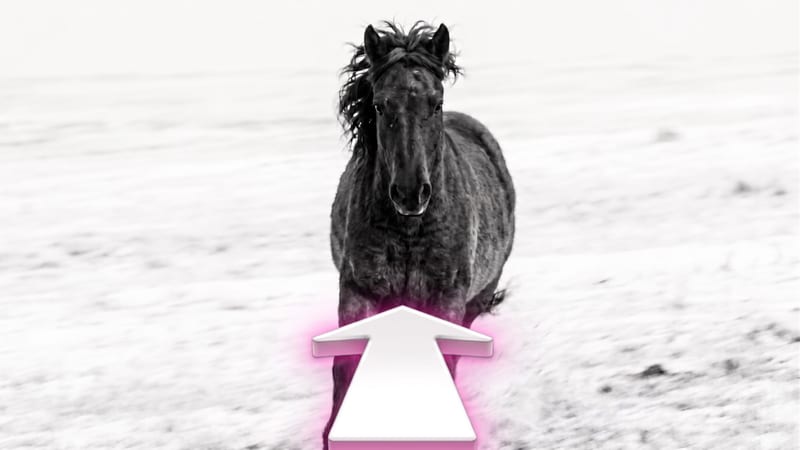
Turn a source image into a video that moves the camera forward toward the subject for added depth and immersion.

Enter a dream story to receive a Jungian analysis and a short animation based on its described imagery.
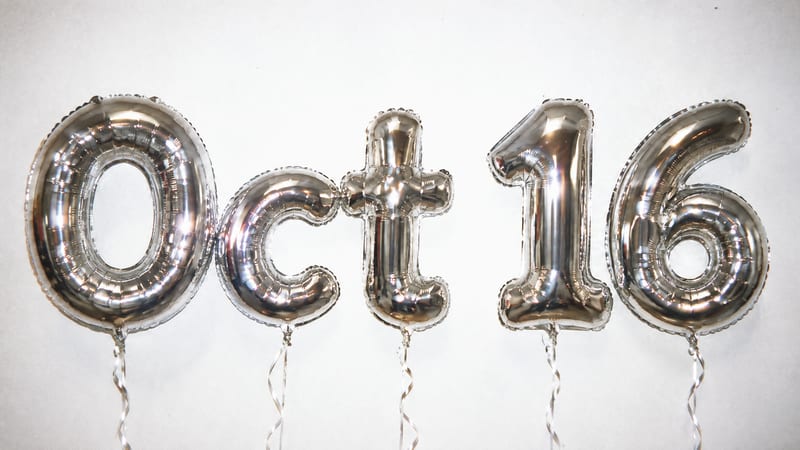
Turn your text into image outputs showing mylar balloons against a white wall.