One click, whole workflow
Recipes are here. Package a whole workflow and run it in one click
Explore recipesOne click, whole workflow
Recipes are here. Package a whole workflow and run it in one click
Explore recipesbyMiniMax
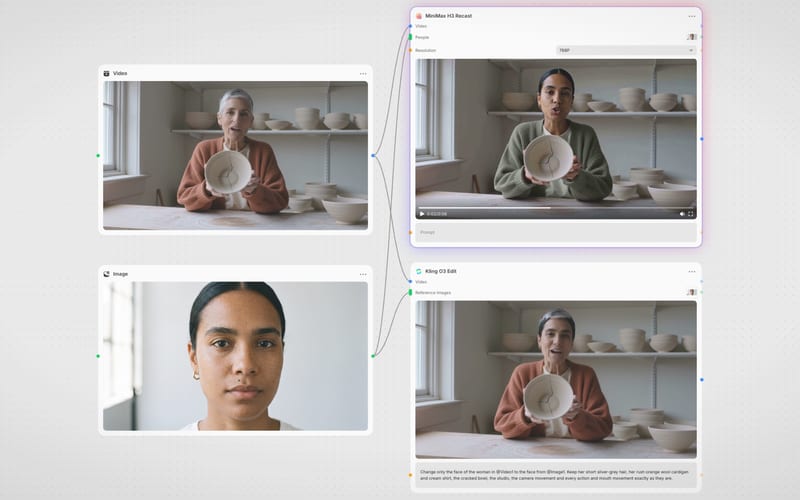
Cast a face, borrow a camera move, cue the beat: one clean-lit cinematic shot of up to 15 seconds with identity that holds
You write one flowing shot description, assign a job to every attached file, and iterate from cheap drafts to the highest tier.
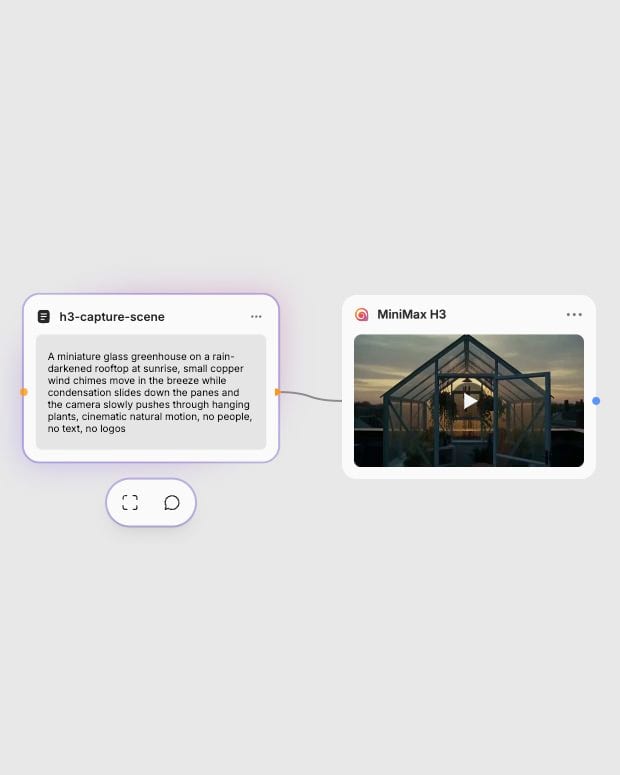
Write the shot, attach references
Describe subject, action, camera, light and sound in one paragraph, then attach stills, motion clips or audio and give each file one job.
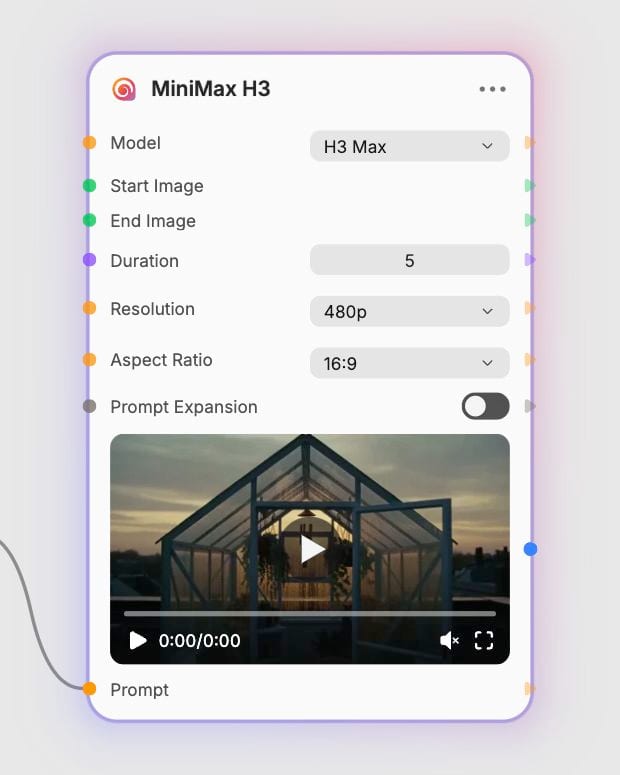
Pick a tier and settings
Choose H3 for 2K or 4K, H3 Max for adherence and frame anchors, or Turbo for quick drafts, then set 5 to 15 seconds and aspect ratio.
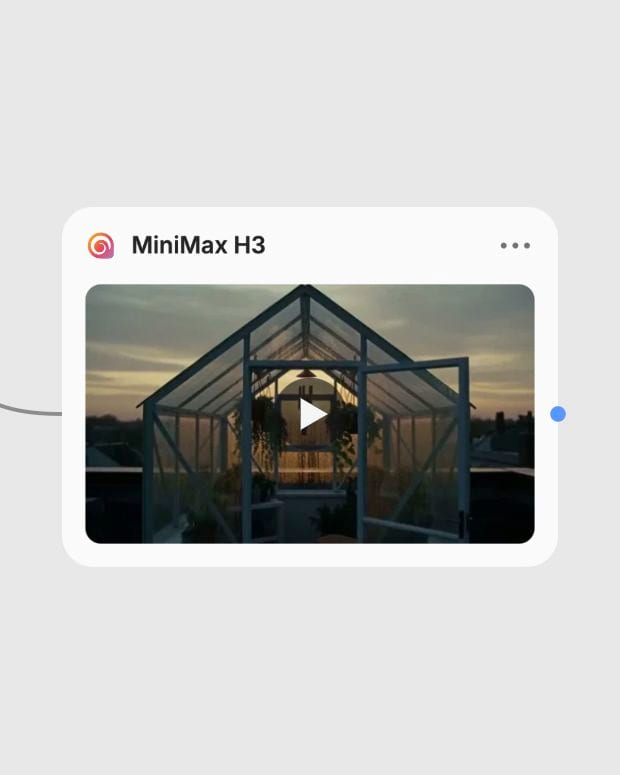
Render and refine the take
Review the continuous shot, then rerun your best prompt at a higher tier once framing, pacing and sound feel right.
Strength lies in controlled ingredients: identity from images, camera and choreography from clips, rhythm from audio, all in a single continuous shot.
Single-subject clips across fashion, film, documentary, design and performance, each built around one clear motion and one clear camera move.
Fashion directors, music teams, product studios, social creators and previs artists reach for it when a shot needs several references working at once.
MiniMax H3 is the successor generation in MiniMax's Hailuo video line, so if you searched for Hailuo, you're in the right place. It is an omni-modal model that reads text, images, video clips and audio clips together in one context.
Base H3 targets resolution (768p, 2K, 4K), H3 Max targets prompt adherence and aesthetics at 480p, 768p or 1080p, and H3 Max Turbo targets speed and lower cost. Max also adds first, middle and last frame control that can be combined with references. Turbo costs roughly half as much but gives up some fidelity, and it has no references or middle frames.
Use H3 reference-to-video for identity images, motion clips and audio in a high-resolution shot, or H3 Max reference-to-video when you also want first, middle and last frame anchors. Both cost more than plain generation, and H3 Max reference runs have the widest cost range. Turbo does not accept references.
You can use a prompt, a start image, an end image, and in reference mode up to 9 reference images, 3 reference videos and 3 audio clips, with a limit of 12 files in total. Video and audio clips are 2 to 15 seconds each and 15 seconds combined. Cite them in the prompt as Image 1, Video 1, Audio 1.
It is not built for edits longer than 15 seconds in one pass, exact on-screen text or logos, or guaranteed frame-accurate lip-sync. Faces can turn soft in distant or repeatedly re-fed footage, and conflicting references can cause identity drift. Avoid 4K or full 12-file reference loads while exploring.
Cast a face, borrow a camera move, cue the beat: one clean-lit cinematic shot of up to 15 seconds with identity that holds

Enter a dream story to receive a Jungian analysis and a short animation based on its described imagery.
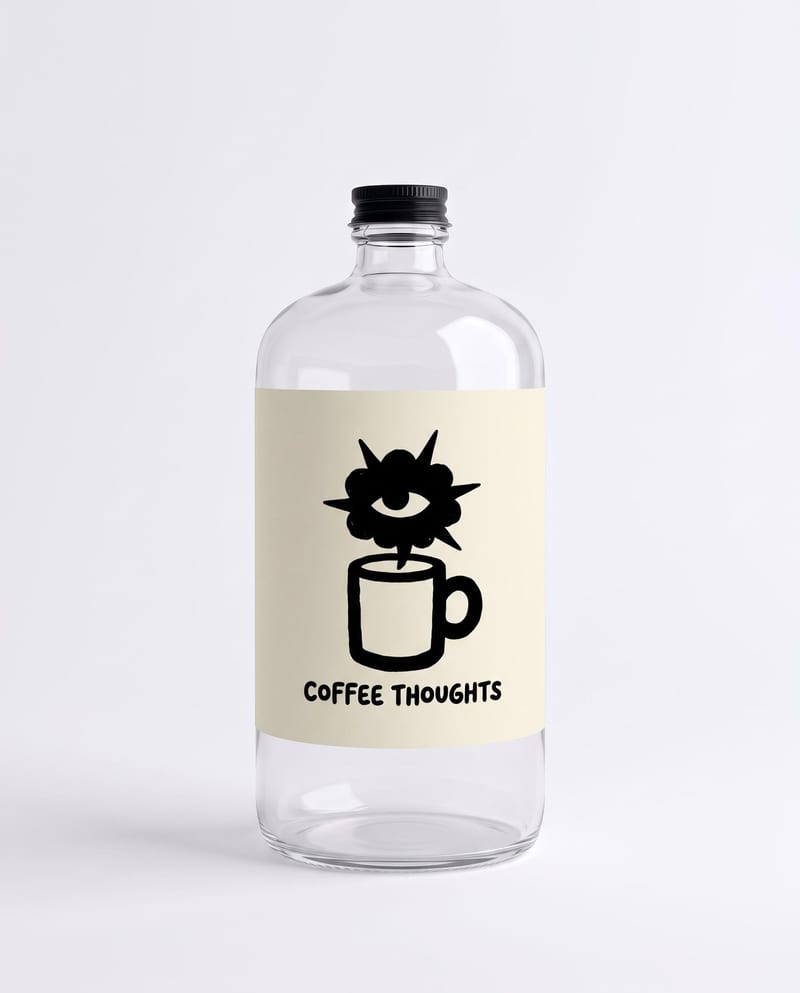
Combine a bottle image, logo, drink type, and duration to create branded bottle visuals and a pouring product video.

Turn a source image and chosen video duration into six scene images and a commercial montage video.

Add a content creator or character image, write a script, and generate UGC-style video with or without subtitles.
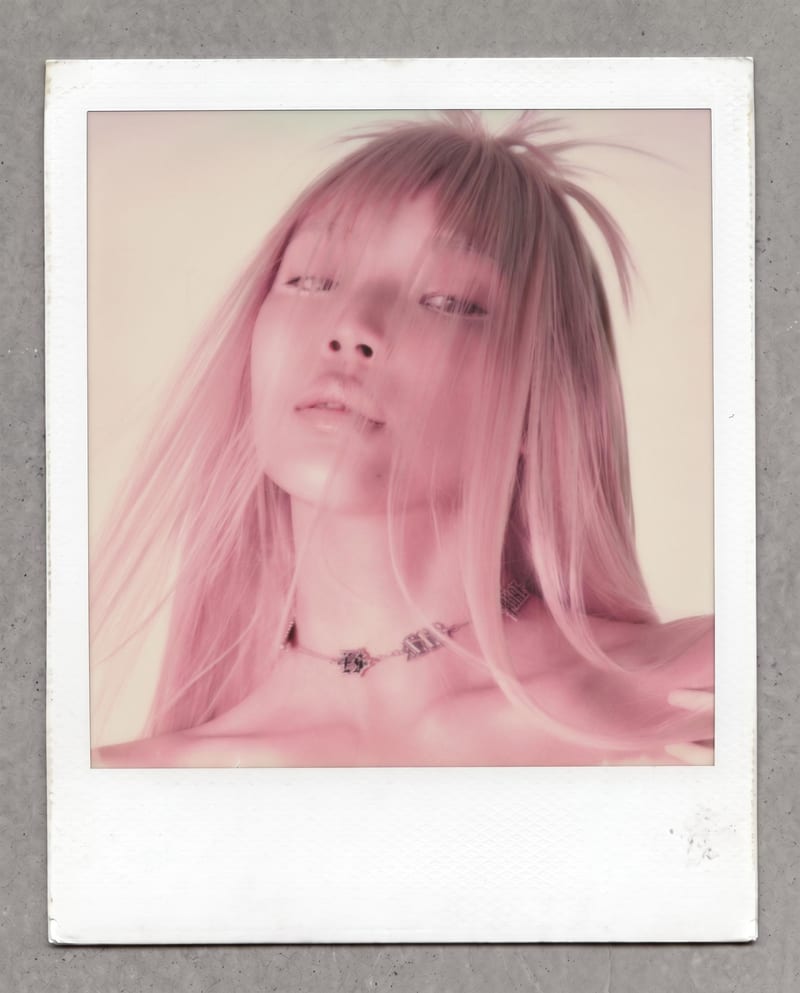
Transform one photo into a nostalgic Polaroid-style image with faded colors, soft grain, paper texture, and a handwritten note.
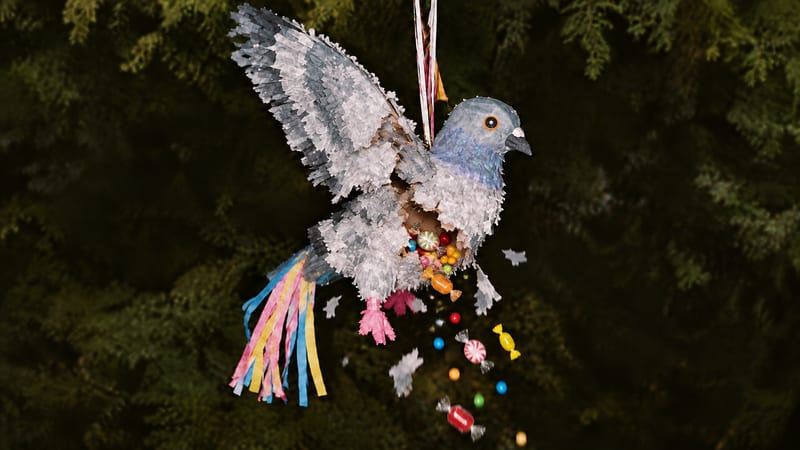
Enter a piñata type, such as tiger, to create a video of the piñata breaking apart and revealing candy.
Develop pitches, campaign assets and interactive client work in Fuser. Combine AI generation, editable design and reusable processes across your agency.
Create product images, lifestyle scenes and campaign assets for your next ecommerce launch. Keep branding editable and reuse creative setups in Fuser.
Build working product demos, launch pages and brand visuals in Fuser. Help a small startup team turn the next idea into something people can try.
Develop campaign concepts, image and video ads, and editable channel layouts. Create meaningful creative variations in Fuser without rebuilding every asset.
Explore a brand’s visual identity, refine typography and build real applications. Combine AI imagery with editable design and reusable workflows in Fuser.
Create studio-style product images, lifestyle scenes and motion studies. Combine reference-led generation with precise, editable composition in Fuser.
Create social graphics, carousel artwork and short videos with a recognizable brand style. Keep copy editable and recurring content easier to produce in Fuser.