Recipev2
Text into Mylar Balloons
Image
One click, whole workflow
Recipes are here. Package a whole workflow and run it in one click
Explore recipesMylar balloon social content
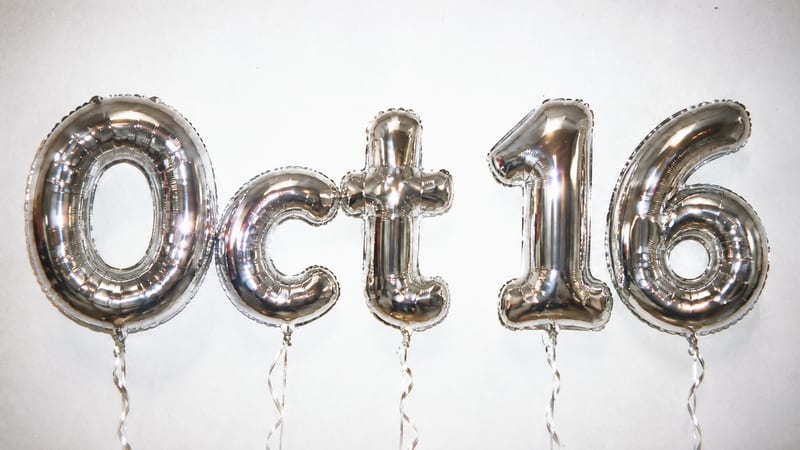
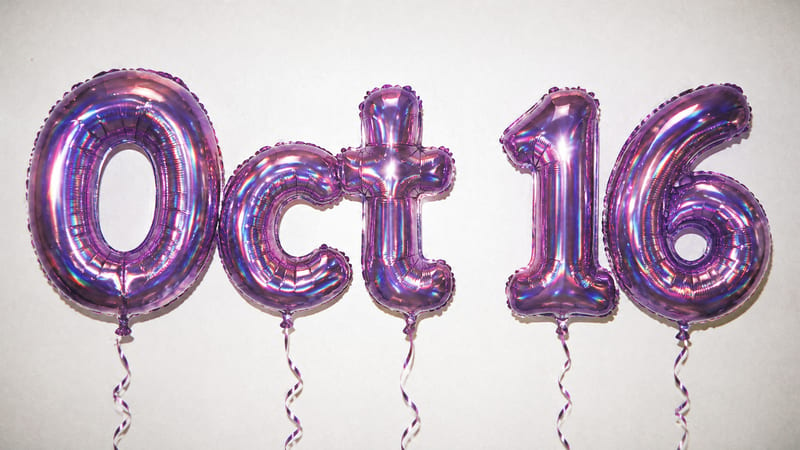
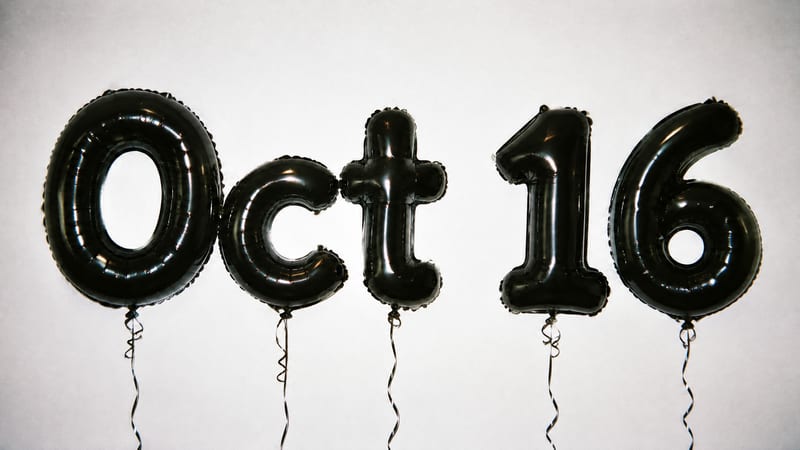
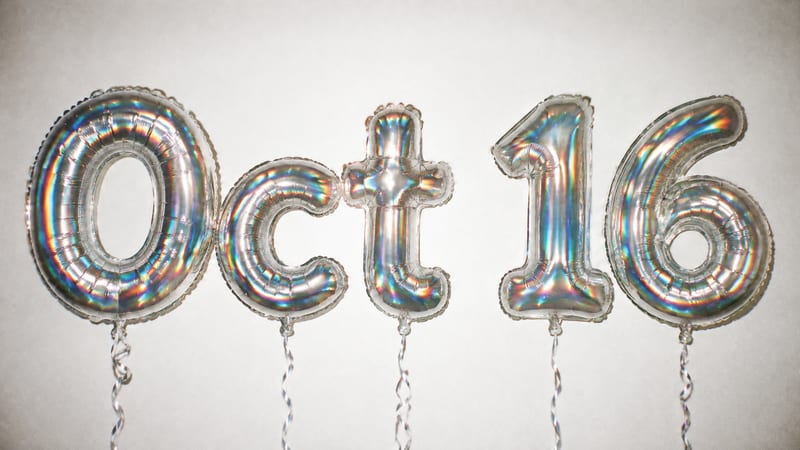
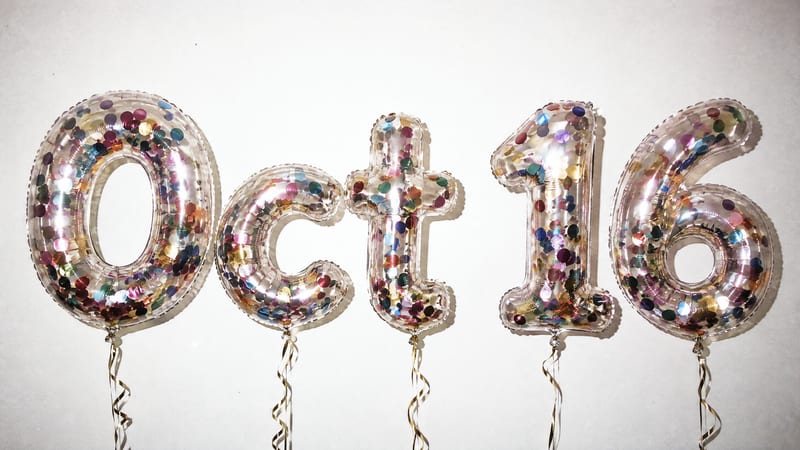
Enter text to create six image outputs showing it as mylar balloons against a white wall.
Image

A recipe turns a reusable workflow into a simple set of inputs and outputs. Start with a community recipe and make it your own in Fuser.

1. Choose a recipe
Find a workflow for the result you want. Review what it does and how to use it before opening it in Fuser.
2. Make it your own
Check the recipe’s available inputs. Add your own text or media where supported, or start with the saved defaults.
3. Run and refine
Run it in Fuser and review the result on your canvas. Tweak the inputs to try another direction.
Create social content concepts around dates, announcements and short celebratory messages using editable text.
It takes text you enter and produces six image outputs showing that text as mylar balloons against a white wall. The saved example uses “Oct 16” as its text input.
It is intended for people creating social content around dates, celebrations, announcements and other short messages. It can help generate balloon-themed image concepts without requiring the message to be designed separately first.
Enter the short wording you want represented in the image, such as a date, name, number or brief announcement. The default saved text is “Oct 16,” and you can change the Text input in Fuser before using the recipe.
The recipe has six image outputs. The saved example connects the text “Oct 16” to images showing it as mylar balloons against a white wall; a new run uses the text you enter.
The exposed editable input is Text, so you can replace “Oct 16” with your own wording in Fuser. The recipe description specifies the mylar-balloon treatment and white-wall setting; no other editable inputs are listed.
It can support visual concepts for event dates, celebrations, countdowns, launches and short announcement messages. These are suggested uses for the image outputs, not guarantees about how each new text input will appear.
No. The page describes a saved example with its text input connected to six image outputs. To use different text, log in to Fuser and change the Text input there.
Bring a date, message or short announcement into this balloon-themed image workflow by editing the Text input in Fuser.
Develop pitches, campaign assets and interactive client work in Fuser. Combine AI generation, editable design and reusable processes across your agency.
Create social graphics, carousel artwork and short videos with a recognizable brand style. Keep copy editable and recurring content easier to produce in Fuser.
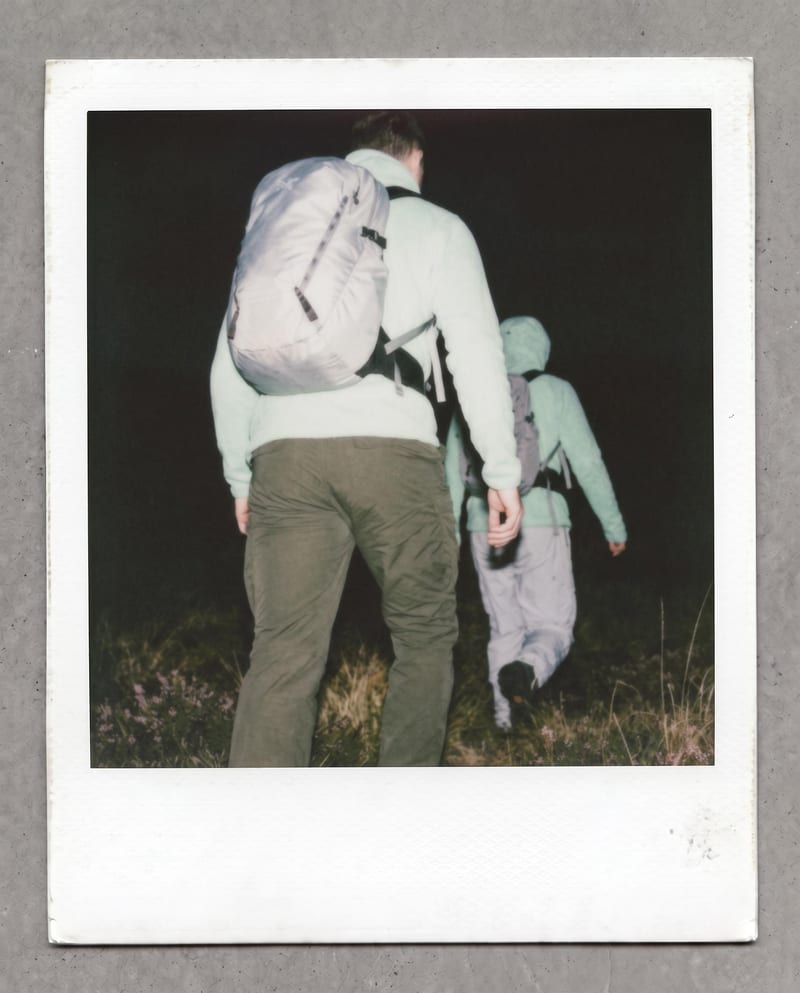
Transform one photo into a nostalgic Polaroid-style image with faded colors, soft grain, paper texture, and a handwritten note.
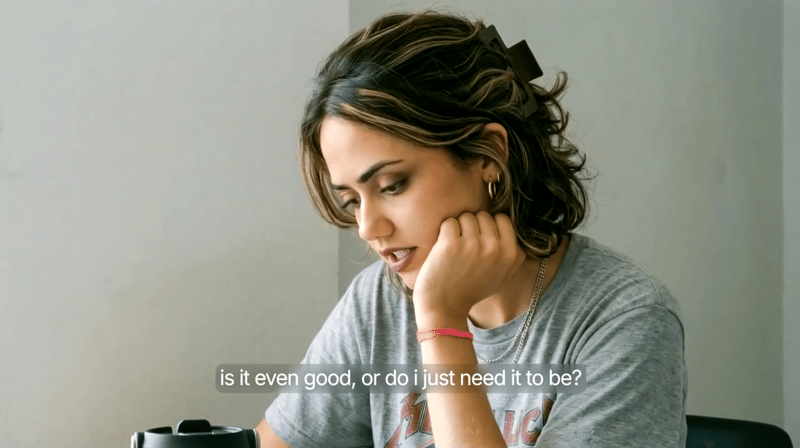
Provide a scenario image, script, and voice selection to create a talking character video with spoken delivery.
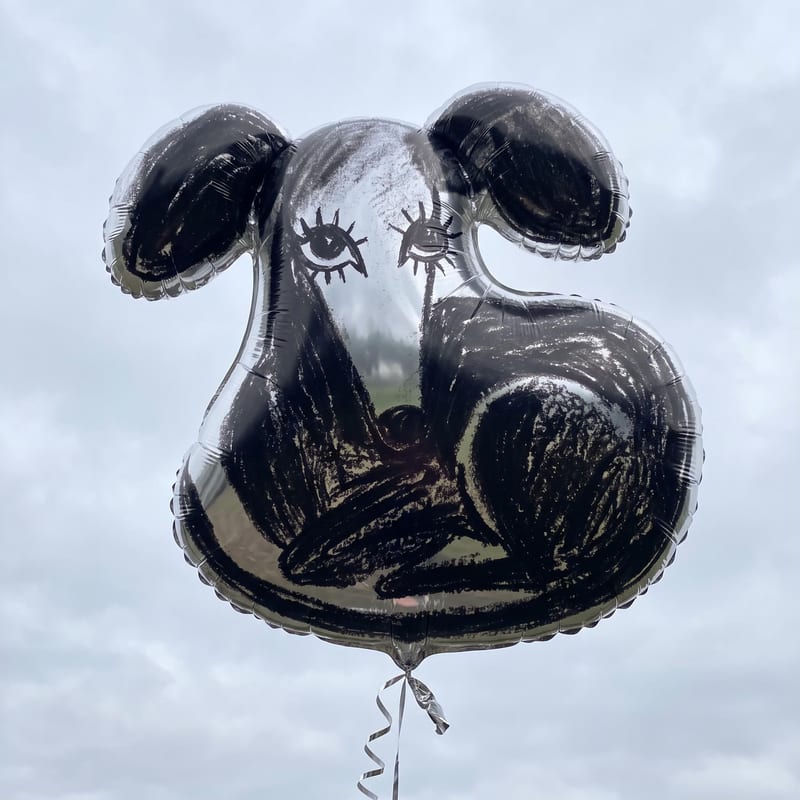
Turn an image, sketch, or logo into a mylar balloon image for playful social posts, memes, and illustrations.

