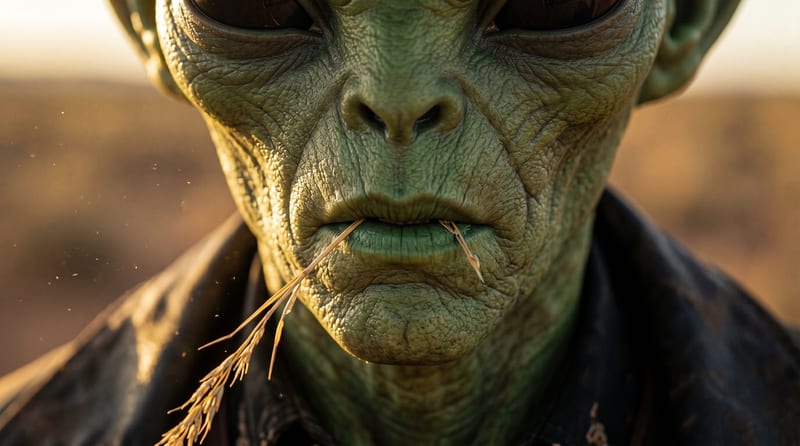
Recipev2
Camera Tracking Shot
0:00 / 0:00
Tracking Shot Video
One click, whole workflow
Recipes are here. Package a whole workflow and run it in one click
Explore recipesFilm & Entertainment
Turn one source image into a video that moves alongside or follows its subject through the environment.
Tracking Shot Video
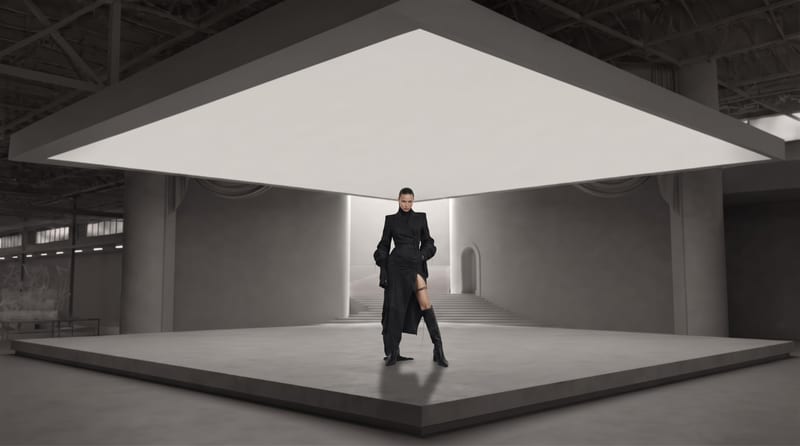
A recipe turns a reusable workflow into a simple set of inputs and outputs. Start with a community recipe and make it your own in Fuser.
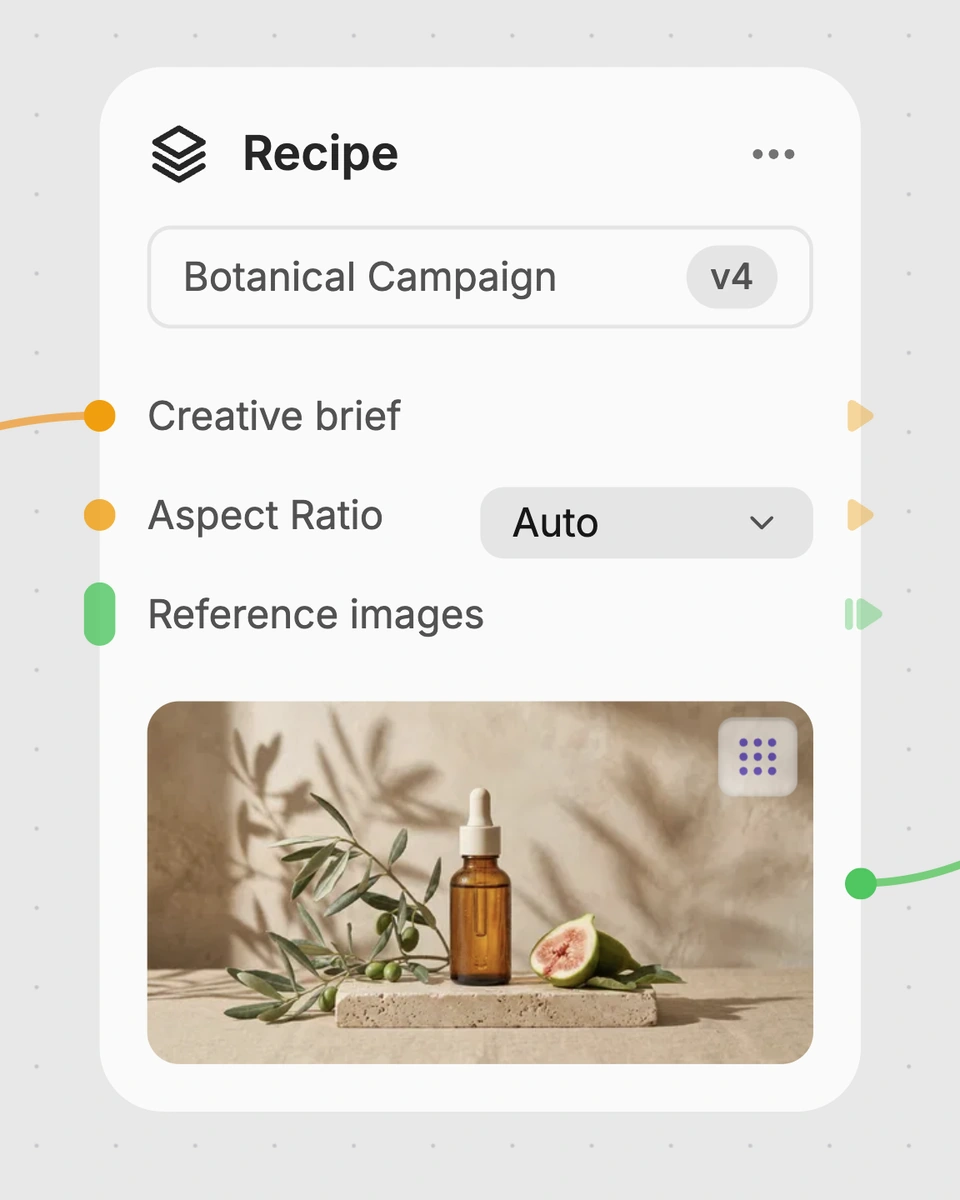
1. Choose a recipe
Find a workflow for the result you want. Review what it does and how to use it before opening it in Fuser.
2. Make it your own
Check the recipe’s available inputs. Add your own text or media where supported, or start with the saved defaults.
3. Run and refine
Run it in Fuser and review the result on your canvas. Tweak the inputs to try another direction.
Use the source image and tracking shot output to develop and communicate moving-camera ideas in film and entertainment workflows.
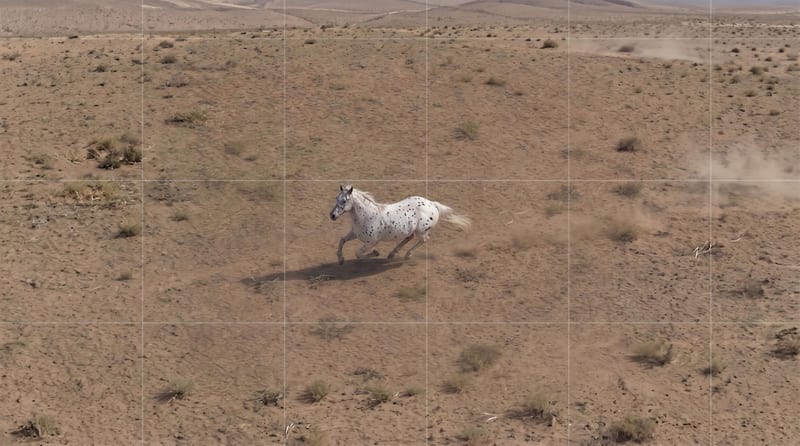
It creates a Tracking Shot Video from a single Source Image. The camera movement is designed to move alongside or follow the subject through the environment shown in that image.
It is useful for filmmakers, directors, and creative teams developing or presenting moving-camera ideas. The result can help communicate a tracking shot during early planning and visual development.
Prepare one image that shows the subject and environment you want to turn into a tracking-shot concept. The recipe exposes Source Image as its editable input, which you can change in Fuser.
Yes. Source Image is the exposed editable input, so you can replace the saved example’s image in Fuser with another scene or subject reference.
The saved example shows the recipe connected from one Source Image to a Tracking Shot Video. It demonstrates the intended input-to-output relationship rather than a new run made from your image.
This recipe can support film and entertainment tasks such as shot ideation, previsualization, scene blocking, and presenting a director’s camera-movement concept. It is best suited to exploring how a still environment might be treated as a moving shot.
The recipe lists only Source Image as an exposed input, with Tracking Shot Video as the output. No separate path, speed, or camera-control inputs are specified, so customization in Fuser centers on changing the source image.
Start with a source image and explore a camera movement that follows or travels alongside its subject.
Develop film treatments, character and environment concepts, storyboards and motion studies. Connect image, video and 3D exploration in Fuser.
Develop storyboard frames, shot variations and video studies from your references. Compose clear boards and explore movement in one Fuser project.
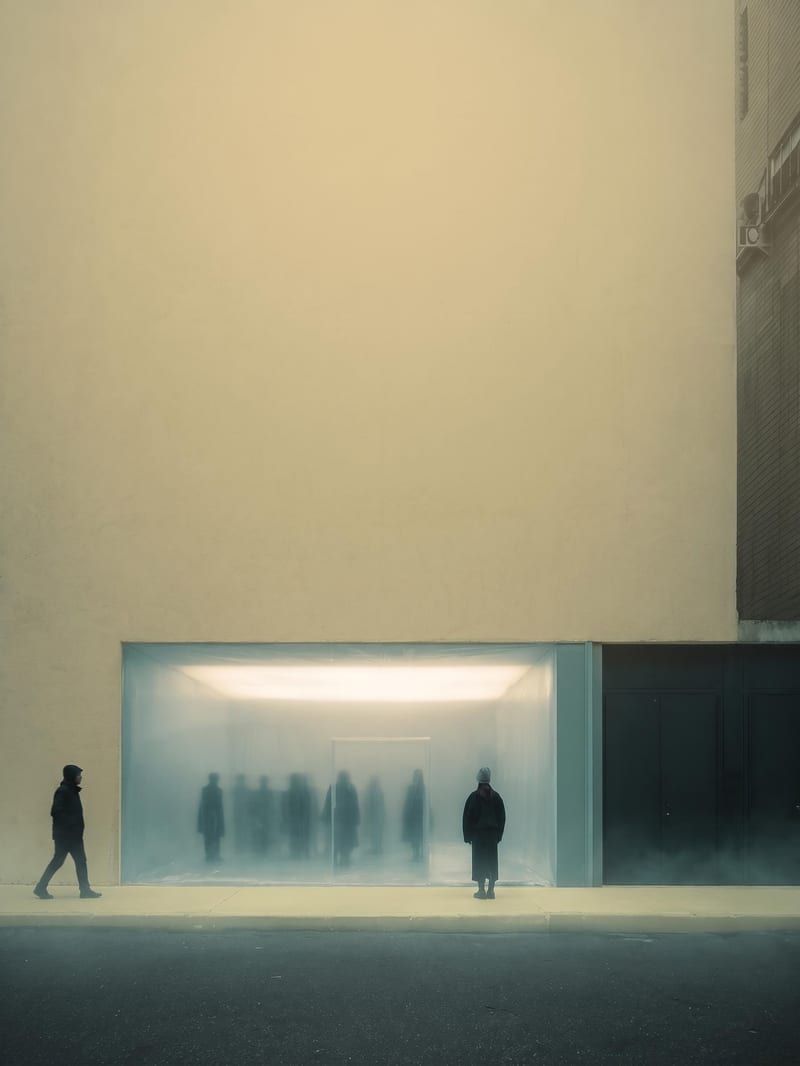
Upload an image to create a blurred yellow-toned version with subtle blue and green atmospheric color.
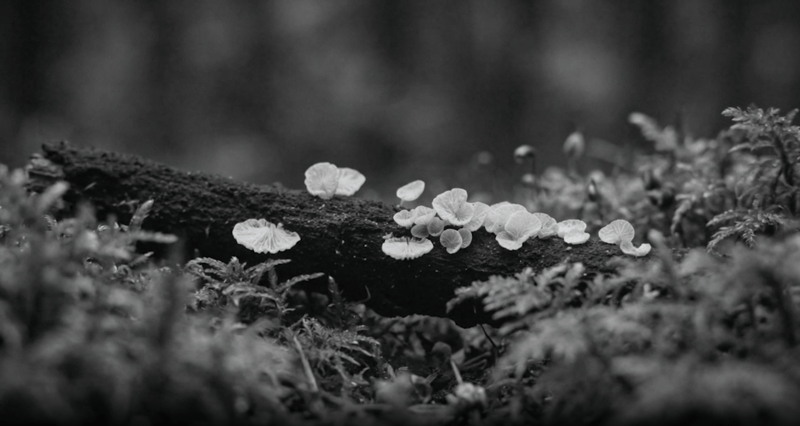
Provide a source video and sound description to create an ambient soundtrack and a version of the video with sound.
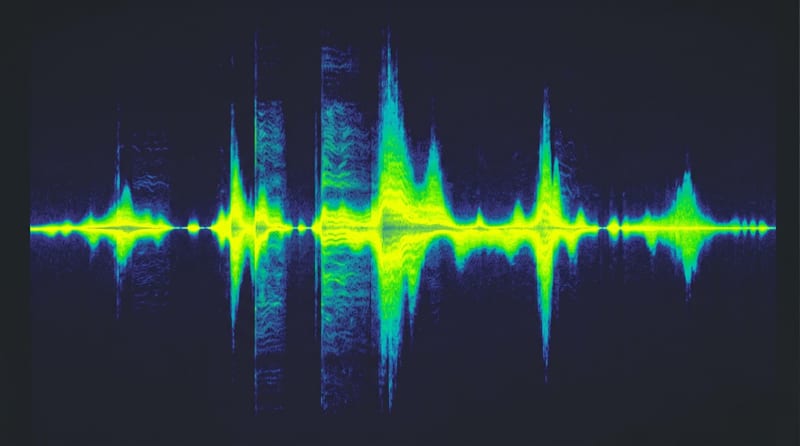
Describe a dreamy, cinematic sound concept in text and receive an audio soundtrack based on that description.