Recipev1
Sound Effect Generator
Audio
Soundtrack
One click, whole workflow
Recipes are here. Package a whole workflow and run it in one click
Explore recipesAmbient soundtrack creation
Describe a dreamy, cinematic sound concept in text and receive an audio soundtrack based on that description.
Soundtrack
A recipe turns a reusable workflow into a simple set of inputs and outputs. Start with a community recipe and make it your own in Fuser.

1. Choose a recipe
Find a workflow for the result you want. Review what it does and how to use it before opening it in Fuser.
2. Make it your own
Check the recipe’s available inputs. Add your own text or media where supported, or start with the saved defaults.
3. Run and refine
Run it in Fuser and review the result on your canvas. Tweak the inputs to try another direction.
Use text-described ambient soundtracks to explore audio ideas across film, entertainment, and music projects.
It turns a written sound description into an audio output labeled “Soundtrack.” The saved example describes dreamy, cinematic ambient music, so it demonstrates text-to-audio soundtrack generation rather than a specific named sound effect.
It can help filmmakers, entertainment creators, musicians, and anyone developing an ambient soundtrack concept. It is especially useful when you have a written mood or musical direction but want an audio reference to explore.
Enter a concise description of the sound or music you want to explore, such as the saved example: “Generate dreamy, cinematic ambient music.” The description should communicate the intended sonic idea in words.
Yes. “Sound Description” is an exposed text input, so visitors can change it in Fuser to try a different sound or musical direction. The saved preview represents the default example, not a live generation from a new description.
The saved output is an audio file labeled “Soundtrack,” connected to the saved ambient-music description. It shows the input-to-output structure of this recipe; a new run uses the description you provide.
It is suited to early soundtrack exploration for film and entertainment work, as well as ambient music and album concept development. The generated audio can serve as a creative reference for comparing musical directions.
The recipe produces an audio soundtrack from a text description, but the available inputs do not expose controls for arrangement, instrumentation, editing, or mixing. Treat the output as an audio result for exploration rather than assuming it includes a complete production workflow.
Open this recipe in Fuser to edit the sound description and explore an audio soundtrack based on your own musical direction.
Develop film treatments, character and environment concepts, storyboards and motion studies. Connect image, video and 3D exploration in Fuser.
Develop storyboard frames, shot variations and video studies from your references. Compose clear boards and explore movement in one Fuser project.

Provide a source video and sound description to create an ambient soundtrack and a version of the video with sound.
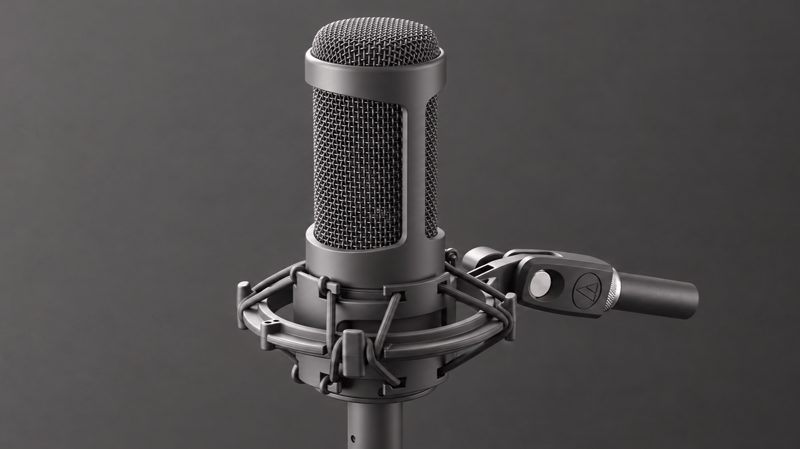
Turn a voiceover script and reference background sound into a blended voiceover audio track for film and entertainment projects.
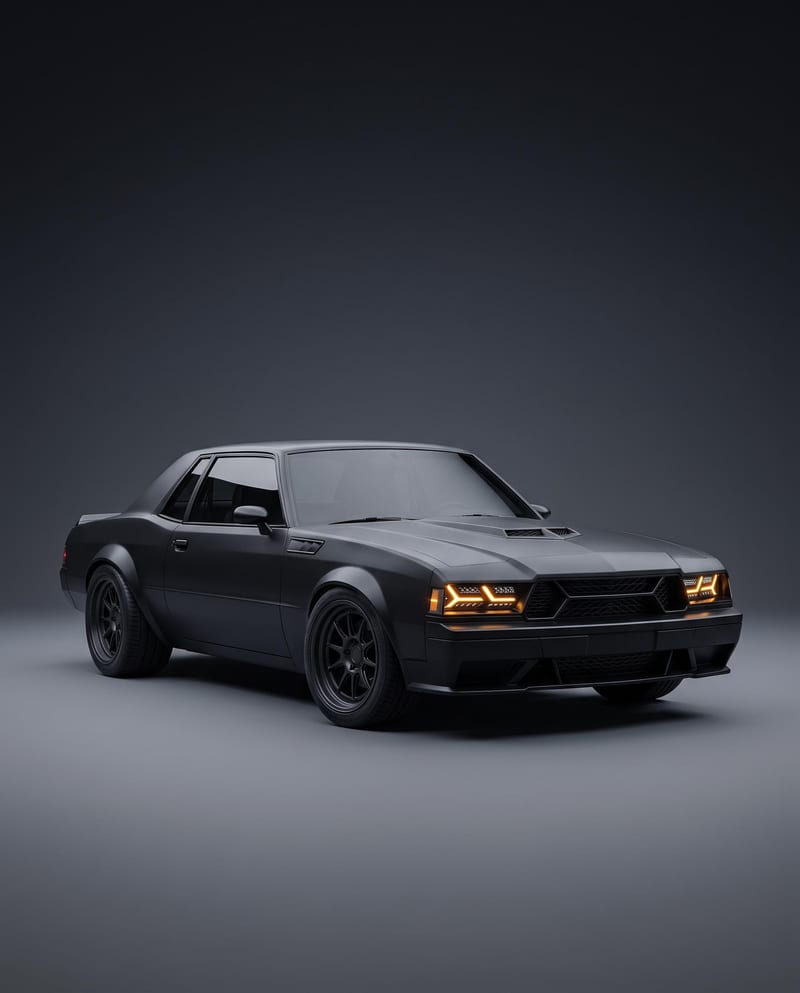
Turn a car reference image into a cinematic car render image and showcase video with full-body views, angles, and close-ups.

