Recipev2
Change Interior Room Style
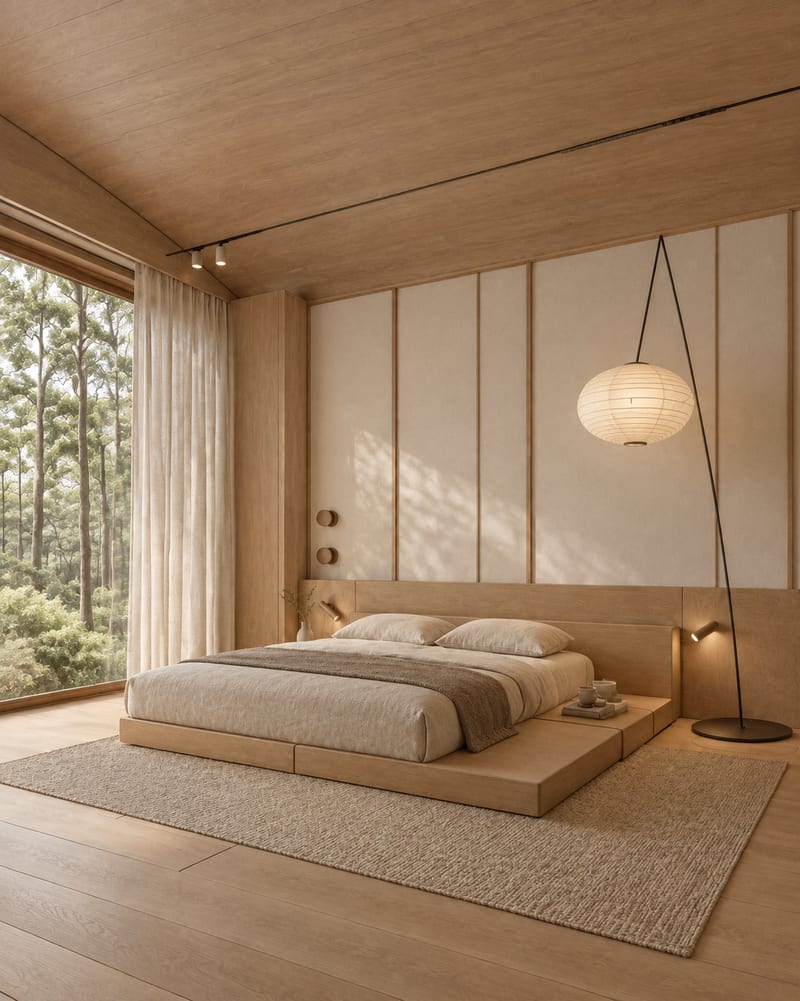
Japandi Style
One click, whole workflow
Recipes are here. Package a whole workflow and run it in one click
Explore recipesInterior Style Exploration
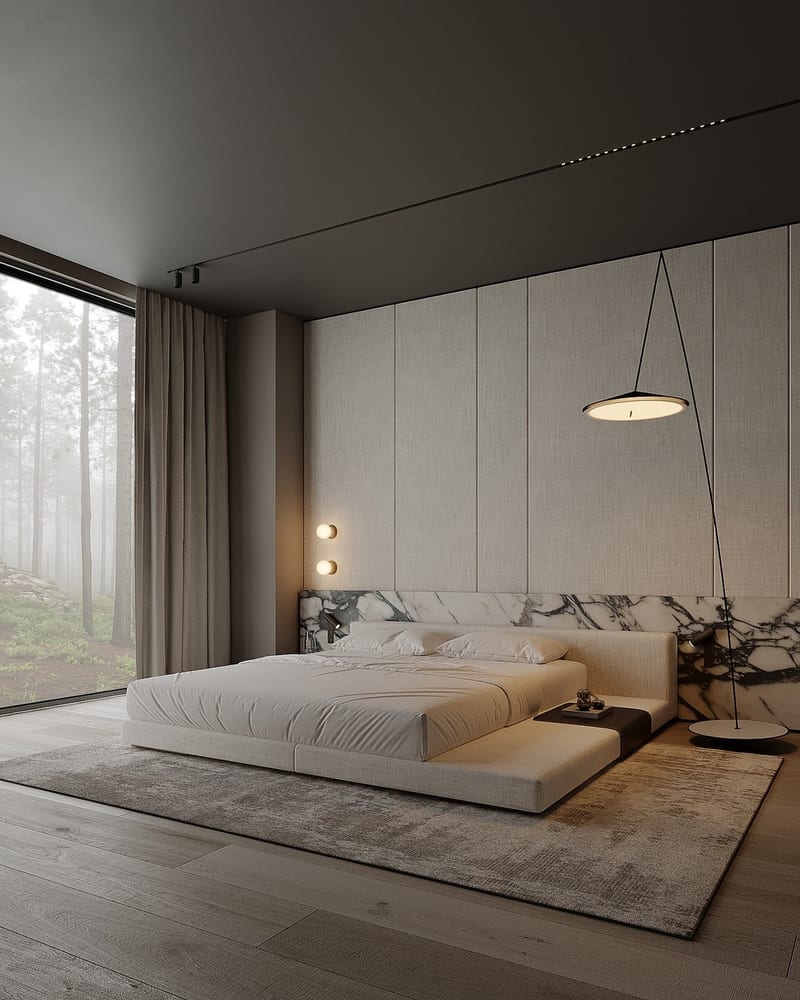
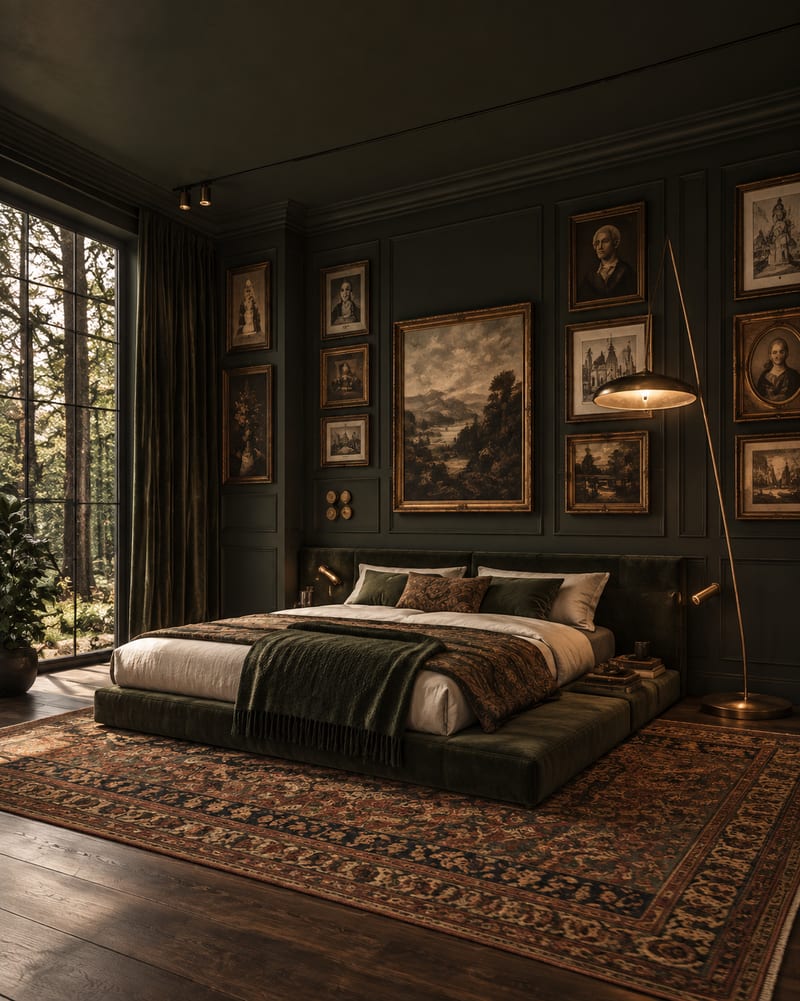
Upload one room image to explore Japandi, Art Deco Maximalist, Dark Academia, Classical, and Mid Century Modern variations.
Japandi Style
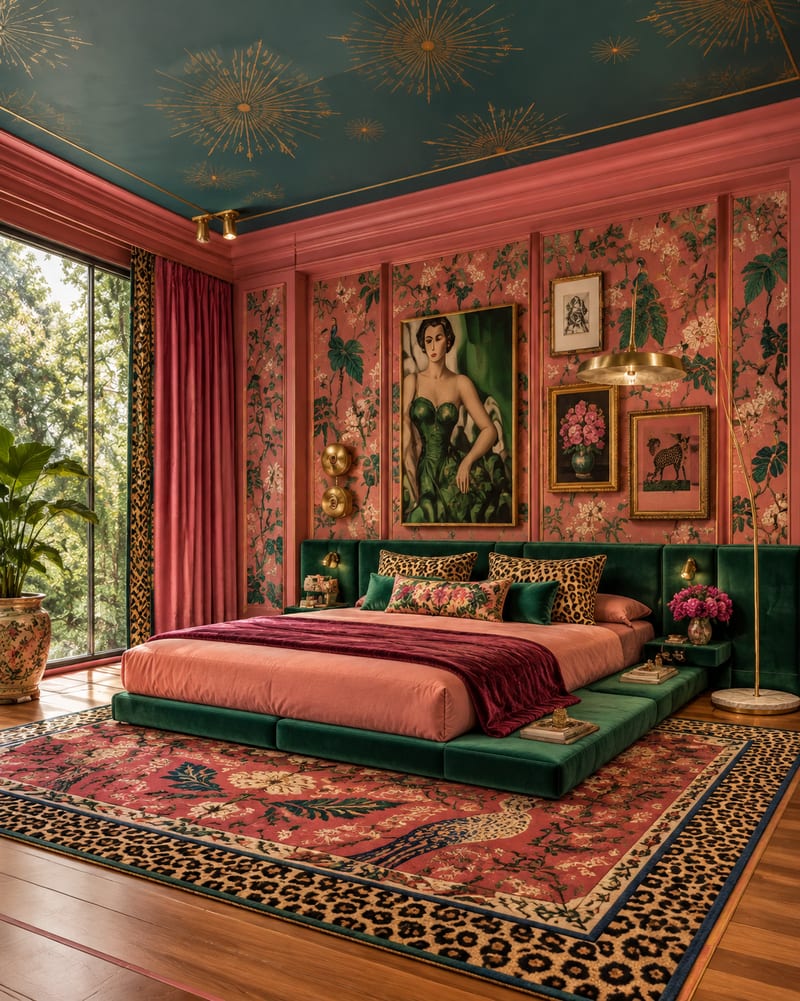
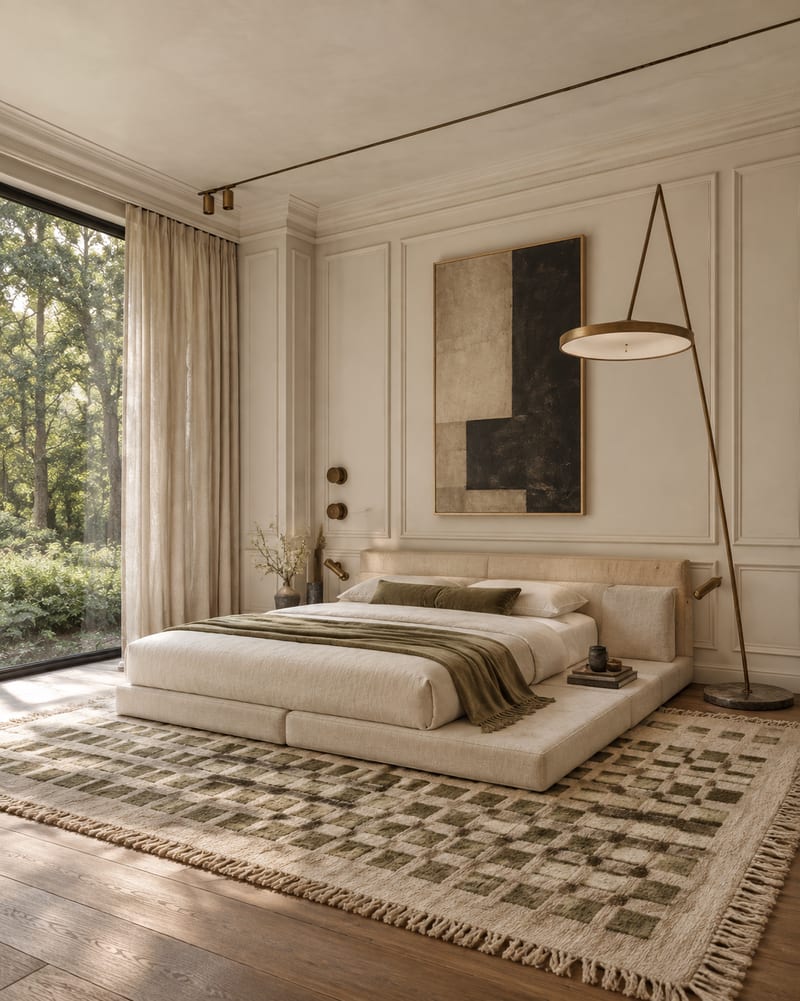
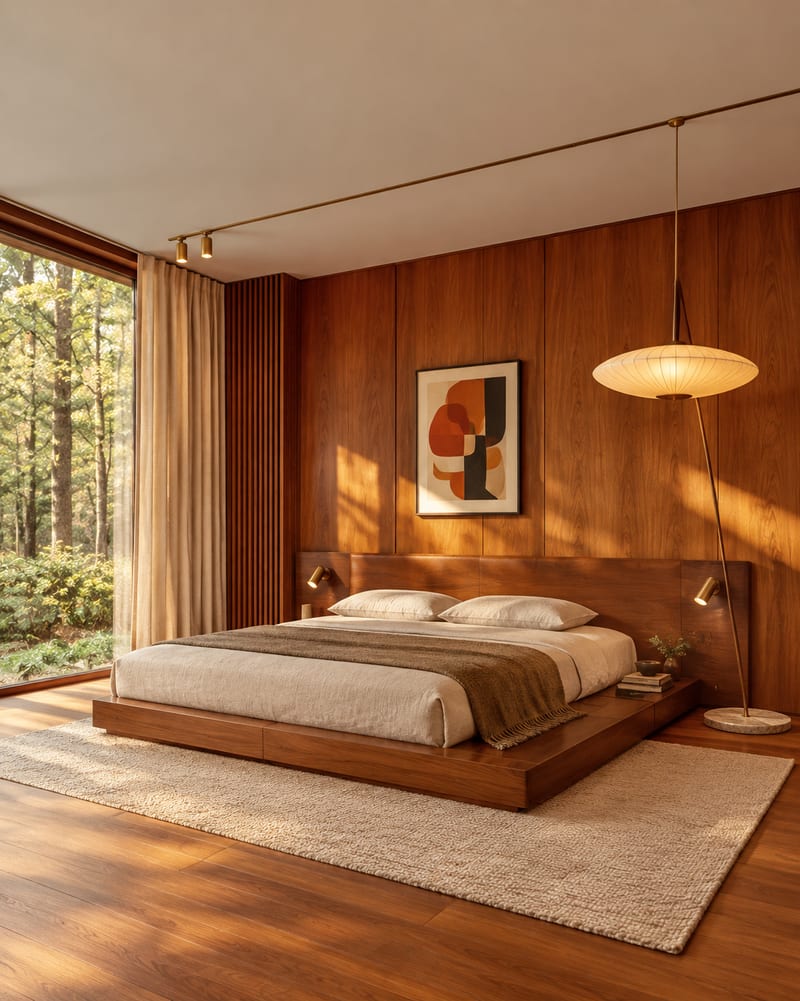
A recipe turns a reusable workflow into a simple set of inputs and outputs. Start with a community recipe and make it your own in Fuser.

1. Choose a recipe
Find a workflow for the result you want. Review what it does and how to use it before opening it in Fuser.
2. Make it your own
Check the recipe’s available inputs. Add your own text or media where supported, or start with the saved defaults.
3. Run and refine
Run it in Fuser and review the result on your canvas. Tweak the inputs to try another direction.
Compare distinct interior directions from the same room image when developing concepts, references, or presentation materials.
It takes one image of a room and creates five interior-style image outputs: Japandi, Art Deco Maximalist, Dark Academia, Classical, and Mid Century Modern. The saved example shows those style directions connected to one room image.
It is useful for interior designers, decorators, renovators, and anyone comparing visual directions for a room. The outputs are best treated as design references for discussion and concept development.
Prepare an image of the room you want to explore. The recipe exposes that room image as its editable input, so you can change it in Fuser when using the recipe.
The recipe provides five image outputs labeled Japandi Style, Dark Academia, Art Deco Maximalist, Classical, and Mid Century Modern. Each output represents the room in one of those named interior directions.
The exposed editable input is the room image, while the recipe's saved outputs are the five named styles. You can replace the room image in Fuser to explore those same style directions with a different room.
The saved example shows one room image connected to five style outputs. It demonstrates the recipe's input-to-output structure rather than a live generation from a new image.
Use the outputs to compare room concepts, prepare presentation references, develop renovation directions, or build interior design comparison boards. They can help communicate a preferred direction before more detailed design decisions are made.
Bring a room image into Fuser and compare Japandi, Art Deco Maximalist, Dark Academia, Classical, and Mid Century Modern interpretations.
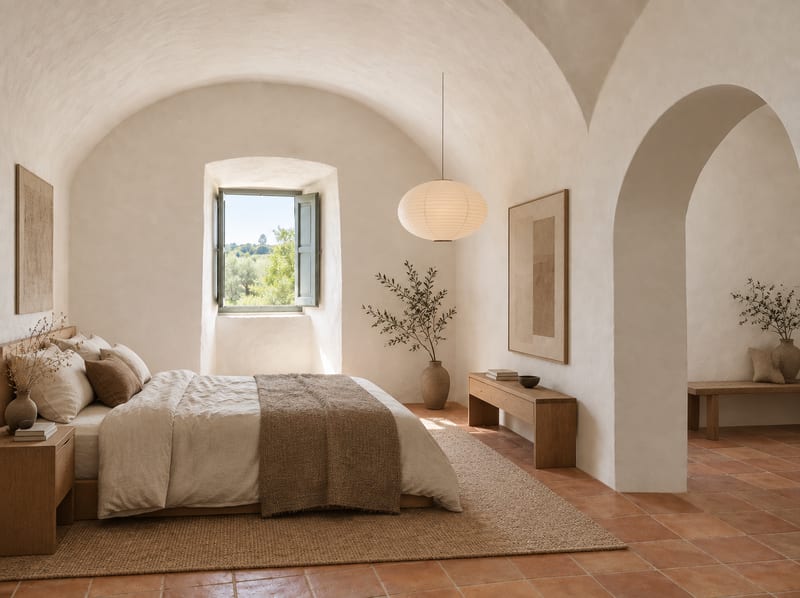
Turn an empty room image and room type into a Japandi-style furnished room concept.
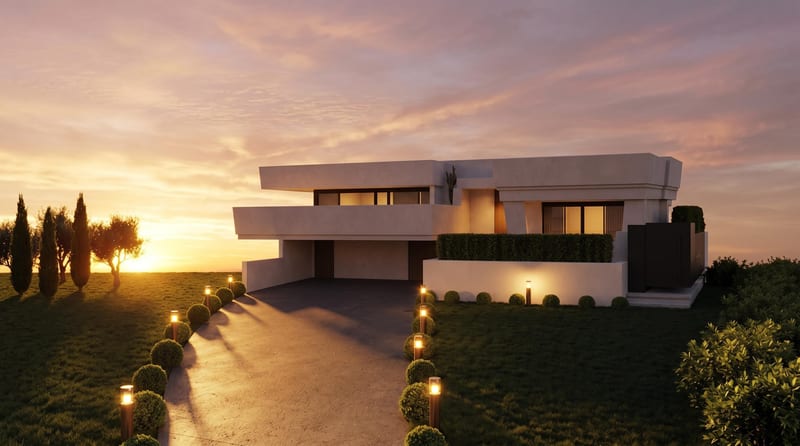
Convert a daytime architecture render into an evening render and a timelapse video for visualizing the same scene.
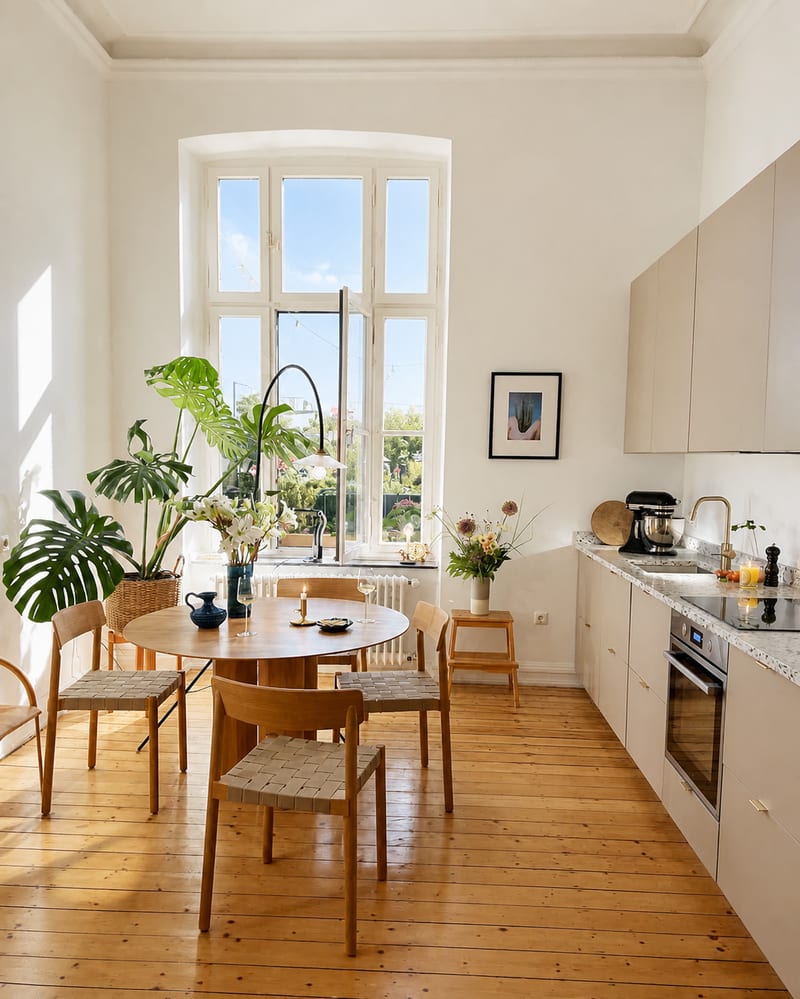
Turn an interior source photo into a polished real estate listing image with a bright, clean, inviting presentation.