Recipev5
Architectural Timelapse Render
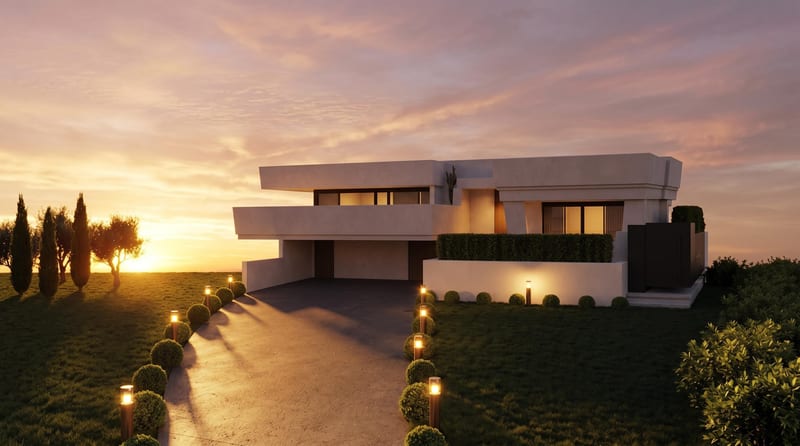
Evening Render
One click, whole workflow
Recipes are here. Package a whole workflow and run it in one click
Explore recipesArchitecture visualization
Convert a daytime architecture render into an evening render and a timelapse video for visualizing the same scene.
Evening Render
A recipe turns a reusable workflow into a simple set of inputs and outputs. Start with a community recipe and make it your own in Fuser.

1. Choose a recipe
Find a workflow for the result you want. Review what it does and how to use it before opening it in Fuser.
2. Make it your own
Check the recipe’s available inputs. Add your own text or media where supported, or start with the saved defaults.
3. Run and refine
Run it in Fuser and review the result on your canvas. Tweak the inputs to try another direction.
Use the recipe to present architectural scenes across different visual contexts, from design reviews to portfolio materials.
It is designed for people presenting 3D architecture scenes, including designers, visualization artists, and teams preparing architectural or interior concepts. The outputs provide an Evening Render and a Timelapse Video from one Daytime Render.
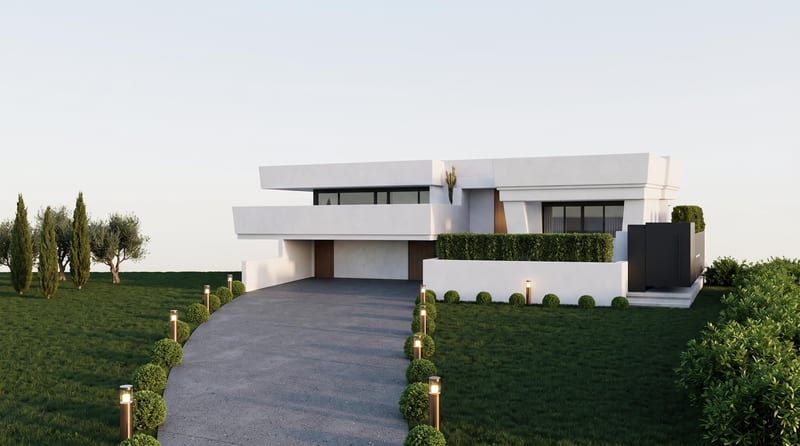
Prepare a Daytime Render image showing the architecture scene you want to visualize. The recipe description is intended for a 3D architecture scene with its surrounding environment represented in the composition.
The recipe produces two outputs: an Evening Render image and a Timelapse Video. Together, they provide a still evening visualization and a video format based on the daytime architecture input.
Yes. Daytime Render is the exposed editable input, so you can replace it in Fuser with another daytime architecture render before using the recipe. The saved page example remains based on its original connected input.
The saved example demonstrates the recipe’s configured connection from Daytime Render to Evening Render and Timelapse Video. It represents a saved default example rather than a live run or a new generation.
Yes. The recipe description supports realistic or stylized architecture visualizations. Your chosen Daytime Render determines the architectural scene supplied to the workflow.
It can be used for interior and decor scenes when they are provided as a daytime render. The resulting outputs remain an Evening Render image and a Timelapse Video rather than separate interior-specific formats.
Bring a daytime architecture render into Fuser and produce an evening image plus a timelapse video from the saved workflow.
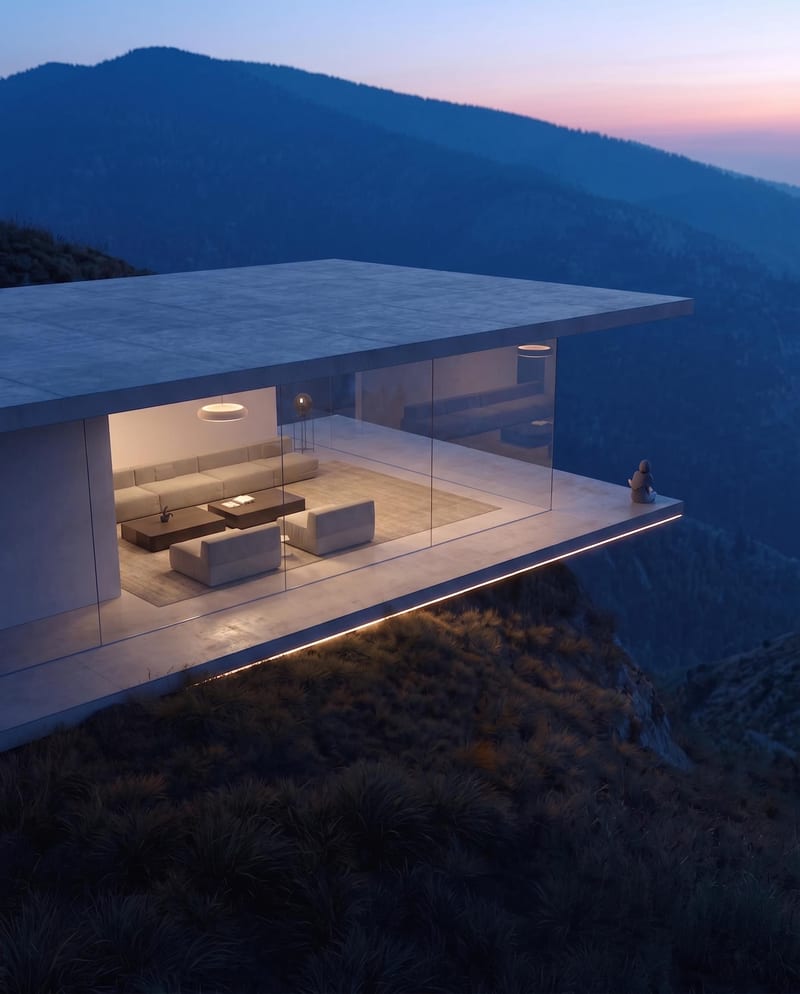
Turn a source image into a realistic aerial drone view while preserving its scene, environment, subject, and details.
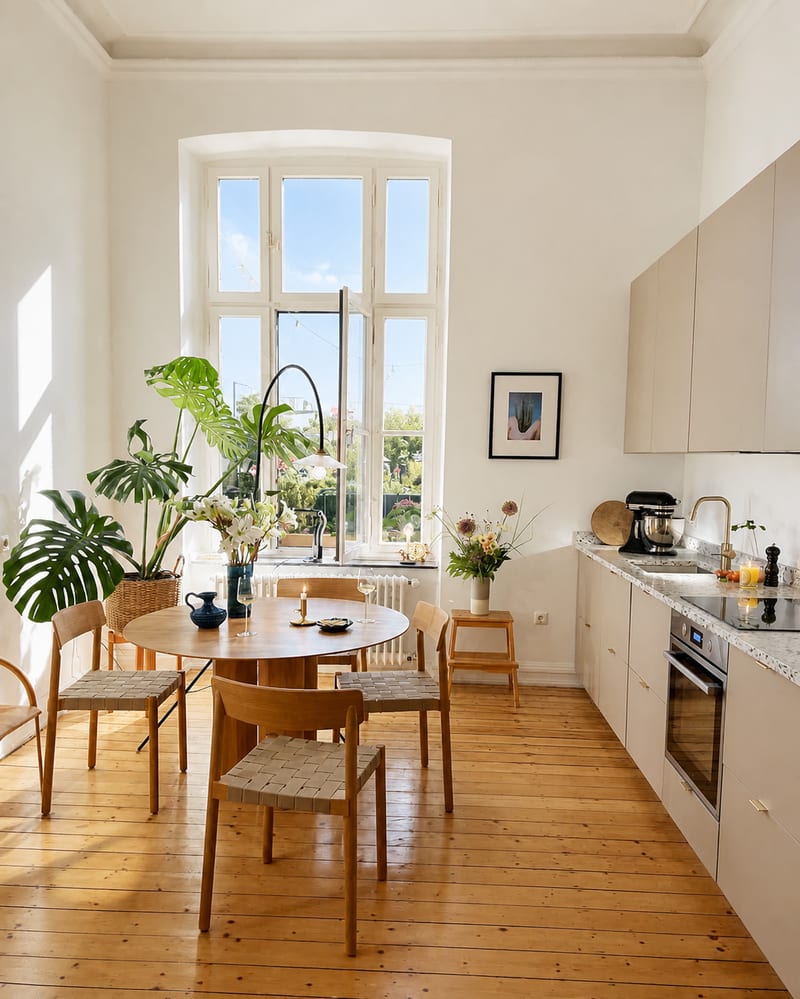
Turn an interior source photo into a polished real estate listing image with a bright, clean, inviting presentation.
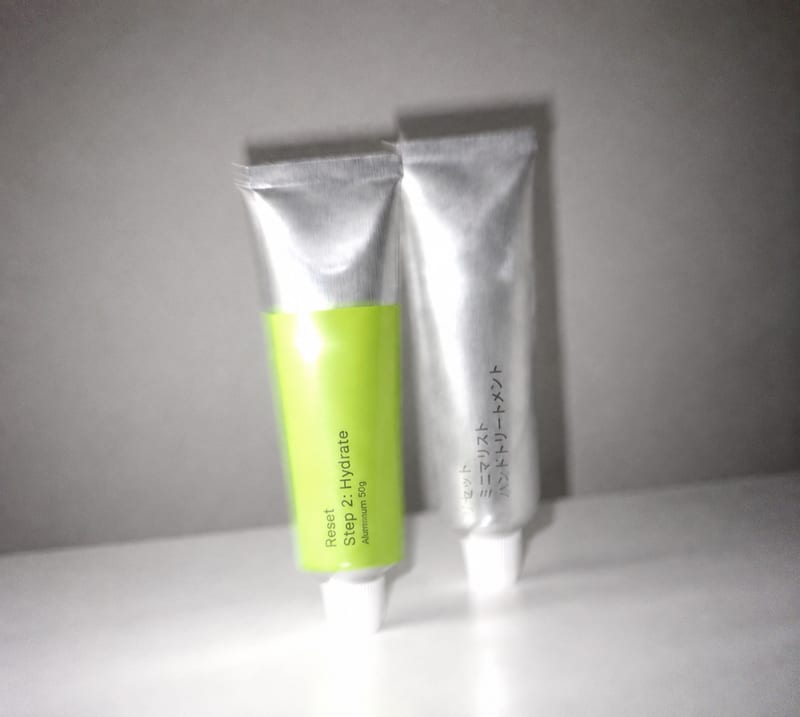
Transform an overly polished image into a blur-and-grain photograph inspired by an older iPhone or low-shutter film camera.