Recipev6
Justin Bieber in the club - Camcorder
0:00 / 0:00
Your New Vibey Video
One click, whole workflow
Recipes are here. Package a whole workflow and run it in one click
Explore recipesSocial character video
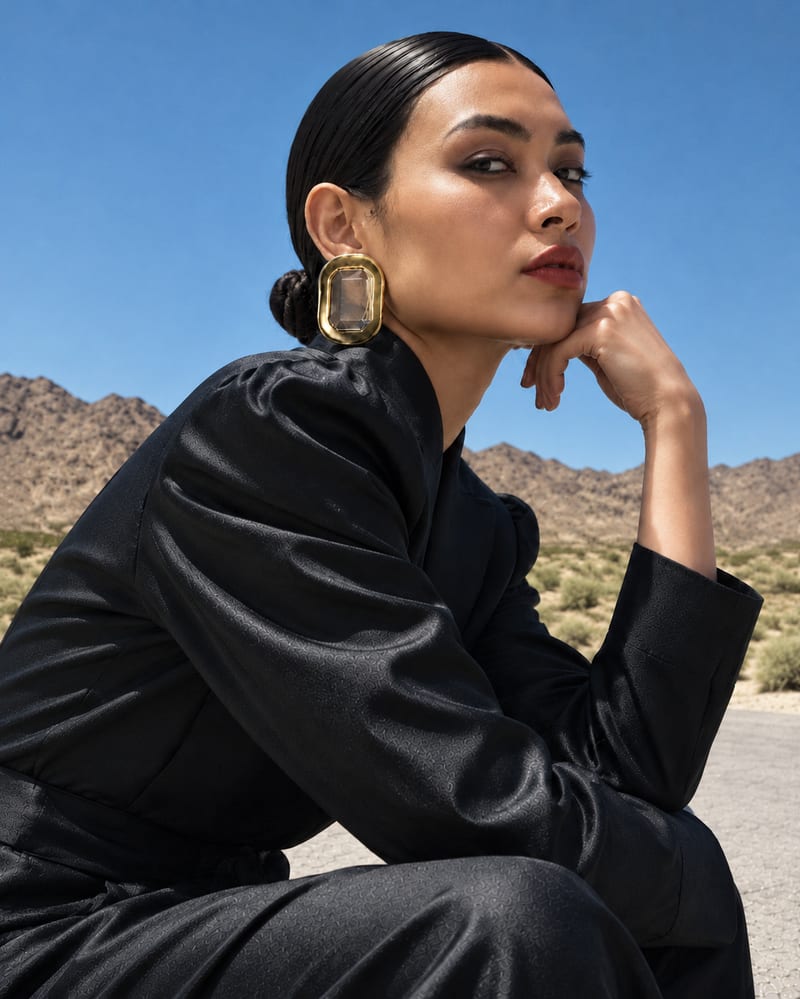
Use three character reference images to create a video that puts a chosen person into the recipe’s Justin Bieber role.
Your New Vibey Video
A recipe turns a reusable workflow into a simple set of inputs and outputs. Start with a community recipe and make it your own in Fuser.

1. Choose a recipe
Find a workflow for the result you want. Review what it does and how to use it before opening it in Fuser.
2. Make it your own
Check the recipe’s available inputs. Add your own text or media where supported, or start with the saved defaults.
3. Run and refine
Run it in Fuser and review the result on your canvas. Tweak the inputs to try another direction.
Use the recipe to explore different character-led video concepts for social publishing and creative development.
It creates a video that replaces the recipe’s Justin Bieber character with the person represented by your reference images. The recipe is intended for social and content-focused character concepts.
It is useful for creators, fan-edit makers, and social content teams exploring character-led video ideas. The output is a video rather than a still image.
Prepare three images of the person you want to use in place of Justin Bieber. The recipe exposes three character reference image inputs, each of which can be changed in Fuser.
Yes. Replace the three exposed Character Reference Images inputs with images of a different person in Fuser. The saved page example uses its existing inputs; a new run uses the images you provide.
The saved example shows three character reference images connected to the recipe and its video output. It demonstrates the intended input-to-output structure, not a live generation or a guarantee of a particular result from new images.
It suits social posts, fan edits, creator experiments, character replacement drafts, and early creative direction studies. Keep the use focused on social and content work involving a person-centered video.
The exposed customization is the set of three Character Reference Images inputs. Changing those images is the supported way to provide a different person for a new run in Fuser.
Log in to Fuser to replace the saved character references with your own images and create a new video from this recipe.
Develop pitches, campaign assets and interactive client work in Fuser. Combine AI generation, editable design and reusable processes across your agency.
Create social graphics, carousel artwork and short videos with a recognizable brand style. Keep copy editable and recurring content easier to produce in Fuser.
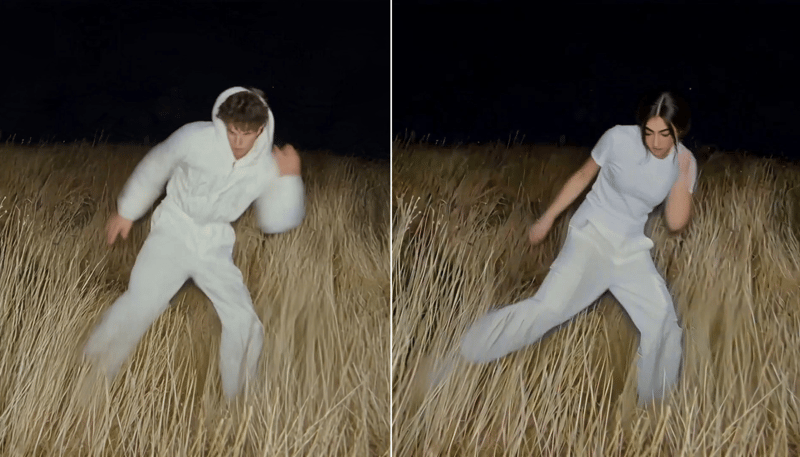
Replace the main character in a video using two character reference images to create a character-swapped video.

Enter a dream story to receive a Jungian analysis and a short animation based on its described imagery.
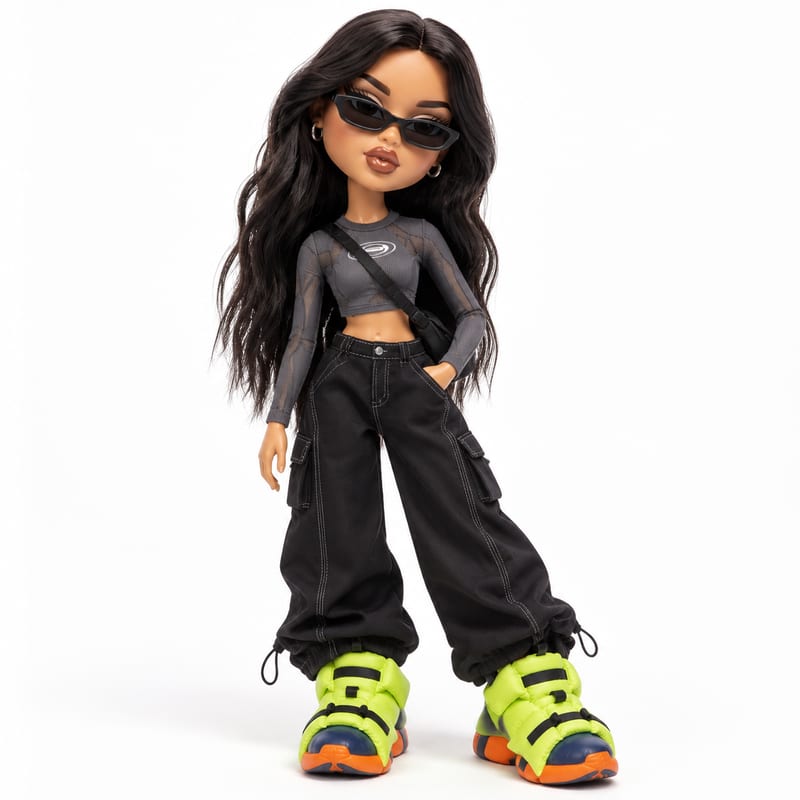
Upload one image of a person and receive a generated image that reimagines the pictured subject in Bratz-style doll form.

