Recipev3
Bratz Doll Style
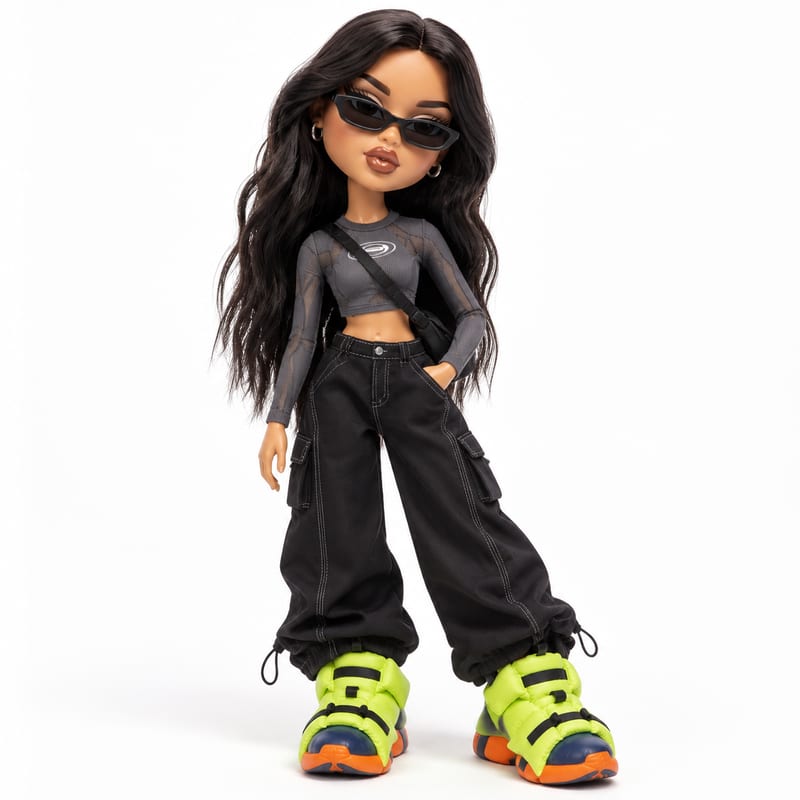
Generated Image
One click, whole workflow
Recipes are here. Package a whole workflow and run it in one click
Explore recipesBratz-style doll portraits
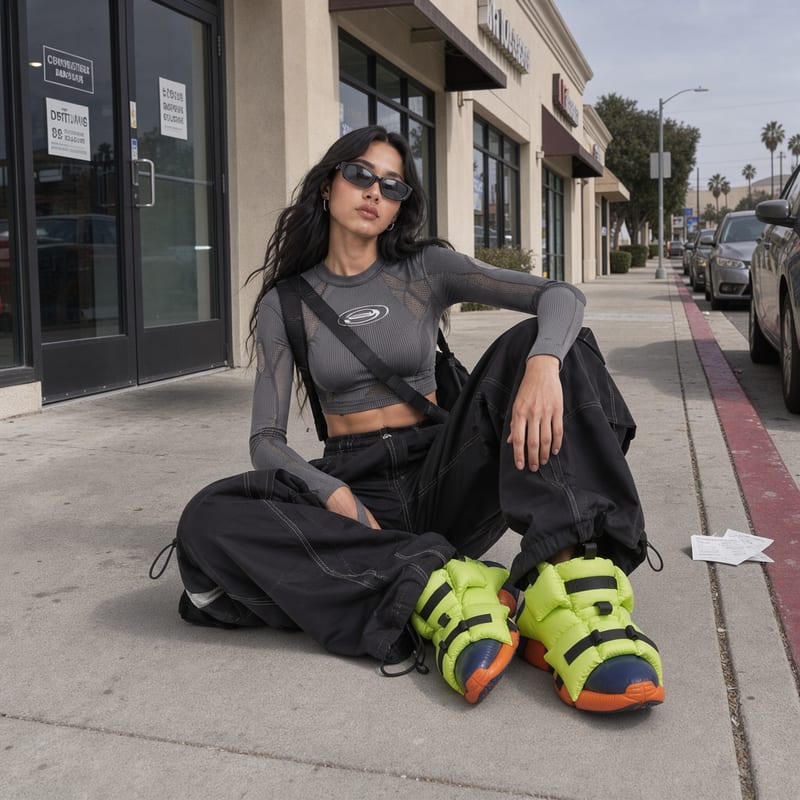
Upload one image of a person and receive a generated image that reimagines the pictured subject in Bratz-style doll form.
Generated Image
A recipe turns a reusable workflow into a simple set of inputs and outputs. Start with a community recipe and make it your own in Fuser.

1. Choose a recipe
Find a workflow for the result you want. Review what it does and how to use it before opening it in Fuser.
2. Make it your own
Check the recipe’s available inputs. Add your own text or media where supported, or start with the saved defaults.
3. Run and refine
Run it in Fuser and review the result on your canvas. Tweak the inputs to try another direction.
Use the generated image as a stylized social asset for personal, creator, or community content.
It takes one input image and produces one generated image that reimagines the pictured subject in Bratz-style doll form. The recipe is intended for social and content-focused visual creation.
It can help individuals, creators, and social content teams make a doll-inspired version of a person’s image. The result can be used as a personal portrait, a post asset, or part of community and creator content.
Provide the image you want to transform in the input labeled “Input Image.” The saved example uses one image connected to one generated image; a new run uses the image you choose in Fuser.
The saved example demonstrates the relationship between a selected input image and the resulting generated image. It is a saved example rather than a live generation or a promise of a particular result for every new image.
Yes. “Input Image” is an exposed editable input in Fuser, so you can replace the saved image with another image before using the recipe. No additional style or output controls are exposed in the recipe facts.
This recipe is best suited to social and content uses that benefit from a Bratz-style doll portrait, such as profile imagery, themed posts, creator introductions, and community features. It is not described as a tool for producing anything beyond a generated image.
You can customize the source by changing the single exposed image input in Fuser. The recipe does not list editable controls for pose, clothing, background, composition, or other image properties.
Bring an image into Fuser and use this recipe to create a generated Bratz-style doll version of the pictured subject.
Develop pitches, campaign assets and interactive client work in Fuser. Combine AI generation, editable design and reusable processes across your agency.
Create social graphics, carousel artwork and short videos with a recognizable brand style. Keep copy editable and recurring content easier to produce in Fuser.
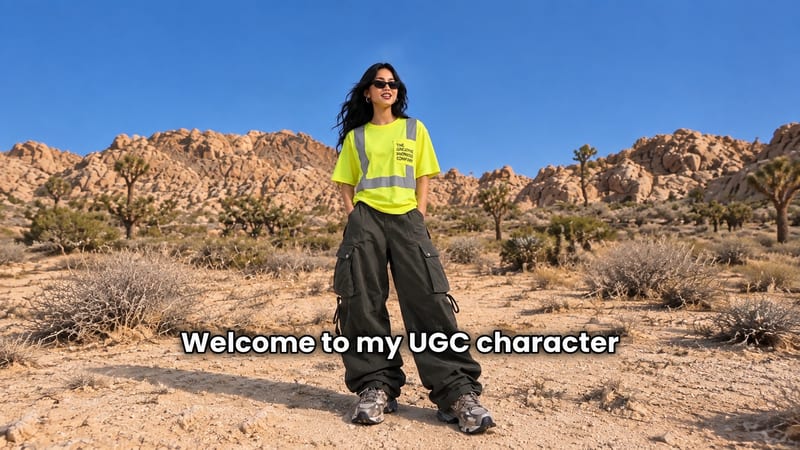
Add a content creator or character image, write a script, and generate UGC-style video with or without subtitles.
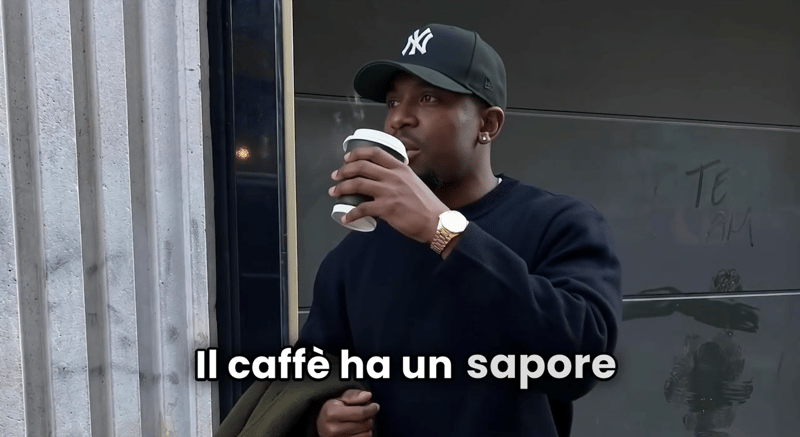
Provide a scenario image, script, voice, and language to create a talking character video with translated speech.
Provide a scenario image, script, and voice selection to create a talking character video with spoken delivery.

