Recipev2
Cinematic Monochrome Section
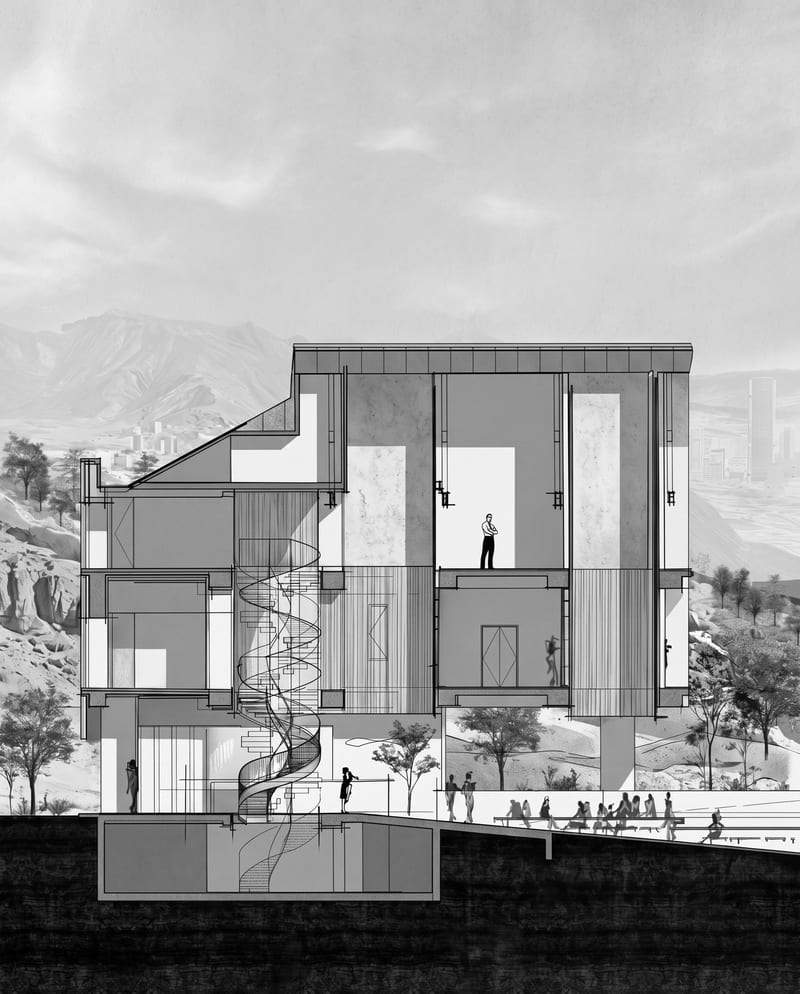
Generated Image
One click, whole workflow
Recipes are here. Package a whole workflow and run it in one click
Explore recipesArchitecture & Spaces
Transform an architectural section into a cinematic monochrome image while preserving its architecture, textures, landscape, and atmosphere.
Generated Image
A recipe turns a reusable workflow into a simple set of inputs and outputs. Start with a community recipe and make it your own in Fuser.

1. Choose a recipe
Find a workflow for the result you want. Review what it does and how to use it before opening it in Fuser.
2. Make it your own
Check the recipe’s available inputs. Add your own text or media where supported, or start with the saved defaults.
3. Run and refine
Run it in Fuser and review the result on your canvas. Tweak the inputs to try another direction.
Use the generated architectural section image across design reviews, presentations, and visual communication for architectural work.
It redraws an architectural section in the reference image’s graphic style. The intended result is a generated image that preserves the original architecture, textures, landscape, and atmosphere while presenting them as a cinematic monochrome composition.
It is intended for architects, architecture students, designers, and teams presenting spatial ideas through section drawings. It can support visual reviews and storytelling, but the generated image should be treated as presentation material rather than a replacement for technical documentation.
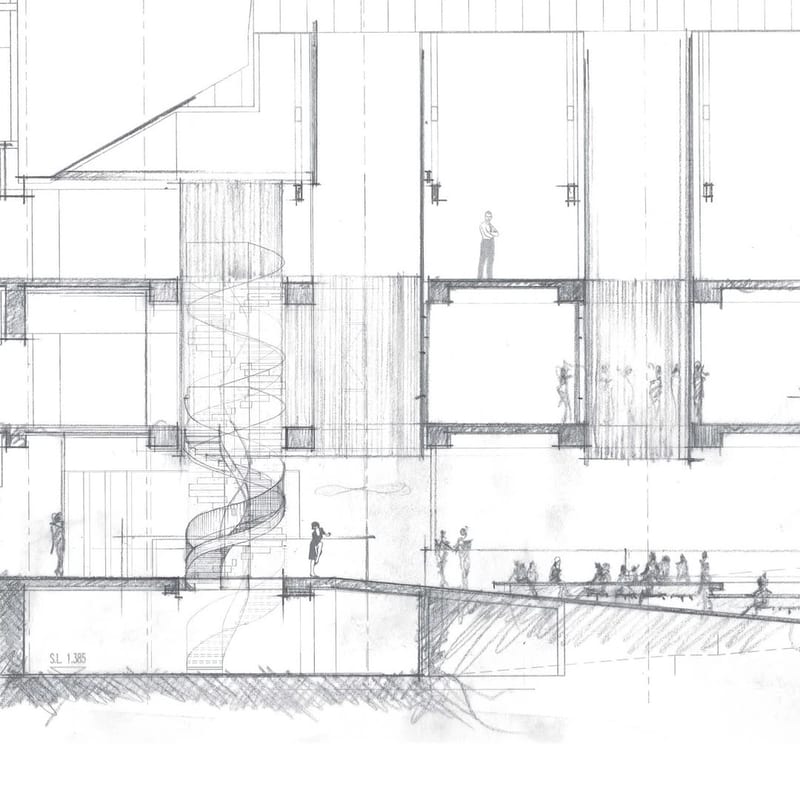
The recipe exposes one editable input: Architectural Section, which accepts an image. In Fuser, replace that input with the section you want to transform; the saved example uses its connected Architectural Section image as the starting point.
The recipe produces one editable output labeled Generated Image. The saved example demonstrates the architectural section being redrawn in a cinematic monochrome graphic style while retaining the source subject’s architecture, textures, landscape, and atmosphere.
Yes. Architectural Section is an exposed input that you can change in Fuser before using the recipe. A new source image will produce a new generated image, so the saved example should be understood as one default input-to-output example rather than a live result for every section.
The available customization is the Architectural Section image you provide. The recipe’s stated transformation is tied to that input and its cinematic monochrome style; no additional editable controls are listed.
It is suited to architectural concept presentations, portfolios, competition material, client discussions, and design-process communication. Because the output is a generated image, use the original section for precise dimensions, annotations, and technical decisions.
Bring an architectural section into Fuser and turn it into a monochrome graphic image that keeps its spatial and atmospheric character.
Combine a source image with a render-style reference to create a generated image inspired by the reference’s materials, lighting, and atmosphere.
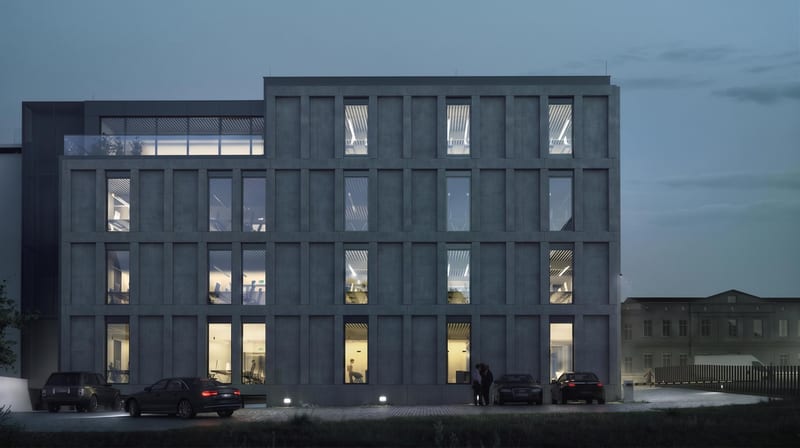
Upload a façade image, identify a target window and wall, and set its window-to-wall ratio for an adjusted output image.
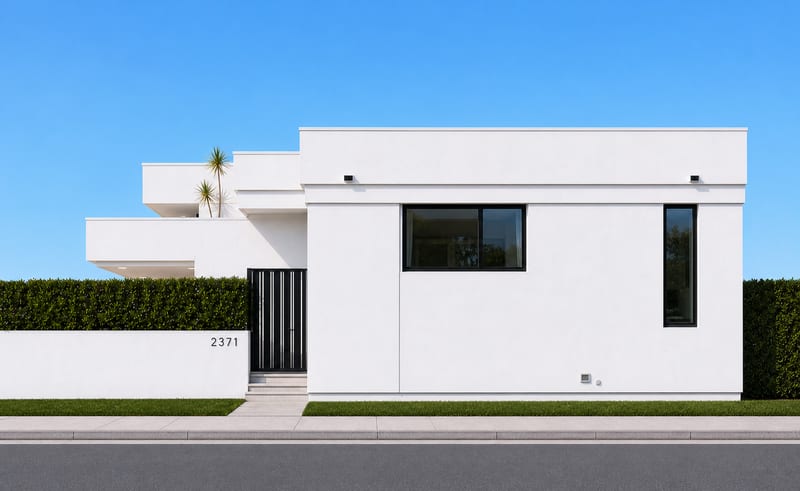
Upload a house photo to create four orthographic image views representing the building from each side.