Recipev2
Generate each view of a house
Image
One click, whole workflow
Recipes are here. Package a whole workflow and run it in one click
Explore recipesArchitecture & Spaces
Upload a house photo to create four orthographic image views representing the building from each side.
Image
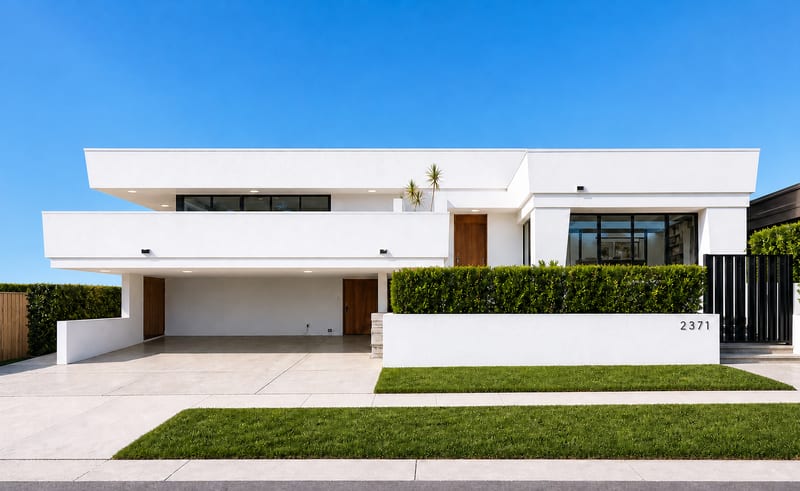
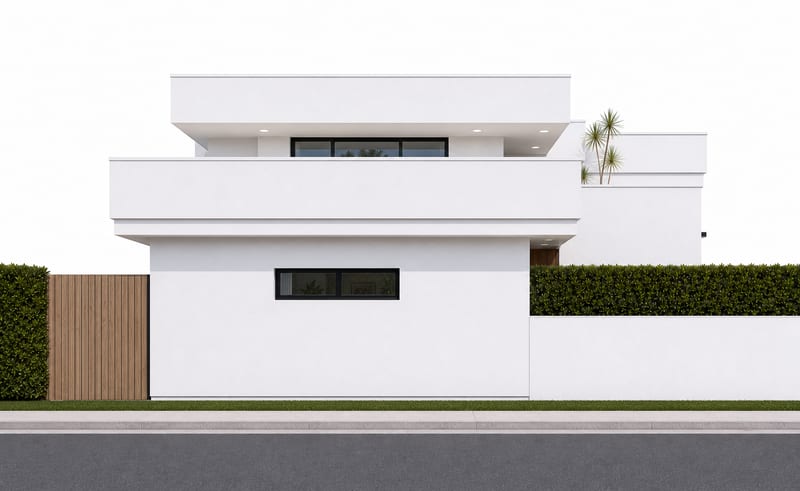
A recipe turns a reusable workflow into a simple set of inputs and outputs. Start with a community recipe and make it your own in Fuser.

1. Choose a recipe
Find a workflow for the result you want. Review what it does and how to use it before opening it in Fuser.
2. Make it your own
Check the recipe’s available inputs. Add your own text or media where supported, or start with the saved defaults.
3. Run and refine
Run it in Fuser and review the result on your canvas. Tweak the inputs to try another direction.
Use the generated house views to support early architectural review, communication and presentation work.
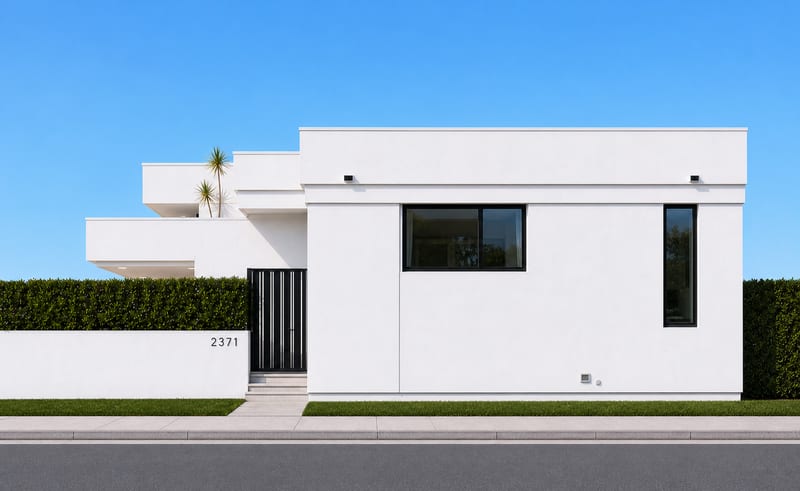
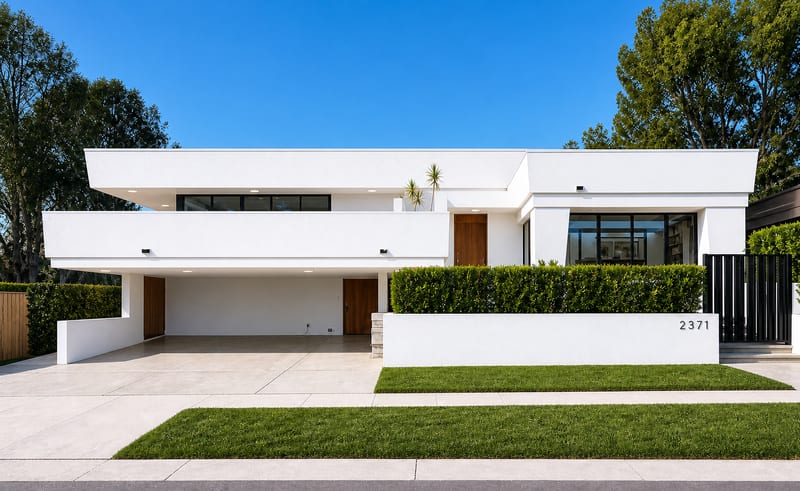
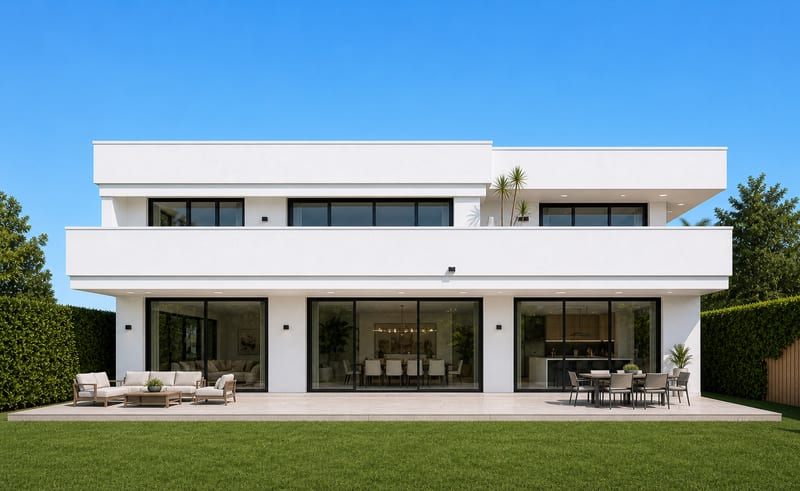
It takes one house image and generates four image outputs representing the house from each side in orthographic view. The saved example shows this one-input-to-four-output structure.
It is intended for people working with architecture and spaces who need multiple house views for review, discussion or presentation. It can be useful when one existing house photo is not enough to communicate the building from every side.
Prepare an image of a house to use as the recipe’s input. The recipe exposes one editable image input, which you can replace in Fuser with the house photo you want to use.
The recipe provides four image outputs showing orthographic views of the house from its sides. These outputs are intended to give a broader view of the same house than the single input image alone.
Yes. The exposed Image input can be changed in Fuser, allowing you to use another house photo for a new run. The saved page example remains the original connected input and output example.
The generated images can support early architecture reviews, client conversations, presentation preparation and comparisons of a house’s exterior sides. They should be treated as visual outputs for those discussions, not as additional measurements or technical documentation.
Log in to Fuser to use your own house image with this orthographic view recipe.
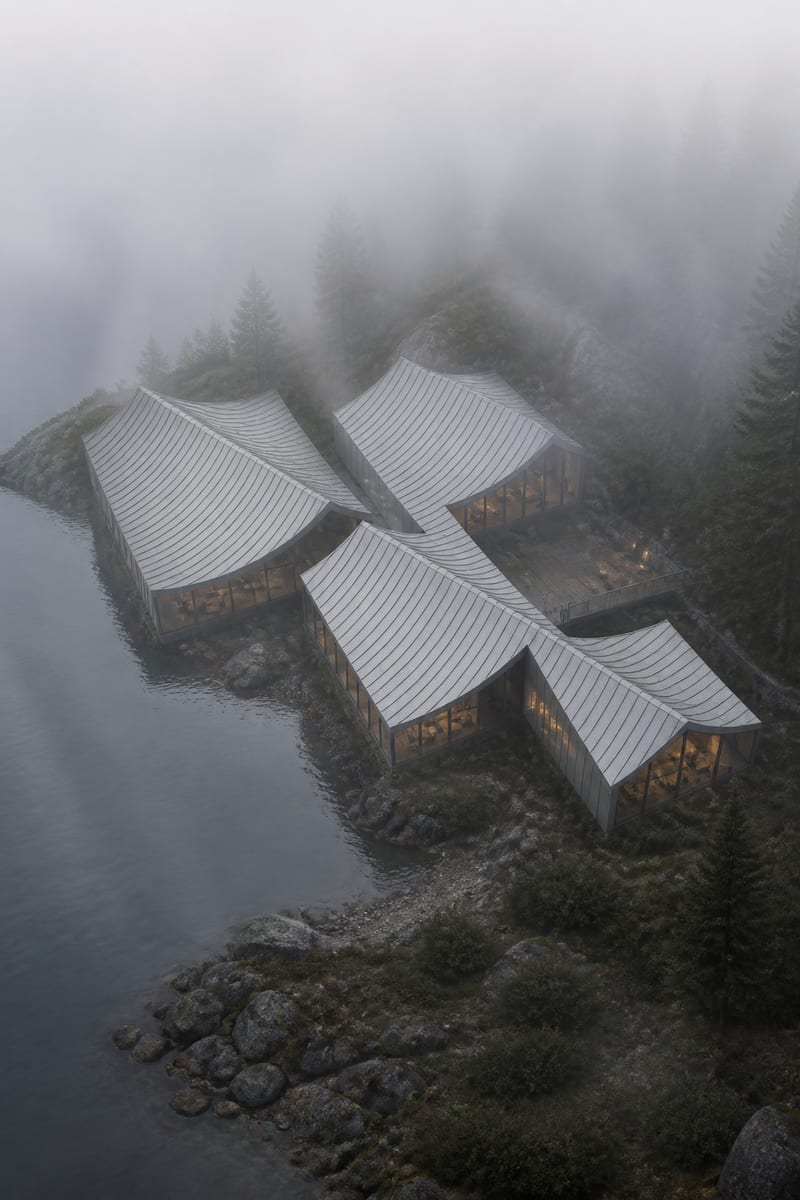
Turn a grayscale architecture model into a photorealistic, moody render with fog, cool tones, and atmospheric depth.
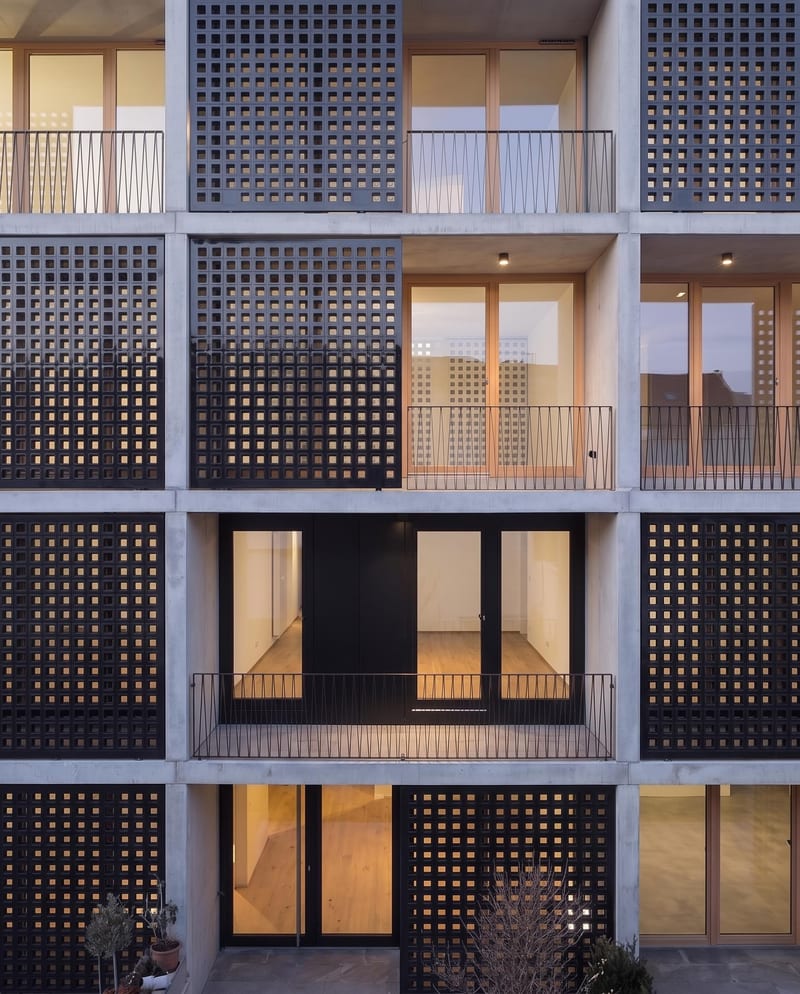
Apply a reference material to a façade image while preserving the building’s architecture, geometry, lighting, and other design elements.
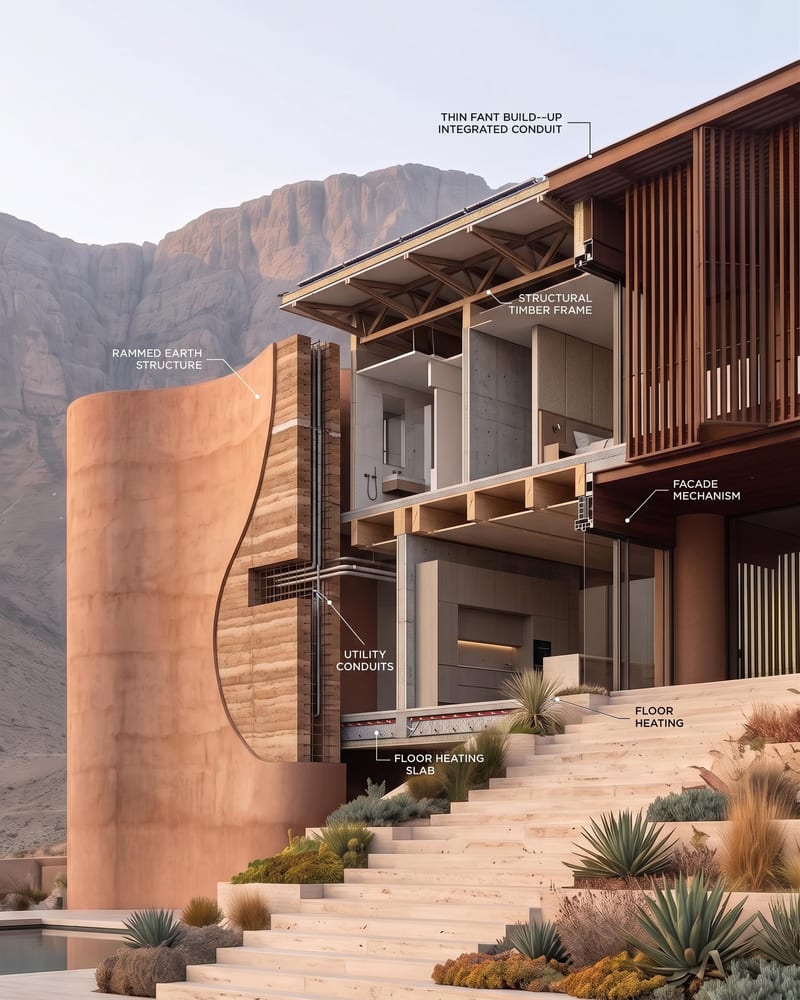
Turn an architectural image into a cutaway visualization that reveals interior spaces, structure, circulation, material layers, and building systems.