Recipev2
clothing e-commerce photography
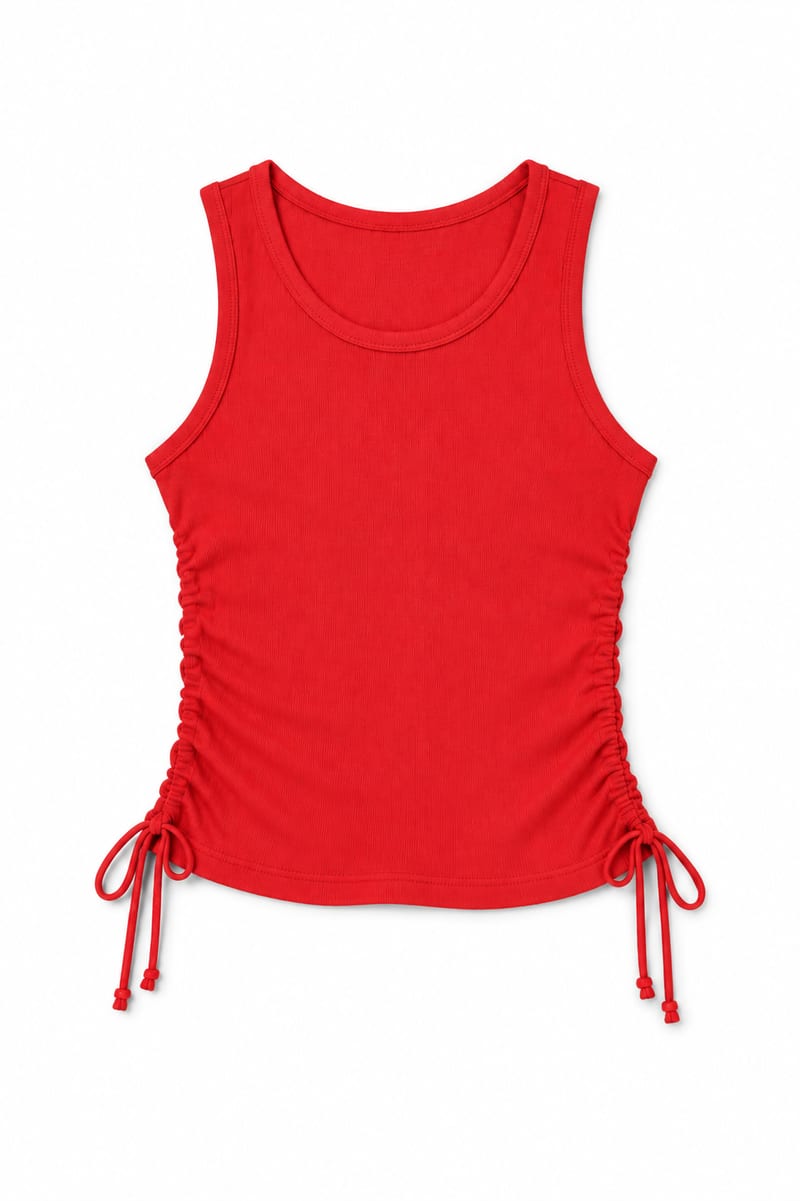
Website Ready Item
One click, whole workflow
Recipes are here. Package a whole workflow and run it in one click
Explore recipesClothing E-commerce Photography
Transform an image of a clothing item into a website-ready photo with a background color you choose.
Website Ready Item
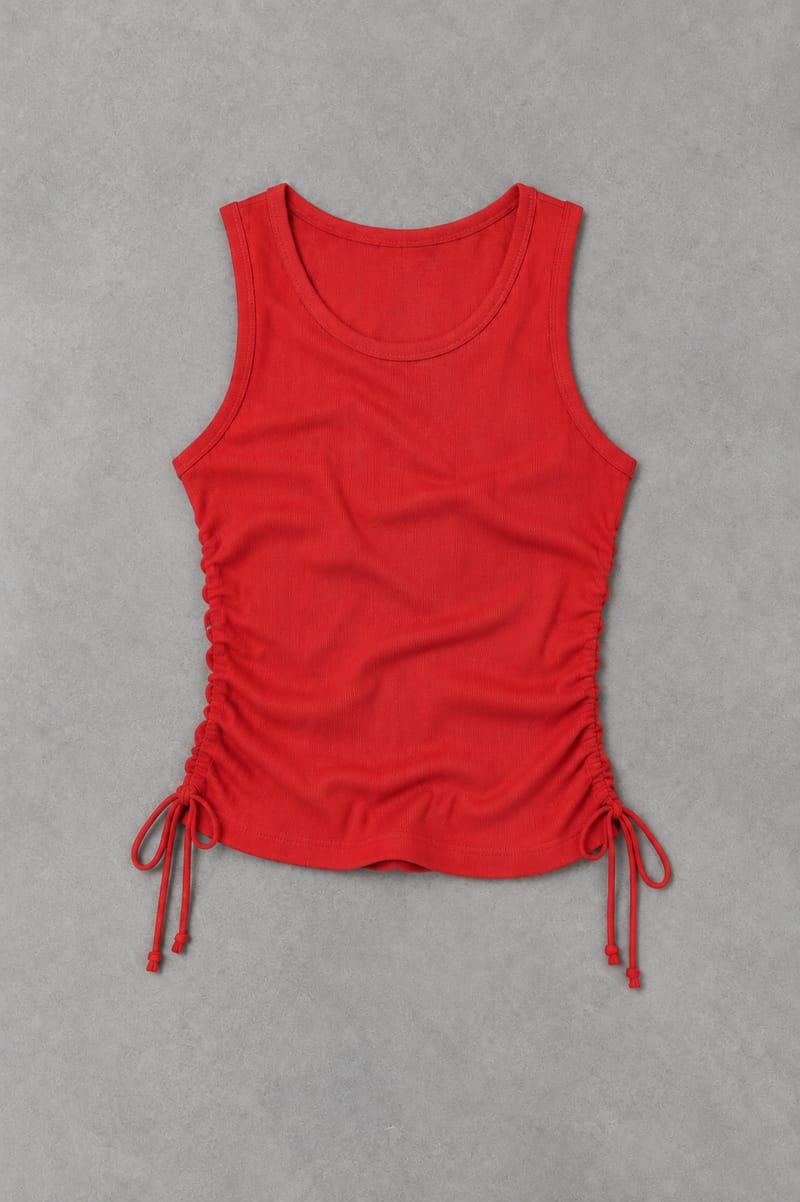
A recipe turns a reusable workflow into a simple set of inputs and outputs. Start with a community recipe and make it your own in Fuser.

1. Choose a recipe
Find a workflow for the result you want. Review what it does and how to use it before opening it in Fuser.
2. Make it your own
Check the recipe’s available inputs. Add your own text or media where supported, or start with the saved defaults.
3. Run and refine
Run it in Fuser and review the result on your canvas. Tweak the inputs to try another direction.
Use the clothing image and background color inputs to prepare consistent product imagery for web-based fashion presentations.
It takes an image of a clothing item and produces an output labeled Website Ready Item. You can also provide a background color, making it suitable for preparing clothing imagery for websites and other online fashion presentations.
It is useful for clothing sellers, fashion teams, and anyone preparing item imagery for an online storefront or web catalog. The recipe focuses on turning an existing clothing image into a website-ready photo rather than creating a new garment design.
Provide an image of the clothing item you want to process and a background color as text. The saved example uses #FFFFFF, while a new run can use a different background color in Fuser.
Yes. Background Color is an exposed editable text input in Fuser, so you can replace the saved #FFFFFF value with the color setting you want to use. The other exposed input is the Image of Clothing Item.
The recipe produces one image labeled Website Ready Item. The saved output demonstrates the clothing image processed with the saved background color, but it does not represent a live run or guarantee how a different input will appear.
The output is intended for website-oriented clothing presentation, including product pages, online catalogs, collection pages, marketplace listings, and fashion landing pages. Choose the background color with the surrounding storefront or page layout in mind.
No. The recipe lists one clothing image input and one Website Ready Item image output. To prepare another item or test another background color, make a new run in Fuser with the relevant input values.
Bring a clothing item image and choose a background color to create a website-ready clothing photo in Fuser.
Develop on-person garment imagery, editorial concepts and lookbook layouts. Bring collection references, virtual try-on and editable design together in Fuser.
Build working product demos, launch pages and brand visuals in Fuser. Help a small startup team turn the next idea into something people can try.
Turn a UI or UX idea into a working web prototype. Create its visual assets, refine the interaction and share a live Fuser App for feedback.
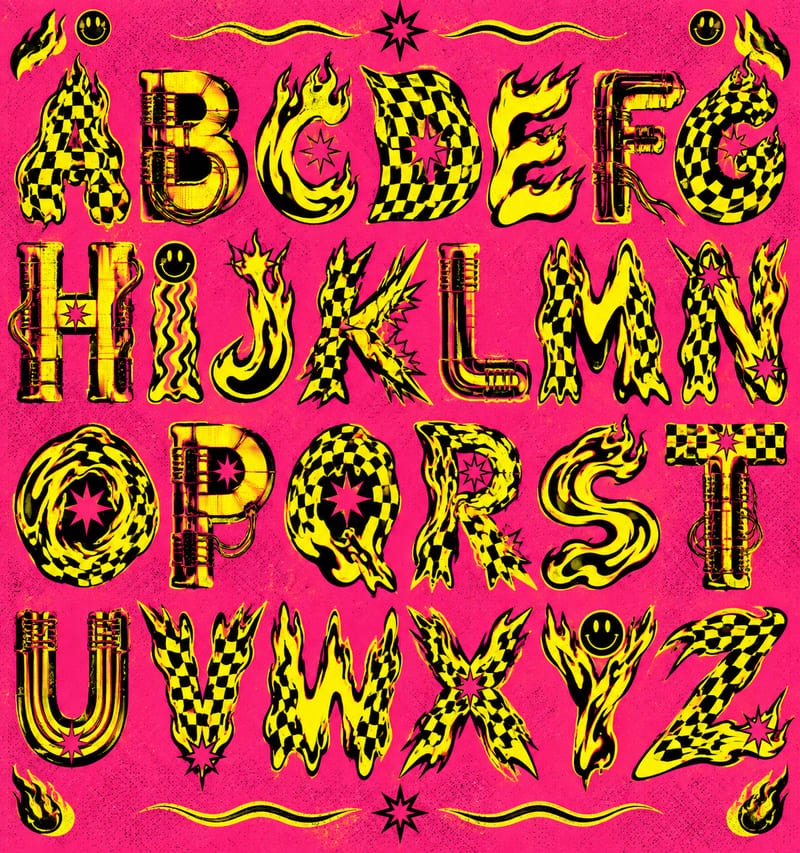
Use a style reference and custom text to create a generated alphabet and styled lettering in the reference’s visual style.
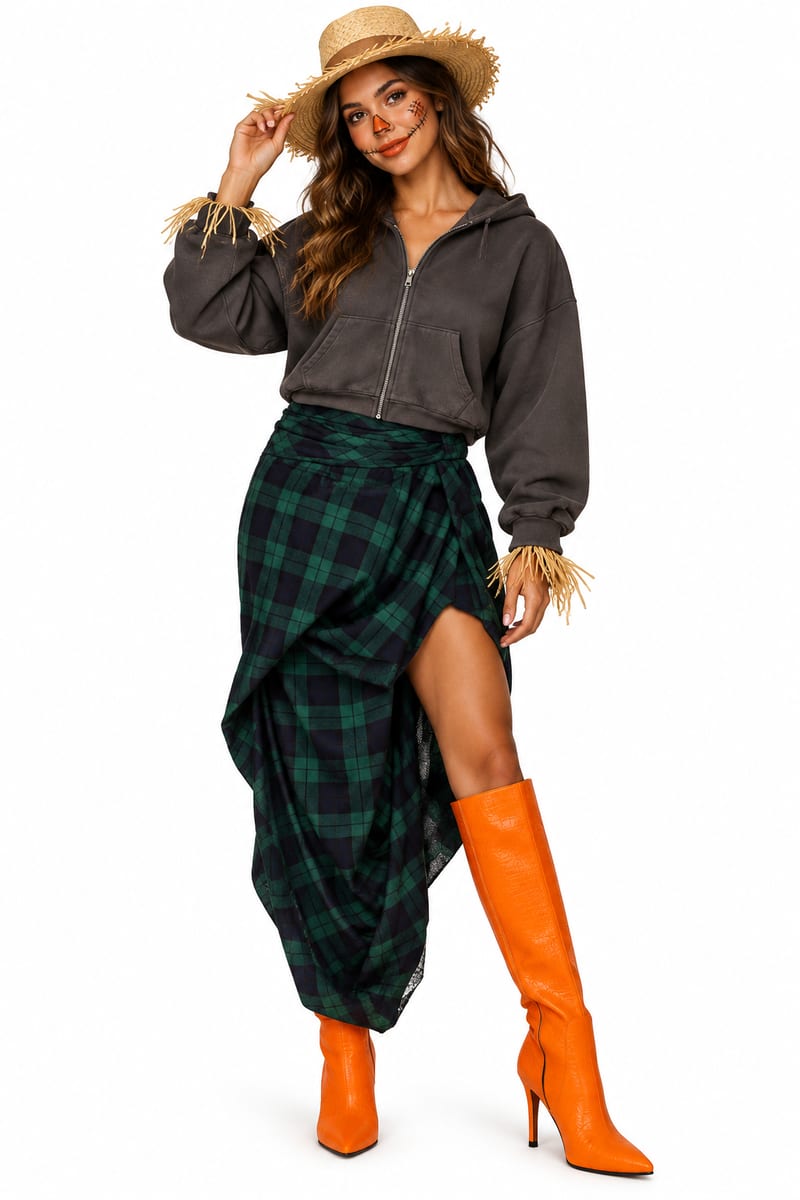
Upload clothing-item images to explore a last-minute Halloween costume mockup and receive a matching costume description.
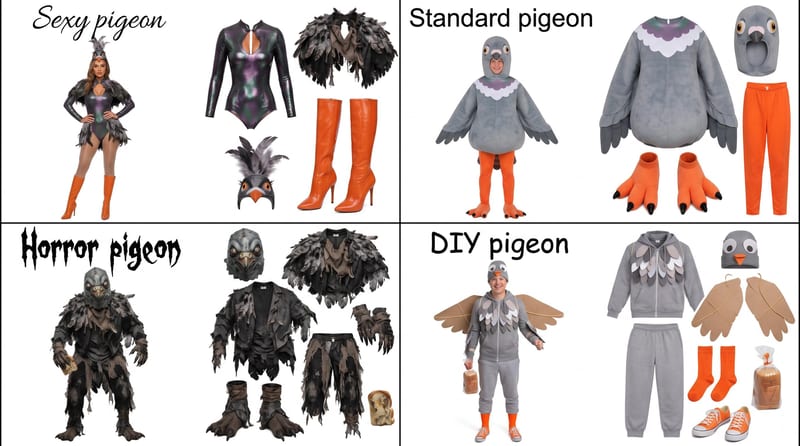
Enter a Halloween costume idea, such as pigeon, to create a grid showing four distinct costume options.