Recipev3
Last-minute Halloween Costume
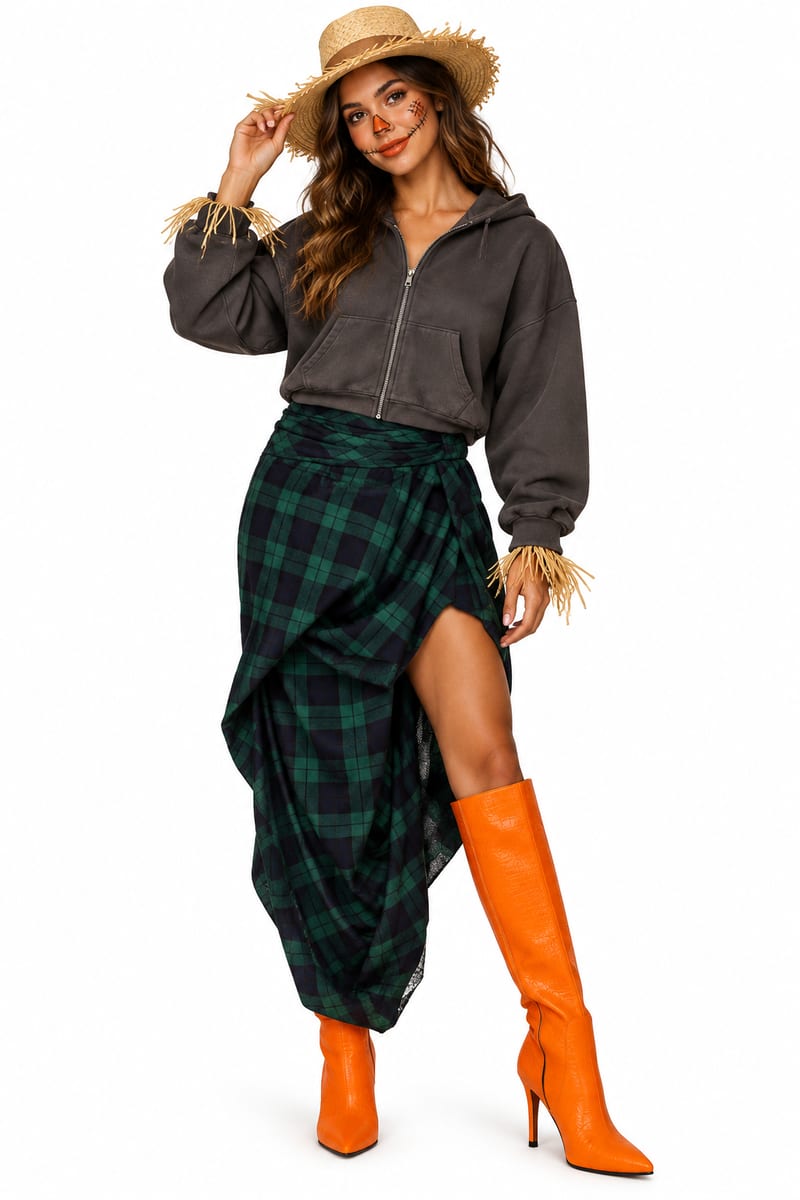
Last Minute Costume Mockup
One click, whole workflow
Recipes are here. Package a whole workflow and run it in one click
Explore recipesHalloween Fashion
Upload clothing-item images to explore a last-minute Halloween costume mockup and receive a matching costume description.
Last Minute Costume Mockup
A recipe turns a reusable workflow into a simple set of inputs and outputs. Start with a community recipe and make it your own in Fuser.

1. Choose a recipe
Find a workflow for the result you want. Review what it does and how to use it before opening it in Fuser.
2. Make it your own
Check the recipe’s available inputs. Add your own text or media where supported, or start with the saved defaults.
3. Run and refine
Run it in Fuser and review the result on your canvas. Tweak the inputs to try another direction.
Use your own clothing images to develop practical Halloween outfit ideas from pieces you already have.
It is intended for anyone looking for a last-minute costume built from clothing they already have. It is especially useful when you want an outfit concept before deciding how to style or finish the look.
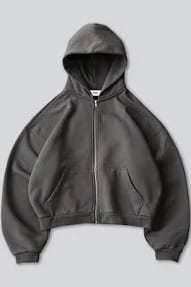
The recipe accepts image inputs labeled “Clothing items.” Upload images of the garments you want to use, such as the clothing shown in the saved example: a charcoal hoodie, green plaid wrap skirt, and bright orange knee-high boots.
It produces a “Last Minute Costume Mockup” image and a “Costume Description” text output. Together, these show the proposed costume and explain how the pictured clothing can be styled.
The saved example presents a pumpkin-patch scarecrow outfit using the charcoal hoodie, green plaid wrap skirt, and orange knee-high boots. Its description also suggests a straw or gardening hat and simple stitched makeup as two additions.
Yes. “Clothing items” is the exposed image input, so you can replace it in Fuser with images of different garments. A new run can then explore a different clothing-based Halloween costume concept; the saved example is not a live run.
This recipe supports early outfit planning, wardrobe reuse, styling decisions, and simple finishing ideas for a Halloween costume. The result is a visual mockup and written concept rather than a guaranteed final outfit or a physical costume.
The saved description includes specific styling guidance, such as wearing the hoodie zipped with the hood down, positioning the skirt opening over one boot, and letting the orange boots stand out. Guidance for a new run depends on the clothing images used.
Bring clothing-item images to Fuser and explore a Halloween costume mockup with a matching description.
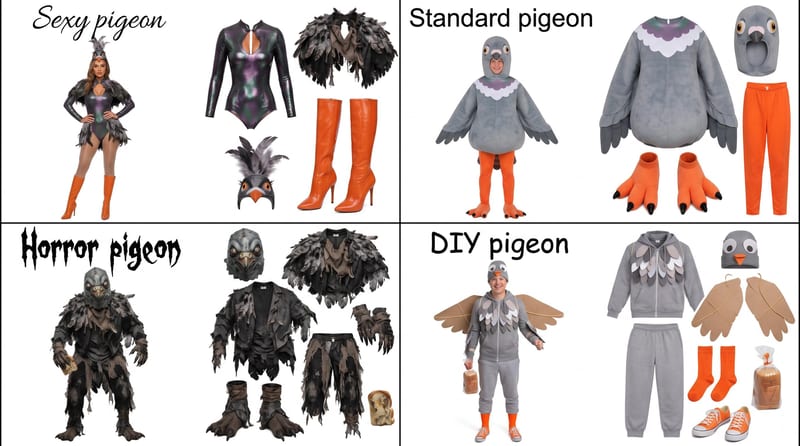
Enter a Halloween costume idea, such as pigeon, to create a grid showing four distinct costume options.
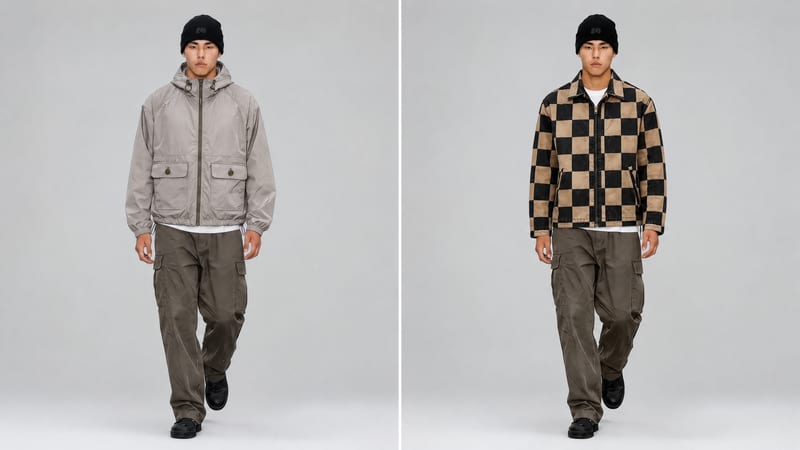
Use a new clothing image and an existing video to create an edited video with the clothing item replaced.
Use a garment image, placement instruction, and reference image to create an embellished garment preview.
