Recipev3
Halloween Costume Option Generator
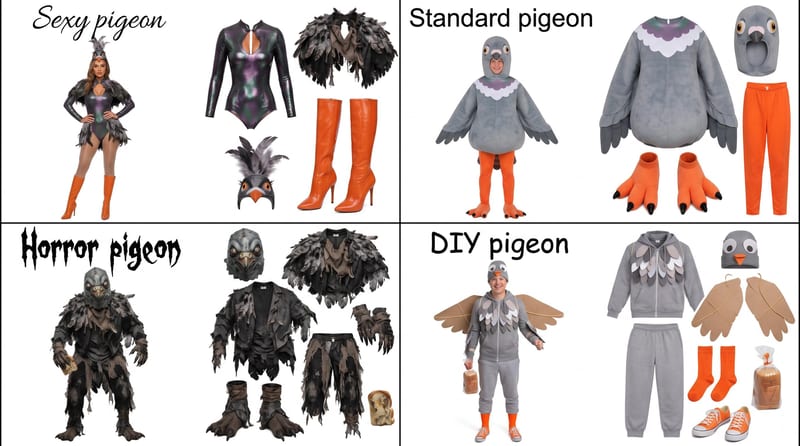
Costume Options Grid
One click, whole workflow
Recipes are here. Package a whole workflow and run it in one click
Explore recipesHalloween Costume Ideas
Enter a Halloween costume idea, such as pigeon, to create a grid showing four distinct costume options.
Costume Options Grid
A recipe turns a reusable workflow into a simple set of inputs and outputs. Start with a community recipe and make it your own in Fuser.

1. Choose a recipe
Find a workflow for the result you want. Review what it does and how to use it before opening it in Fuser.
2. Make it your own
Check the recipe’s available inputs. Add your own text or media where supported, or start with the saved defaults.
3. Run and refine
Run it in Fuser and review the result on your canvas. Tweak the inputs to try another direction.
Use the generated grid to explore and present multiple directions for one Halloween costume idea.
It takes one Halloween costume idea and produces a Costume Options Grid with four distinct costume options. The saved example starts with the idea “pigeon.”
It is useful for anyone brainstorming a Halloween costume, including people comparing ideas, planning a last-minute homemade outfit, or preparing costume-related social content. The output is a visual starting point rather than a finished shopping list or construction guide.
Enter a clear costume concept in the exposed Halloween Costume Idea text input, such as “pigeon.” You can change that text in Fuser to explore options based on a different starting idea.
The saved default example connects “pigeon” to a Costume Options Grid. Its output demonstrates four distinct interpretations of one costume idea; it is a saved example, not a live generation on this page.
You can change the Halloween Costume Idea input in Fuser and run the recipe with a different concept. The recipe facts expose that text input, but do not specify additional controls for selecting materials, colors, budget, or a particular costume style.
Use it for early-stage brainstorming, comparing several interpretations, and finding a direction for a homemade or last-minute costume. The grid can also support a Halloween post or discussion where multiple options need to be presented together.
The recipe provides a visual grid of four costume options from one idea. It does not promise construction instructions, sourcing information, fit guidance, or a completed wearable costume.
Bring a Halloween concept to Fuser and explore four distinct directions in one Costume Options Grid.
Develop pitches, campaign assets and interactive client work in Fuser. Combine AI generation, editable design and reusable processes across your agency.
Develop on-person garment imagery, editorial concepts and lookbook layouts. Bring collection references, virtual try-on and editable design together in Fuser.
Create social graphics, carousel artwork and short videos with a recognizable brand style. Keep copy editable and recurring content easier to produce in Fuser.
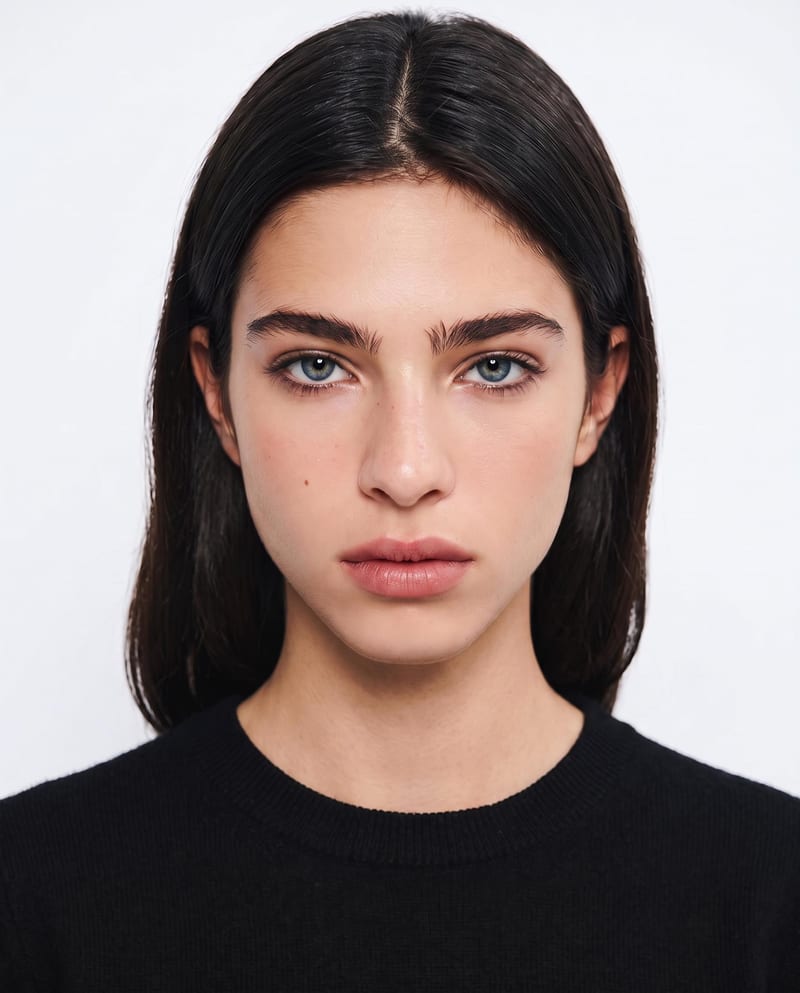
Upload one portrait to explore six makeup style variations while preserving your identity and facial features.

Enter a dream story to receive a Jungian analysis and a short animation based on its described imagery.
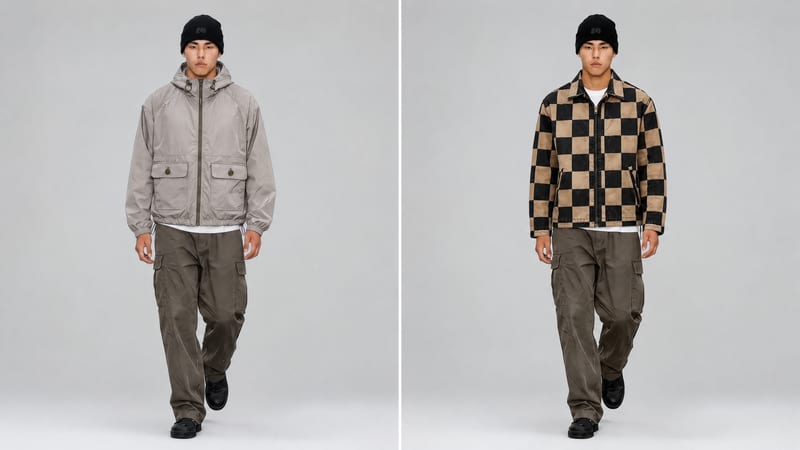
Use a new clothing image and an existing video to create an edited video with the clothing item replaced.


