Recipev5
De-AI Realism Pass
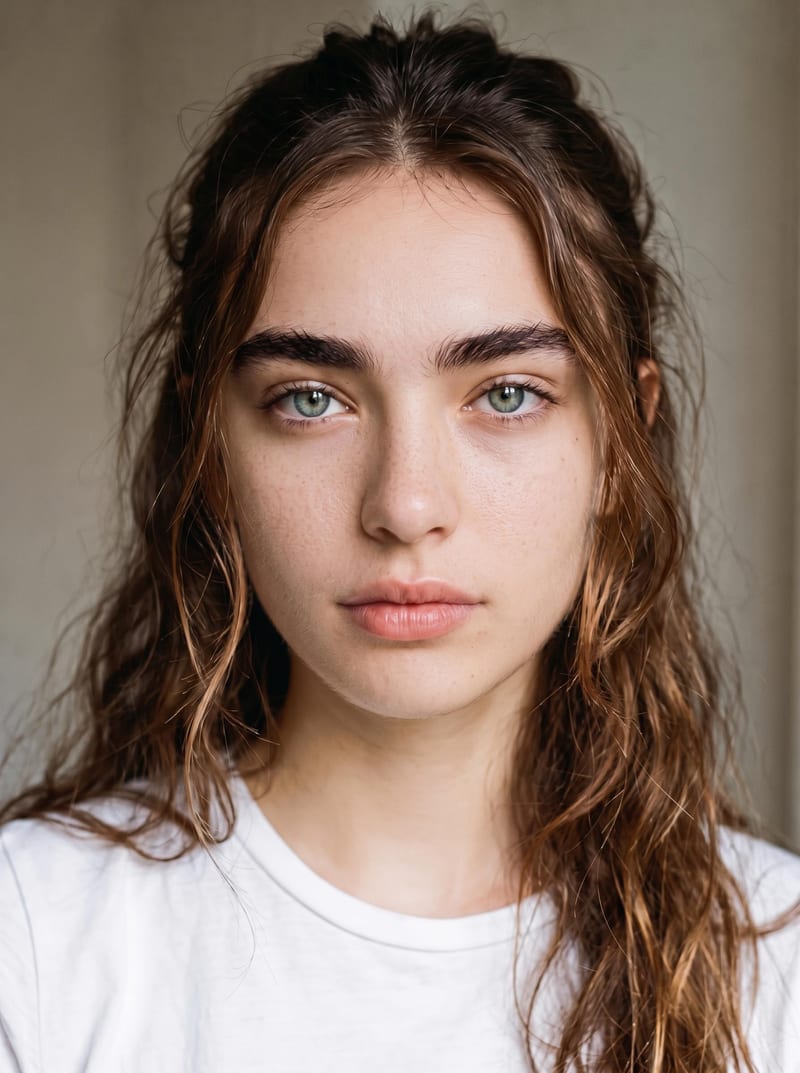
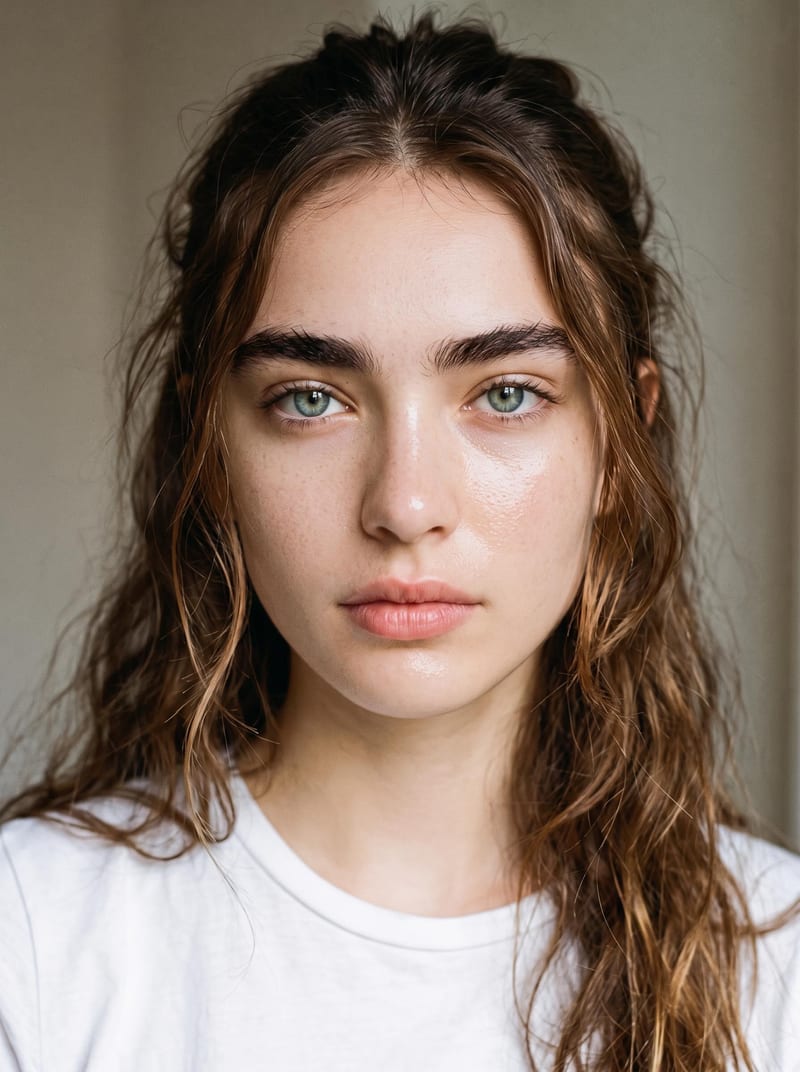
Naturalized Image 1
One click, whole workflow
Recipes are here. Package a whole workflow and run it in one click
Explore recipesPhotographic realism
Upload an original image to reduce artificial-looking skin and create a more natural photographic result while preserving identity and makeup.
Naturalized Image 1
A recipe turns a reusable workflow into a simple set of inputs and outputs. Start with a community recipe and make it your own in Fuser.

1. Choose a recipe
Find a workflow for the result you want. Review what it does and how to use it before opening it in Fuser.
2. Make it your own
Check the recipe’s available inputs. Add your own text or media where supported, or start with the saved defaults.
3. Run and refine
Run it in Fuser and review the result on your canvas. Tweak the inputs to try another direction.
Use the realism pass for image refinement across photography, art, and screen-focused visual work.
It reduces artificial-looking skin and enhances natural photographic realism in an original image. The recipe is intended to preserve the subject’s identity and makeup while changing the overall skin treatment.
It is useful for photographers, artists, and film or entertainment teams working with images that have an overly artificial-looking skin effect. It is most relevant when natural photographic realism matters but the subject’s identity and makeup should remain.
Prepare one image as the Original Image input. The image should contain the visual subject whose skin treatment you want to make more natural.
The exposed editable input is Original Image, so you can replace that image in Fuser with another source image. The recipe does not expose separate controls for identity, makeup, or realism strength.
The recipe produces one image labeled Naturalized Image 1. It represents a more natural photographic treatment of the original image, with the recipe intended to preserve identity and makeup.
Use it for photographic, art and illustration, or film and entertainment imagery where skin looks artificial and a more natural photographic result is needed. The recipe focuses on this realism pass rather than broader image editing.
No. The page shows a saved default example with its original image connected to the Naturalized Image 1 output. When you use the recipe in Fuser, you can replace the Original Image with your own image.
Bring an original image into Fuser and create a more natural photographic treatment while keeping identity and makeup in place.
Develop film treatments, character and environment concepts, storyboards and motion studies. Connect image, video and 3D exploration in Fuser.
Develop storyboard frames, shot variations and video studies from your references. Compose clear boards and explore movement in one Fuser project.
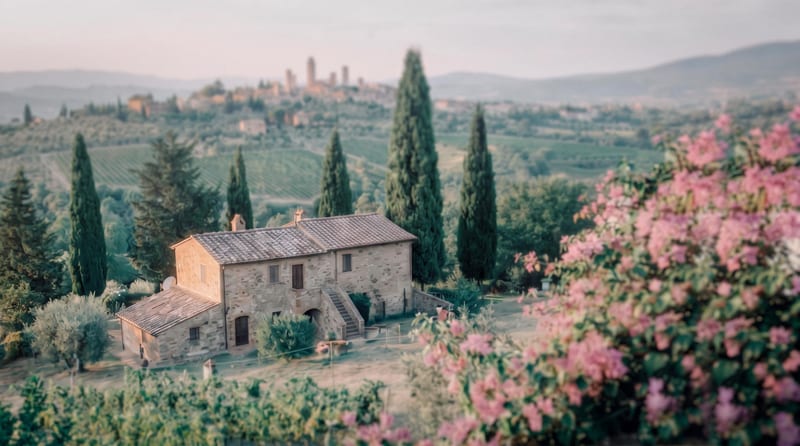
Transform a source image into a cinematic frame with refined color grading, atmospheric tones, soft contrast, and subtle film texture.
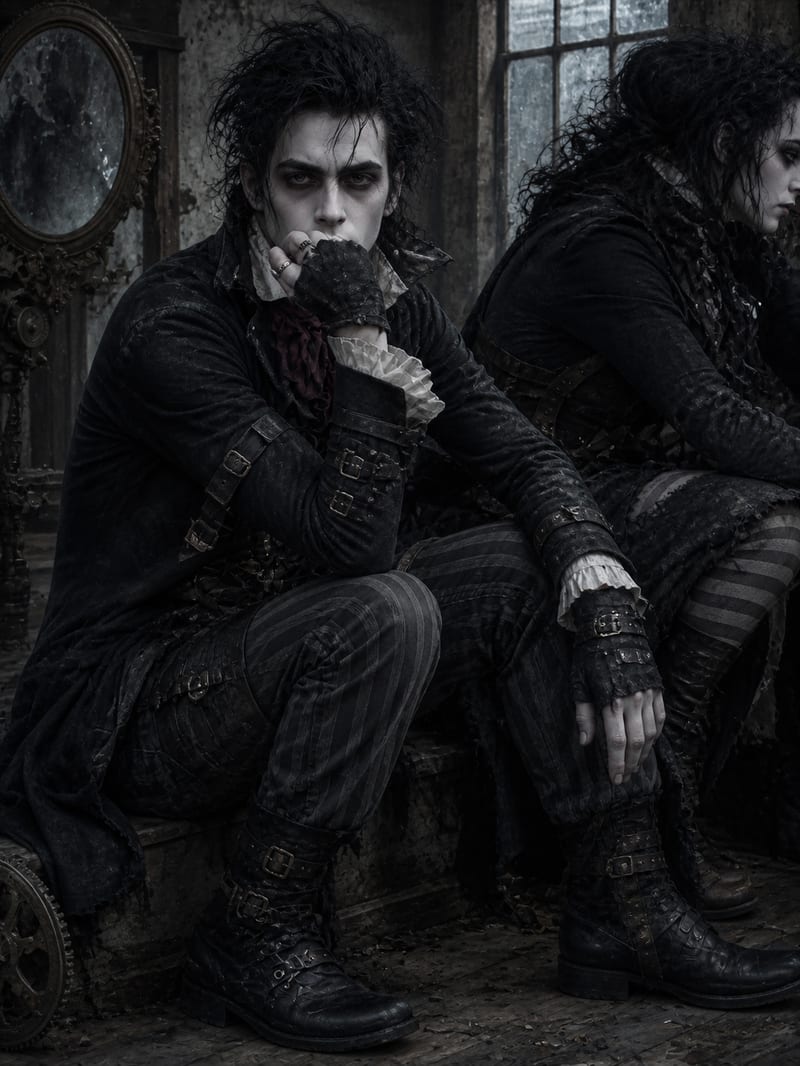
Turn a source image into a gothic, Victorian-inspired scene with surreal characters, dramatic silhouettes, and a cinematic atmosphere.
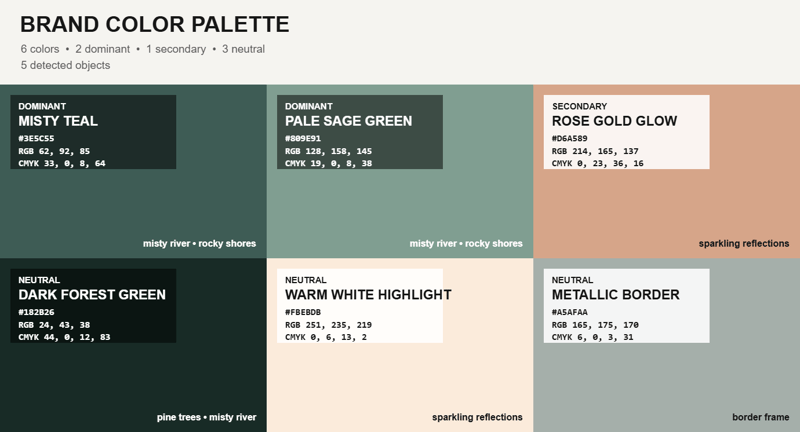
Upload an image and receive a representative color palette overlay, with a reference image available as an additional input.

