Recipev3
Image Color Extractor
Image
One click, whole workflow
Recipes are here. Package a whole workflow and run it in one click
Explore recipesImage color palettes
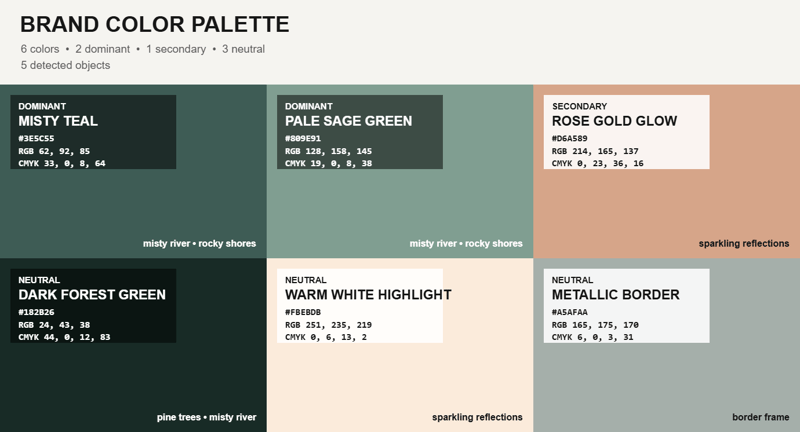
Upload an image and receive a representative color palette overlay, with a reference image available as an additional input.
Image
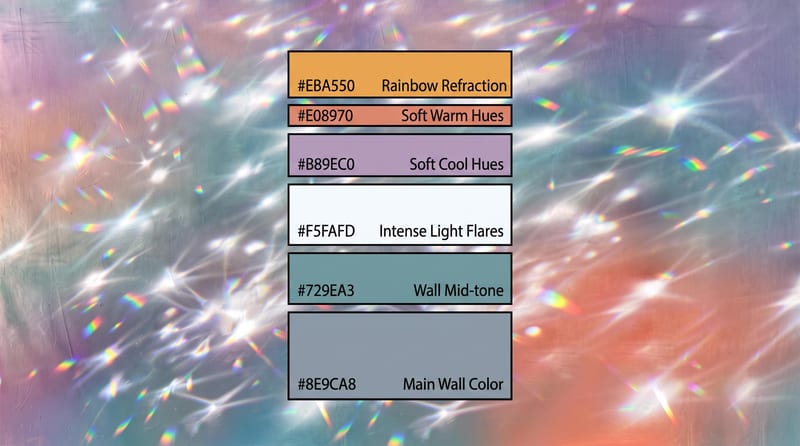
A recipe turns a reusable workflow into a simple set of inputs and outputs. Start with a community recipe and make it your own in Fuser.

1. Choose a recipe
Find a workflow for the result you want. Review what it does and how to use it before opening it in Fuser.
2. Make it your own
Check the recipe’s available inputs. Add your own text or media where supported, or start with the saved defaults.
3. Run and refine
Run it in Fuser and review the result on your canvas. Tweak the inputs to try another direction.
Use extracted colors to study, organize, and communicate visual direction across image-based creative work.
It takes an uploaded image and extracts its dominant colors as a representative palette. The recipe returns an image and a Color Palette Overlay image so the colors can be reviewed visually.
It can help illustrators, photographers, and people creating moodboards or collages understand the main colors in an image. It is most useful when a visual reference needs a quick, image-based color study.
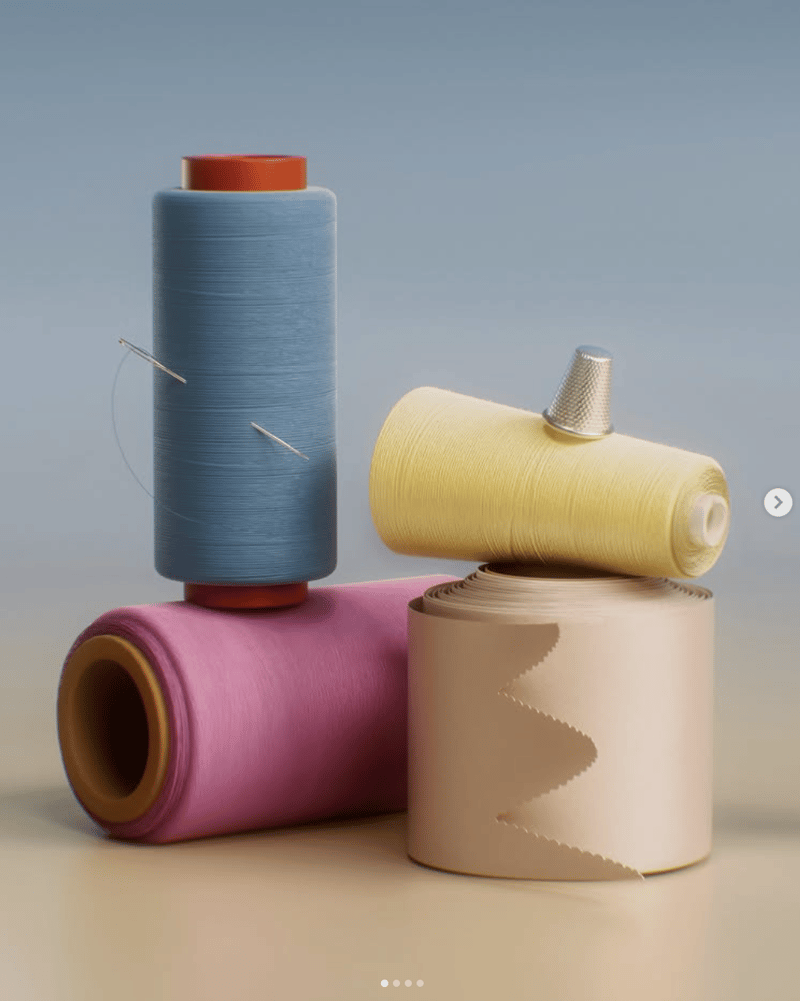
The recipe exposes two editable image inputs: Image and Reference Image. You can replace these inputs in Fuser when using the recipe; the saved page example shows the default inputs connected to its outputs.
Prepare the image whose dominant colors you want to study. A second image can also be provided through the exposed Reference Image input when your use of the recipe calls for it.
The saved example produces an Image and a Color Palette Overlay. The overlay is the recipe's visual representation of the extracted palette; it does not present a separate text list of color values.
Yes. Extracting the dominant colors from an image can help establish visual direction for moodboards, collages, and related art and illustration work.
The recipe is described as extracting a dominant color palette and presenting it as a representative overlay. It does not indicate that it provides named colors, numerical color values, or broader image analysis.
Use the exposed image inputs in Fuser to explore a representative palette and its visual overlay for your next creative reference.

Upload an original image and choose a scale factor to create an upscaled image with enhanced resolution and clarity.
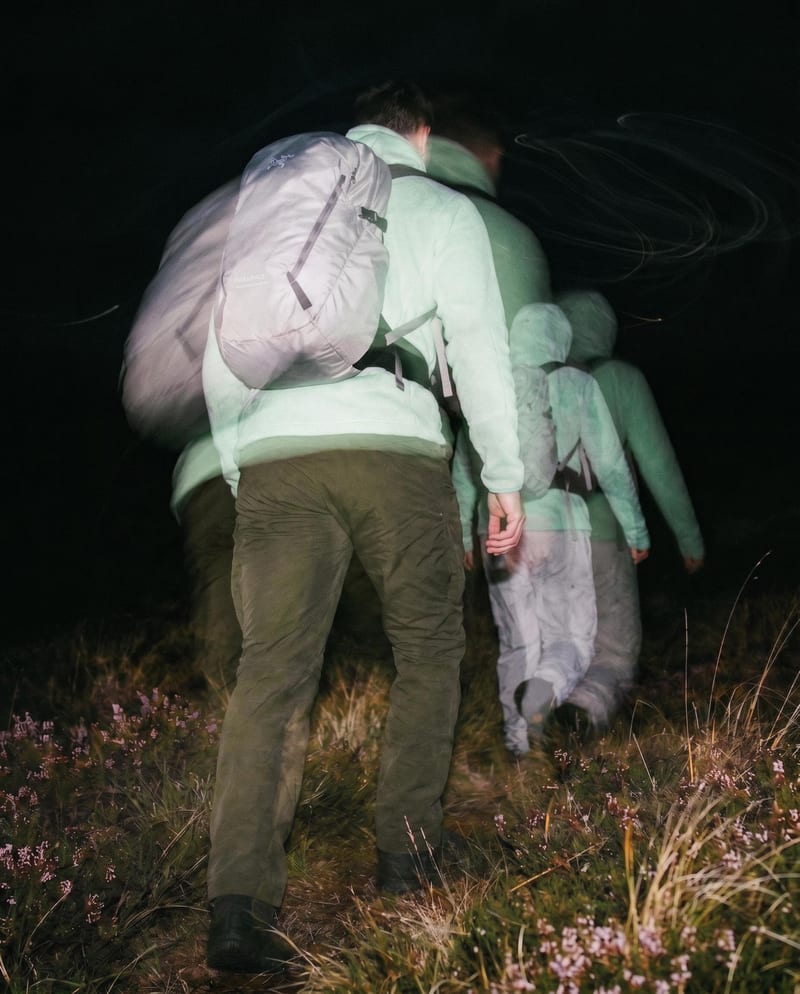
Transform one source image into color and black-and-white looks with cinematic motion blur and realistic film grain.
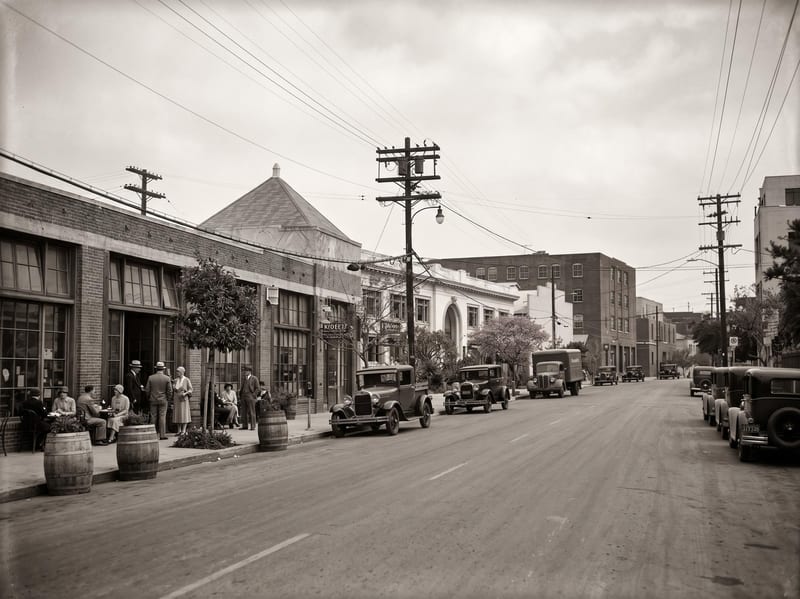
Upload a reference image and choose a year or era to create an image reimagined through that period’s visual language.