Recipev6
Edit Existing Footage
0:00 / 0:00
Edited Video
One click, whole workflow
Recipes are here. Package a whole workflow and run it in one click
Explore recipesVideo subject editing
Use an original video, reference image, and edit instructions to create an edited video focused on the requested subject.
Edited Video
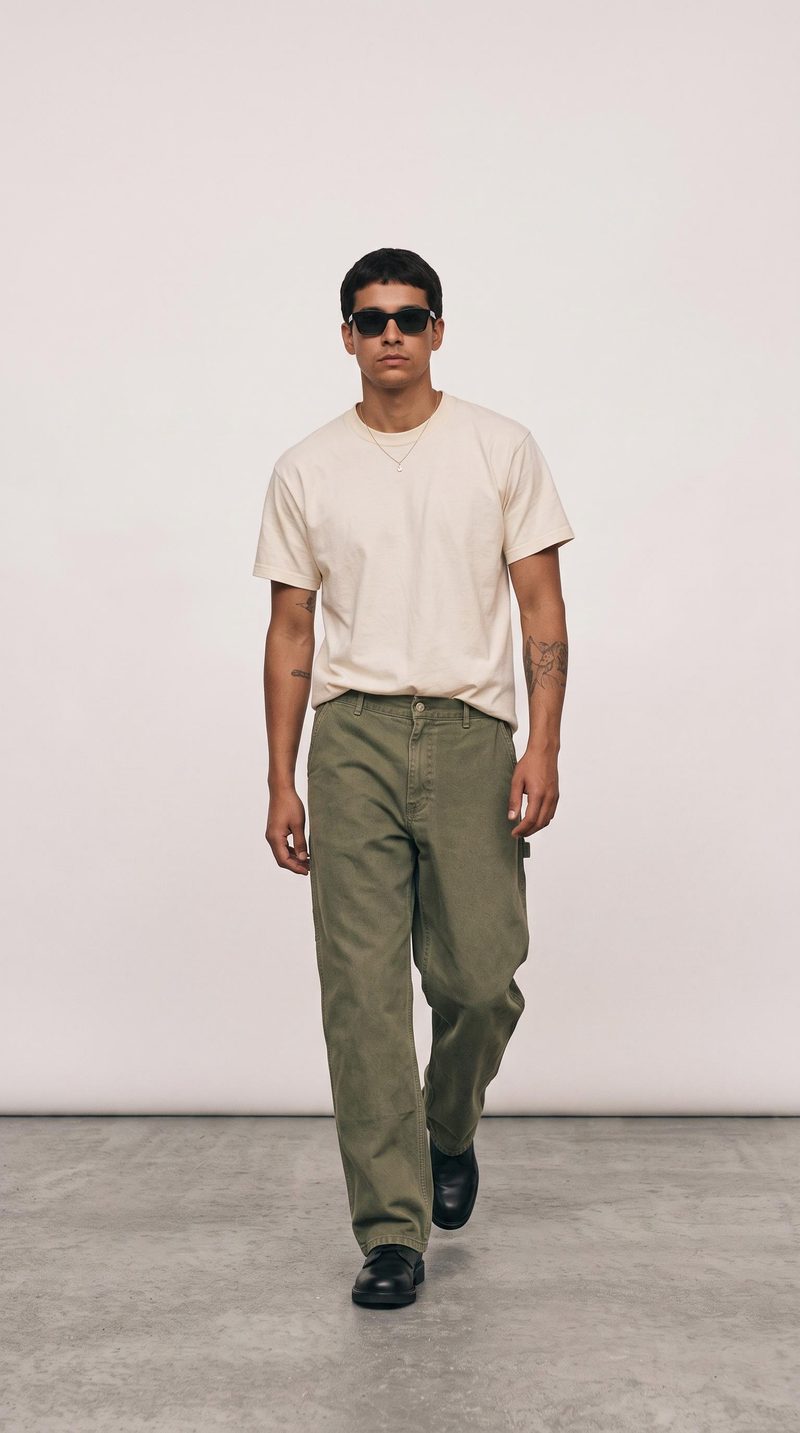
A recipe turns a reusable workflow into a simple set of inputs and outputs. Start with a community recipe and make it your own in Fuser.

1. Choose a recipe
Find a workflow for the result you want. Review what it does and how to use it before opening it in Fuser.
2. Make it your own
Check the recipe’s available inputs. Add your own text or media where supported, or start with the saved defaults.
3. Run and refine
Run it in Fuser and review the result on your canvas. Tweak the inputs to try another direction.
Apply focused changes to existing footage for social, entertainment, and visual development workflows.
It modifies an existing video using a reference image and edit instructions, producing an edited video. The recipe is intended for changes to subjects, elements, or visual styles while preserving the original motion and composition.
It can help social and content teams, filmmakers, entertainers, and artists explore focused changes to footage they already have. It is most relevant when the desired result is an edited version of an existing video rather than a new video from scratch.
Prepare an original video, a reference image, and a clear edit instruction. The saved example uses “the person” as its instruction; in Fuser, you can change the exposed video, image, and text inputs for a different edit.
The saved example shows the original video, reference image, and “the person” instruction connected to an edited-video output. It represents the recipe’s saved default example, not a live generation on this page.
Yes. The exposed edit-instruction input can be changed in Fuser, and you can also provide a different reference image or original video. Instructions can describe a subject, element, or visual style you want to modify.
The recipe produces one edited video. Its purpose is to demonstrate a requested change while retaining the original footage’s motion and composition, though the specific result depends on the inputs and instruction used.
It suits social content, film and entertainment work, and art or illustration explorations involving existing video. It is useful for testing or presenting alternate visual directions, rather than for unrelated still-image tasks.
Choose your original video, reference image, and edit instruction to explore a focused change to existing footage.
Develop pitches, campaign assets and interactive client work in Fuser. Combine AI generation, editable design and reusable processes across your agency.
Develop film treatments, character and environment concepts, storyboards and motion studies. Connect image, video and 3D exploration in Fuser.
Create social graphics, carousel artwork and short videos with a recognizable brand style. Keep copy editable and recurring content easier to produce in Fuser.
Develop storyboard frames, shot variations and video studies from your references. Compose clear boards and explore movement in one Fuser project.
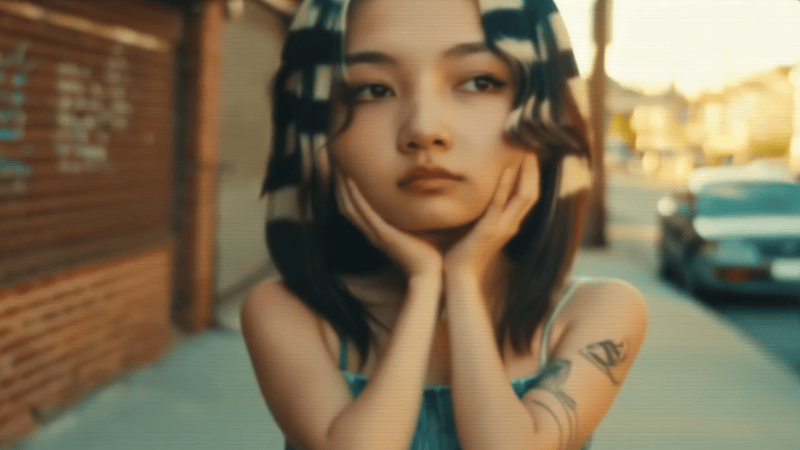
Upload one source video to create vertical 9:16 and landscape 16:9 versions for social content.
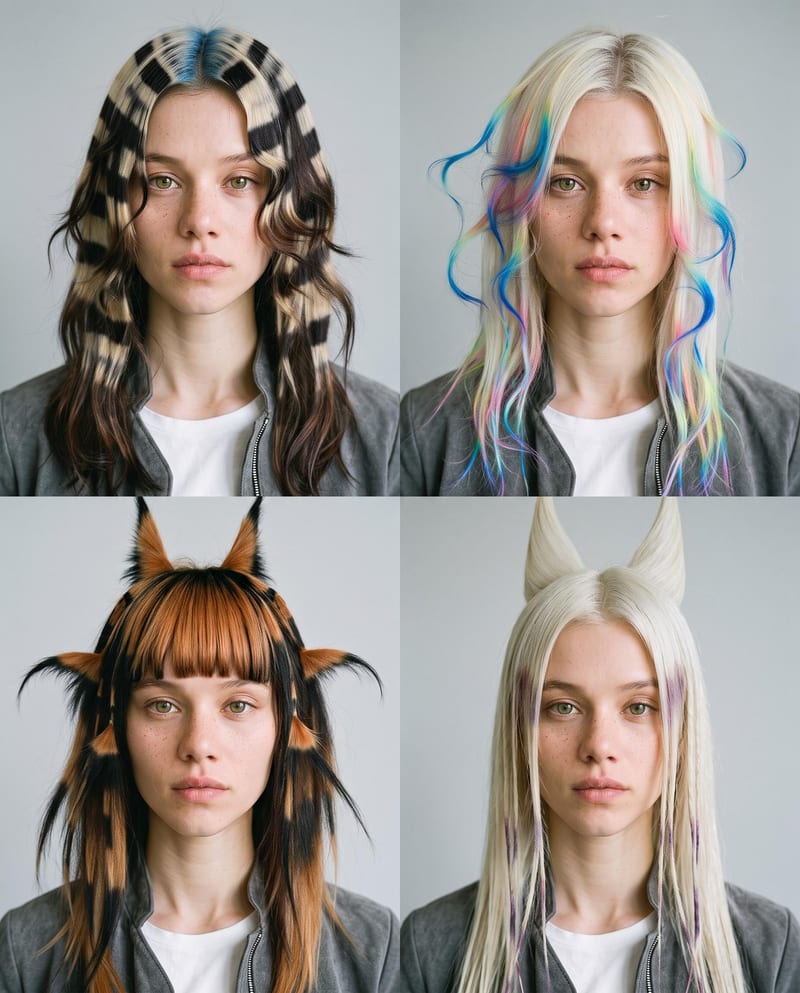
Upload one portrait to explore four fantasy hairstyles while keeping the person’s face, features, and expression consistent.
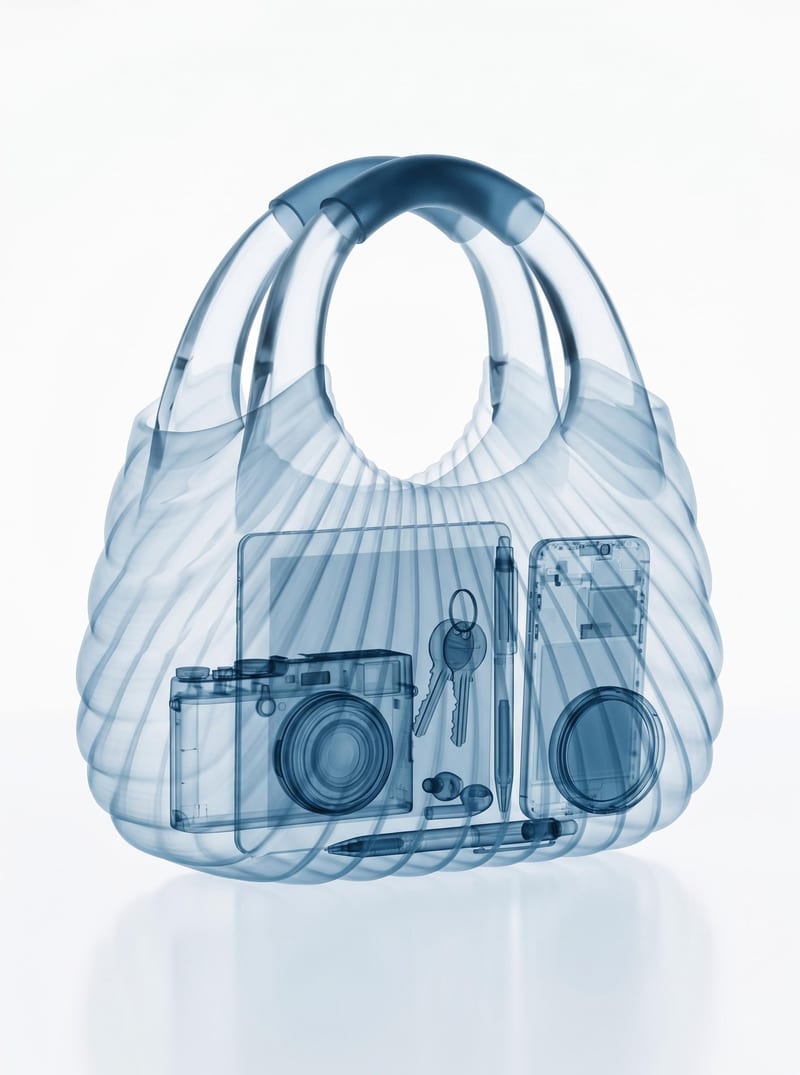
Turn one bag image into a realistic X-ray scan that reveals its contents while preserving the bag’s original appearance.



