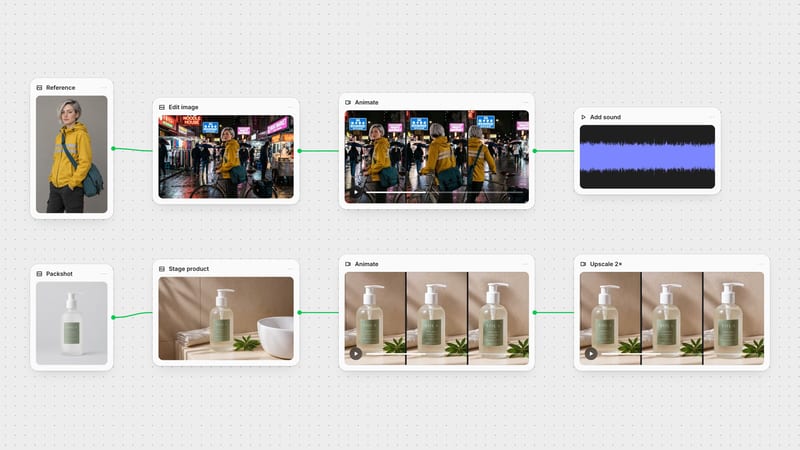
One click, whole workflow
Recipes are here. Package a whole workflow and run it in one click
Explore recipesOne click, whole workflow
Recipes are here. Package a whole workflow and run it in one click
Explore recipesbyAnthropic
A literate creative collaborator that holds one voice, reads your reference stills, and turns loose briefs into shot lists and prompts
Set the tier and voice once, attach what it needs to see, and take back a draft already shaped for the next node in your graph.
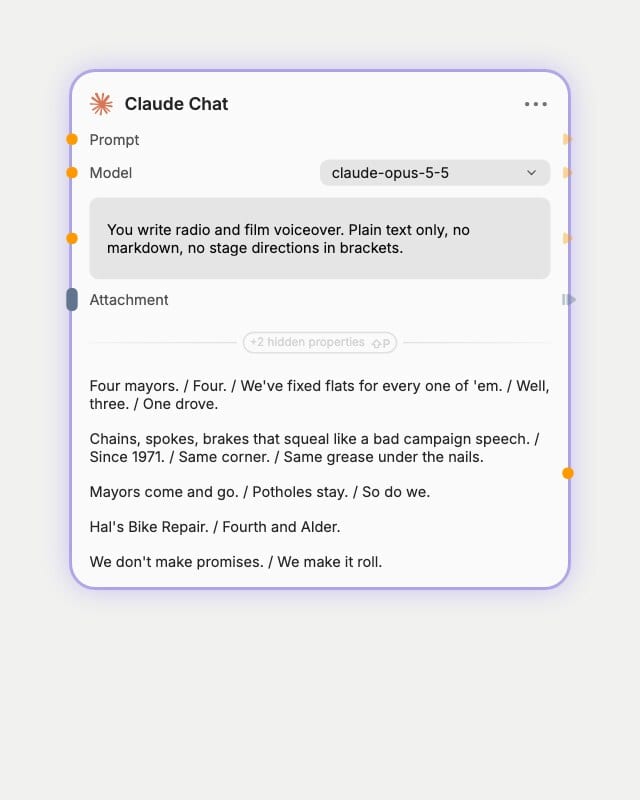
Pick a tier and a voice
Choose a Haiku, Sonnet, Opus, or Fable-class model, then put your tone, banned phrases, and output format in the system prompt.
Hand over the material
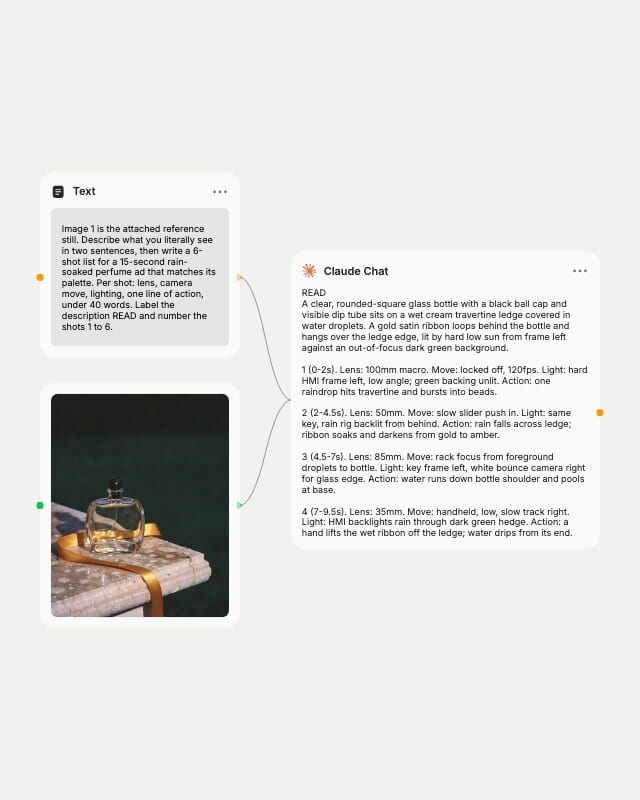
Write the creative job, audience, and length, and attach labeled stills, layouts, or text briefs for it to read first.
Pipe the draft downstream
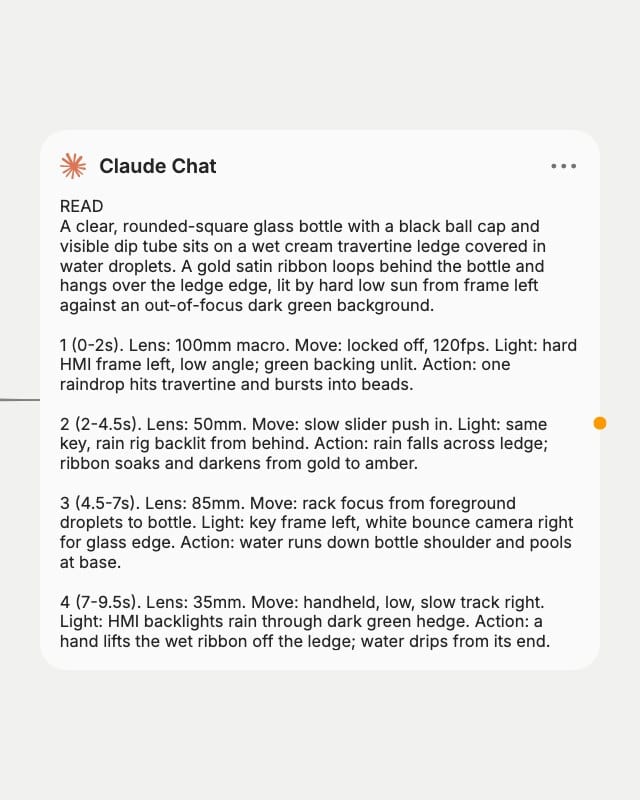
Ask for a fixed structure, such as numbered shots or labeled sections, and feed the result straight into the next node on your canvas.
Sustained prose, literal-then-interpretive image reading, and film and design vocabulary make it the thinking layer that sits upstream of your pixels, sound, and motion.
One voice across long scripts
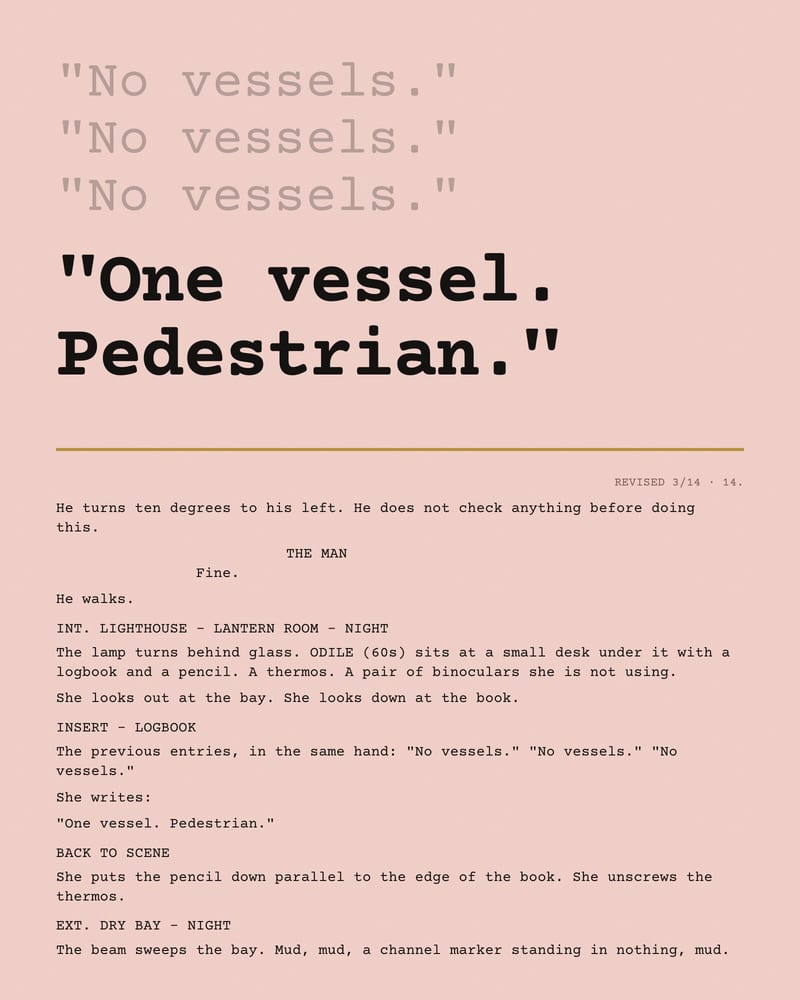
Holds a single, even-tempered voice through treatments, scripts, and long-form copy. Put a short sample of the target voice in the system prompt and it shifts easily: terse, lyrical, or deadpan.
Shot lists from reference stills
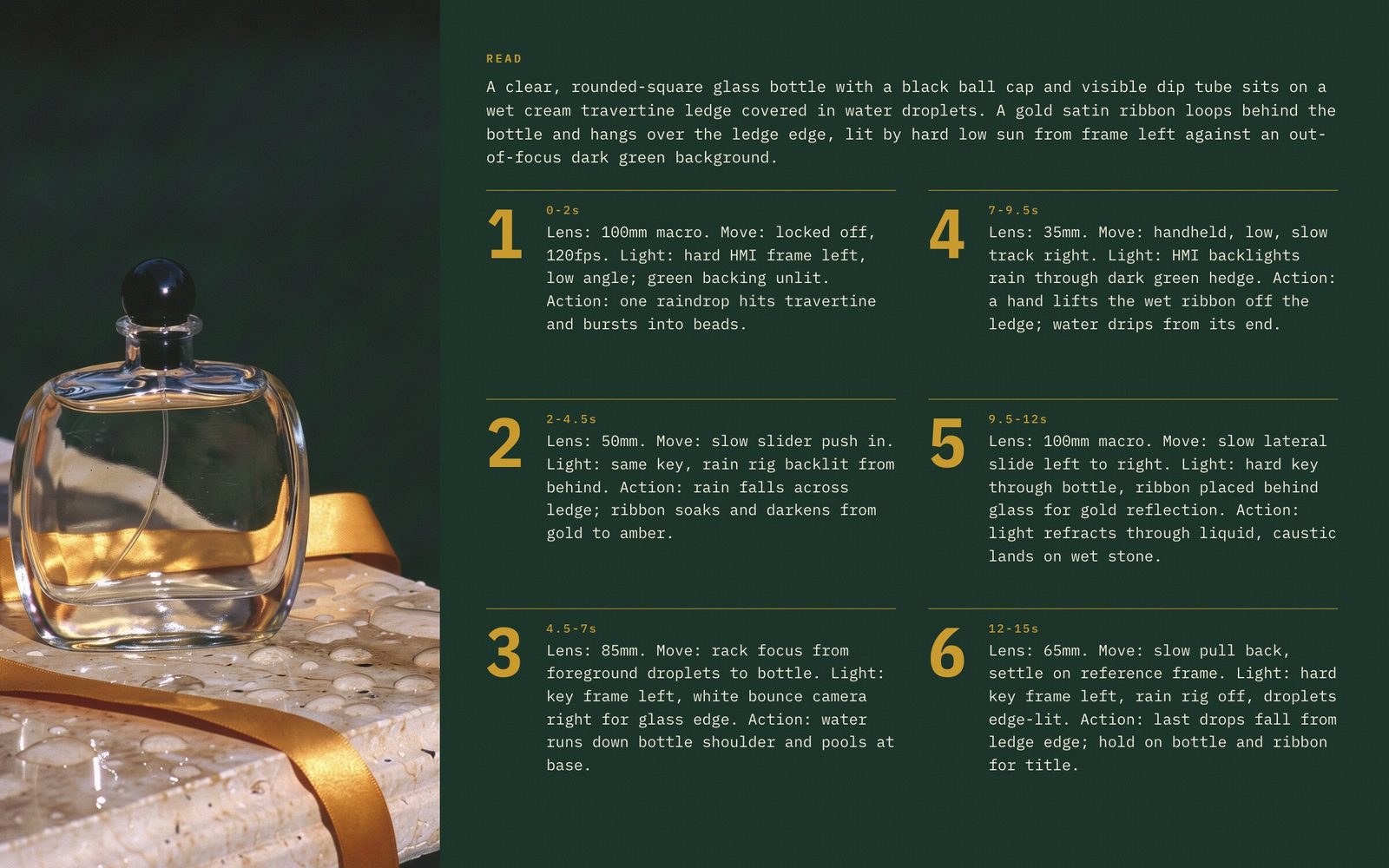
Reads an attached still literally first (layout, color, subject), then interprets it into numbered shots with lens, camera move, and lighting. Sonnet-class handles everyday boards; Opus-class catches finer visual detail.
Prompts tuned per target model
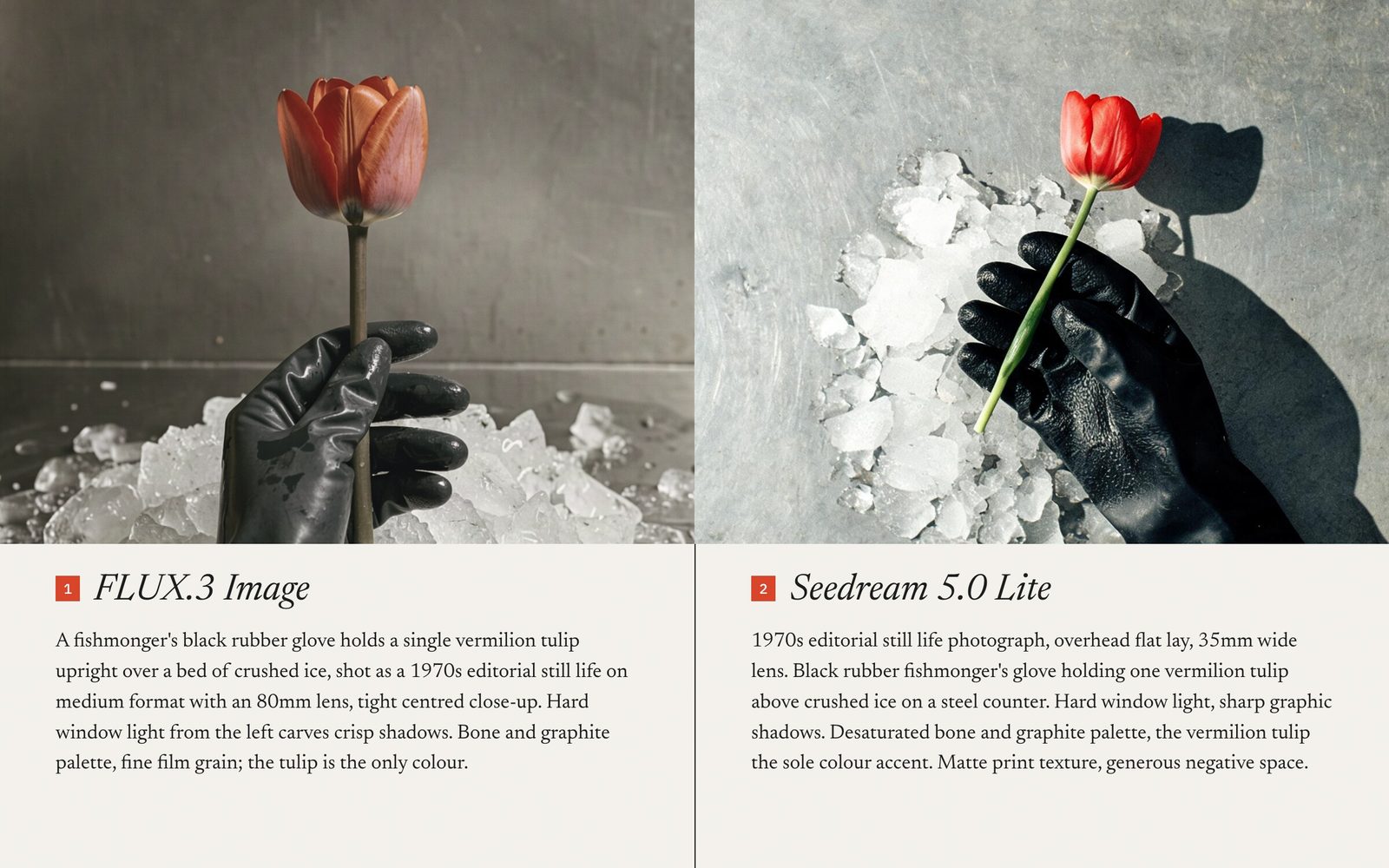
Writes separate, model-specific prompts for your image and video nodes, one paragraph per variant. Use the default route for standard behavior with attachments and system prompts; the alternate route is a fallback worth testing before you rely on it.
Staged design critique
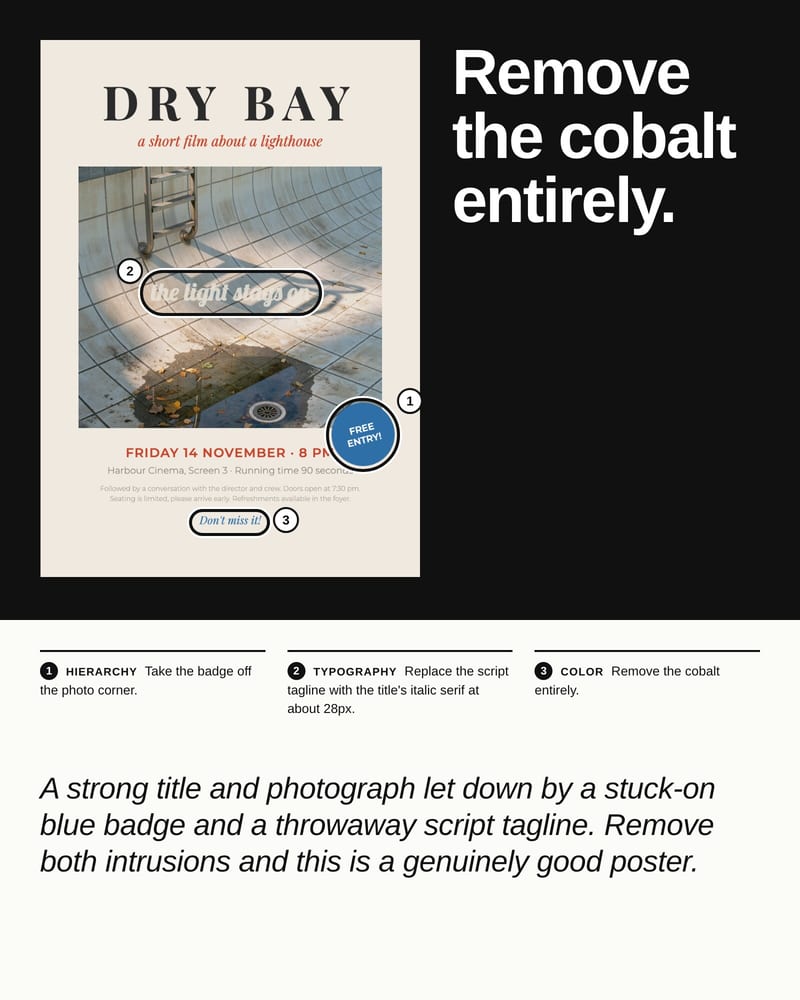
Reviews a screenshot or layout in sequential passes (hierarchy, type, color, copy) and returns concrete fixes, not vague verdicts. Move to an Opus-class tier when the critique needs subtle visual judgment.
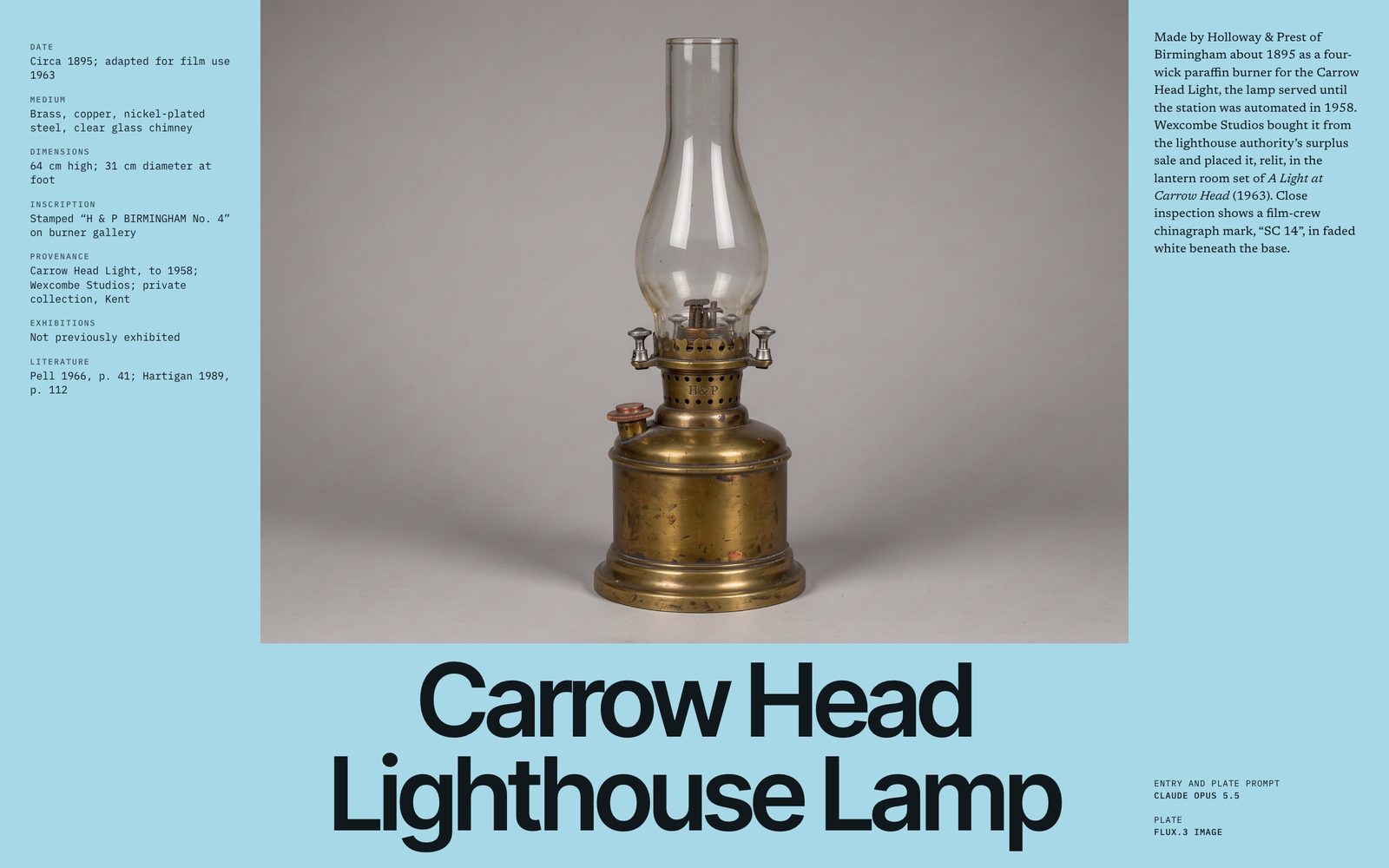
The gallery shows the kinds of text it hands back: voice-shifted copy, art direction briefs, asset tags, sonic direction, and spoken lines.
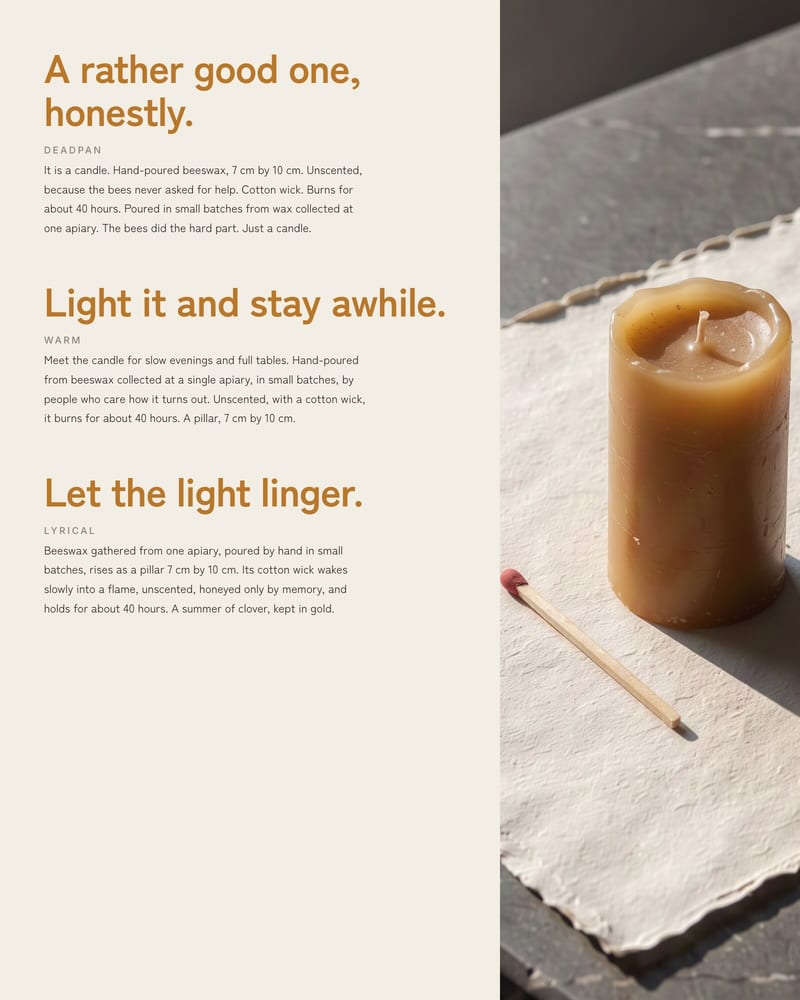
Campaign copy: one product, three brand voices
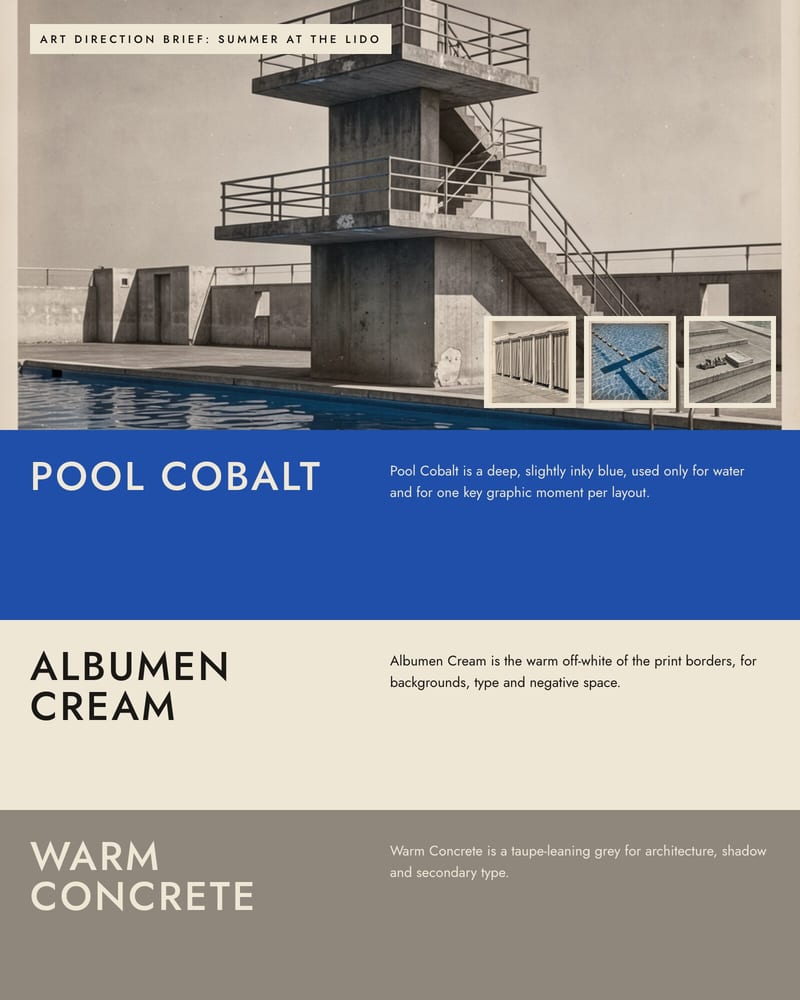
Moodboard to art direction brief
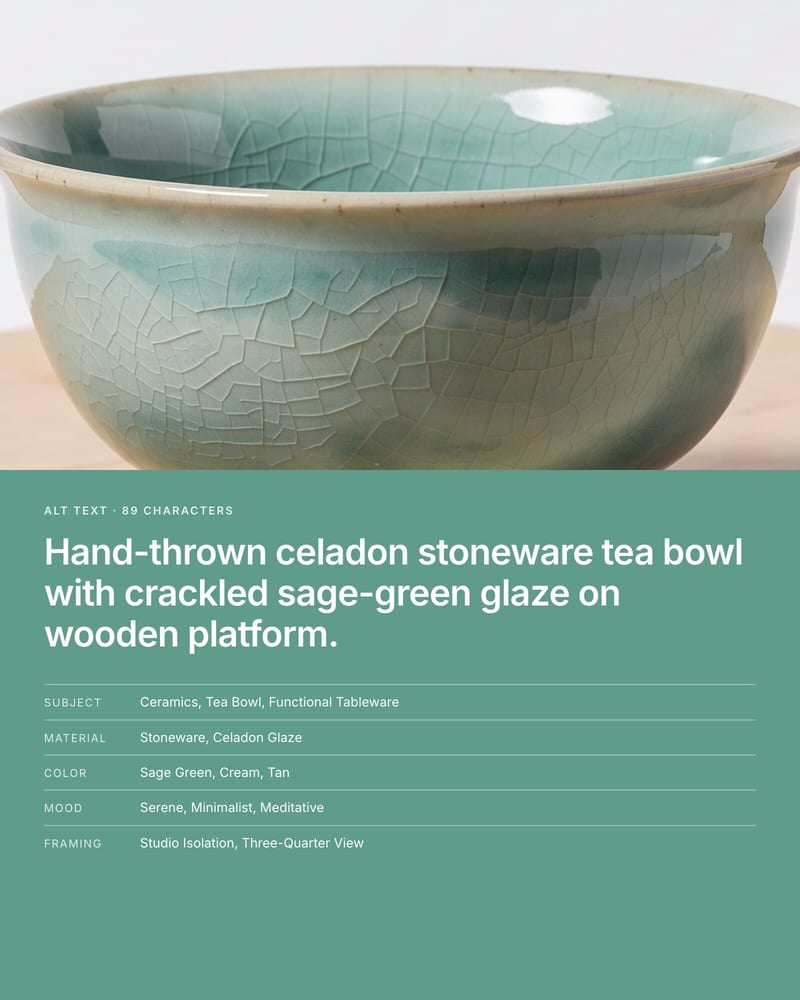
Image description: alt text and asset tags
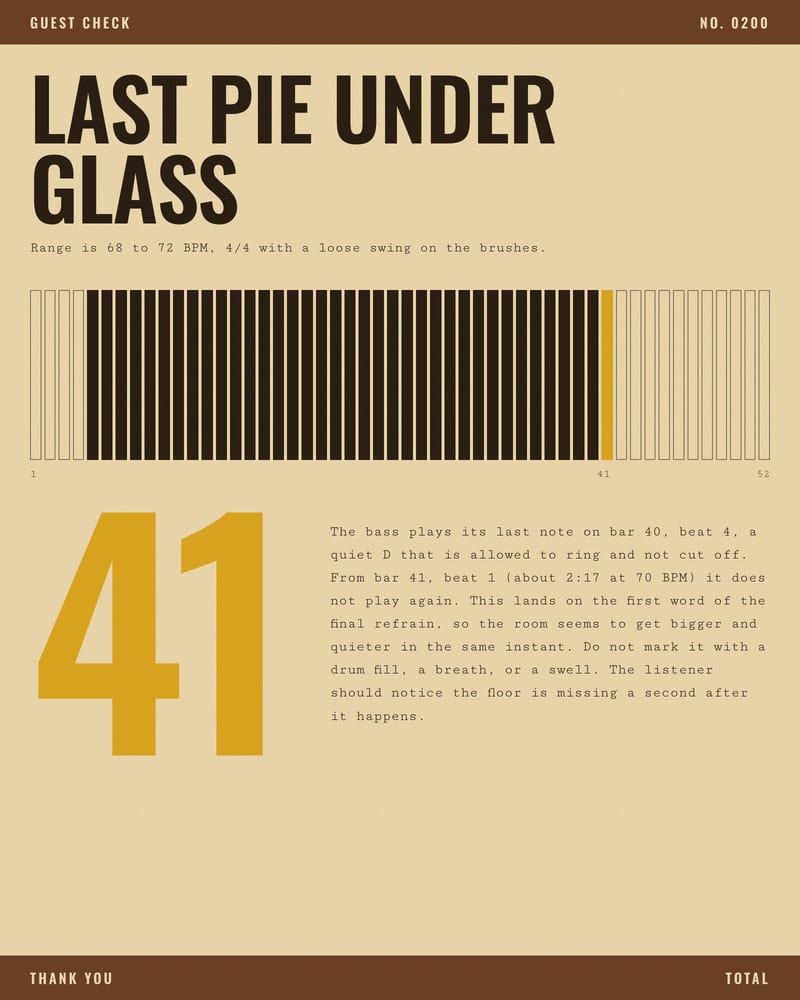
Sonic direction for a late-night track
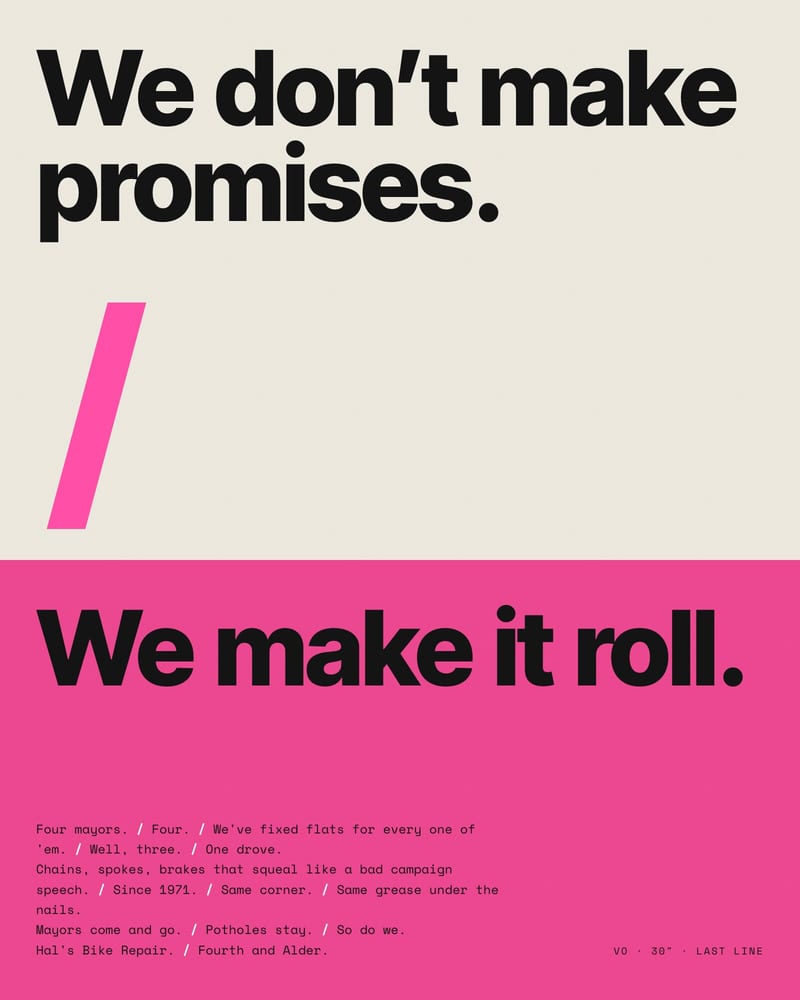
Voiceover with marked pauses
Writers, directors, art directors, and prompt builders reach for it when a project needs one steady voice or a careful read of a brief, a still, or a layout.
Yes. Every current Claude model accepts image input, so connect your stills to the Attachment input and ask for what you need, such as lighting, lens, palette or wardrobe. With several images, label them in the prompt ("Image 1 is the style reference") so details don't blend. Wire the Last Response output into an image node's prompt to use the result directly.
Yes, when the voice is spelled out. Put the voice rules and a short sample passage in the System Prompt, and leave Last Message Only off so each reply can see earlier scenes. Sonnet 5.5 (the default), Opus 5.5 and Fable 5.1 have a 1M-token context window, enough for a full script plus a style guide; Haiku 4.5 has 200K.
Start with a Sonnet-class model, the balanced default, for drafting, prompt-writing, and image reading. Move to Opus-class for subtle critique, dense documents, or long scripts that must stay coherent. Fable-class sits above Opus for long, ambiguous work. Haiku suits fast, high-volume drafts like captions and tags.
No. It accepts text and image-style attachments and returns text only. It can't analyze video or audio files, and it won't produce pixels, sound, or motion. What it can do is write the shot lists, critiques, and model-specific prompts that your image, video, and audio nodes work from.
Not reliably. Claude has no seed setting, and current models like the default Sonnet 5.5 run with fixed sampling, so Temperature, Top P and Top K don't apply. For the most repeatable results, put your rules and one example output in the System Prompt, turn on Last Message Only so earlier turns don't shift the reply, and keep the prompt and model the same between runs.
Claude is made by Anthropic. The earliest release date recorded for models in this node is 2025-10-15. Newer tiers are reported to offer much larger context windows, but check Anthropic's docs for current limits.
A literate creative collaborator that holds one voice, reads your reference stills, and turns loose briefs into shot lists and prompts
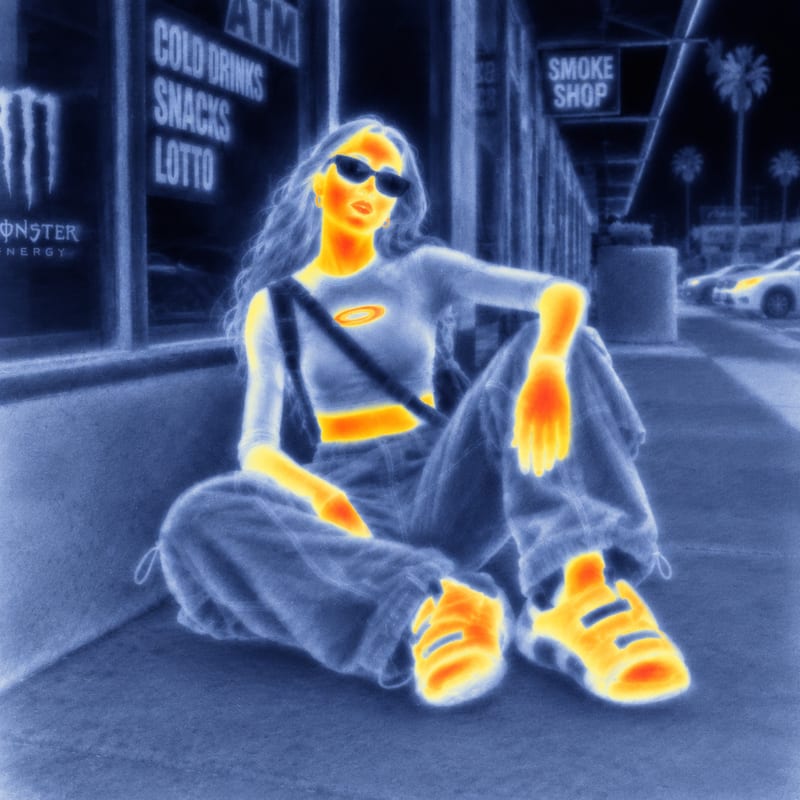
Use an input image and a style reference image to create an image with the reference’s visual style.
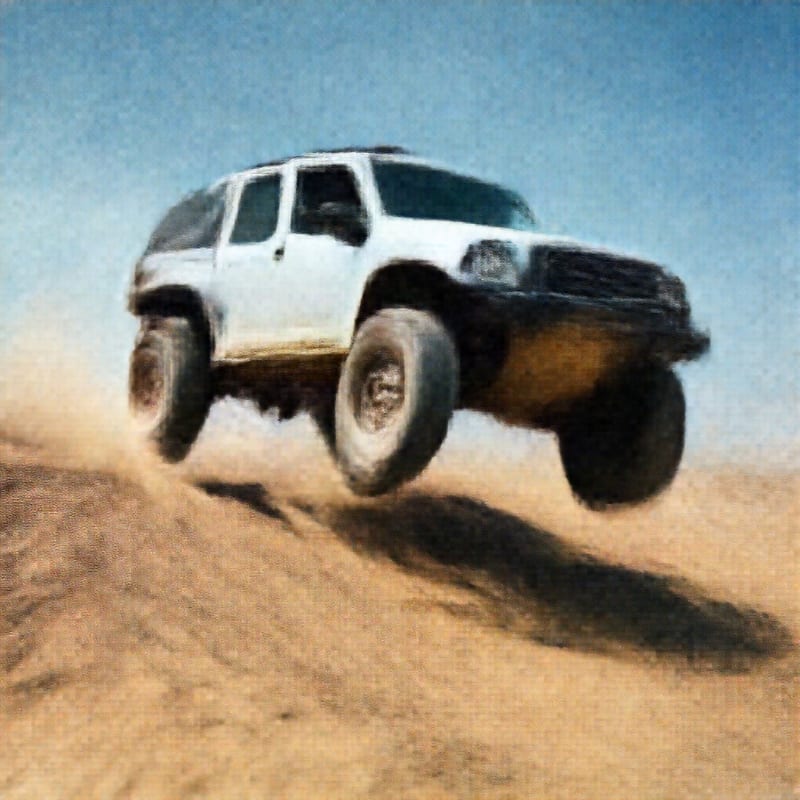
Upload an image to create a GAN-ified image with a remade aesthetic.
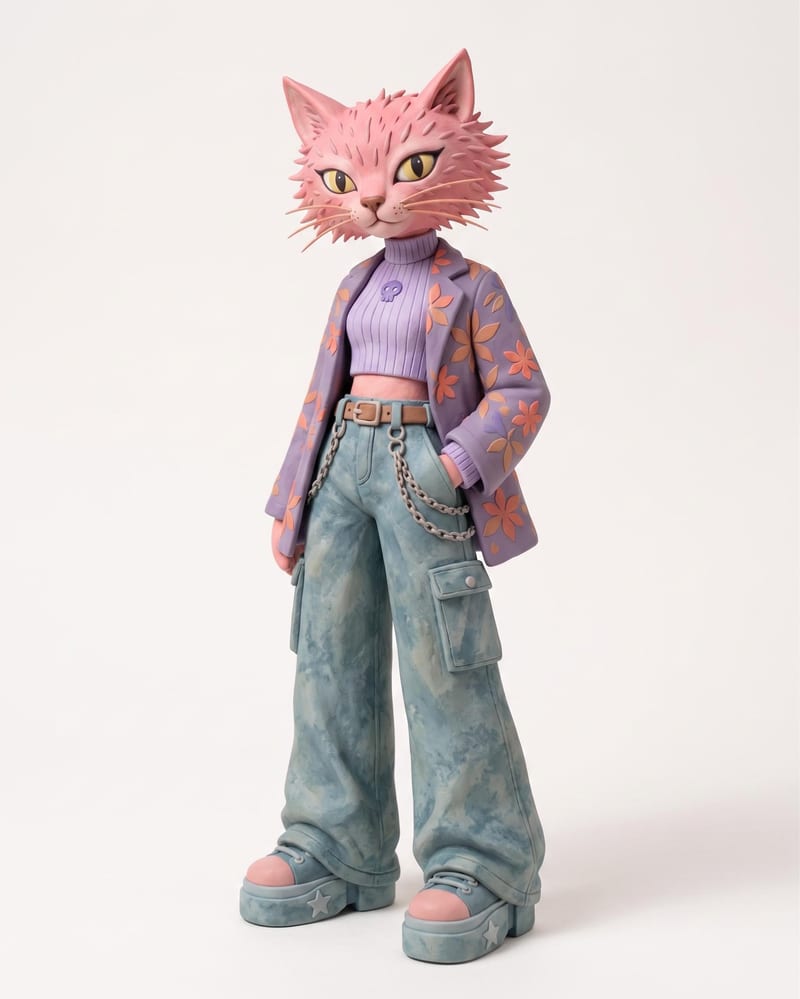
Use an animal name and clothing or color reference images to create a claymation character and character sheet.
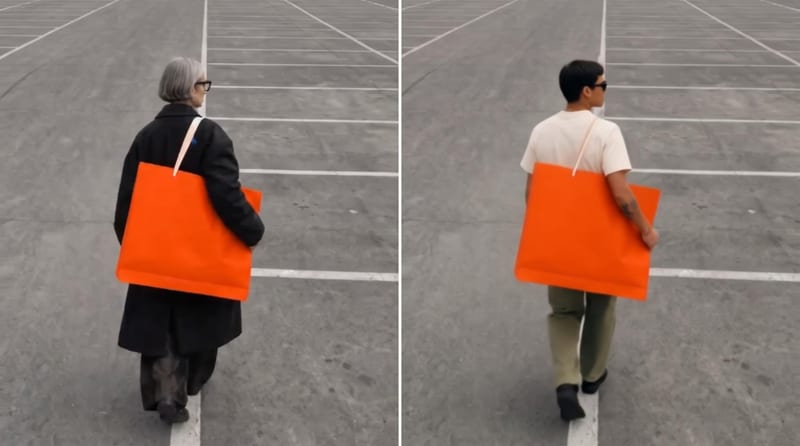
Use an original video, reference image, and edit instructions to create an edited video focused on the requested subject.

Turn a source image and chosen video duration into six scene images and a commercial montage video.
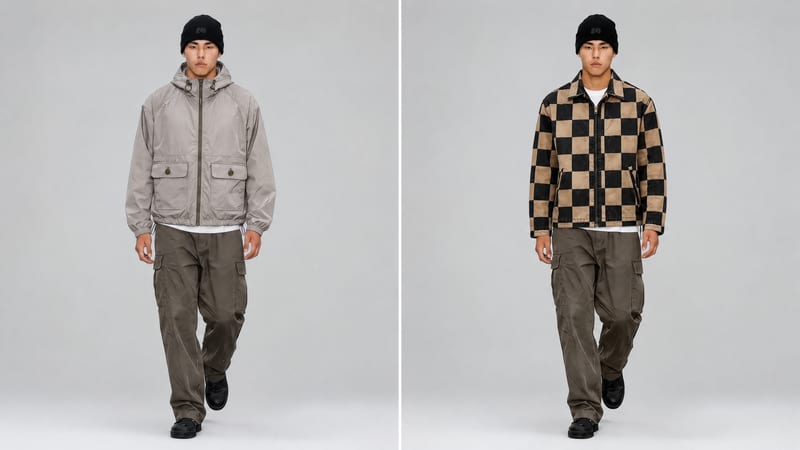
Use a new clothing image and an existing video to create an edited video with the clothing item replaced.
Develop pitches, campaign assets and interactive client work in Fuser. Combine AI generation, editable design and reusable processes across your agency.
Create product images, lifestyle scenes and campaign assets for your next ecommerce launch. Keep branding editable and reuse creative setups in Fuser.
Develop on-person garment imagery, editorial concepts and lookbook layouts. Bring collection references, virtual try-on and editable design together in Fuser.
Develop film treatments, character and environment concepts, storyboards and motion studies. Connect image, video and 3D exploration in Fuser.
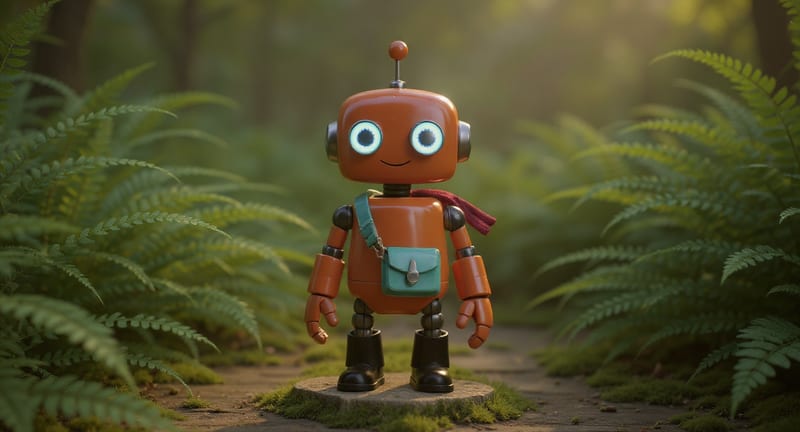
Explore game characters, props and environments, develop 3D starting points and build playable web experiments. Shape your game’s art direction in Fuser.
Develop campaign concepts, image and video ads, and editable channel layouts. Create meaningful creative variations in Fuser without rebuilding every asset.
Turn a creative brief into distinct visual concepts, moodboards and pitch layouts. Explore references, imagery and motion together in Fuser.
Create social graphics, carousel artwork and short videos with a recognizable brand style. Keep copy editable and recurring content easier to produce in Fuser.
Develop storyboard frames, shot variations and video studies from your references. Compose clear boards and explore movement in one Fuser project.